
- Why Grant Budget Management Matters for Nonprofits
- How to Structure Grant Budgets in QuickBooks Online
- Best Practices for Tracking Restricted Funds
- How to Improve Grant Budget Visibility and Reporting
- Why Many Nonprofits Add Actually to QuickBooks
- Common Grant Budget Management Mistakes to Avoid
Table of contents
Last updated: May 18, 2026
Grant budget management using QuickBooks helps nonprofits organize grant budgets, monitor restricted funds, allocate shared expenses, and improve reporting accuracy across programs. Many nonprofits already use QuickBooks Online for accounting, but managing grants effectively often requires better budgeting workflows, clearer reporting structures, and less spreadsheet dependency.
As organizations grow, grant tracking usually becomes more complicated. Finance teams may manage multiple restricted funding sources, reimbursement-based grants, operational allocations, and board reporting requirements simultaneously. Without consistent systems, visibility becomes harder and manual processes increase.
This guide covers practical best practices nonprofits use to improve grant budget management using QuickBooks Online while simplifying reporting and improving financial visibility.
Key Takeaways
- Use Classes and Locations to organize grants and programs
- Review budget vs. actual reports consistently
- Track restricted funds separately from operational budgets
- Standardize grant naming conventions for cleaner reporting
- Reduce spreadsheet dependency as grants grow
- Actually helps nonprofits centralize grant budgeting workflows alongside QuickBooks Online
How to Structure Grant Budgets in QuickBooks Online
One of the biggest differences between nonprofits with organized reporting and nonprofits constantly fixing spreadsheet issues is how their QuickBooks environment is structured from the beginning.
Use Classes for Grant Tracking
Many nonprofits use Classes to separate:
- Individual grants
- Programs
- Departments
- Funding streams
This structure makes grant-level reporting easier later and helps finance teams avoid manually separating transactions in spreadsheets.
Use Locations for Multi-Entity Reporting
Locations can help nonprofits separate reporting by:
- Campuses
- Chapters
- Offices
- Geographic regions
Organizations operating across multiple locations often find this useful for consolidated reporting and operational visibility.
Standardize Naming Conventions Across Grants
One of the easiest ways to reduce reporting confusion inside QuickBooks is by creating a consistent naming structure for grants, programs, and restricted funds. As nonprofits grow, inconsistent naming often leads to duplicate records, messy reports, and avoidable accounting mistakes.
Many finance teams use formats that include the grant source, fiscal year, or program name so reports stay organized over time.
Examples commonly look like:
- HUD-2026-Housing
- Education-Q2-Grant
- Operations-Restricted-Fund
A standardized structure becomes especially helpful when multiple staff members are entering transactions or preparing board reports.
Separate Restricted and Unrestricted Funds
Many nonprofits create dedicated accounts for:
- Restricted grant income
- Unrestricted operational funding
- Program expenses
- Administrative expenses
- Reimbursement funding
Separating these categories improves reporting accuracy and simplifies audit preparation.
Best Practices for Tracking Restricted Funds
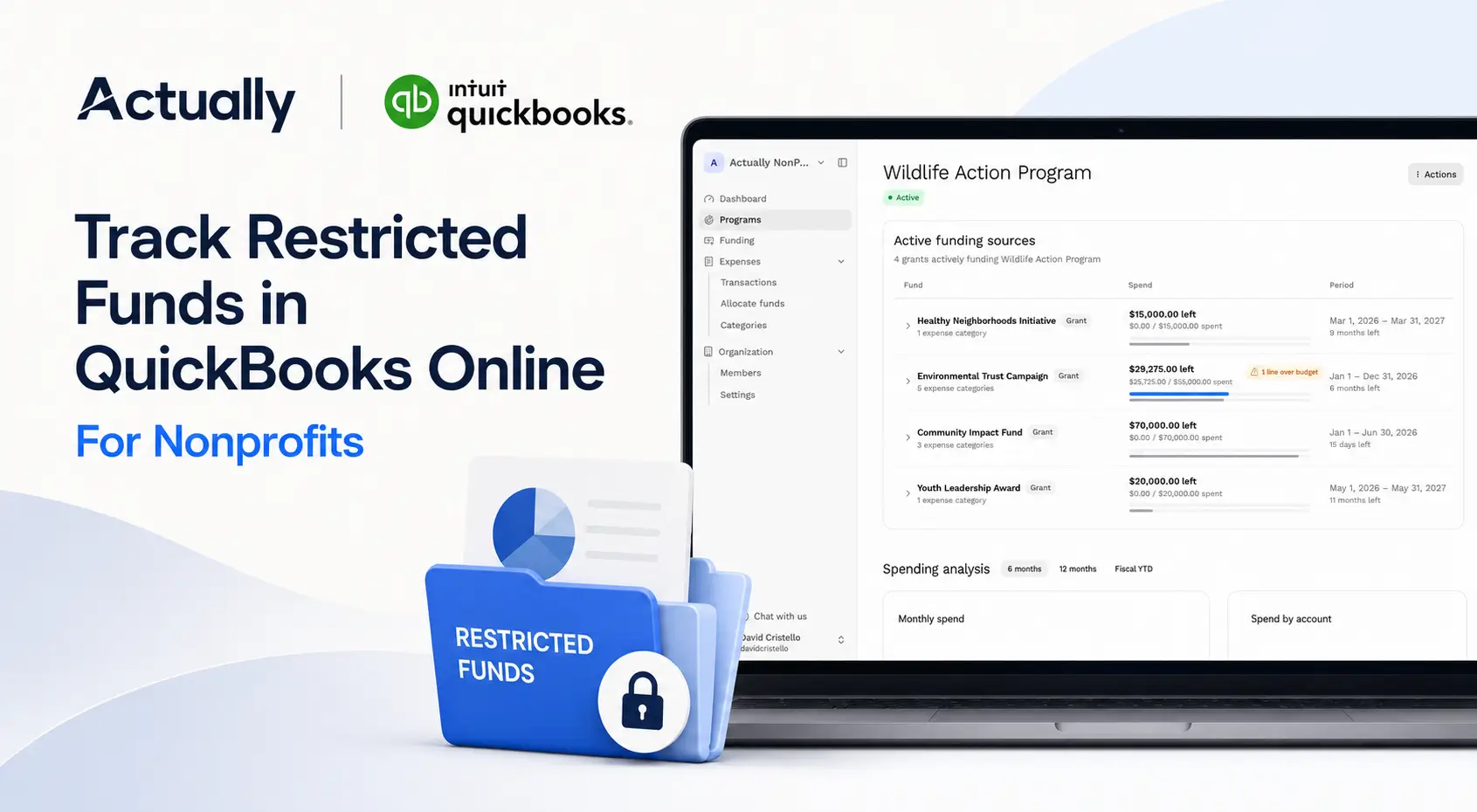
Restricted fund tracking is one of the most important parts of grant budget management using QuickBooks.
Many nonprofit finance teams can handle basic bookkeeping, but restricted funding creates additional complexity because expenses often need to be monitored against specific grant rules, timelines, and allocation requirements.
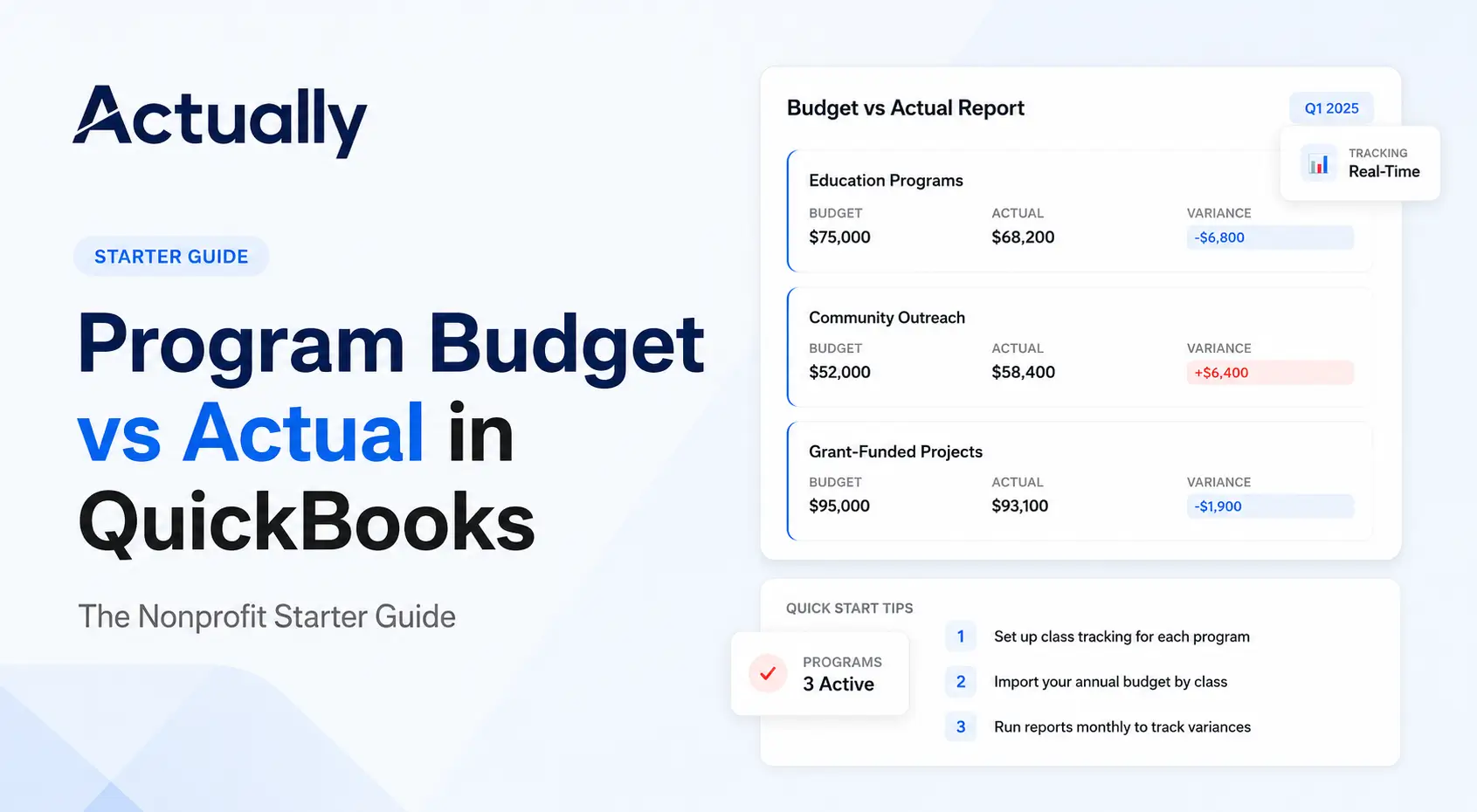
Review Budget vs. Actual Reports Monthly
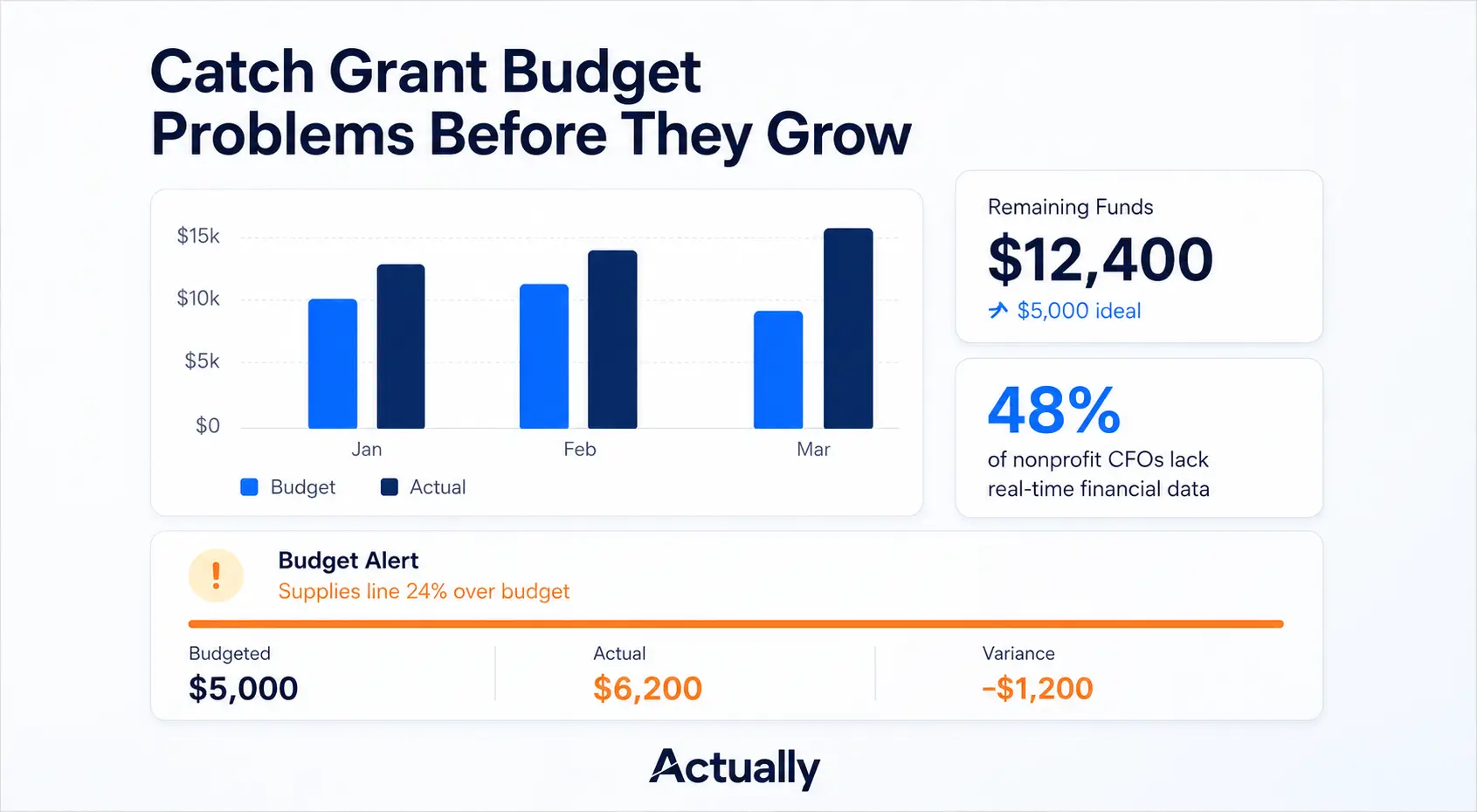
Monthly financial reviews help nonprofits identify problems before they become larger reporting or compliance issues.
Consistent reviews help teams catch:
- Overspending risks
- Burn rate concerns
- Allocation inconsistencies
- Missing transactions
- Reporting gaps
Budget vs. actual reporting also helps organizations prepare stronger board updates and grant renewal reports.
Document Shared Expense Allocations Clearly
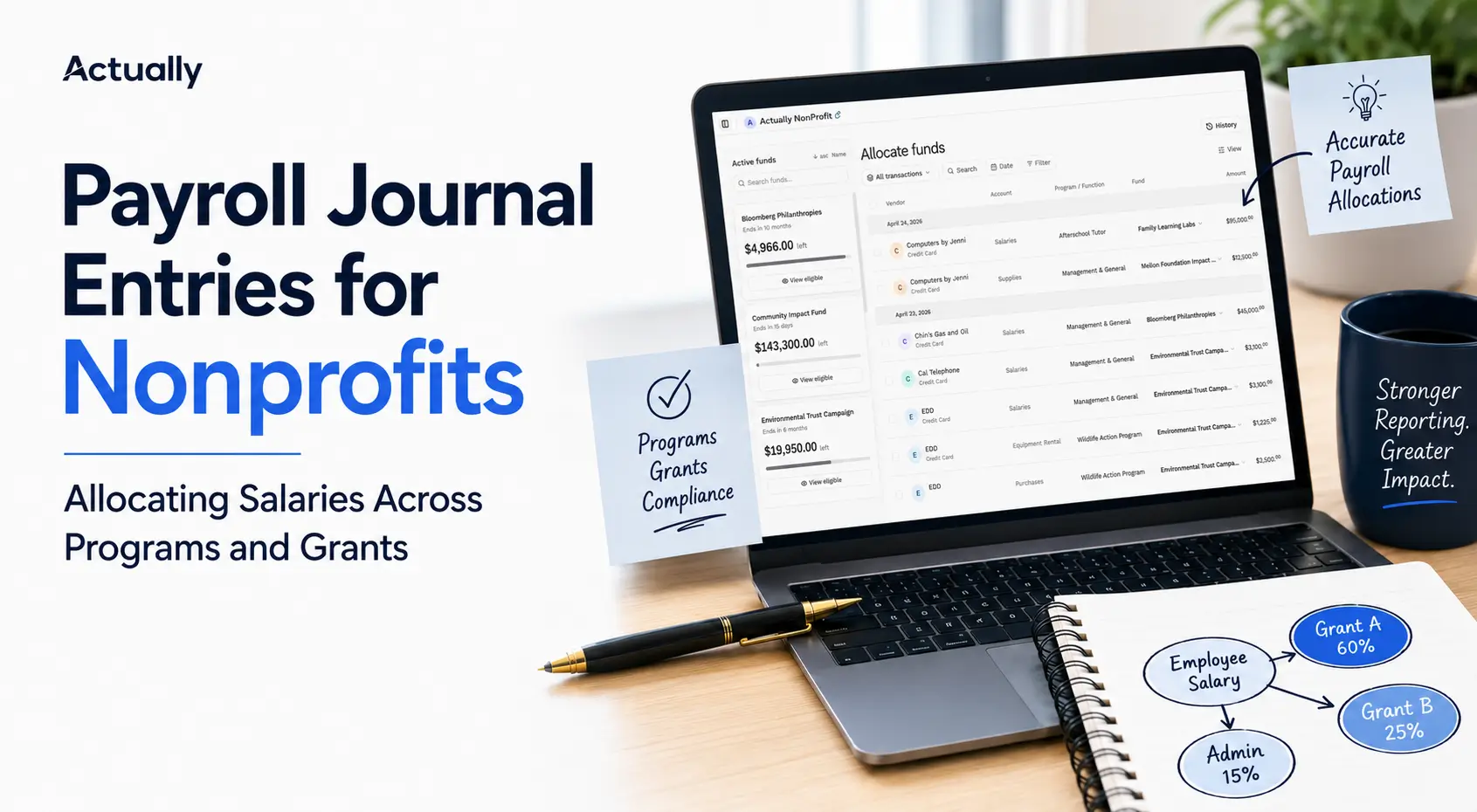
Shared expenses are common across nonprofit organizations. Salaries, rent, software subscriptions, and operational costs are often distributed across multiple grants or programs.
Clear allocation documentation supports:
- Compliance reviews
- Audit preparation
- Internal controls
- Funder reporting requirements
Without documented allocation methodologies, reporting inconsistencies become much harder to defend during audits.
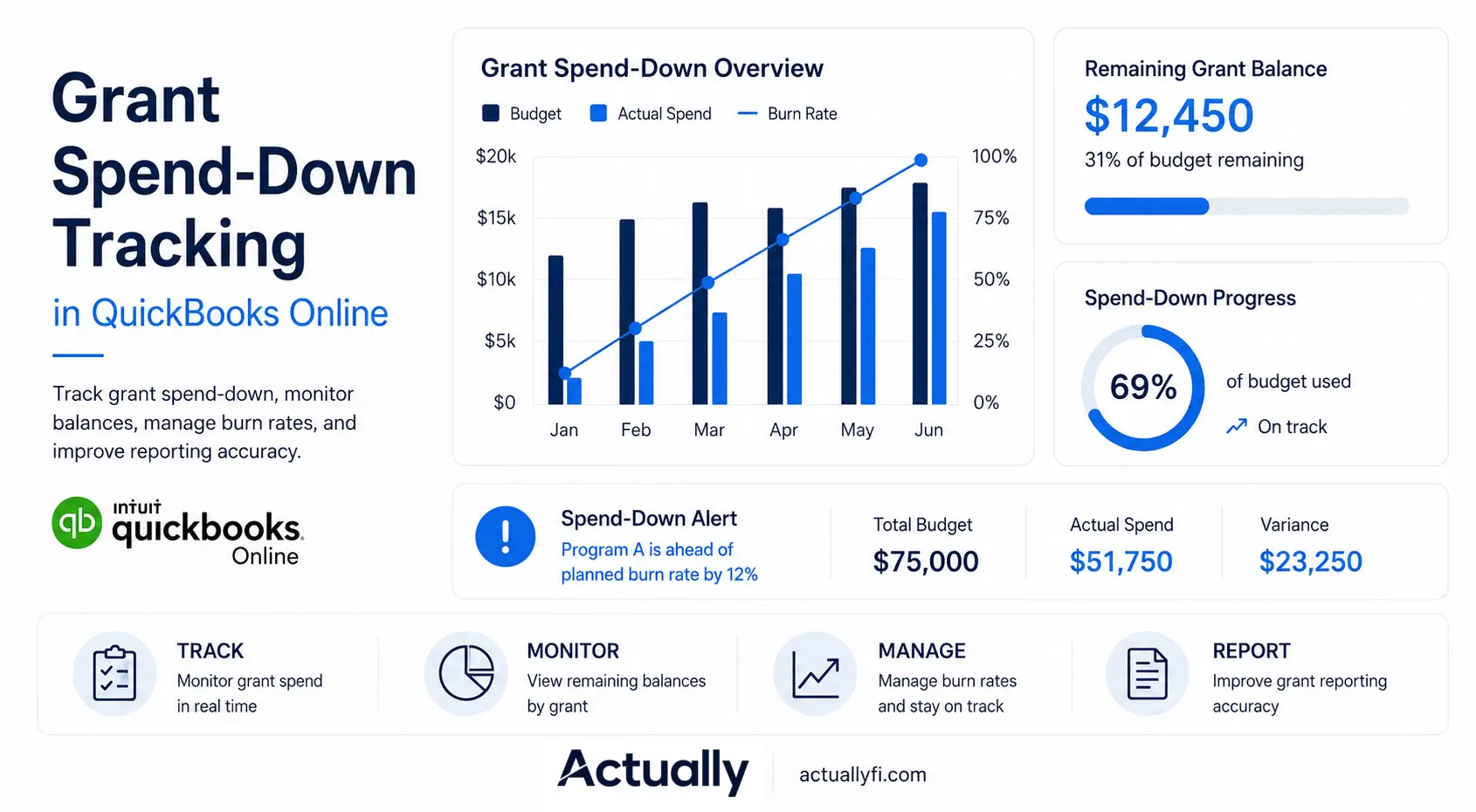
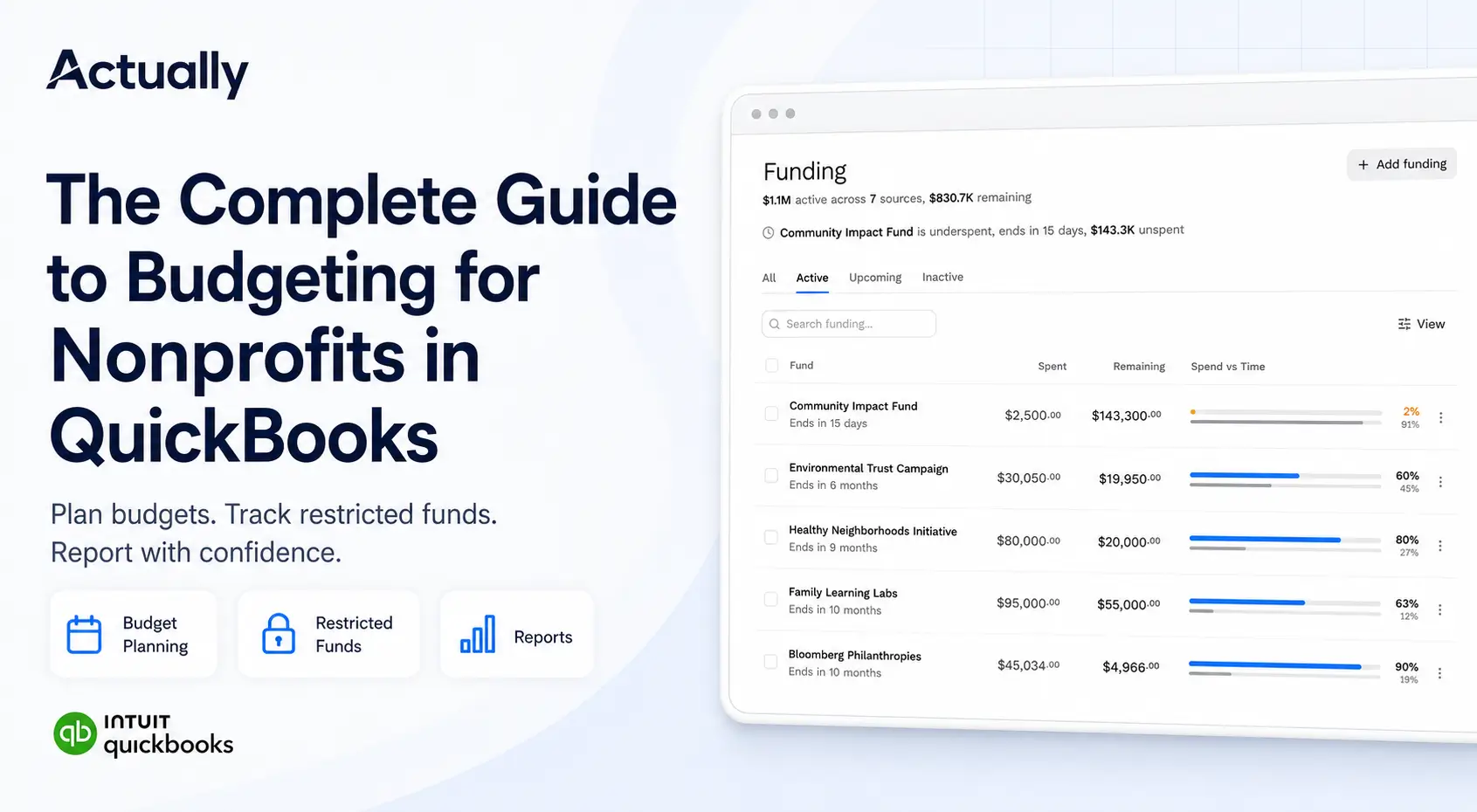
Track Remaining Grant Balances Continuously
Many nonprofits only review remaining balances near reporting deadlines. That approach increases the risk of overspending or underutilizing grant funds.
Finance teams should regularly monitor:
- Remaining balances
- Reimbursement schedules
- Encumbered expenses
- Funding deadlines
- Spend-down rates
The more grants an organization manages, the harder spreadsheet-based tracking becomes.
How to Improve Grant Budget Visibility and Reporting
As nonprofits grow, financial visibility becomes much harder when data is scattered across spreadsheets, exported reports, and disconnected systems.
Leadership teams often need clearer visibility into:
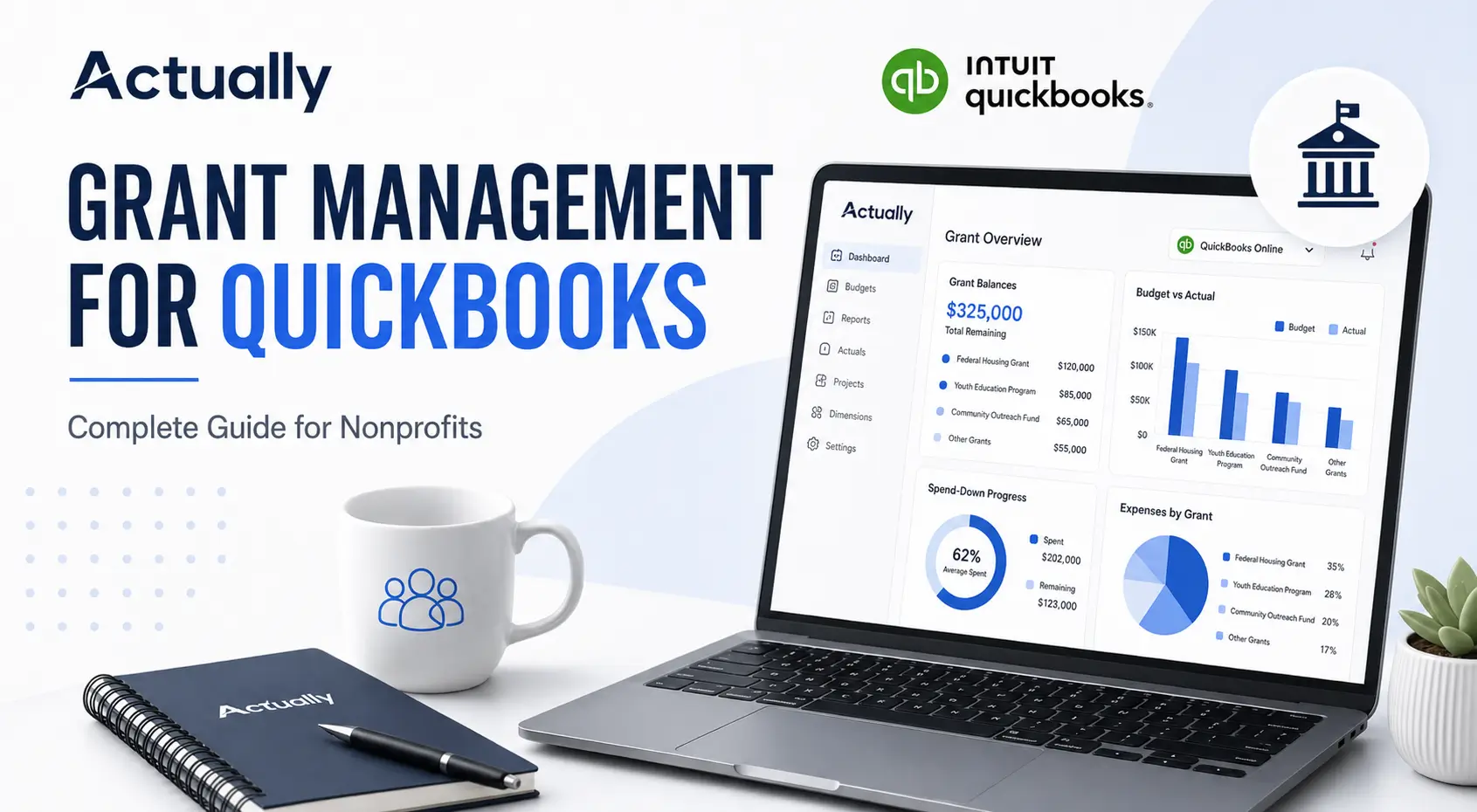
- Grant utilization
- Remaining balances
- Budget performance
- Shared allocations
- Program-level spending
- Burn rates
Use Budget vs. Actual Reporting Consistently
Budget vs. actual reporting gives finance teams better insight into spending patterns and helps identify problems earlier.
Organizations that consistently review these reports are usually better prepared for:
- Grant renewals
- Board reporting
- Financial forecasting
- Audit preparation
Reduce Spreadsheet Dependency Over Time
Many nonprofits begin grant tracking with spreadsheets because they are flexible and familiar. The problem usually appears later, once organizations start managing multiple grants, reimbursement schedules, and shared allocations simultaneously.
Finance teams often end up maintaining several disconnected spreadsheets for:
- Budget tracking
- Allocation calculations
- Remaining balances
- Reimbursement monitoring
- Board reporting
Over time, this increases the risk of formula errors, duplicate entries, outdated versions, and inconsistent reporting. Centralizing more of the workflow inside QuickBooks and connected grant management tools can significantly improve reporting accuracy and visibility.
Why Many Nonprofits Add Actually to QuickBooks
QuickBooks Online can support foundational nonprofit accounting workflows, but many organizations still rely heavily on spreadsheets for grant visibility and reporting.
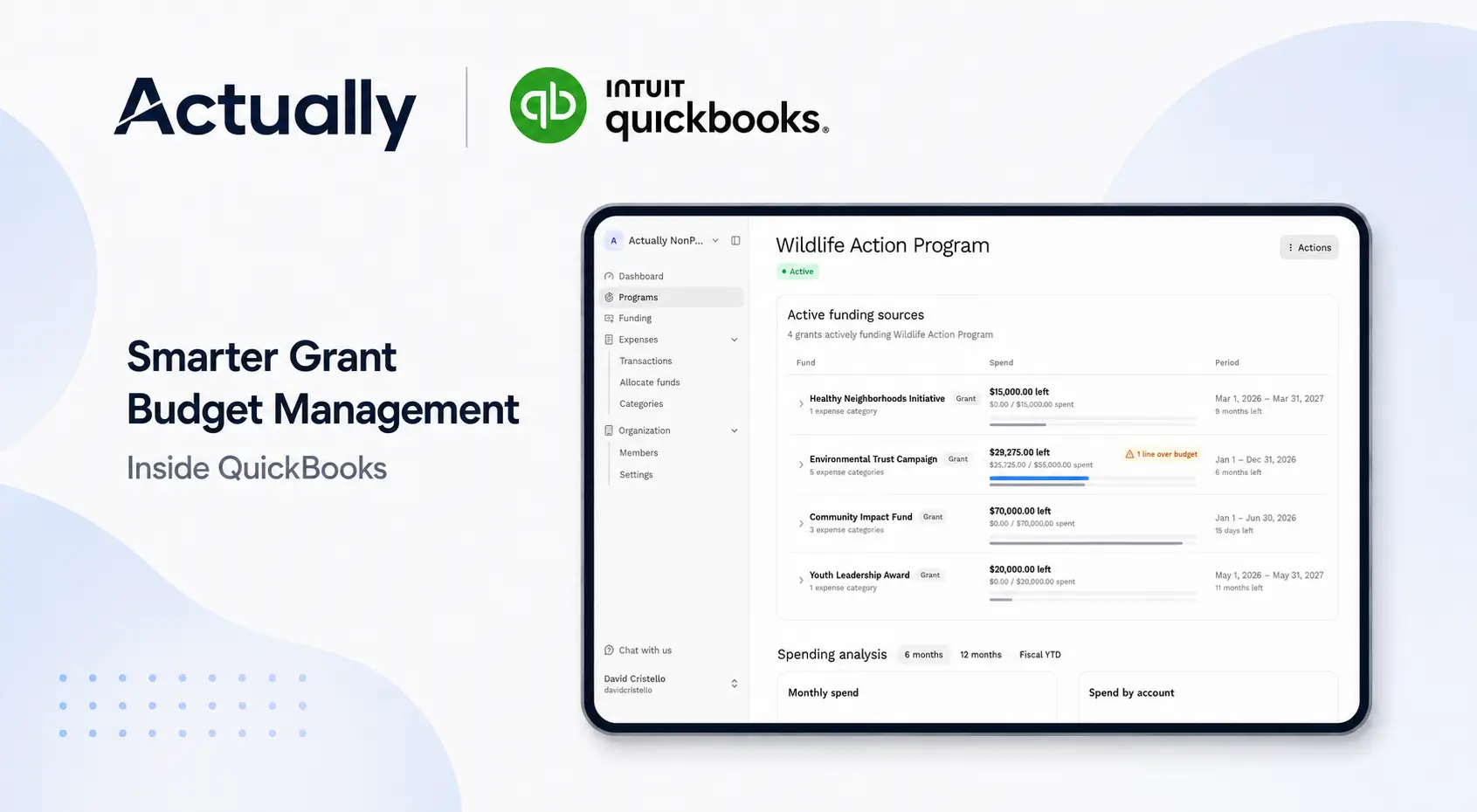
Actually helps nonprofits centralize grant budgeting workflows directly alongside QuickBooks Online.
Organizations use Actually for:
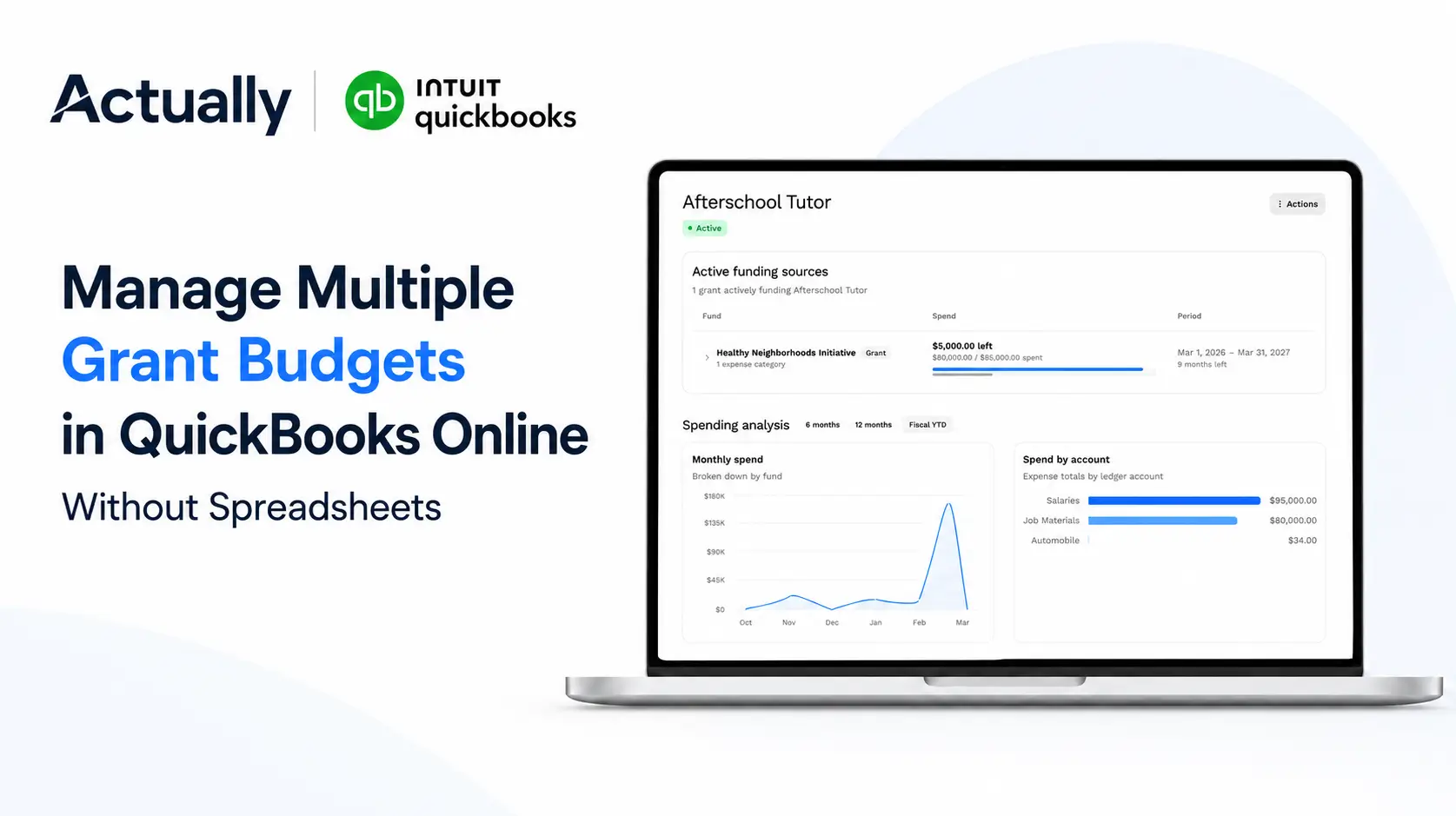
- Multi-grant budgeting
- Restricted fund tracking
- Grant spend-down monitoring
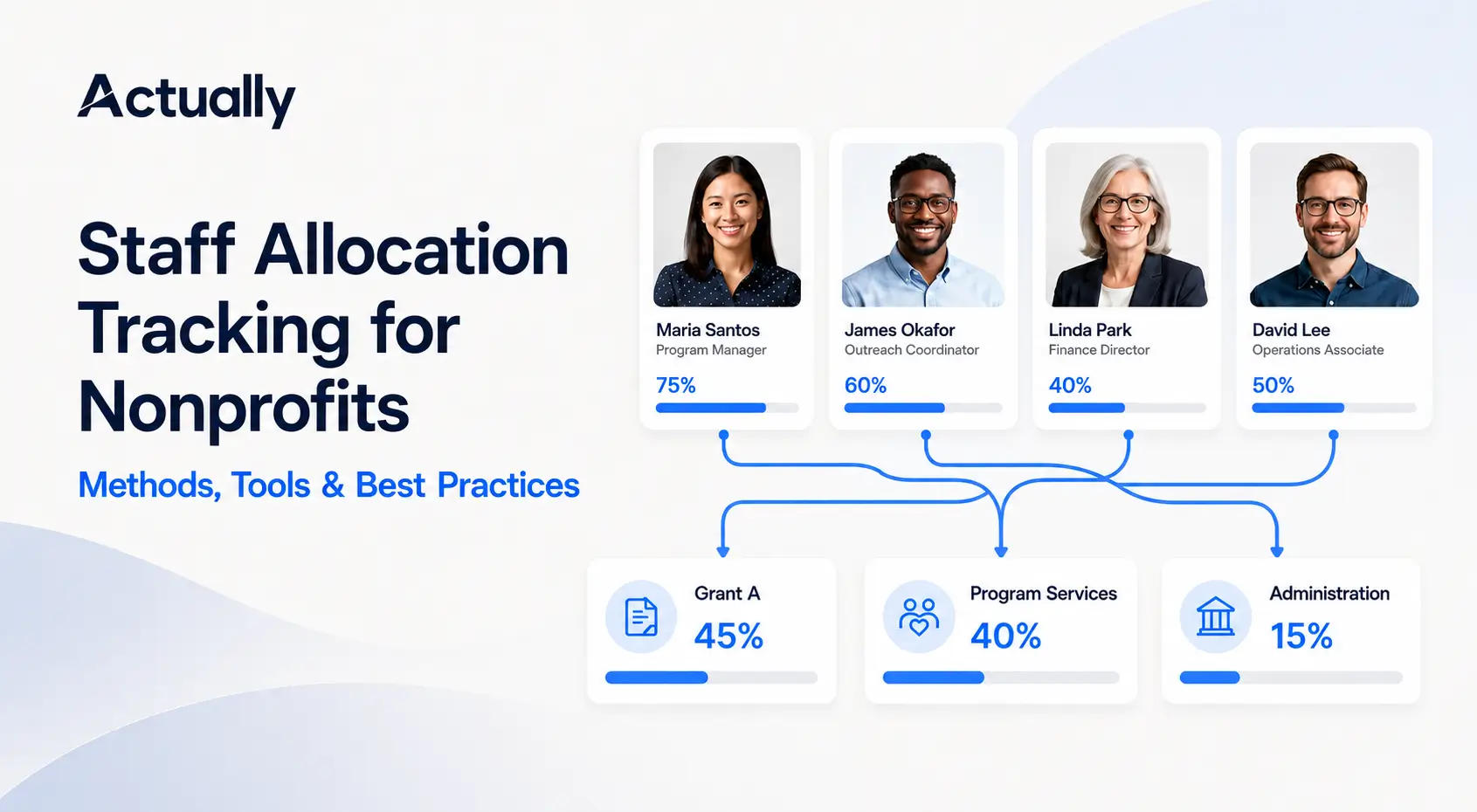
- Shared allocation visibility
- Budget vs. actual reporting
- Remaining balance tracking
Many nonprofits adopt supplemental grant budgeting workflows once spreadsheet management becomes difficult to scale.
Common Grant Budget Management Mistakes to Avoid
Inconsistent Grant Naming
Poor naming structures create duplicate records and reporting confusion over time.
Overreliance on Spreadsheets
Manual spreadsheets often become difficult to maintain once organizations manage multiple active grants simultaneously.
Delayed Financial Reviews
Waiting too long to review reports increases the risk of overspending and reporting inconsistencies.
Missing Allocation Documentation
Shared expenses should always include documented allocation methodologies for audit and compliance purposes.
Limited Visibility Into Grant Performance
One of the biggest operational problems nonprofits face is not knowing the real-time status of individual grants until reporting deadlines are close. This often happens when data lives across disconnected spreadsheets, exported reports, and manual calculations.
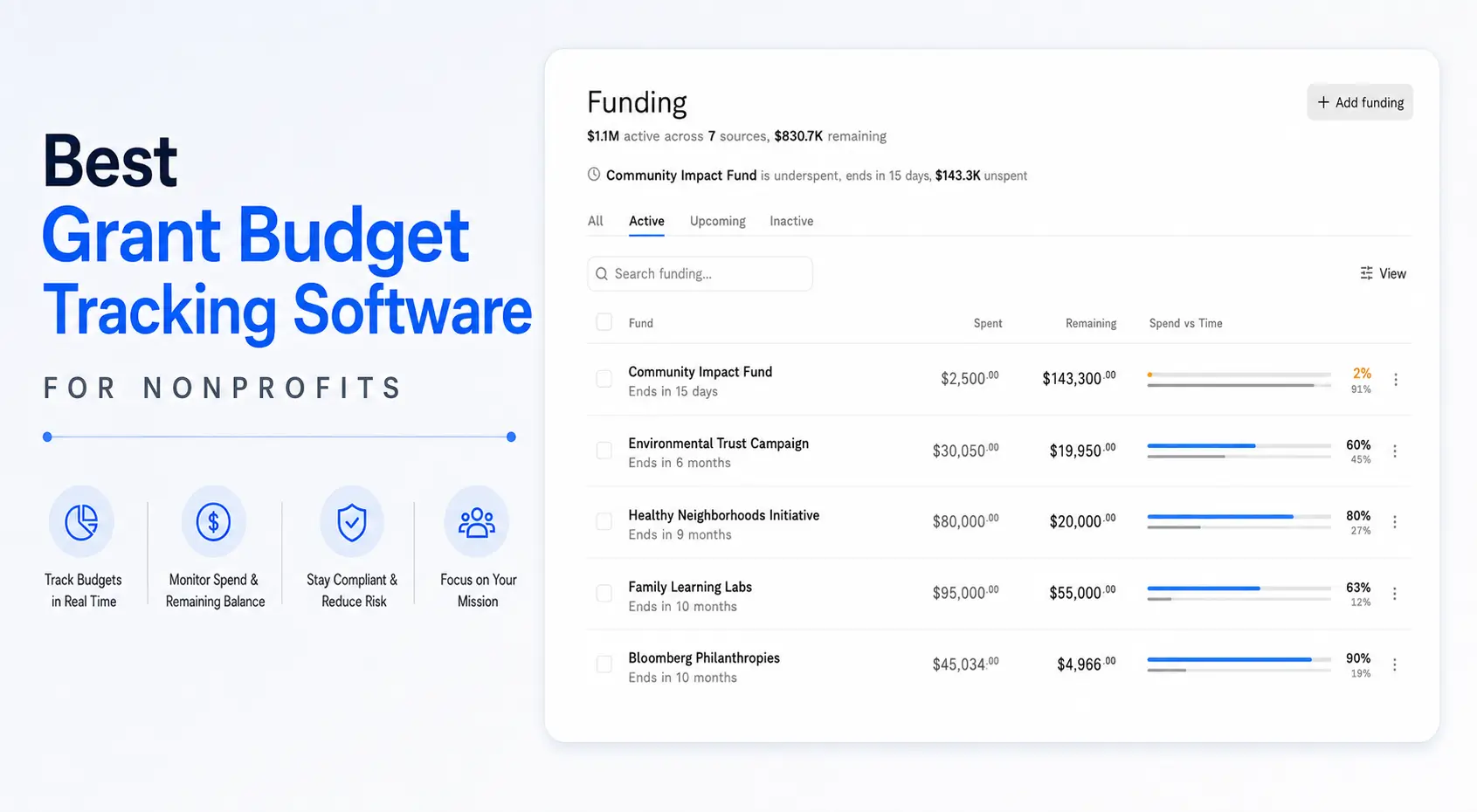
Strong grant budget management workflows should make it easier to quickly understand:
- Remaining grant balances
- Burn rates
- Restricted fund utilization
- Program-level spending
- Shared allocation percentages
Better visibility helps finance teams make decisions earlier instead of reacting after overspending or reporting problems have already occurred.
Conclusion
Grant budget management using QuickBooks becomes much more effective when nonprofits build consistent workflows around budgeting, restricted fund tracking, reporting, and allocations.
The biggest challenges usually come from spreadsheet-heavy reporting, inconsistent reporting structures, and limited visibility into grant performance.
By improving QuickBooks setup, reviewing reports consistently, documenting allocations clearly, and reducing spreadsheet dependency, nonprofits can improve reporting accuracy, compliance readiness, and operational visibility.
For nonprofits managing multiple grants and restricted funding sources, Actually helps centralize grant budgeting workflows directly alongside QuickBooks Online.
Frequently Asked Questions
What is grant budget management using QuickBooks?
Grant budget management using QuickBooks is the process of tracking grant budgets, restricted funds, expenses, allocations, and budget vs. actual performance inside QuickBooks Online.
Can QuickBooks Online manage nonprofit grant budgets?
Yes. QuickBooks Online can manage basic nonprofit grant budgets using Classes, Locations, budget reports, and customized reporting structures.
Why do nonprofits use spreadsheets with QuickBooks for grant budgeting?
Nonprofits often use spreadsheets because QuickBooks reporting can become limited when managing multiple grants, shared allocations, restricted funds, and spend-down tracking.
How does Actually help with grant budget management in QuickBooks?
Actually helps nonprofits centralize grant budgets, track restricted funds, monitor spend-down rates, and improve budget visibility alongside QuickBooks Online.
What is the best way to track restricted grant funds in QuickBooks?
The best approach is to use consistent Classes, clear naming conventions, separate restricted fund tracking, monthly budget reviews, and documented allocation methods.

David Cristello
.svg)
About the Author
David Cristello is the Co-Founder of Actually Finance. He's been an entrepreneur in the accounting and nonprofit space for over 10 years, previously building a company that made the Inc5000 list
.png)








.webp)