
- Monthly Budget Reviews Mean You’re Always Behind
- Budget and Actuals Living in Different Systems
- Spreadsheets Can’t Keep Up with Complex Grant Tracking
- No Quick Answer to “How Much Is Left?”
- Uneven Spend-Down Rates Create End-of-Grant Crises
- Grant Restrictions Get Lost in the Accounting
- The QuickBooks Visibility Gap
- A Better Approach to Grant Budget Management
Table of contents
Last updated: May 1, 2026
Your grant budget said $50,000. Your team spent $62,000. And nobody caught it until the funder asked for a final report.
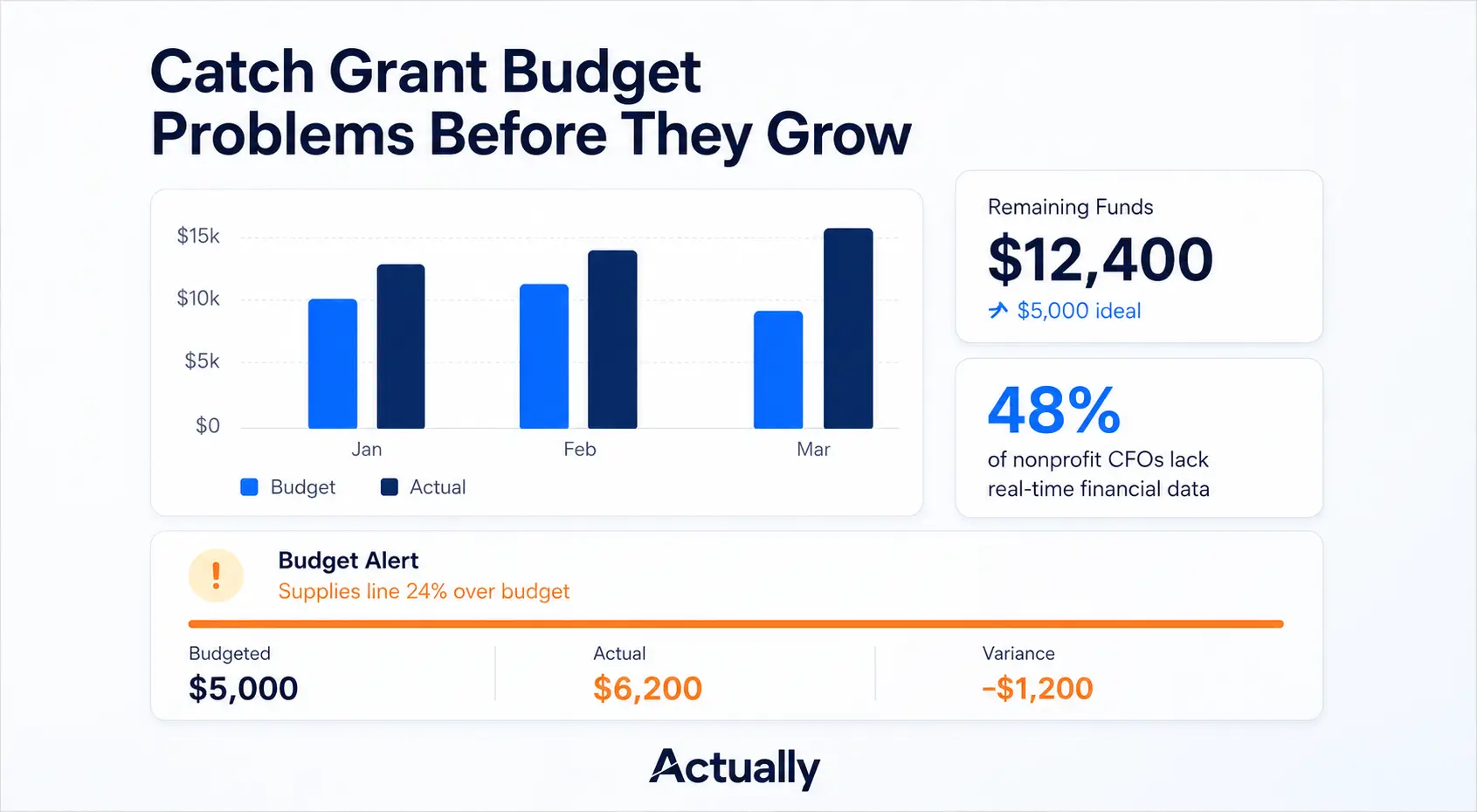
If that sounds familiar, you’re not alone. According to a Sage Intacct survey, 48% of nonprofit CFOs report delays in accessing up-to-date financial data. That means nearly half of all organizations are making spending decisions based on numbers that are already out of date. And a recent analysis from the National Council of Nonprofits found that grant compliance issues are among the top three financial risks facing nonprofits today.
The root cause is rarely reckless spending. More often, it’s a patchwork of spreadsheets, disconnected accounting tools, and month-old reports that create blind spots. Small discrepancies compound quietly until a funder audit reveals the damage.
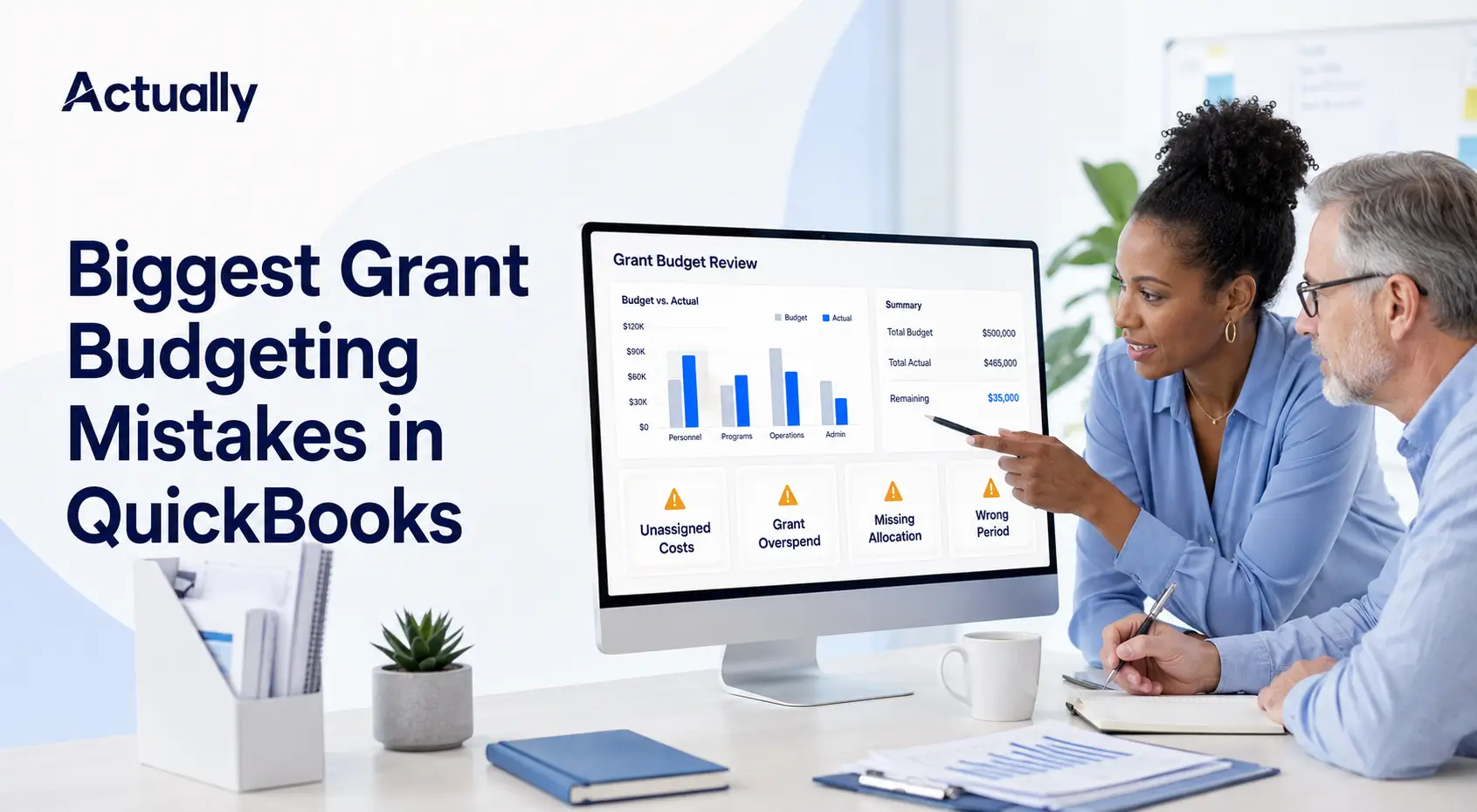
This article breaks down the seven most common budget management gaps that lead to grant overspending, and what you can do about each one. If you’re managing grants in QuickBooks (or thinking about it), you’ll also want to read our Complete Guide to Budgeting for Nonprofits in QuickBooks for a deeper look at setting up your system correctly from the start.
What You’ll Learn
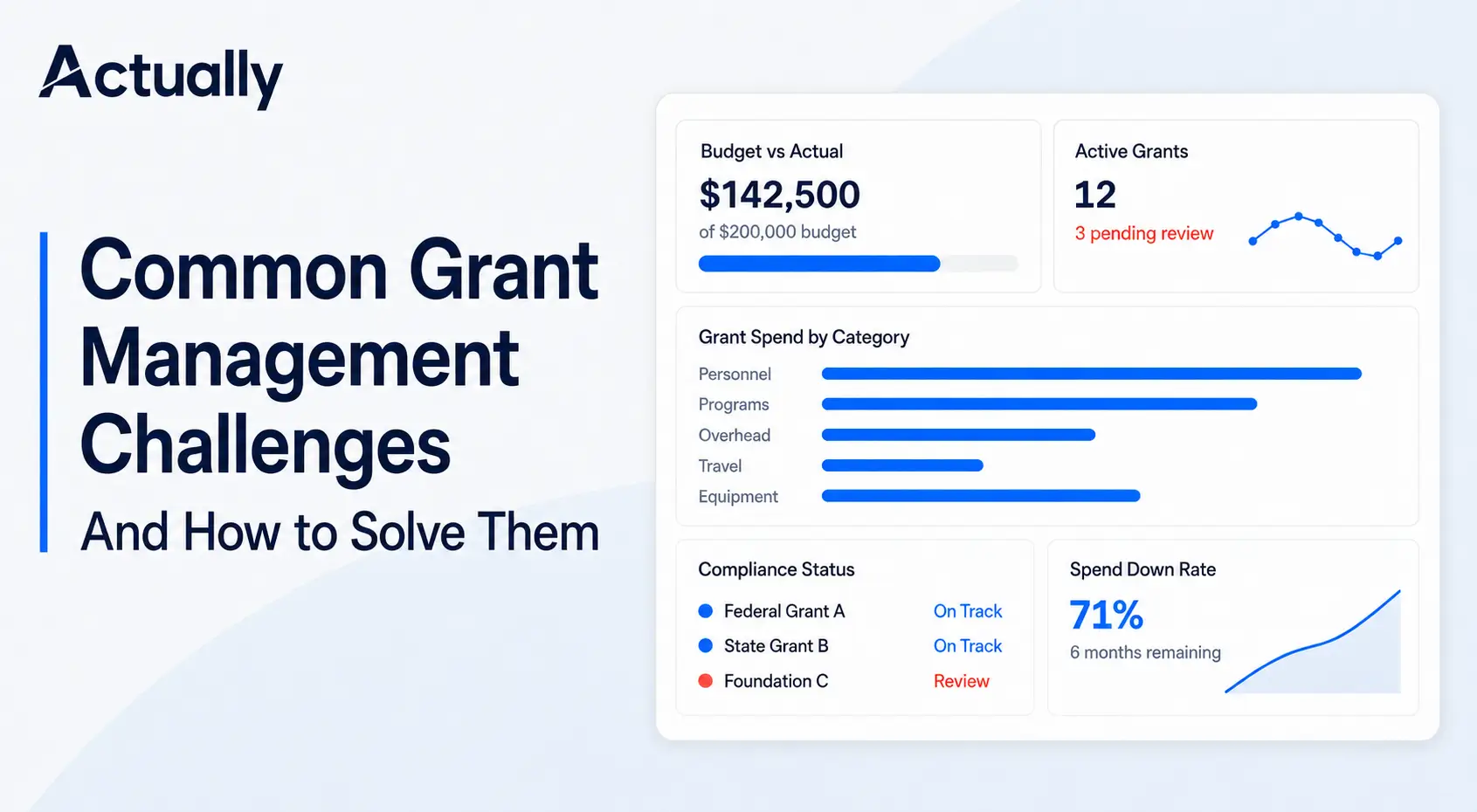
Most nonprofits overspend on grants not because of careless staff, but because their financial systems create a delay between spending and visibility. If you’re reviewing grant budgets monthly (or less), relying on spreadsheets for cost allocation, or using QuickBooks without a grant-level tracking layer, you likely have blind spots that could put funding at risk. Below, we cover the seven gaps that cause this and practical fixes for each.
1. Monthly Budget Reviews Mean You’re Always Behind
Here’s the uncomfortable math: if you review your grant budget once a month, you could be up to 30 days into an overspend before anyone notices. For a grant with a $10,000 monthly run rate, that’s potentially thousands of dollars in unplanned spending that’s already been committed or invoiced.
The issue isn’t laziness -it’s workflow. Most finance teams batch their reporting because pulling grant-level data from QuickBooks or spreadsheets is time-consuming. But that lag creates a window where program staff are spending against budgets that may already be tapped out.
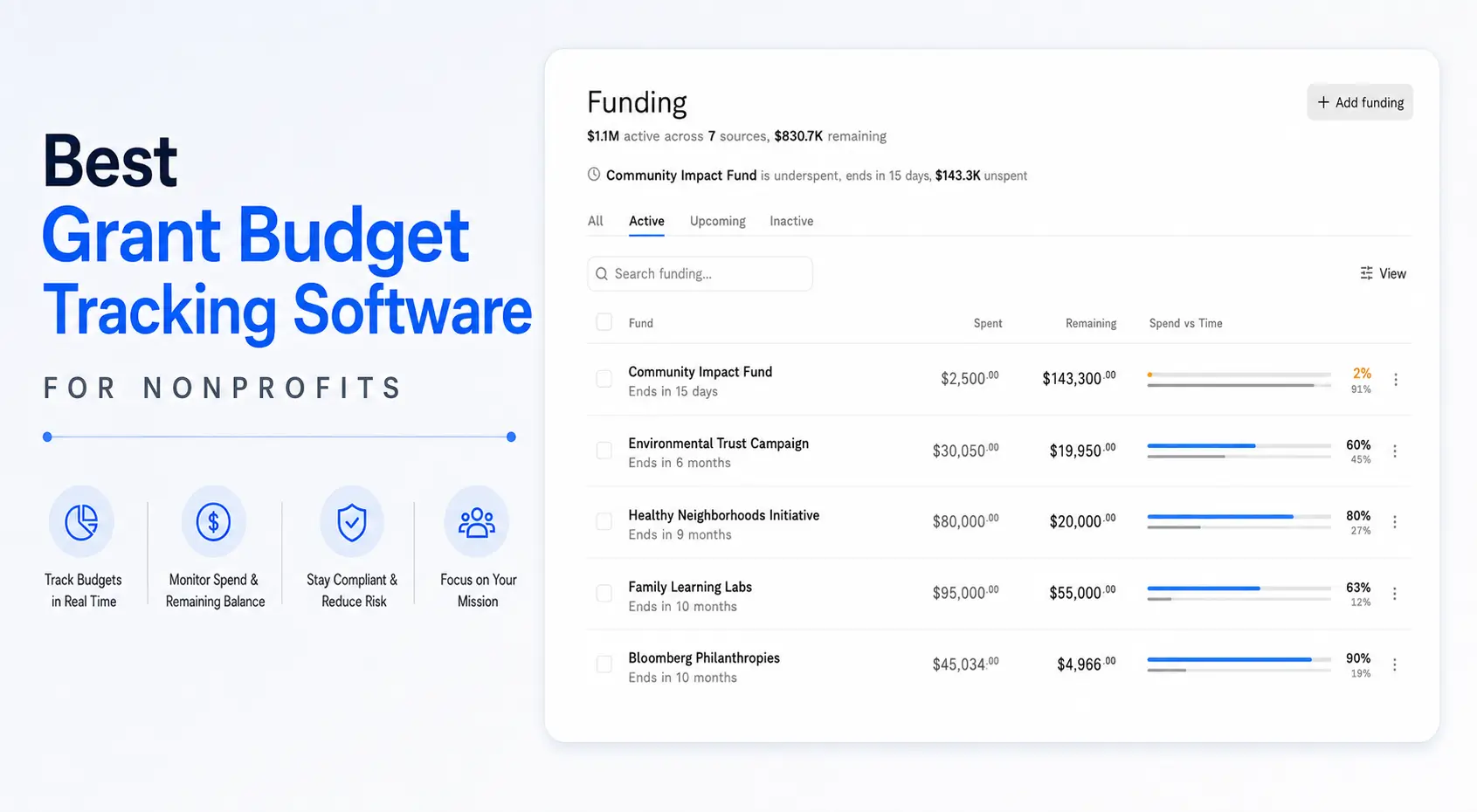
The fix is straightforward: move to real-time or near-real-time budget tracking so remaining funds are visible to everyone who authorizes spending. Tools that sync with your accounting system and surface budget-vs-actual data automatically eliminate this lag entirely.
2. Budget and Actuals Living in Different Systems
This is one of the most common and most damaging gaps. The approved grant budget lives in a spreadsheet (or worse, a PDF from the proposal). Meanwhile, actual transactions are flowing through QuickBooks or another accounting platform. Nobody owns the reconciliation, and when someone finally does it, the numbers don’t match.
The disconnect typically looks something like this:
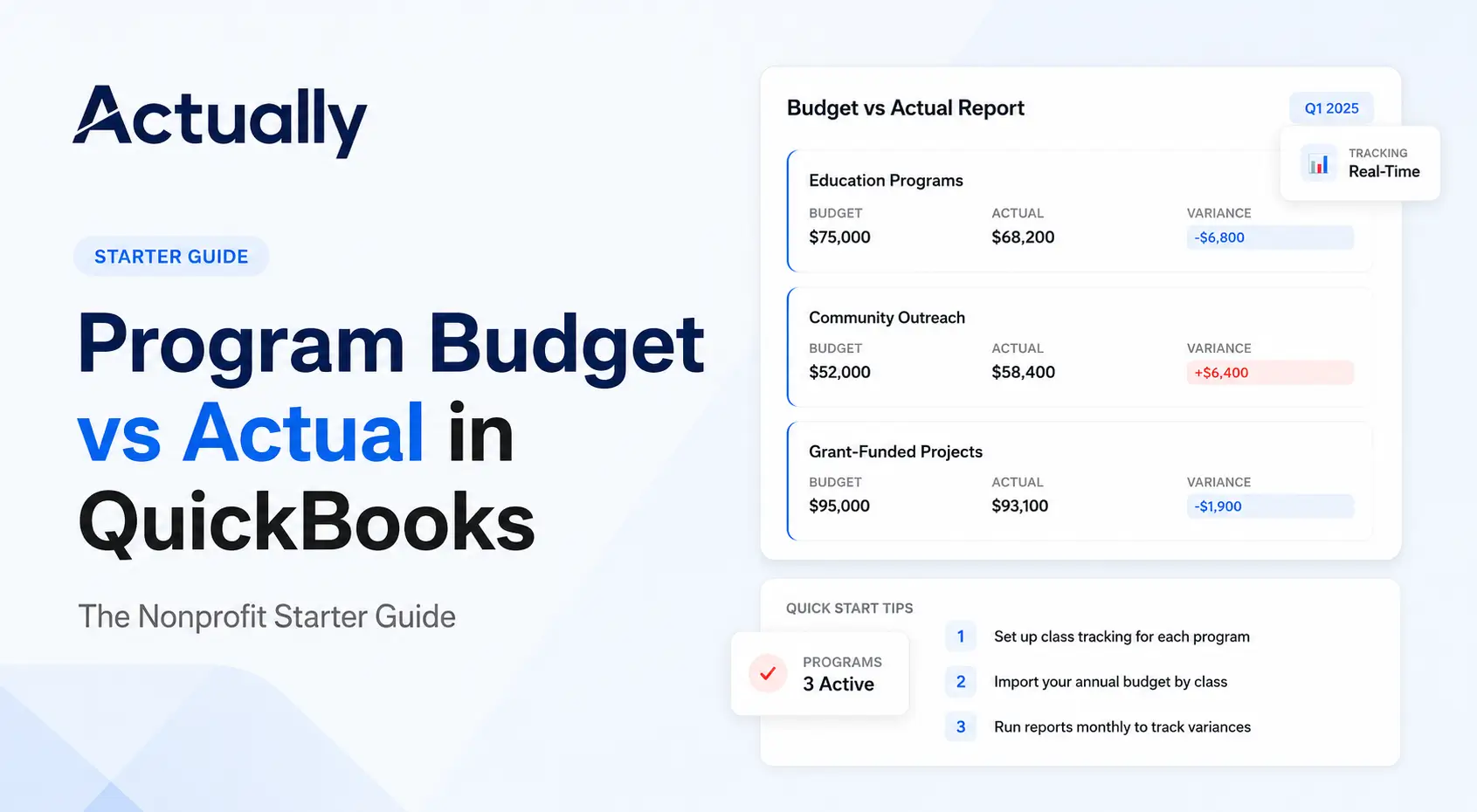
When budget and actuals are disconnected, reconciliation becomes a manual, error-prone chore. The solution is to connect them at the source syncing your approved budget directly with transaction data so variances surface automatically, not at month-end. Our guide on tracking budget vs. actual in QuickBooks walks through what this looks like in practice.
3. Spreadsheets Can’t Keep Up with Complex Grant Tracking
Spreadsheets are where most nonprofit grant tracking starts, and honestly, they work fine when you’re managing one or two simple grants. The problems start when you hit three or more active grants with overlapping fiscal years, restricted and unrestricted funds, multiple cost allocation methods, and indirect cost calculations that need to follow OMB Uniform Guidance.
At that point, a single formula error or a missed version update can cascade through your reporting. And unlike purpose-built grant management software, spreadsheets don’t alert you when something breaks. You find out when a funder questions your numbers.
The move away from spreadsheets doesn’t have to be dramatic. Even centralizing your grant data in a single system that talks to QuickBooks can eliminate the biggest risks: version conflicts, stale data, and formula errors that nobody catches.
4. No Quick Answer to “How Much Is Left?”
Try this experiment: pick any active grant and ask your finance team how much is left in it right now. Not after they run a report right now. If the answer takes more than 60 seconds, you have a visibility problem.
This matters because program directors and managers make small spending decisions every day approving supply orders, scheduling consultants, booking travel. Without instant access to remaining fund balances, each of those decisions is essentially a guess. Stack enough guesses on top of each other and you end up over budget.
The goal is to make remaining grant balances as accessible as checking your bank account available in real time, broken down by category, and visible to anyone who needs to approve spending. This is especially important for organizations managing program budgets across multiple grants.
5. Uneven Spend-Down Rates Create End-of-Grant Crises
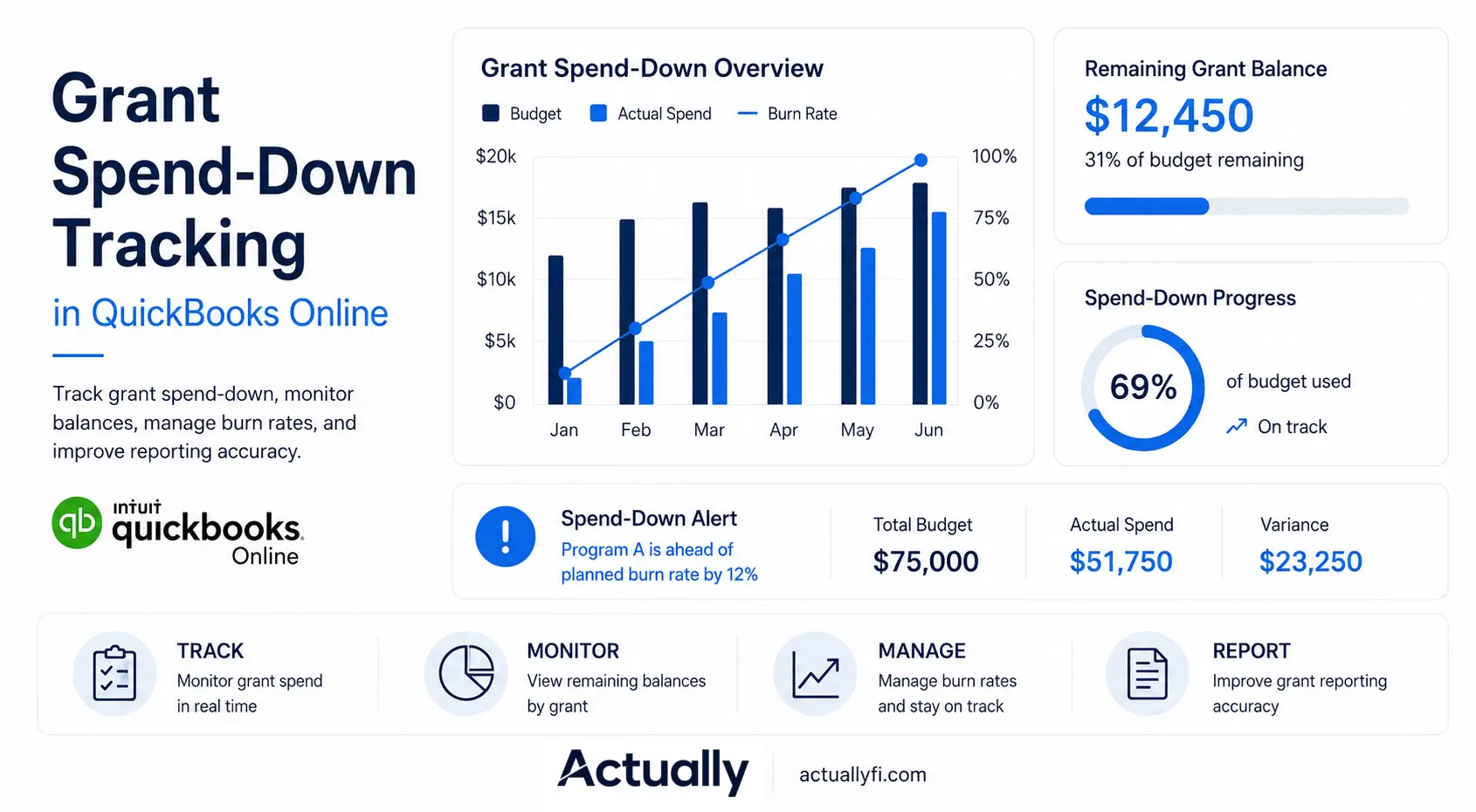
Most grants come with a performance period, and funders expect spending to track reasonably against that timeline. But without active monitoring, spending patterns often look like a hockey stick: slow and cautious for the first 70% of the grant period, then a frantic rush to spend down the final 30% before the deadline.
This pattern creates two problems. First, rushed spending at the end of a grant period often results in purchases that are harder to justify during a grant closeout or audit. Second, funders notice and it can affect your credibility for future awards. A program officer who sees 60% of a grant spent in the final quarter is going to ask questions.
Consistent spend-down monitoring tracking not just how much you’ve spent but the rate at which you’re spending relative to the grant timeline lets you adjust early instead of scrambling late.
6. Grant Restrictions Get Lost in the Accounting
Federal and foundation grants almost always come with restrictions on how funds can be used. Personnel costs might be capped at a percentage. Equipment purchases might require prior approval. Indirect cost rates vary by funder. When these restrictions aren’t built into your tracking system, it’s easy for legitimate expenses to be coded to the wrong grant or the wrong budget line.
This isn’t just a compliance risk, it’s a financial one. Disallowed costs that surface during an audit can result in repayment demands, and repeat issues can jeopardize future funding. The organizations that handle this well assign every transaction to a specific grant and budget category at the point of entry, not during a quarterly reconciliation exercise.
If you’re using QuickBooks, setting up classes correctly is a critical first step for tracking restricted vs. unrestricted funds. But classes alone won’t give you the budget-level visibility you need to catch misallocated costs in real time.
7. The QuickBooks Visibility Gap
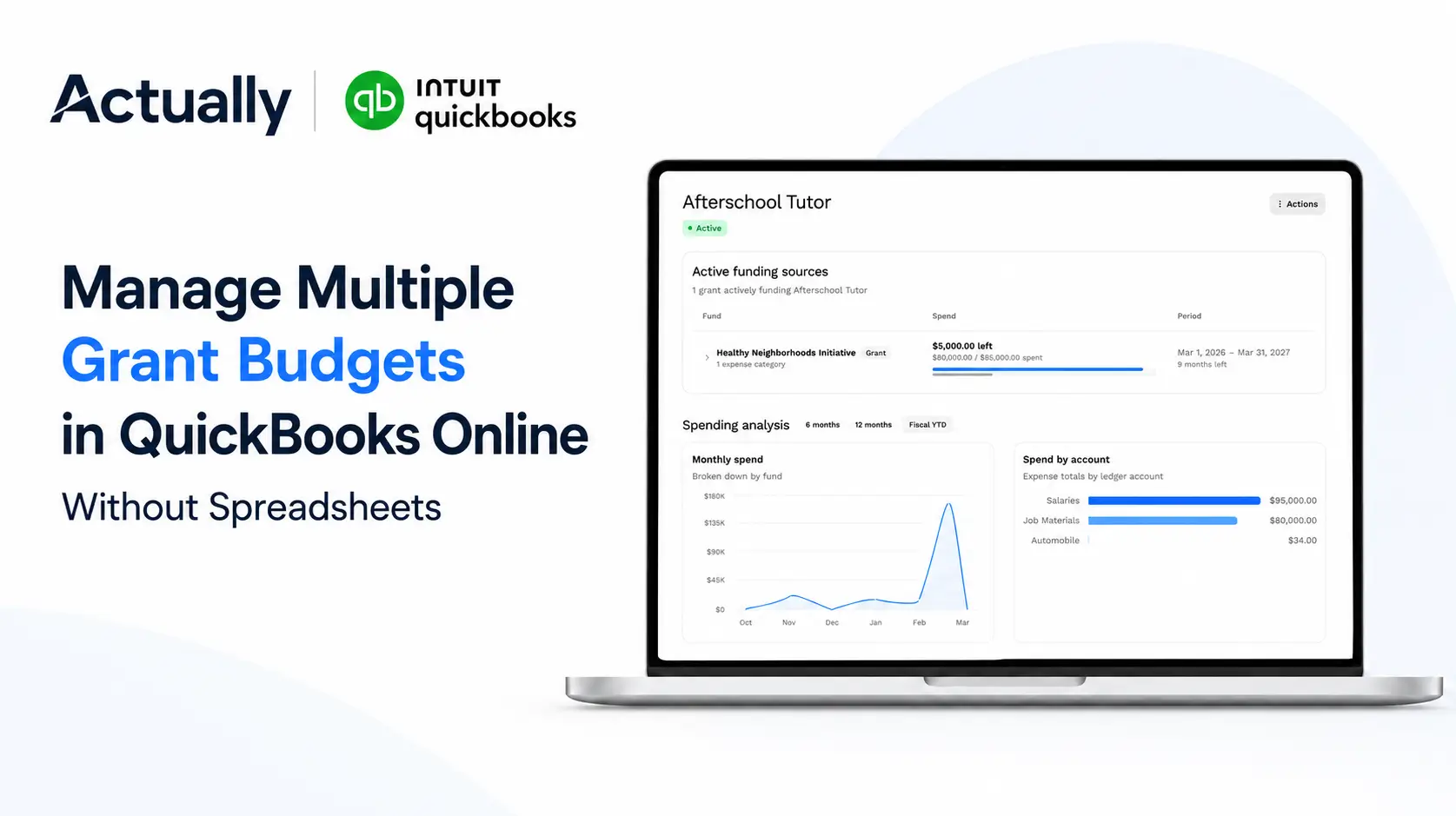
Let’s be direct: QuickBooks is excellent accounting software. It tracks income and expenses, handles payroll, generates financial statements, and integrates with your bank. What it doesn’t do at least not natively, is give you a real-time, grant-level view of budget performance.
In QuickBooks, you can see that you spent $4,200 on supplies last month. What you can’t easily see is whether that $4,200 pushed your CDC grant’s supply line over its approved budget, or whether the remaining balance is enough to cover the purchase orders already in the pipeline.
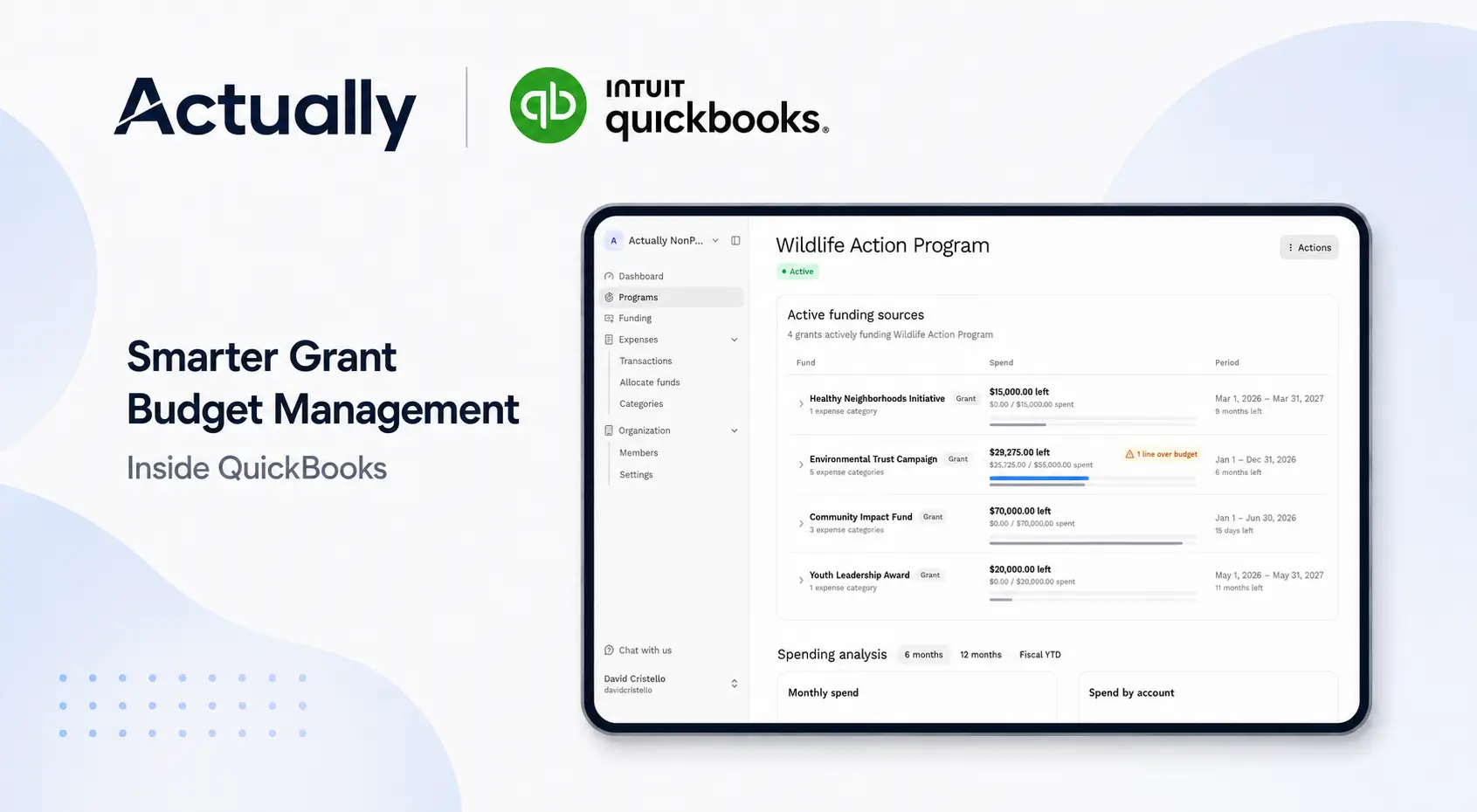
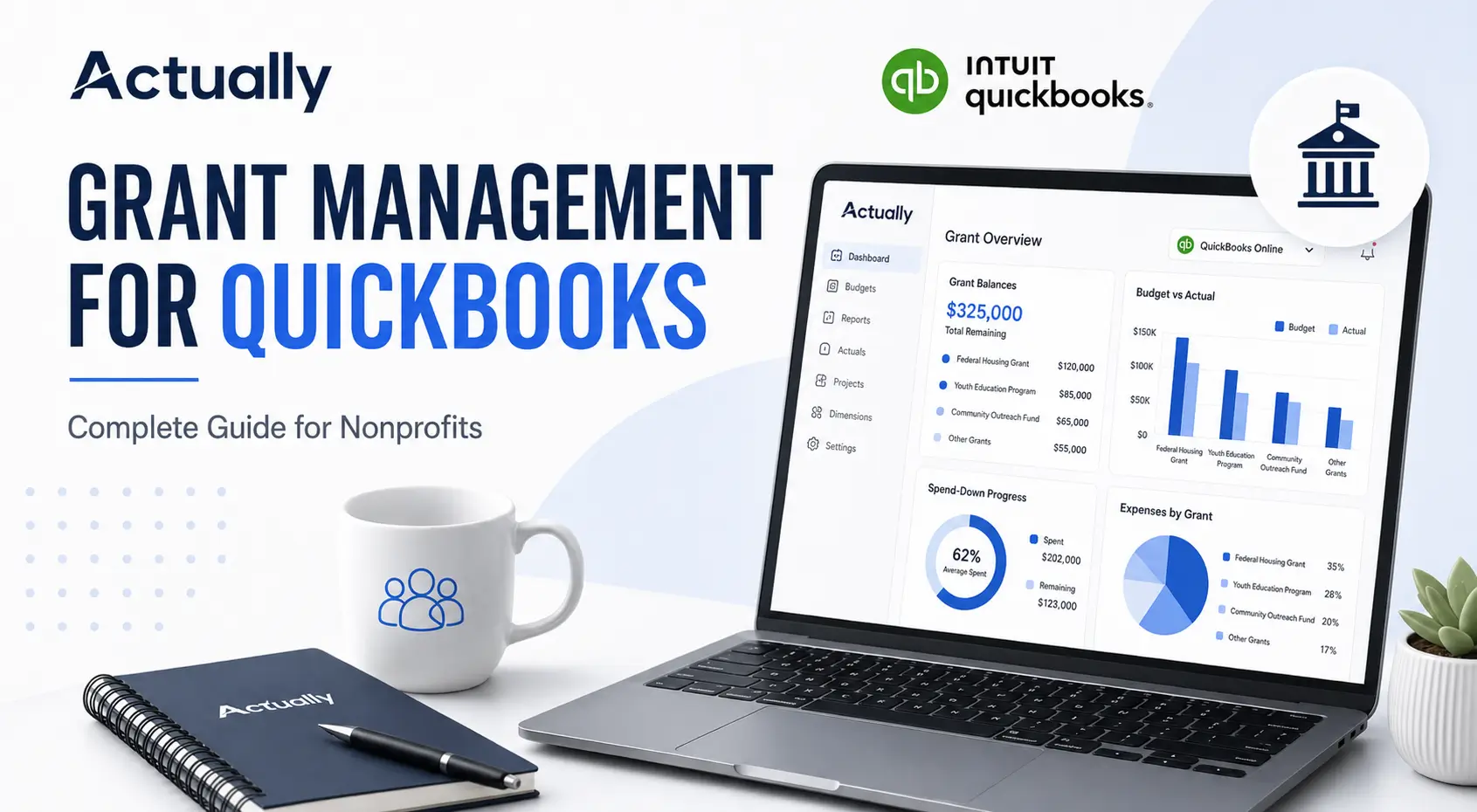
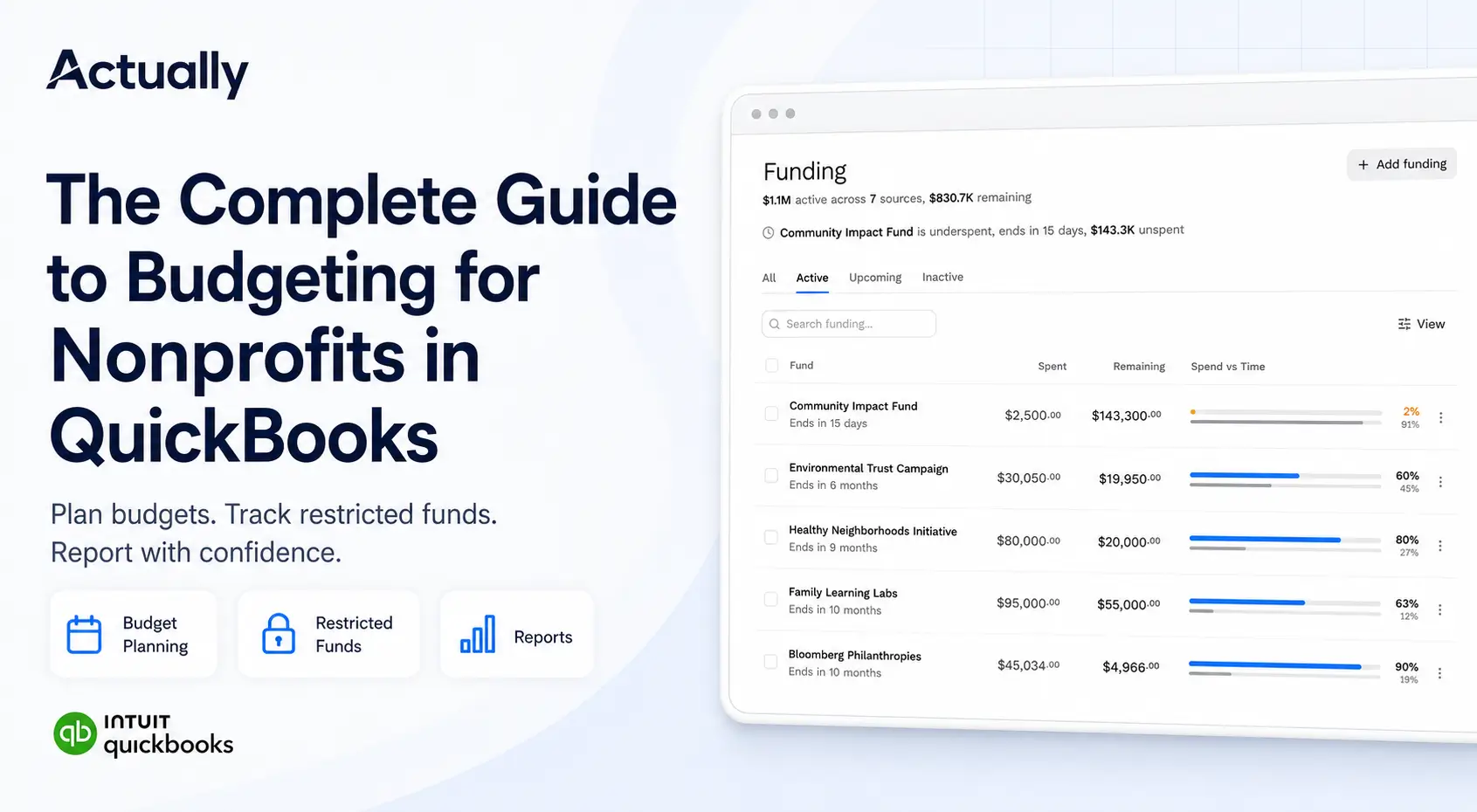
This is where a visibility layer matters. Tools that sync directly with QuickBooks and overlay grant budgets on top of your transaction data let you keep using the accounting platform you already know while adding the grant-specific tracking that QuickBooks was never designed to provide. For more on how QuickBooks fits into a nonprofit budget workflow, see our Nonprofit Budget Template for QuickBooks.
A Better Approach to Grant Budget Management
The organizations that consistently stay within budget share a few common practices. They don’t necessarily have bigger finance teams or more sophisticated accountants they just have fewer blind spots.
That typically means:
• Syncing grant budgets directly with their accounting system so budget-vs-actual data updates automatically
• Making remaining fund balances visible to program staff, not just the finance team
• Tracking spend-down rates against grant timelines, not just total spending
• Automating cost allocation and indirect cost calculations to reduce manual errors
• Eliminating spreadsheet-based reconciliation in favor of a single source of truth
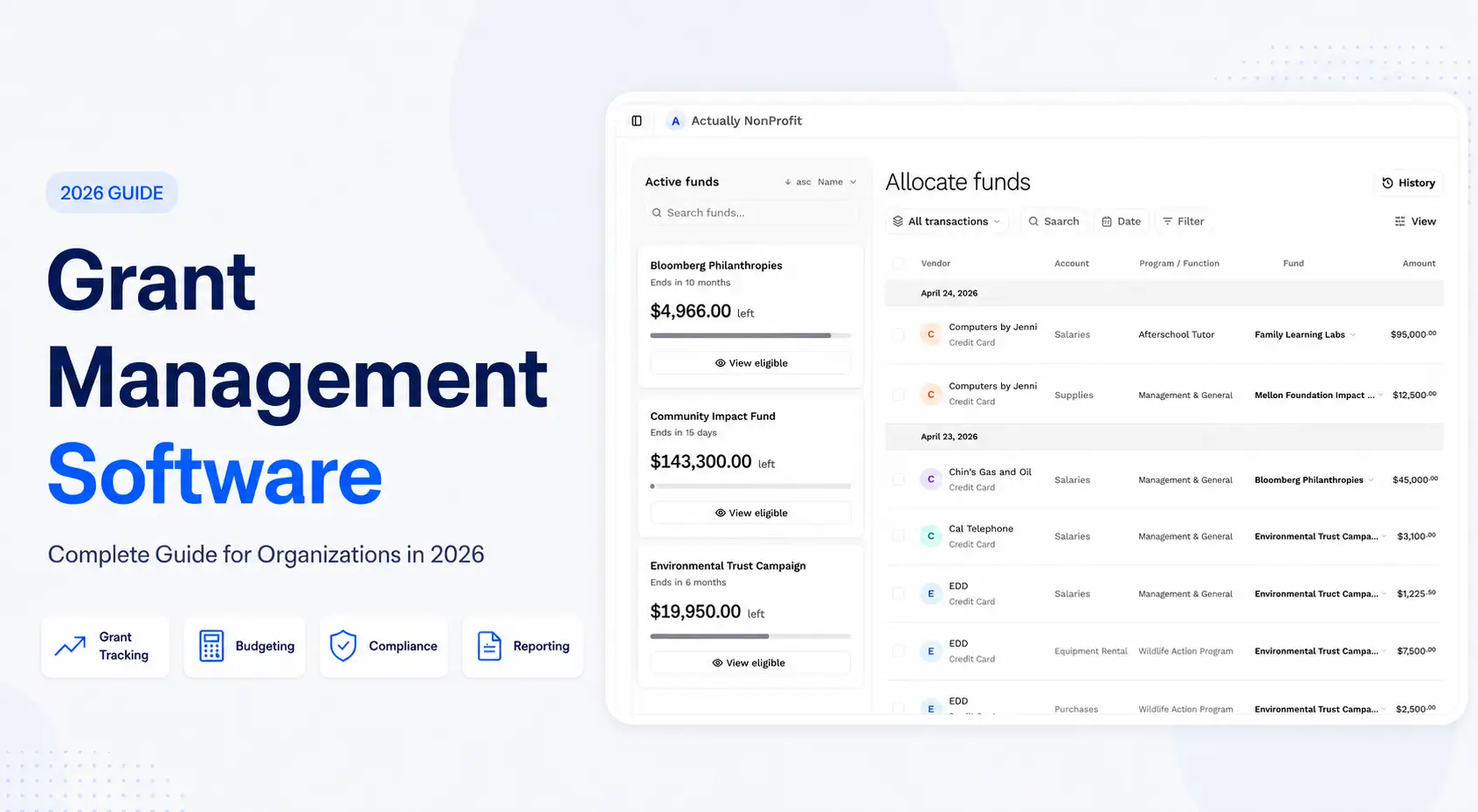
If you’re evaluating tools for this, our Grant Management Software Guide covers what to look for and how to compare options.
Conclusion
Grant overspending is almost never about one bad decision. It’s the accumulation of small visibility gaps delayed reports, disconnected systems, manual workarounds that compound until the numbers don’t add up. The good news is that these are system problems, and system problems have system solutions.
Whether you start by connecting your budget to your actuals, replacing a spreadsheet with a centralized tool, or simply giving program staff access to real-time fund balances, each step reduces the chance that your next grant report comes with an unpleasant surprise.
Frequently Asked Questions
What is grant budget management?
Grant budget management is the process of planning, tracking, and controlling how grant funds are allocated and spent across a grant’s performance period. It includes setting up approved budget categories, monitoring actual expenditures against those categories, managing cost allocation and indirect costs, and ensuring that all spending complies with funder restrictions and federal guidelines like OMB Uniform Guidance.
Why do nonprofits overspend on grants?
The most common cause is delayed visibility into spending. When finance teams rely on monthly reports and spreadsheet-based tracking, overspending can go undetected for weeks. Other contributing factors include disconnected budget and accounting systems, inconsistent cost allocation practices, poor tracking of grant-specific restrictions, and staff turnover that leads to institutional knowledge gaps around funder requirements.
How can grant budget management prevent overspending?
Effective grant budget management prevents overspending by providing real-time budget-vs-actual data, making remaining fund balances visible to decision-makers, and flagging variances before they become compliance issues. When budgets are connected directly to accounting transactions rather than tracked separately in spreadsheets discrepancies surface automatically, giving teams time to correct course before a budget line is exceeded.
Can QuickBooks manage grant budgets effectively?
QuickBooks handles core accounting functions well, including expense tracking, payroll, and financial reporting. However, it lacks native support for grant-level budget tracking, real-time budget-vs-actual comparisons, spend-down monitoring, and restricted fund management. Most nonprofits that use QuickBooks for grant management pair it with a complementary tool that adds a grant budget visibility layer on top of their existing accounting data.

David Cristello
.svg)
About the Author
David Cristello is the Co-Founder of Actually Finance. He's been an entrepreneur in the accounting and nonprofit space for over 10 years, previously building a company that made the Inc5000 list
.png)






.webp)