
Table of contents
Why Budgeting in QuickBooks Matters for Nonprofits
Most nonprofit leaders know this feeling: your board wants an updated report by program, your grantor asks for expense details, and your QuickBooks report looks like one giant spreadsheet. You feel like you're doing accounting chores instead of leading mission-driven strategy.
Good budgeting isn't just about numbers, it's about clarity. Nonprofit organizations run on transparency: tracking where every dollar goes, whether it's for programs, grants, or administrative costs. As stated by the National Council of Nonprofits:
“A budget is a guide that can help a nonprofit plan for the future as well as assess its current financial health.” National Council of Nonprofits
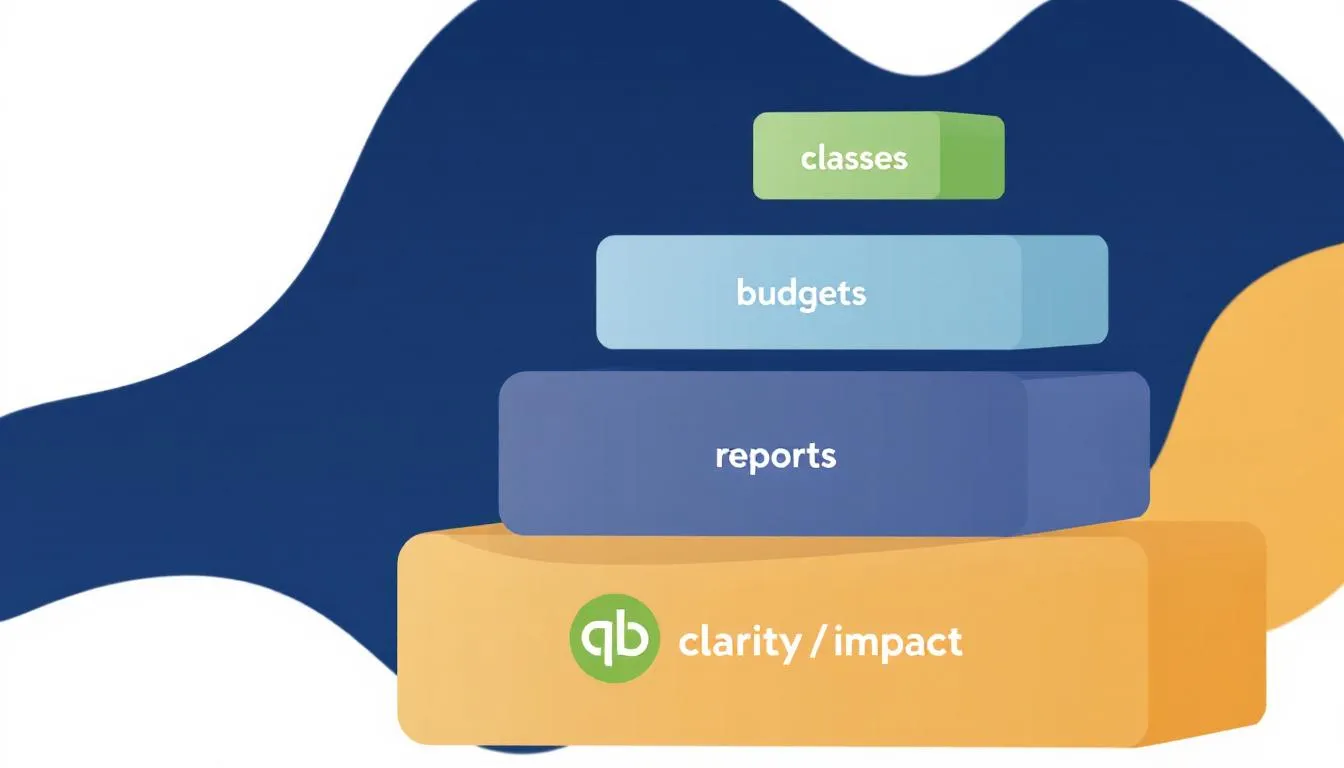
That's where QuickBooks Online enters the picture. It's one of the most accessible accounting tools available to small and mid-sized nonprofits in the U.S. (especially if you already use it for bookkeeping). But getting the most from it especially for nonprofit budgeting requires thoughtful setup: classes, budgets, and reports that few organizations exploit fully.
By the end of this guide, you'll know exactly how to:
- Build, manage, track and maintain program-based budgets in QuickBooks Online
- Track “budget vs. actuals” across grants, initiatives, 'missions' or programs
- How to use classes to organize your nonprofit finances (programs, grants, funds)
And pinpoint when it's time to consider industry specific nonprofit budgeting tools like Actually Finance
Understanding QuickBooks Online for Nonprofit Accounting
QuickBooks wasn't designed solely for nonprofits, it was built for small businesses. But it offers strong building blocks. The trick is knowing which features translate to nonprofit needs.
Key Concepts for Nonprofits in QuickBooks Online
- Chart of Accounts: Setup to organize revenue, expenses, and restricted funds. It should reflect your mission oriented structure.
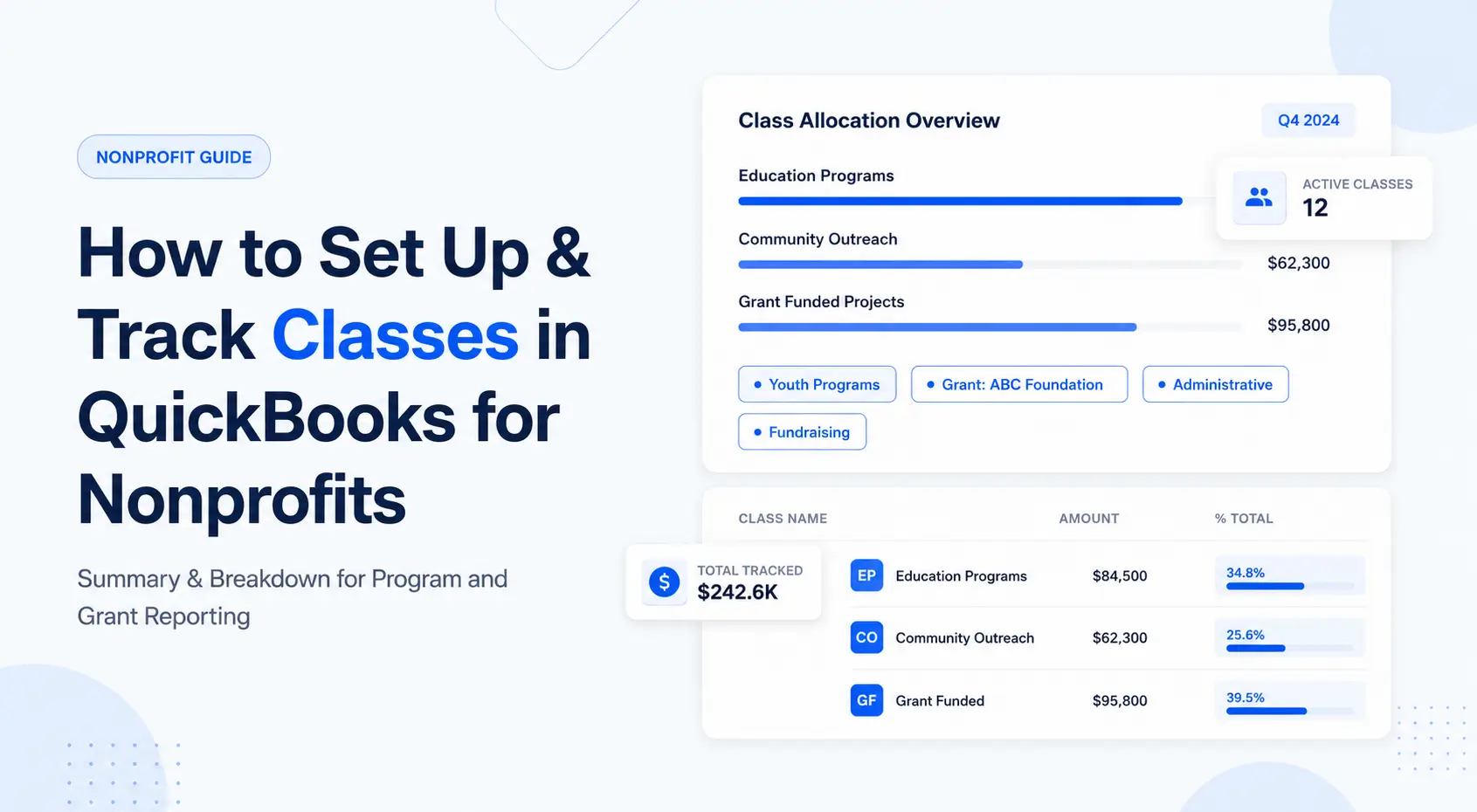
- Classes: Think of these as your programs, grants, or departments. They let you segment income or expenses.
- Locations: Use these if you manage operations in multiple sites, states, or regions.
- Budgets: QuickBooks allows you to create budgets scaled by fiscal year and even budgets by class.
Before you build a budget, ensure your class structure is clean and complete. If you skip this, your budgets will lack reliable segmentation.
🔗 For a deeper dive: see the upcoming post “How to Set Up Classes in QuickBooks for Nonprofits”.
Why Nonprofit Budgeting Is Different
In a nonprofit world you're not just measuring profit; you're measuring impact. That means:
- Tracking restricted vs. unrestricted funds
- Reporting by program or grant rather than simply expense category
- Showing value to donors and board members in transparent ways
According to best practice guides, you should “track your revenue by fund” to maintain accountability. The ENGAGE Blog by Blackbaud
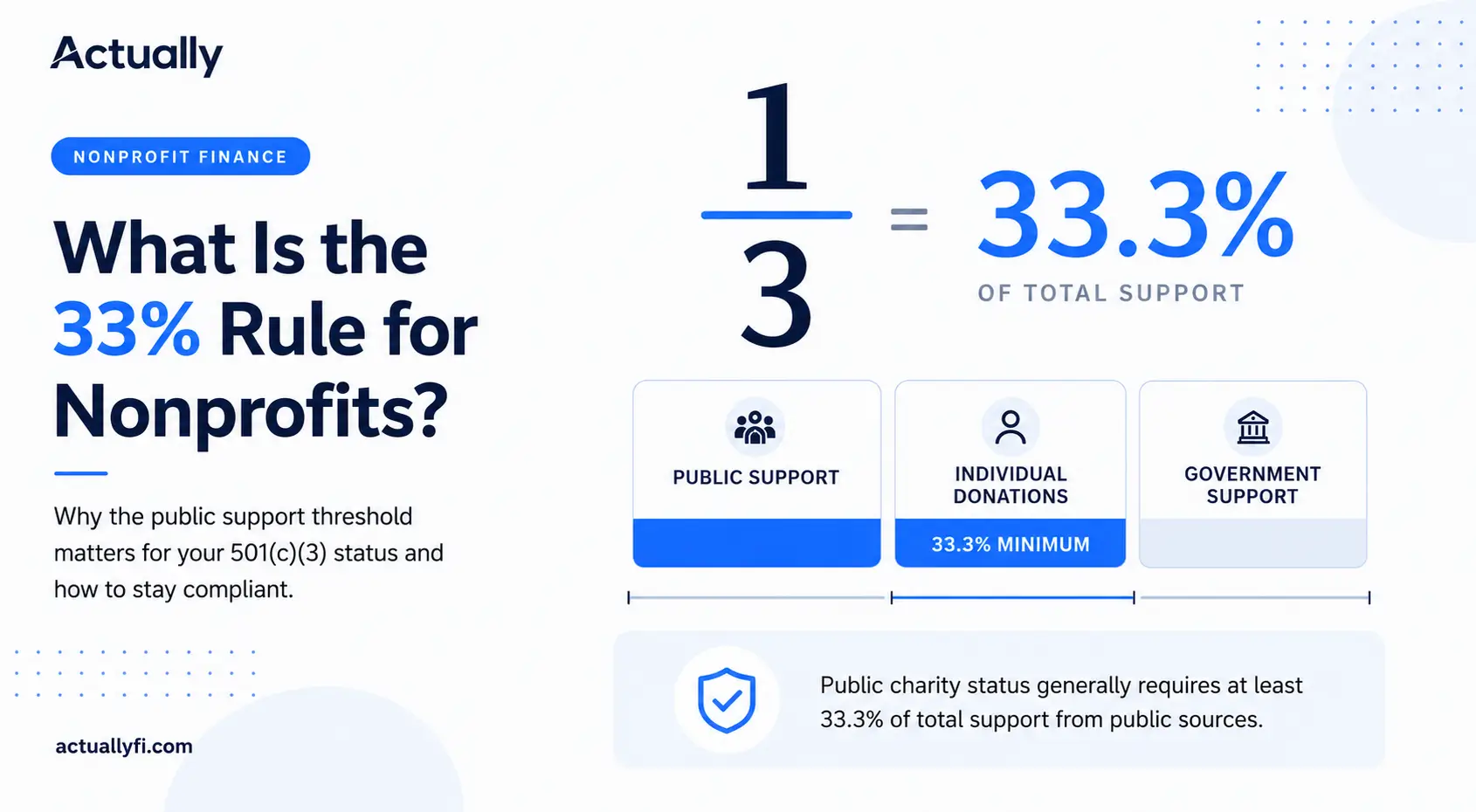
Understanding your revenue sources also matters for compliance. Learn more in our guide to the 33% public support test for nonprofits.
Using QuickBooks without configuring these nonprofit-specific structures is like running a sports car in first gear: capable, but not optimized.
Setting Up Class Tracking for Programs and Grants
Class tracking is how you turn QuickBooks into a nonprofit-aware tool. Without it, you lump all income and expenses together which leaves you blind to program-level performance.
Here's how to do it right:
- Go to ⚙️ → Account & Settings → Advanced → Categories.
- Turn on Track classes. QuickBooks+1
- Turn on Track classes. QuickBooks+1
- Create classes for each program, initiative, or grant.
- Go to ⚙️ → All Lists → Classes → New.
- Go to ⚙️ → All Lists → Classes → New.
- Assign classes to every transaction: income, expense, journal entry.
- If you have shared expenses (rent, utilities, admin staff) use the Split function.
- If you have shared expenses (rent, utilities, admin staff) use the Split function.
Consider sub-classes if you need greater segmentation around programs or grants.

Best Practices & Common Mistakes
- Keep class names consistent and intuitive (e.g., “Youth Mentorship – FY25”).
- Use classes to represent both programs and funding sources, some organizations set classes for grants.
- Don't create too many classes too soon, complexity breeds errors. QuickBooks
- Ensure every transaction gets a class assignment, you'll miss data otherwise.
🔗 See also: Next article “Class Tracking in QuickBooks for Nonprofits” for tips and pitfalls.
Why this matters
Proper class tracking enables reports like Profit & Loss by Class, Budget vs. Actual by Class, and fund-based statements. Without it, you're left using generic “Operating” categories, which don't satisfy donors, grantors, or boards.
Creating Your First Nonprofit Budget in QuickBooks
With your classes in place, now you're ready for your first budget.
Step-by-Step: Building the Budget
- Go to gear icon ⚙️ and then click Budgets
- Click Add Budget
- Choose a fiscal year, name it. Common examples are “Year Name Operating Budget”)
- Choose whether to budget by Account or Class.
- If your goal is program-level budgeting, choose By Class.
- If your goal is program-level budgeting, choose By Class.
- Enter monthly or annual figures for revenue and expenses per class or account.
- Many finance teams draft in a spreadsheet first to allow collaboration.
- Many finance teams draft in a spreadsheet first to allow collaboration.
- Save and approve your budget (ideally through your board or finance committee).
💡 Pro Tip: Start with a spreadsheet draft. This allows you to collaborate, review programs, share with leadership, and then import or manually enter the budget in QuickBooks. Many nonprofit best-practice guides recommend using a budget template. Gross Mendelsohn+1
📊 Suggested Visual Break:
Screenshot placeholder: QuickBooks “New Budget” form showing options for Budget Name, Fiscal Year, By Account/By Class.
Why start with a template?
- It ensures consistency for future years.
- Helps capture revenue, expenses, restricted funds, and program segmentation.
- Allows board review before committing to the budget in QuickBooks.
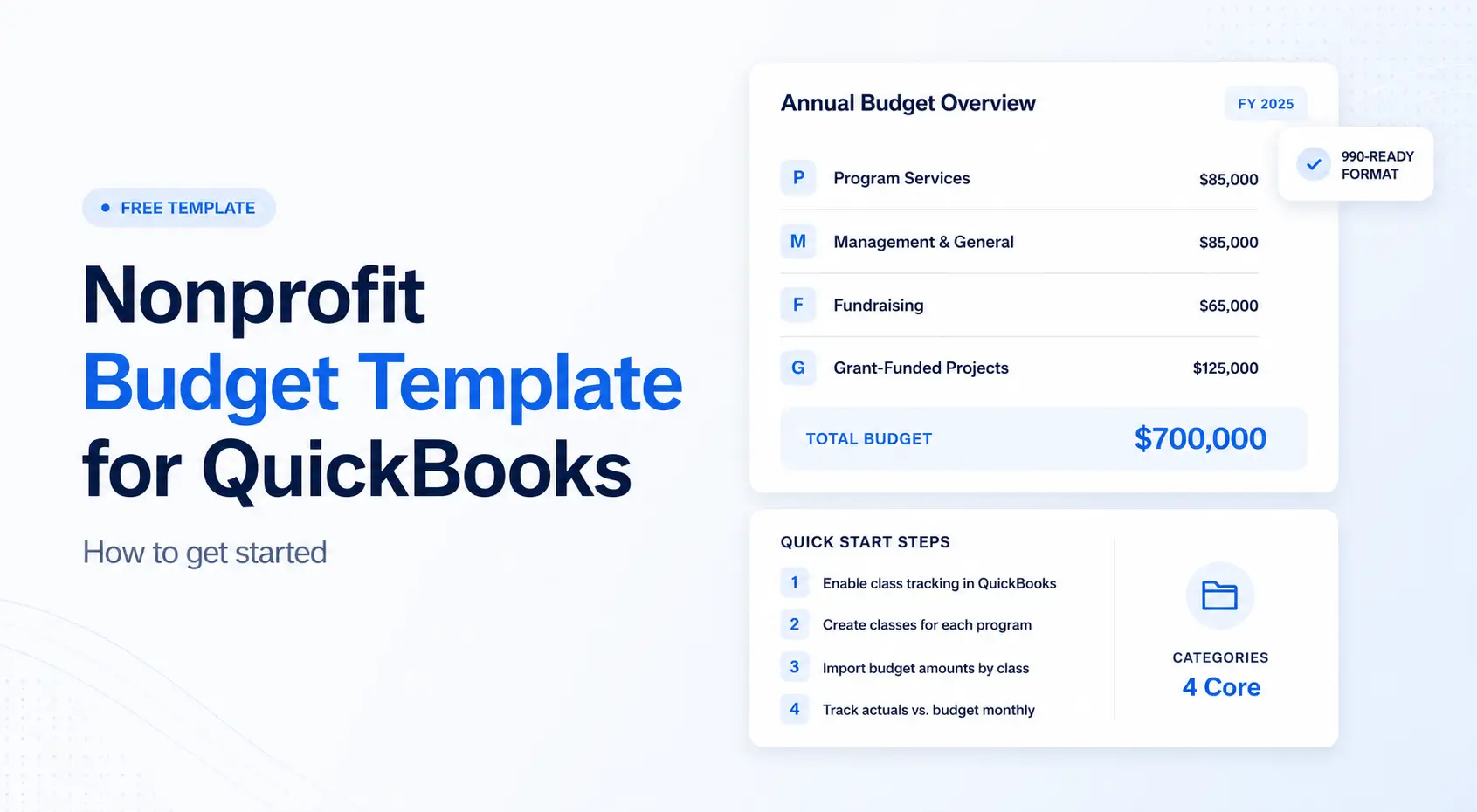
🔗 Related article: “Nonprofit Budget Template for QuickBooks (Free Download + How to Use It)”.
Building Grant Budgets in Quickbooks Online
Establishing a budget in QuickBooks is important for any nonprofit. While the complexity of pulling together a budget can be mind numbing, the clarity you get is worth the struggle. Nonprofits use QuickBooks to create budgets custom to their funding and expenditure needs. This involves setting up budget categories for programs and funders, entering data, and ensuring the budget reflects your financial goals (whether its cash reserves, increasing the budget, etc).
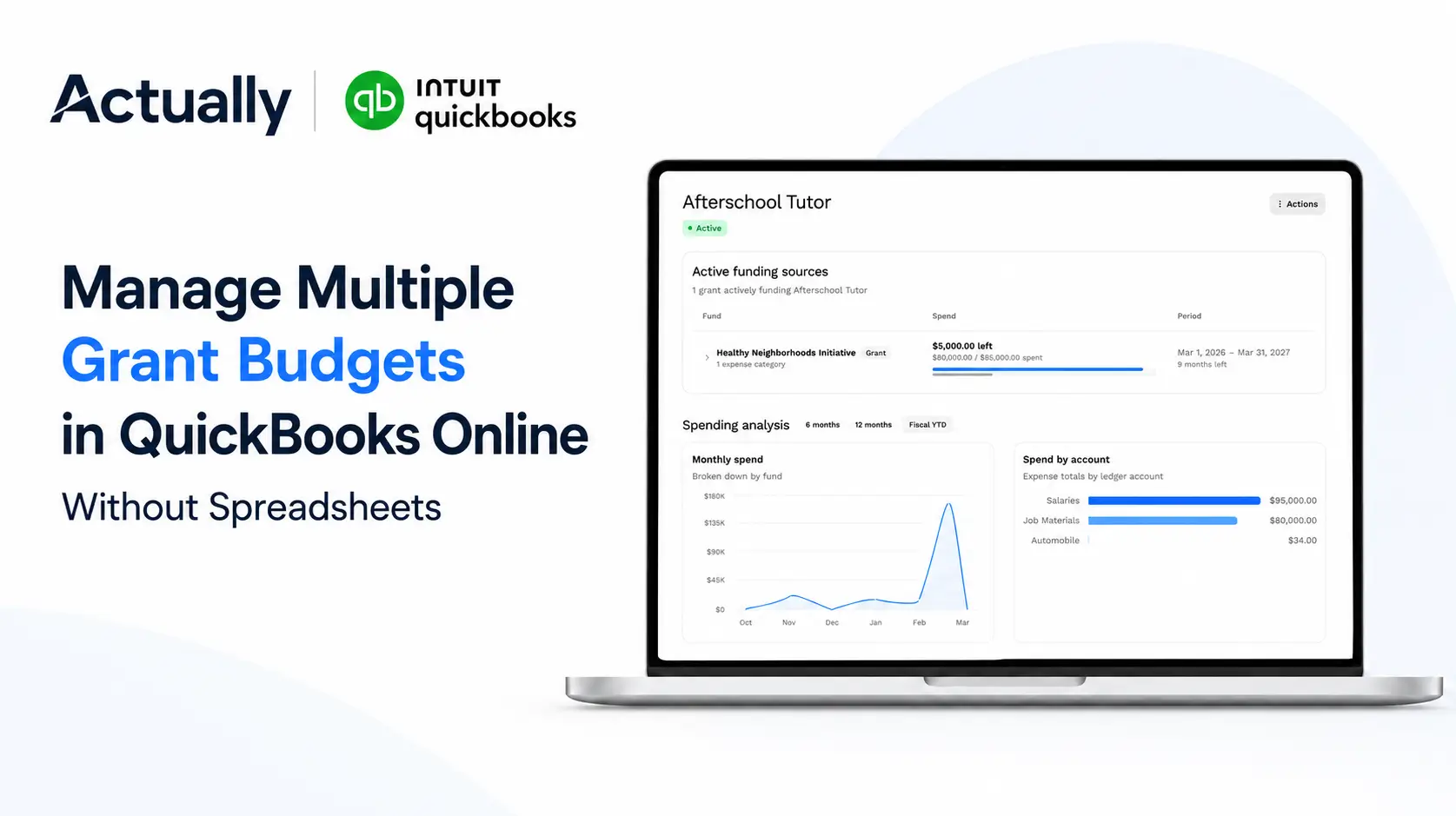
Nonprofits can create grant budgets within QuickBooks by using the project feature, which allows for detailed tracking and management of grant specific financial activities. Ideally, you have a funder managed through customers or sub customers that connect with the project. QuickBooks Nonprofit heavily relies on classes, customers, projects and even locations to build custom non profit budgeting views. It takes a bit of Quickbooks Online expertise to setup right, so be sure to have a certified Quickbooks Pro Advisor support you.
Finally, adjusting budgets throughout the year is crucial for nonprofits to respond to changes in financial performance and the annual budget from the prior year organizational needs.
Related: Plug actually with a one liner
Building Program-Based Budgets in QuickBooks Online
Now that you have your budget structure, the real value comes from program budgeting: breaking down your annual plan by initiative (program or grant).
What is Program Budgeting?
Program budgeting means you assign dollars to your mission areas. For example “Youth Mentorship”, “Food Access”, etc. It's about linking resources to outcomes.
Why It Matters
- Helps track impact funding and spending.
- Simplifies board reporting: you can present budgets and actuals per program.
- Strengthens grant applications: you can show cost per program, revenue sources, and outcomes.
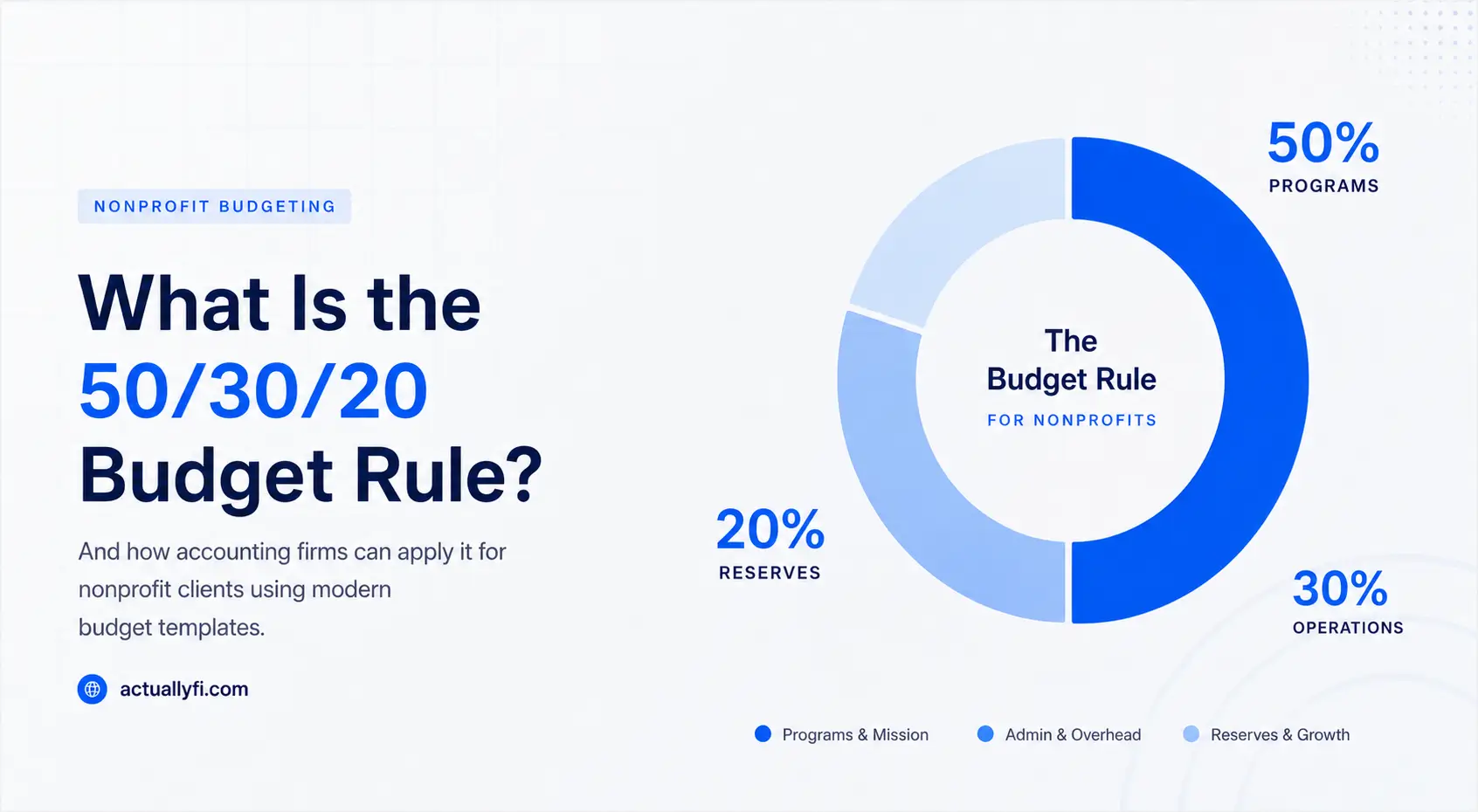
Need a simpler starting framework for budget allocation? See how the 50/30/20 budget rule applies to nonprofits.
Example Table
Program
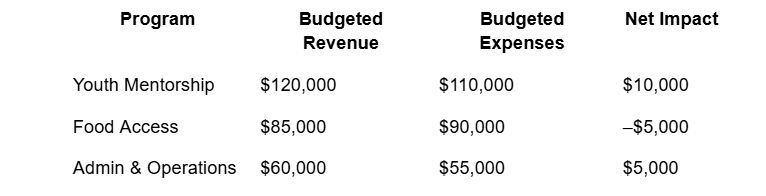
You can build separate class budgets for each program and then roll them up in your summary.
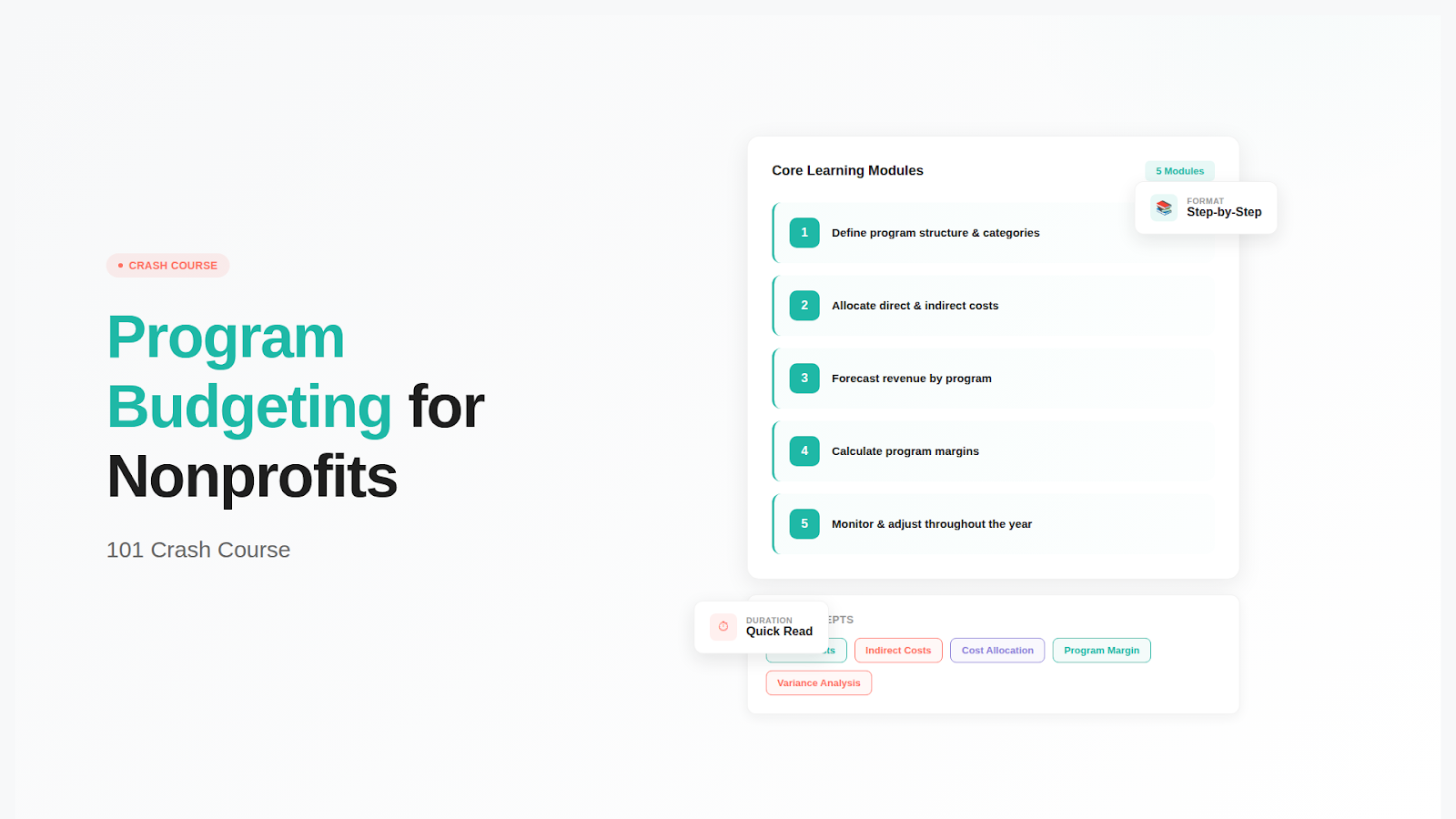
🔗 See also: “Program Budgeting for Nonprofits”.
Tips for Program Budgeting in QuickBooks
- Use classes to represent each program. Each class has its own budget.
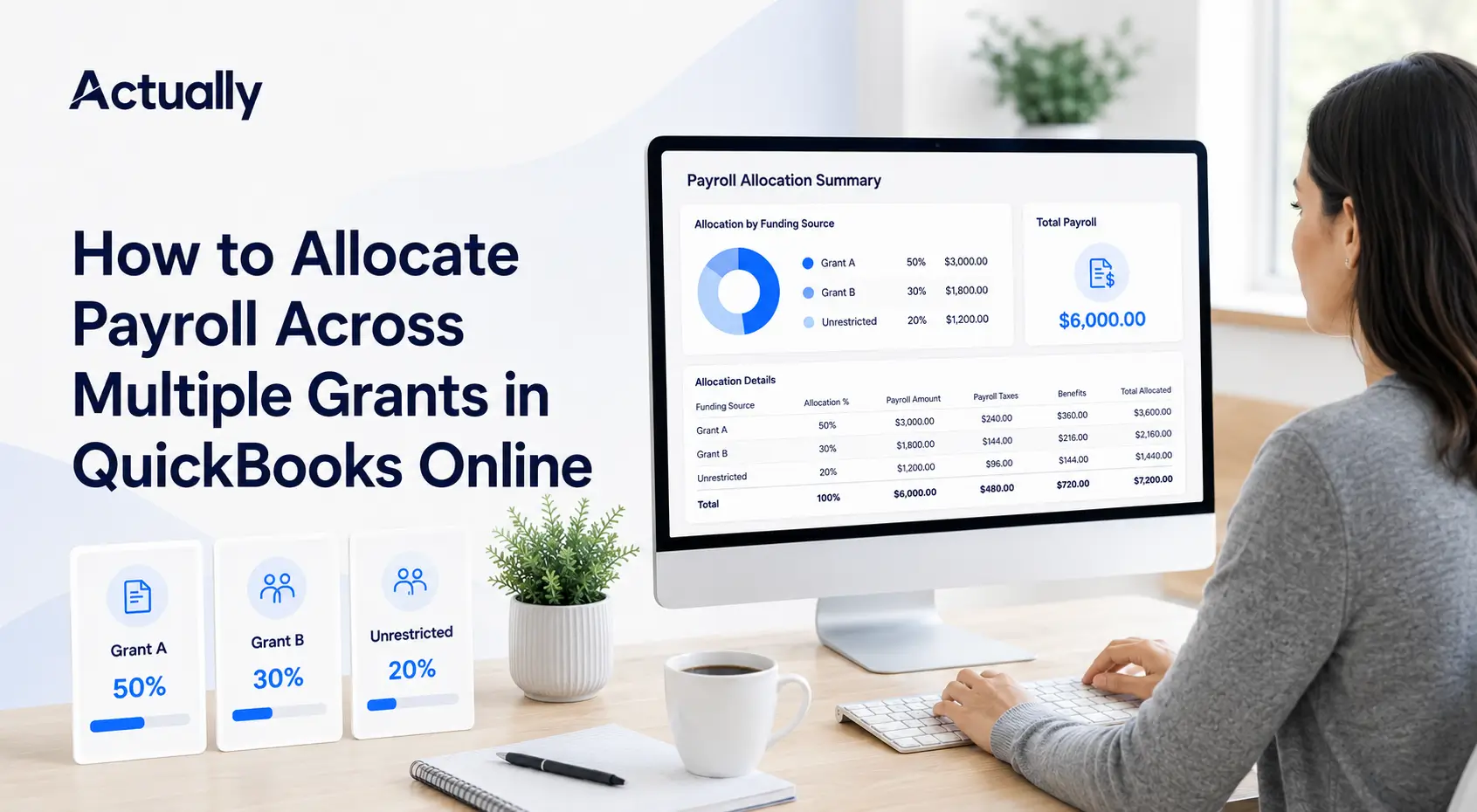
- For shared expenses (admin, utilities), you might allocate a percentage to each program via journal entries or expense splits.
- If you manage multiple grants per program, you might create subclasses (or use your budgeting tool) to roll up grants under a program umbrella.
Link to Nonprofit Budgeting Best Practices
Experts note that best practices include starting early, involving program staff in the budgeting process, and creating flexibility for ad hoc adjustments… this could come from programs over or underpacing, new grants coming in (or expiring) and more. Nonprofit Hub+
To categorize budgets reflecting unique financial structures, follow these steps:
- Create classes, customers or projects for different funding purposes, such as grants and restricted funds (work with a proadvisor to determine which option best suites your organization)
- Configure budget categories in QuickBooks to track specific funding sources.
- Monitor associated expenses linked to each budget category (again… depending on your setup, this might be projects, classes, customers or locations.
This approach helps to manage restricted funds and grant-specific grant budgets effectively
Accurate budget data entry in QuickBooks requires detailed attention (either by yourself, your staff, or a third party you're working with). As the saying goes 'garbage in, garbage out'... if you're poorly managing your data, the budget will no longer become useful.
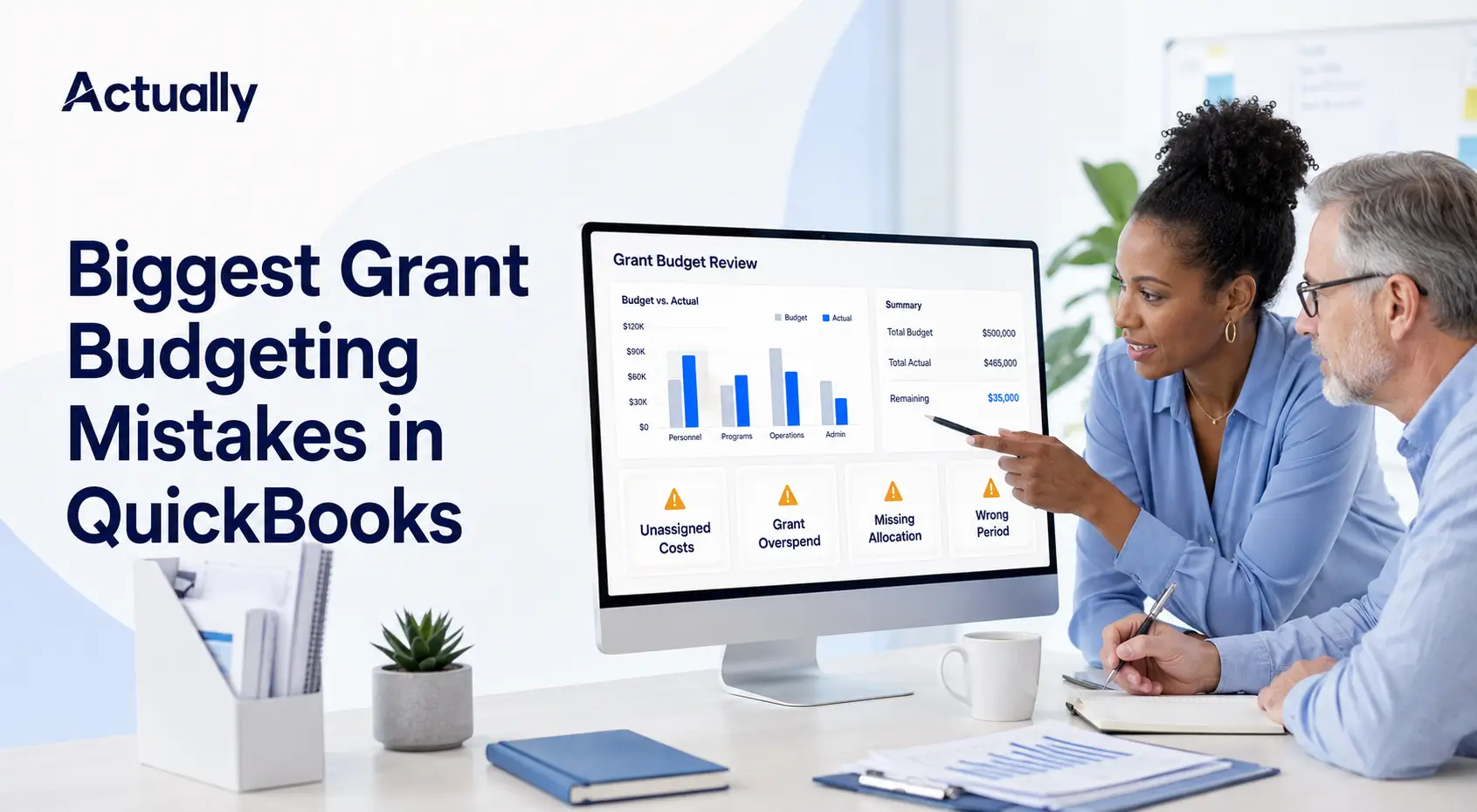
Tracking Budget vs. Actuals in QuickBooks
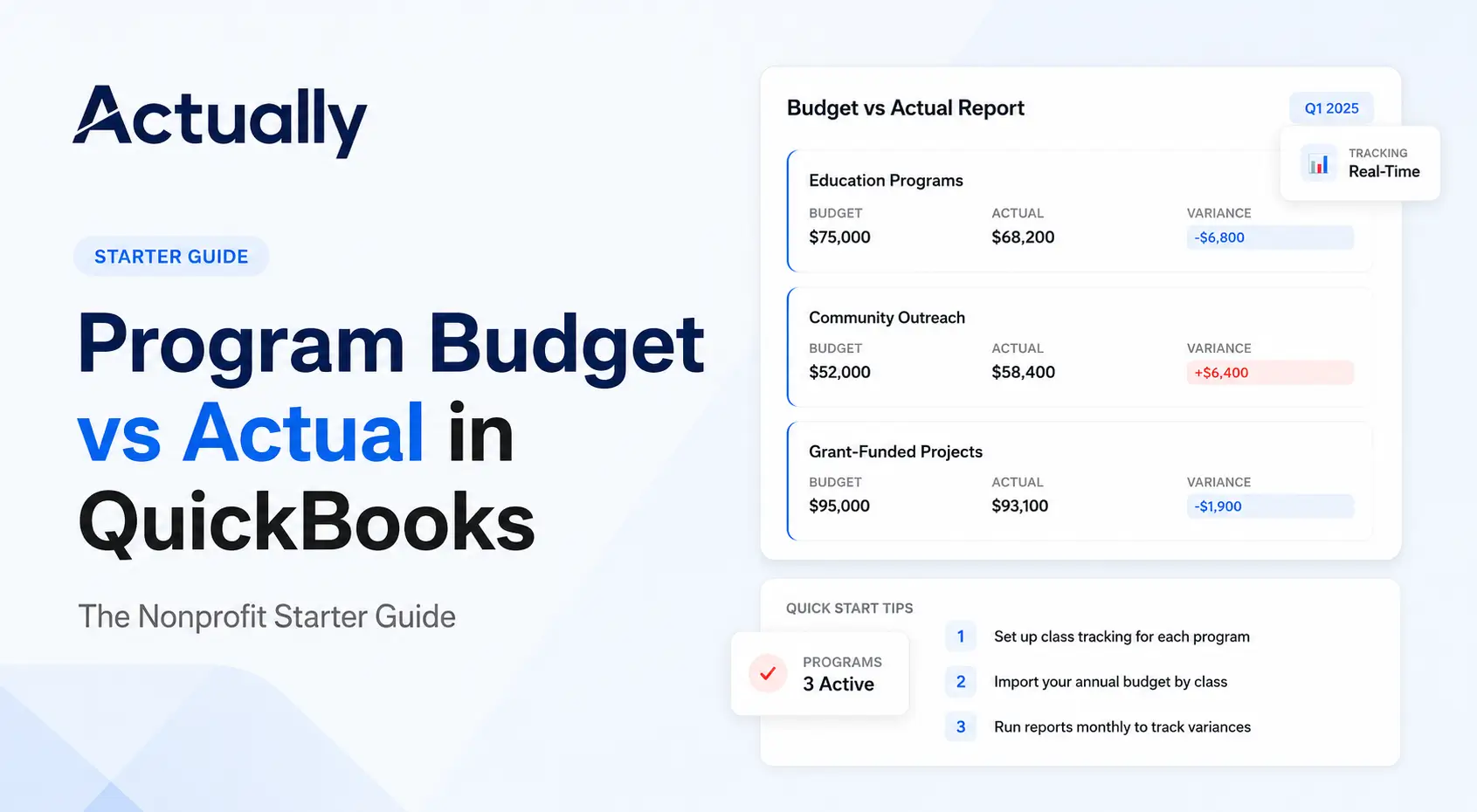
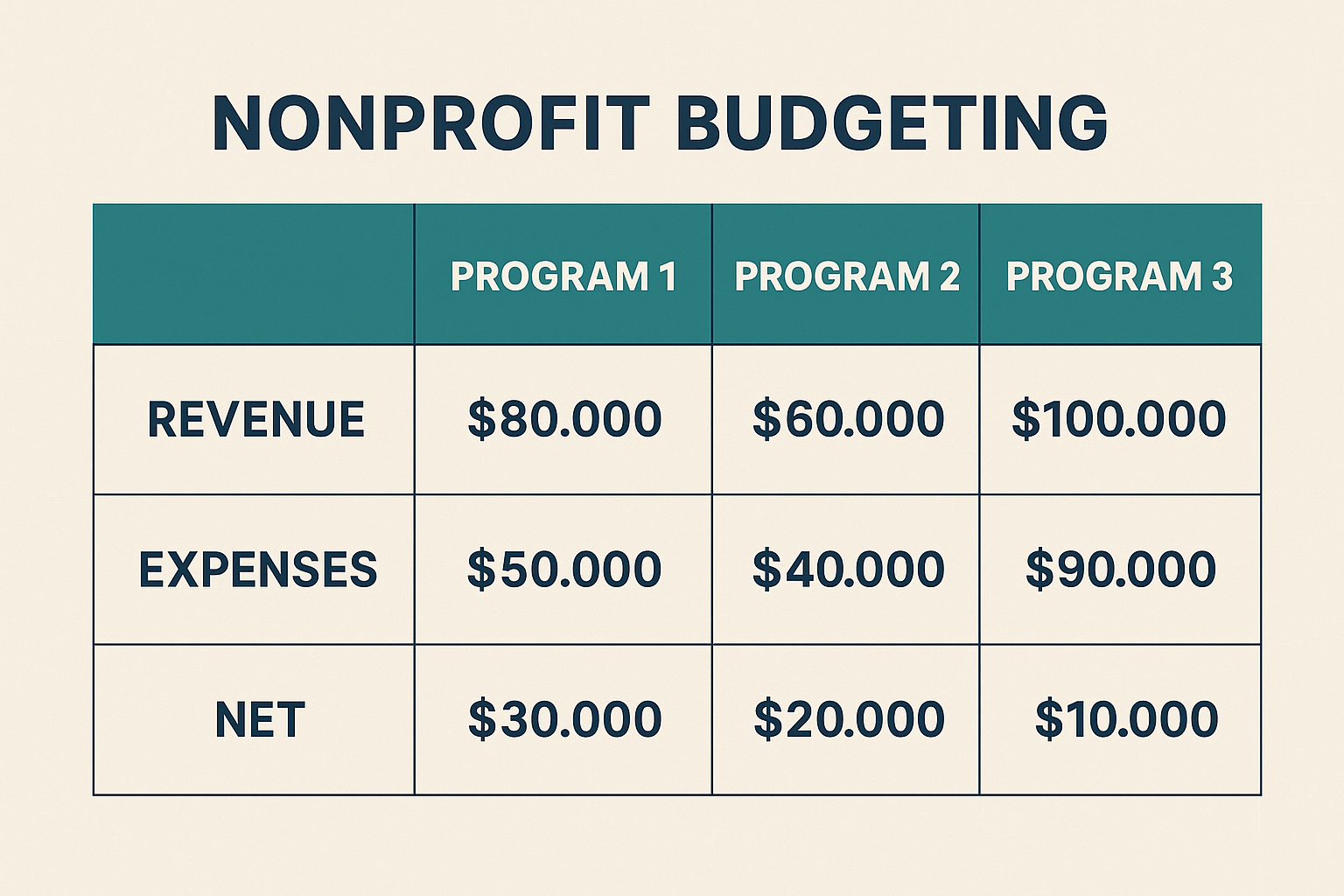
Once your budgets are live, it's time to track actuals vs. planned performance. That's what turns budgeting from a plan into a management tool.
How to View a Budget vs. Actual Report
- In QuickBooks Online: Go to Reports → search “Budget vs. Actual”.
- Select your budget name and fiscal year/date range.
- Under Display columns by, choose Class (when you budgeted by class).
- Run the report.
- Optionally export to Excel for further analysis (e.g., highlighting over/under spending).
What to Look For
- Positive variance (under budget): Low cost, potential for reinvestment or expanded programming.
- Negative variance (over budget): Overspending may require corrective action or alternate funding.
- Zero variance: Ideal alignment though rarely perfect.
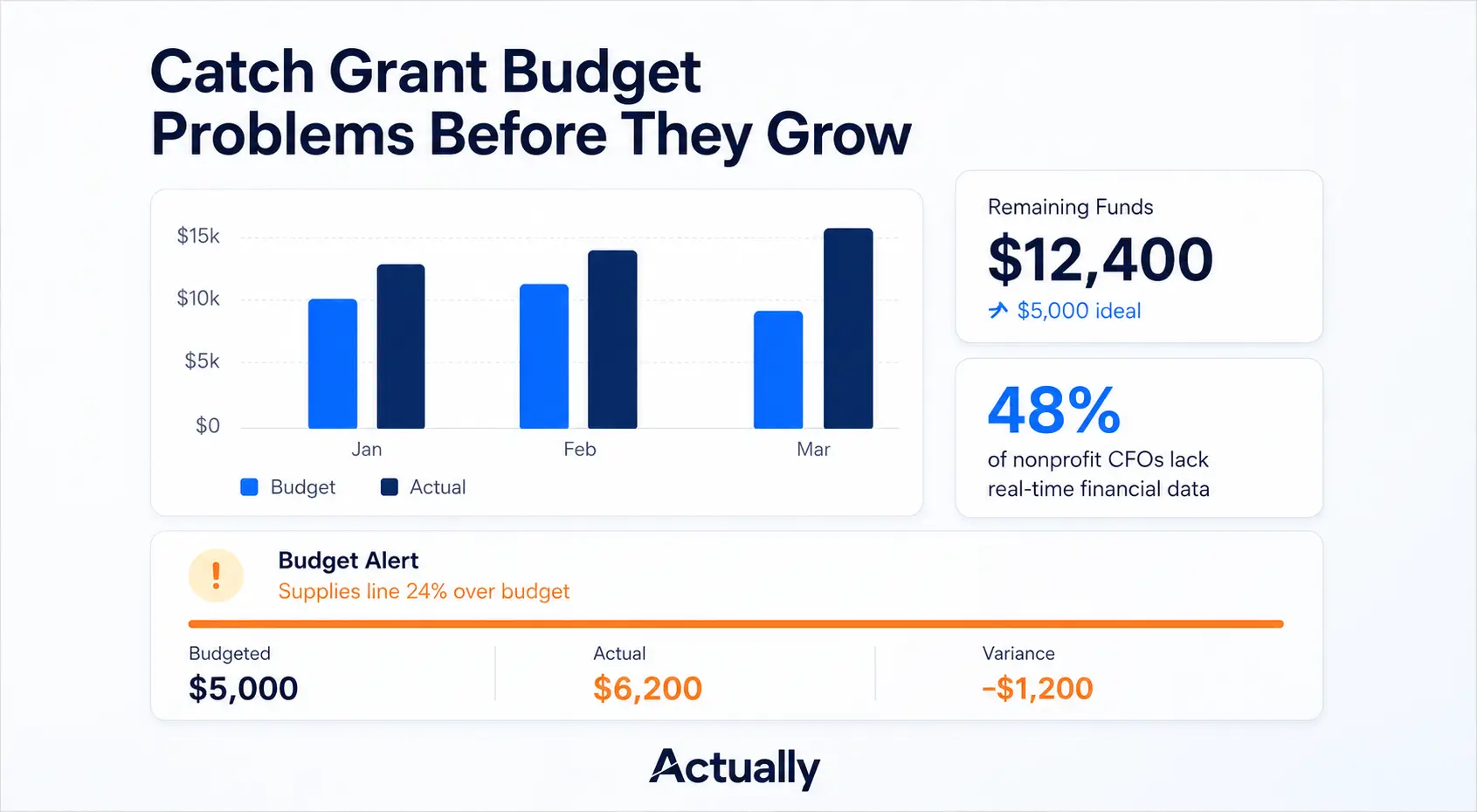
- Trends by class/program: Are certain programs consistently overspending?
📈 Pro Tip: Export regularly and highlight large variances to use in board reports or program reviews.
Why It's Important
According to nonprofit budgeting best practices:
“Implement a continuous process for reviewing budget-to-actual reports, tracking budgeted activities, and developing forecasts.” anafp.org
Simply having the report isn't enough, you must act on the findings: reforecast, reallocate, or adjust program strategies.
🔗 See also: “Program Budget vs Actual in QuickBooks”.
📊 Suggested Visual Break:

Limitations of QuickBooks for Nonprofit Budgeting
While QuickBooks provides a strong foundation, nonprofits often hit limitations as they grow. Recognizing these gaps early helps you plan for future needs.
Challenge

Several accounting professionals warn that while QBO works, it requires manual workarounds for nonprofit fund accounting. TechSoup Forums
Add to that best practice guidance around budgeting for nonprofits, and you begin to see a pattern of needed features beyond basic tracking. Sage+1
The takeaway: QuickBooks is excellent when you're one-program or small. But when you scale, multi‐programs, grants, funders, board expectations - you may need an extended solution.
PLUG ACTUALLY
How Actually Finance Enhances Nonprofit Budgeting
That's where Actually Finance comes in: a purpose-built layer for nonprofit finance teams that still rely on QuickBooks Online for core accounting.
What Actually Finance Adds
- Sub-budgets & hierarchies: Build parent–child relationships between grants, programs, and departments.
- Role-based permissions: Program managers can view/edit only their budgets.
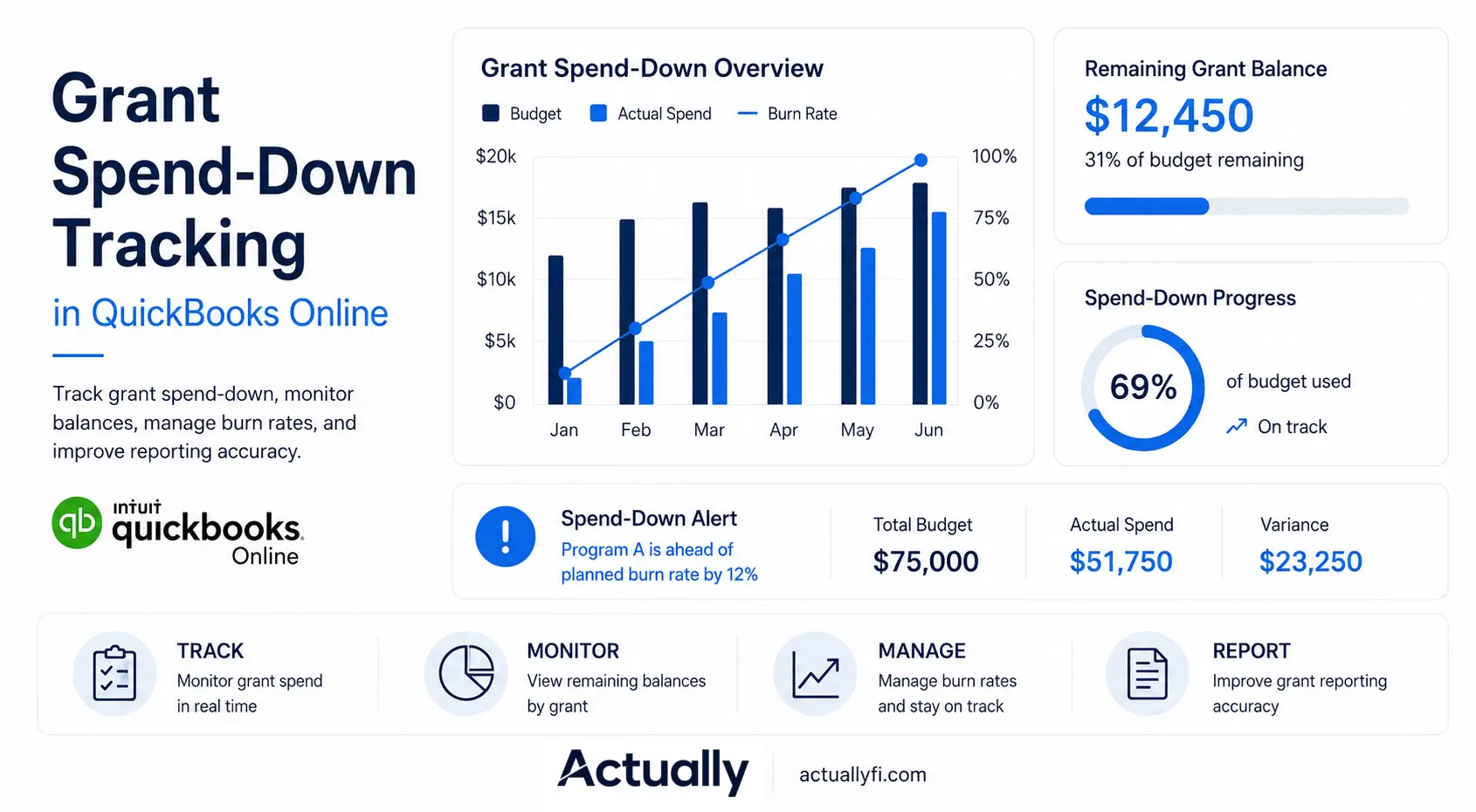
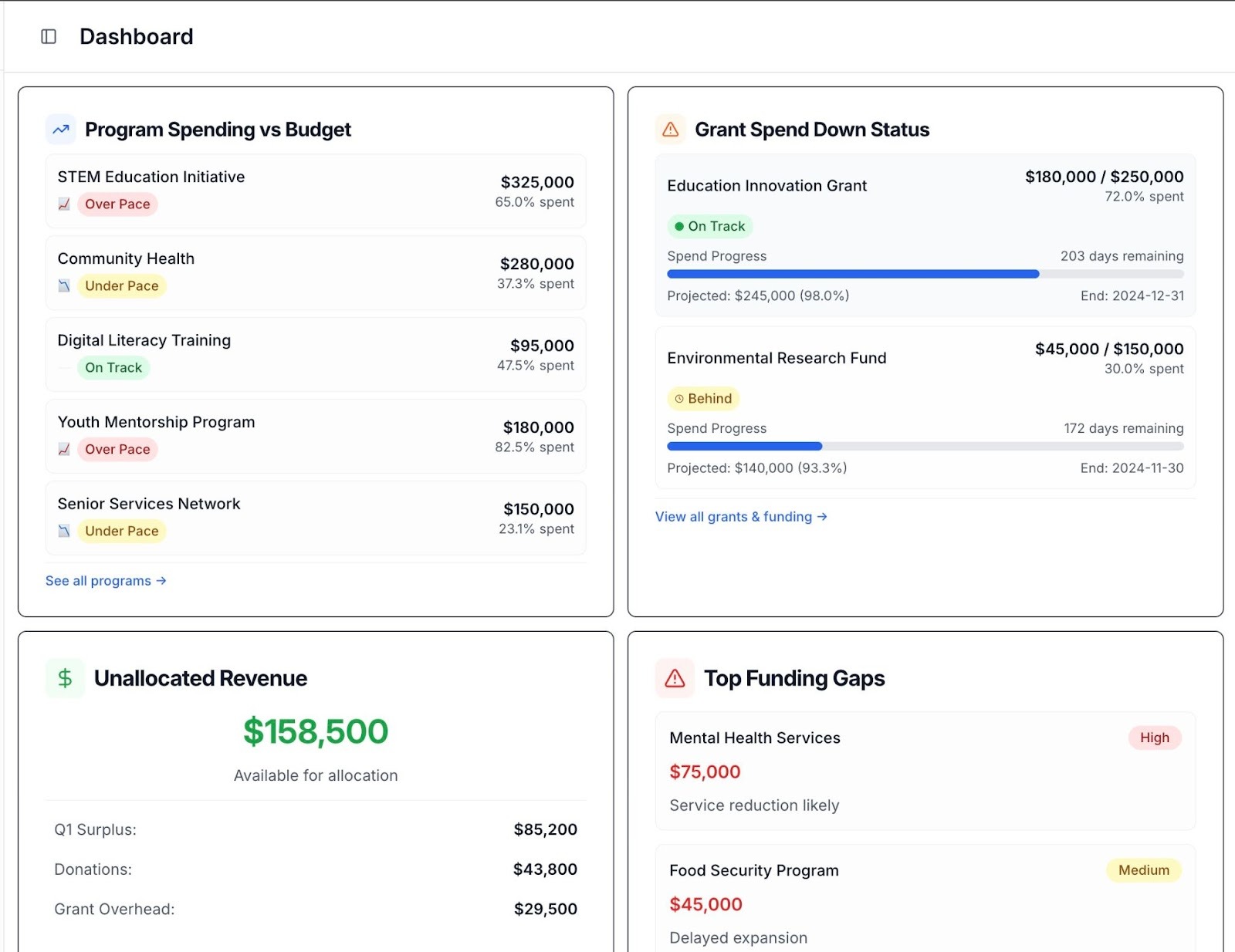
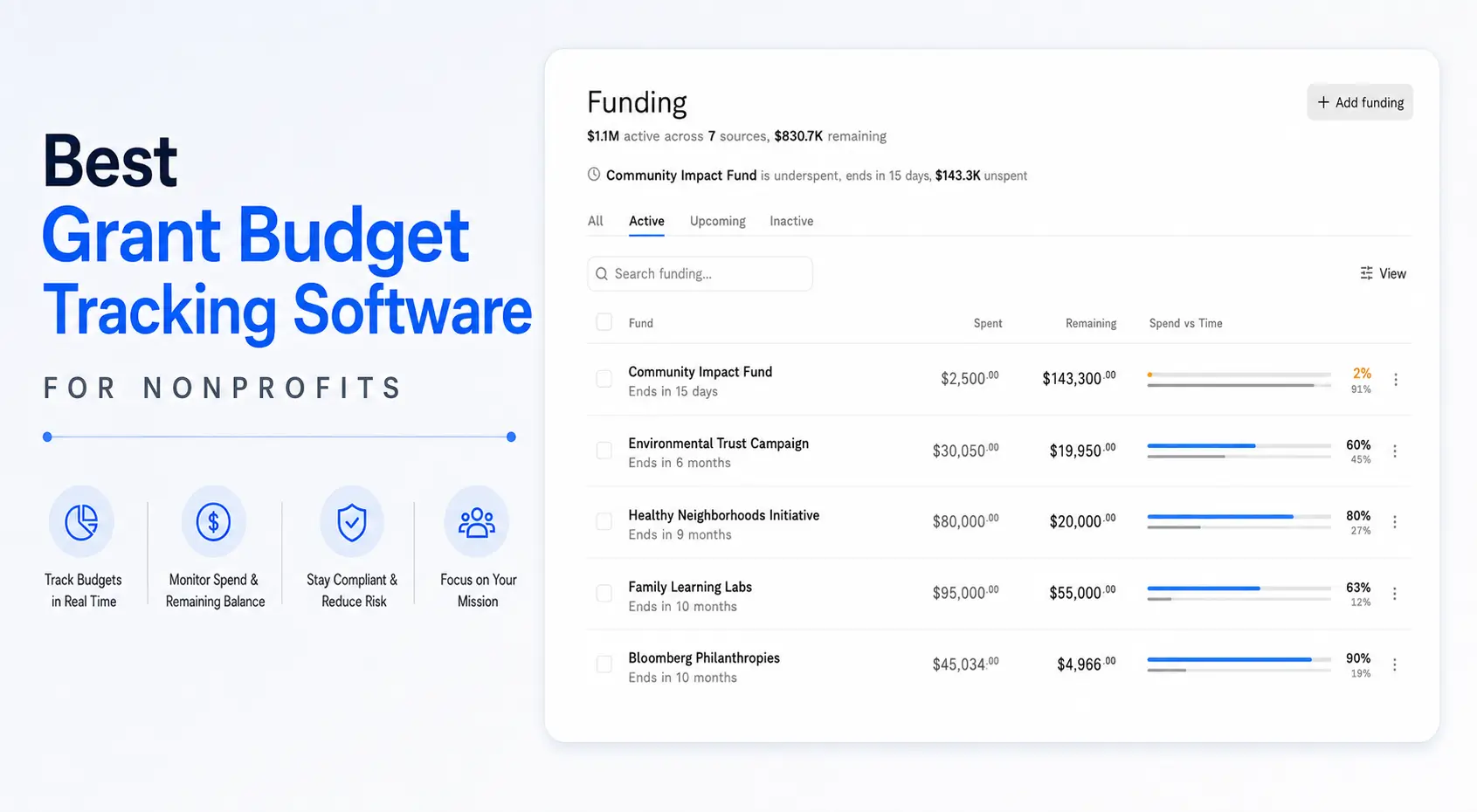
- Real-time budget v actuals: No export required; data syncs with QuickBooks.
- Collaboration features: Finance teams can invite collaborators such as program leads, executives (directors, c level folks) and board members into budget views and workflows.
Why It Matters
You don't have to leave QuickBooks. Actually Finance complements it… filling the gaps around structure, permissions, and analysis. Many nonprofits find this layer critical as they grow..
FAQs: QuickBooks for Nonprofits
Is there a nonprofit version of QuickBooks?
Not exactly. QuickBooks Online offers features like class tracking and budgets that nonprofits can use, and Intuit provides nonprofit discounts through programs like TechSoup. But the core product remains the same.
How do you track grants in QuickBooks?
You can use classes (one class per grant or per program) or use Locations combined with classes to segregate fund usage. See Intuit's article on tracking individual scholarship funds. QuickBooks
Can nonprofits get a free version of QuickBooks?
No full free version, but nonprofit discounts are available. As you scale, consider whether your needs outgrow QBO and require something like Actually Finance.
What's the best budget template for nonprofits?
Look for templates that include: restricted vs. unrestricted columns, program-based line items, revenue & expense segmentation, monthly breakdowns. Many nonprofit advisory sites provide these. Jitasa Group
What are the top budgeting best practices for nonprofits?
- Include a contingency or reserve fund. Prosper Strategies
- Start planning early and involve program directors. Nonprofit Hub
- Review budget vs. actual regularly (e.g., quarterly). BoardEffect
- Track revenues by fund, not just total income. The ENGAGE Blog by Blackbaud
Wrapping Up - From Budgets to Clarity
A well-structured budget is the backbone of every healthy nonprofit. With QuickBooks Online, you can track income, expenses, and program performance but only if you take full advantage of its features: classes, budgets, reports.
As your organization grows, you'll need better collaboration, visibility, and accuracy. That's where tools like Actually Finance come in extending QuickBooks with smarter sub-budgets, permissions, and dashboards built specifically for nonprofit teams.
📈 Next Steps:
- Set up or audit your class tracking in QuickBooks.
- Create your budget(s) by class/program.
- Run your first Budget vs. Actual report and review variances.
- Consider whether your nonprofit is ready for an advanced budgeting layer like Actually Finance.
- Continue learning: dive into the companion articles on class setup, program budgeting, and templates.
📊 Suggested Visual Break:
Closing graphic: “QuickBooks + Actually Finance = Complete Nonprofit Budgeting Stack”.

David Cristello
.svg)
About the Author
David Cristello is the Co-Founder of Actually Finance. He's been an entrepreneur in the accounting and nonprofit space for over 10 years, previously building a company that made the Inc5000 list
.png)






.webp)