
Table of contents
Last updated: April 29, 2026

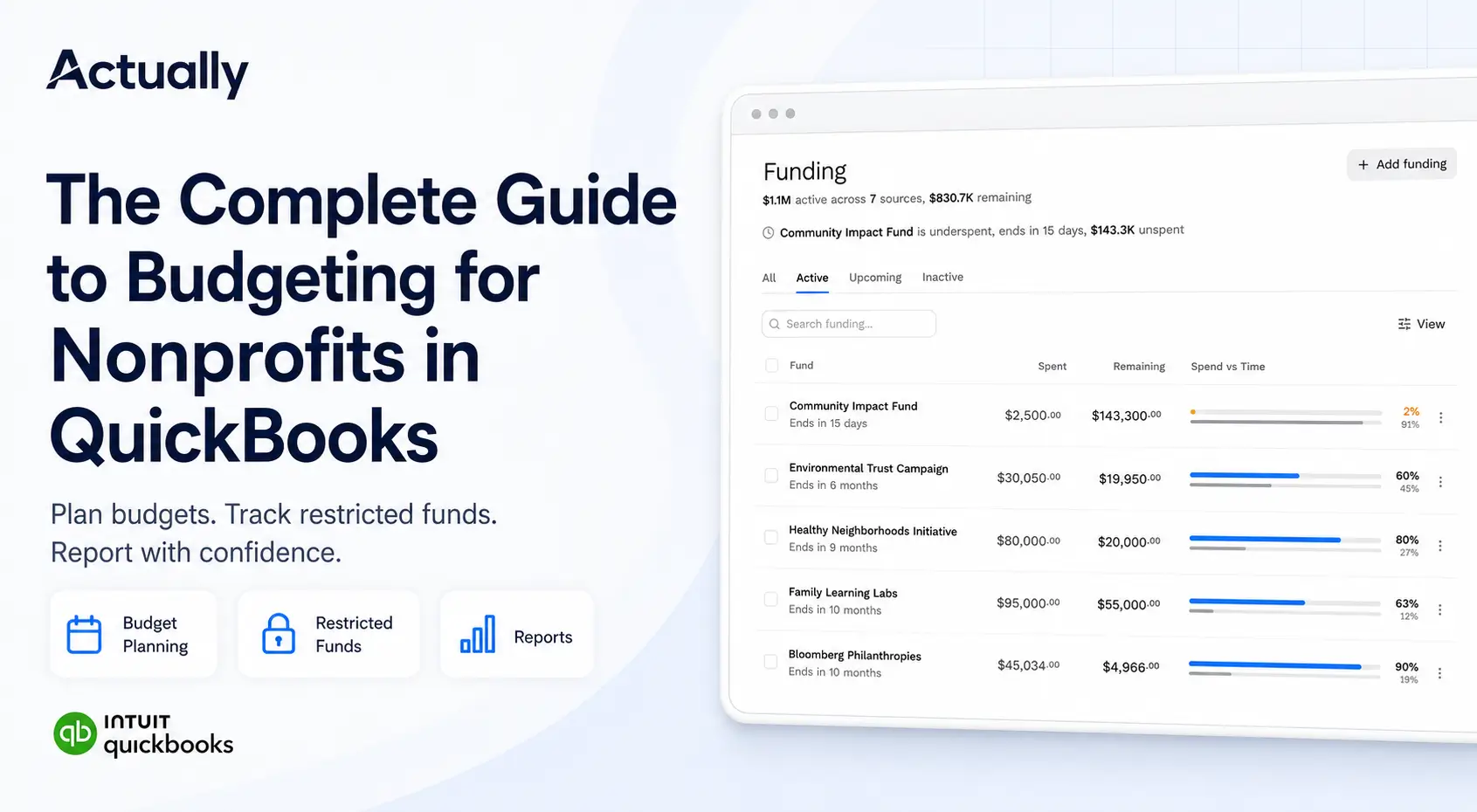
If you run a nonprofit, foundation, or government office that deals with grants, you already know the headache. Tracking deadlines across spreadsheets, chasing down compliance documents, reconciling budgets by hand it all adds up. Grant management software exists to take that mess and turn it into something you can actually manage. For nonprofits still relying on QuickBooks alone, this guide to nonprofit budgeting in QuickBooks explains where the gaps often start.
This guide walks you through what grant management software does, how to pick the right one for your situation, and how to roll it out without losing your mind. Whether you're giving away money or applying for it, the goal is the same: spend less time on paperwork and more time on the work that matters.
At its core, grant management software is a platform that handles the lifecycle of a grant from the first application all the way through final reporting. It replaces the scattered mix of email threads, shared drives, and Excel files that most organizations rely on.
Here's what you'll walk away with after reading this:
• A clear picture of what types of grant management systems are out there and how they differ.
• A practical framework for evaluating vendors and picking the right fit.
• Guidance on rolling out new software without derailing your team.
• Ways to measure whether the investment is actually paying off.
• A look at where grant technology is headed through 2026 and beyond.
The short version? Grant management software pulls your entire grants operation applications, reviews, awards, compliance, reporting into one place. When it works well, your team stops duplicating effort and starts catching problems before they become audit findings.
Most organizations that manage grants are juggling multiple funders, each with their own rules, timelines, and reporting formats. That's where software really earns its keep: it gives you a single system to track everything instead of a dozen disconnected processes.
What Are the Core Features of Grant Management Software?
Not every platform includes all of these, but here are the features you'll see in most serious grant management tools:
• Centralized Data Storage: All your grant records- applications, award letters, financial data, correspondence live in one searchable place instead of scattered across inboxes and file shares.
• Real-Time Collaboration: Multiple team members can work on the same grant simultaneously, see each other's updates, and avoid the classic "who has the latest version?" problem.
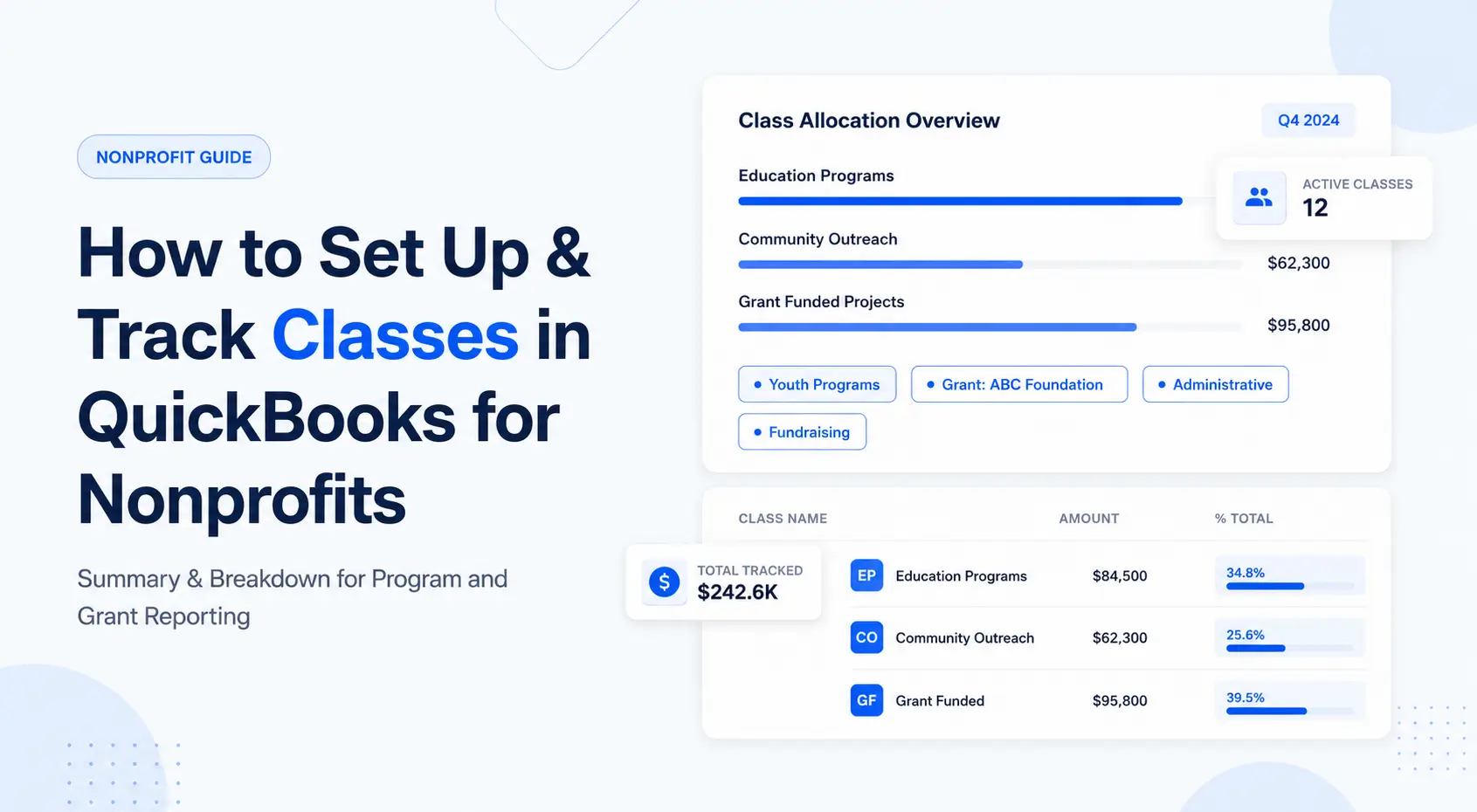
• Integration: The software plugs into your existing accounting tools (think QuickBooks Online, Sage, or your ERP) so financial data flows without manual re-entry. For nonprofits using QuickBooks, setting up classes properly is a critical first step before integrating with grant software.
• Application Management: Online forms, eligibility checks, document uploads, and applicant portals that make the submission process less painful for everyone involved.
• Review Workflows: Automated routing so applications land in front of the right reviewers, with built-in scoring rubrics to keep evaluations consistent.
• Fund Disbursement: Tools for generating award letters, managing contracts, scheduling payment releases, and tracking how funds get spent.
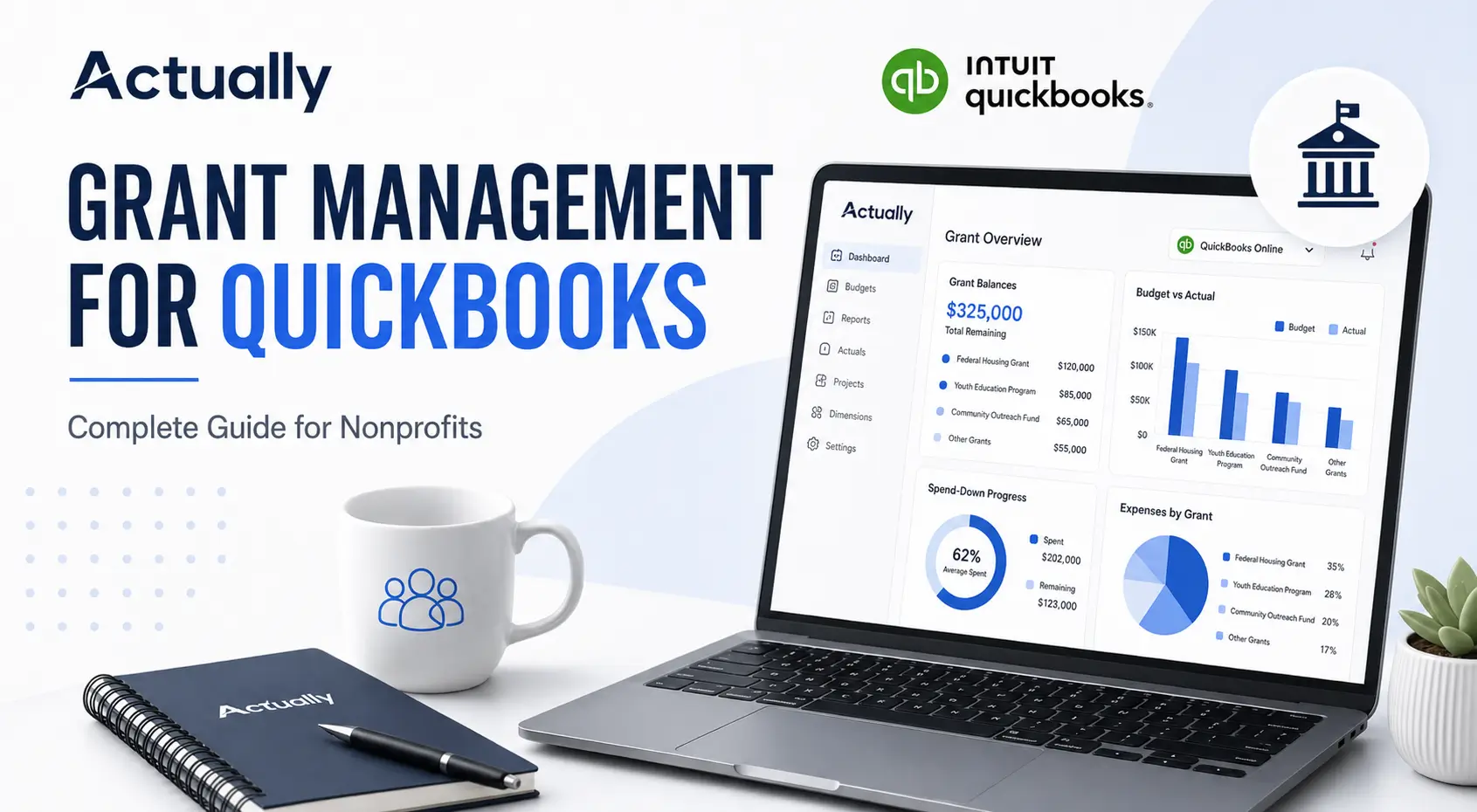
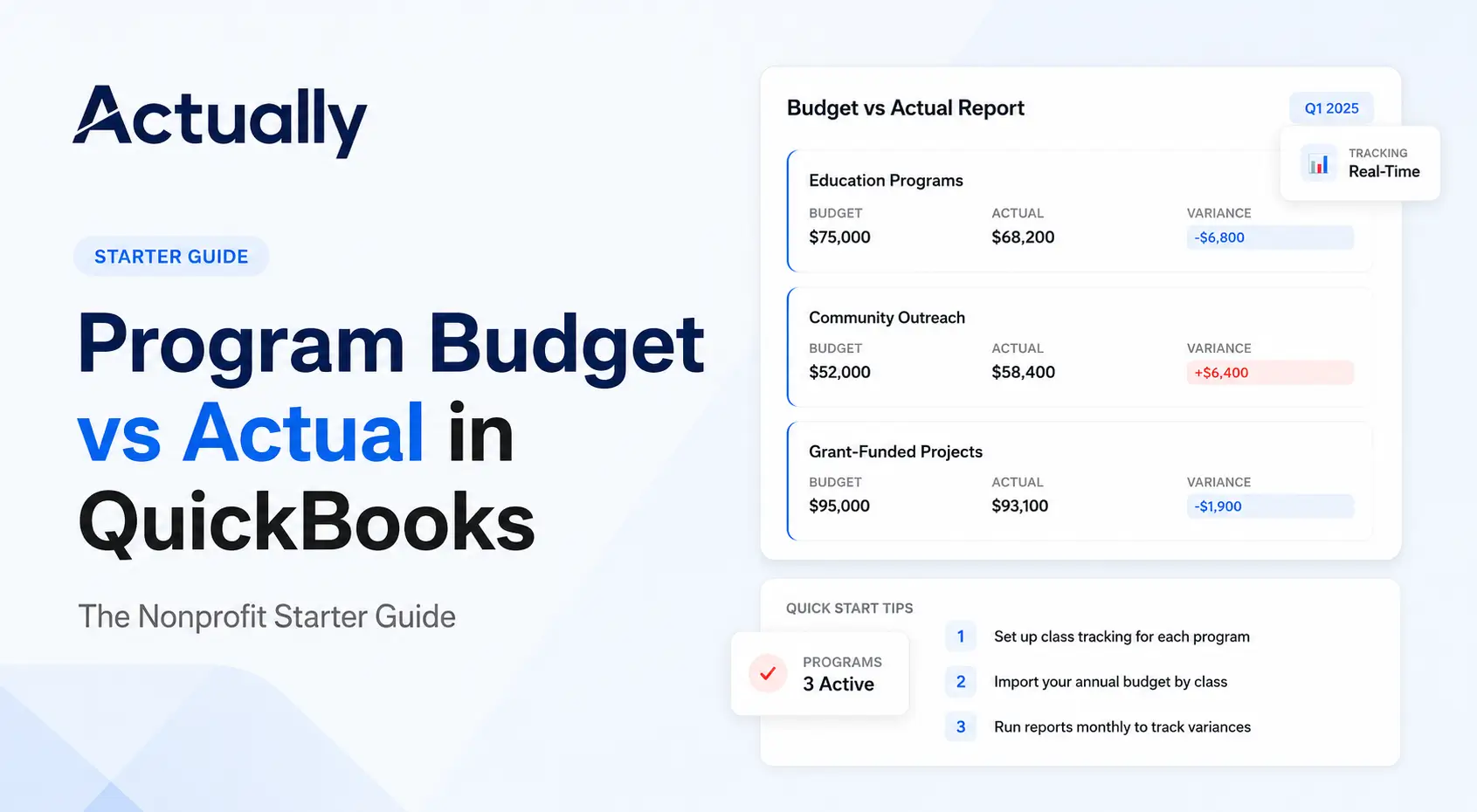
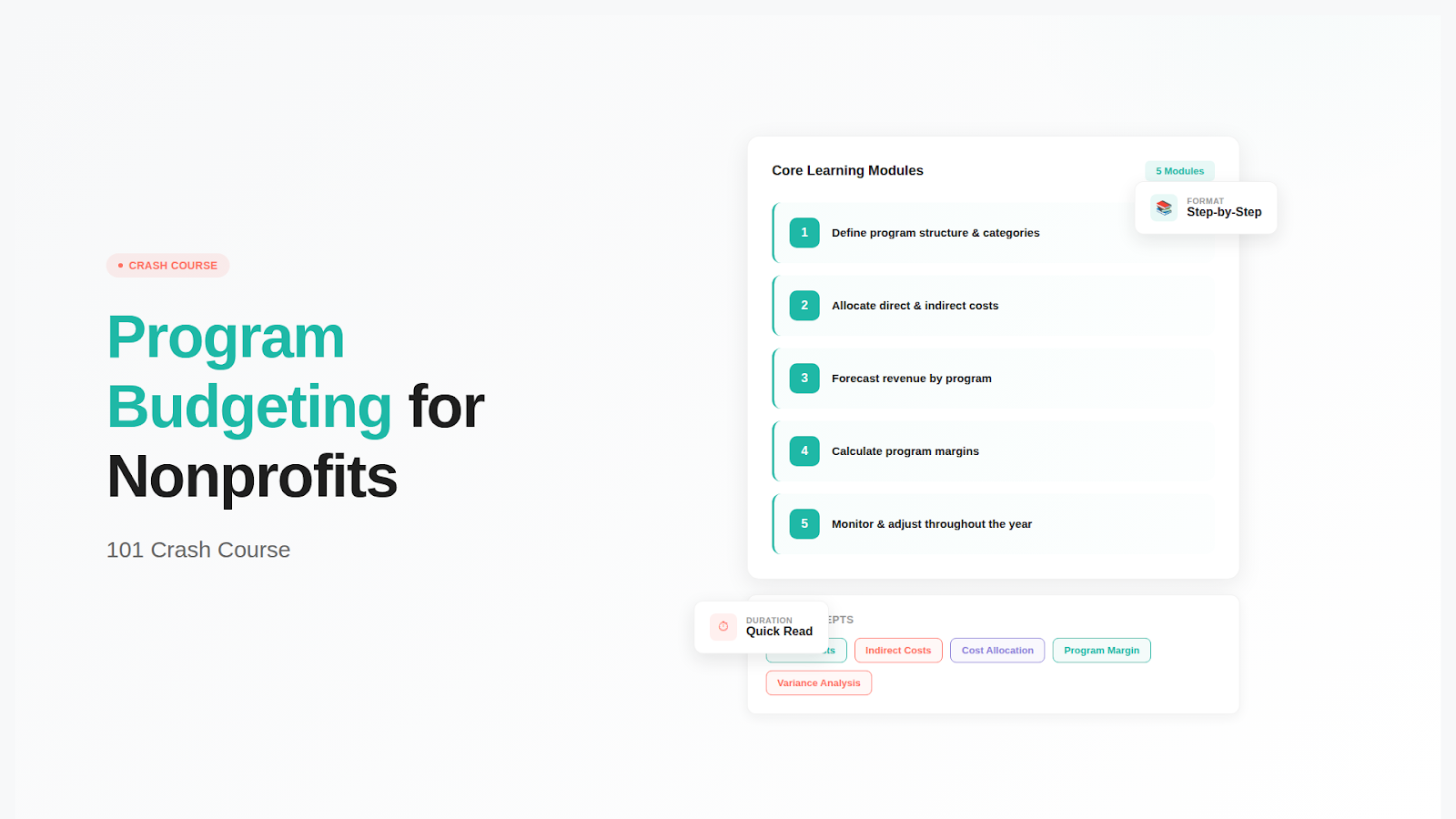
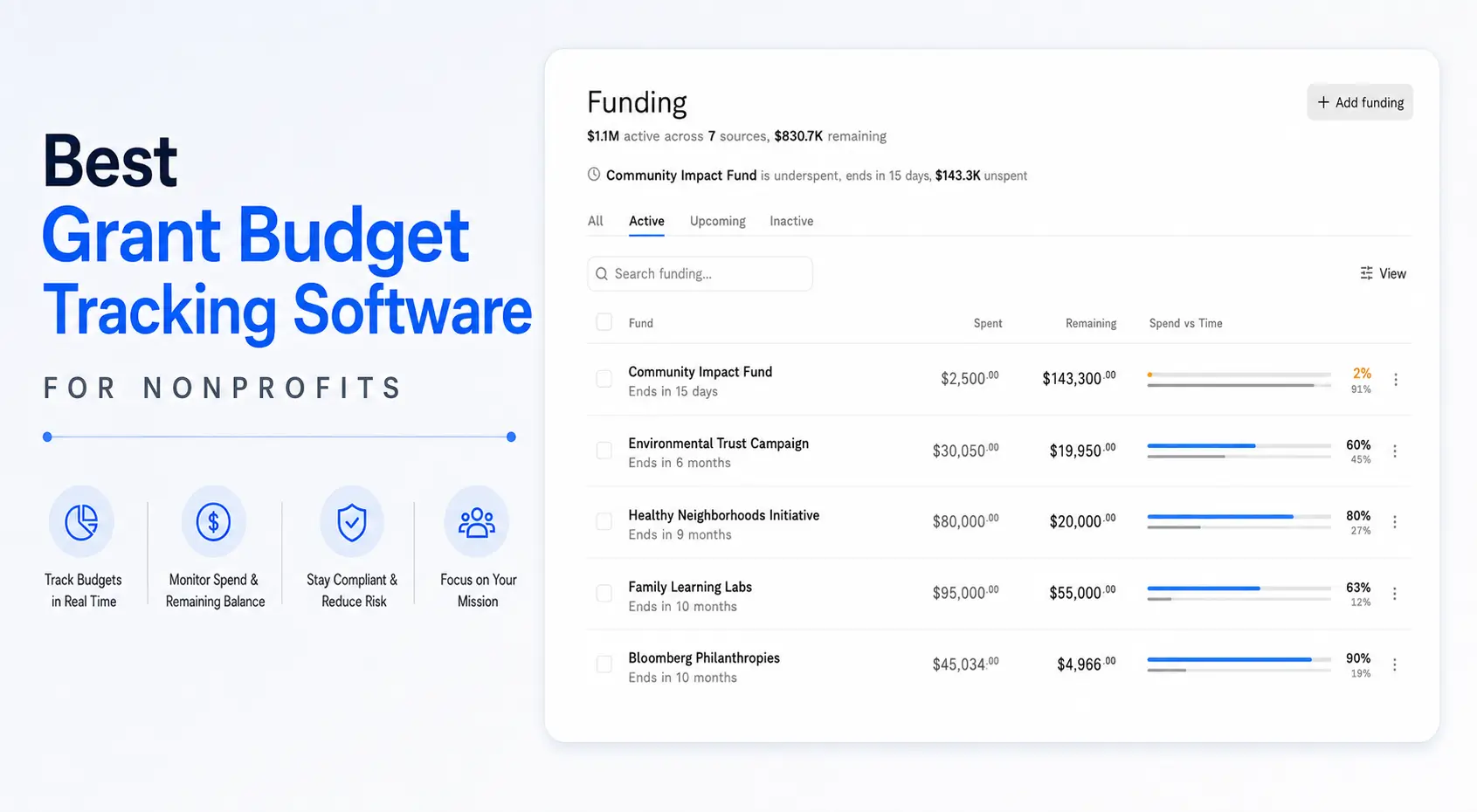
• Financial Tracking: Budget-to-actual comparisons in real time, multi-funder cost allocation, and the kind of audit trail your finance team will thank you for. If you want to understand what budget vs. actual tracking looks like in practice, this starter guide on program budget vs. actual in QuickBooks breaks it down.
• Team Coordination: Internal messaging, task assignments, and shared workspaces so nobody drops the ball on a deadline.
• Compliance and Audit Trails: Automated checks against funder rules, verification of allowable costs, and detailed logs that record who did what and when. Nonprofits handling federal grants should stay current with IRS requirements for tax-exempt organizations and ensure their software meets Uniform Guidance (2 CFR 200) requirements.
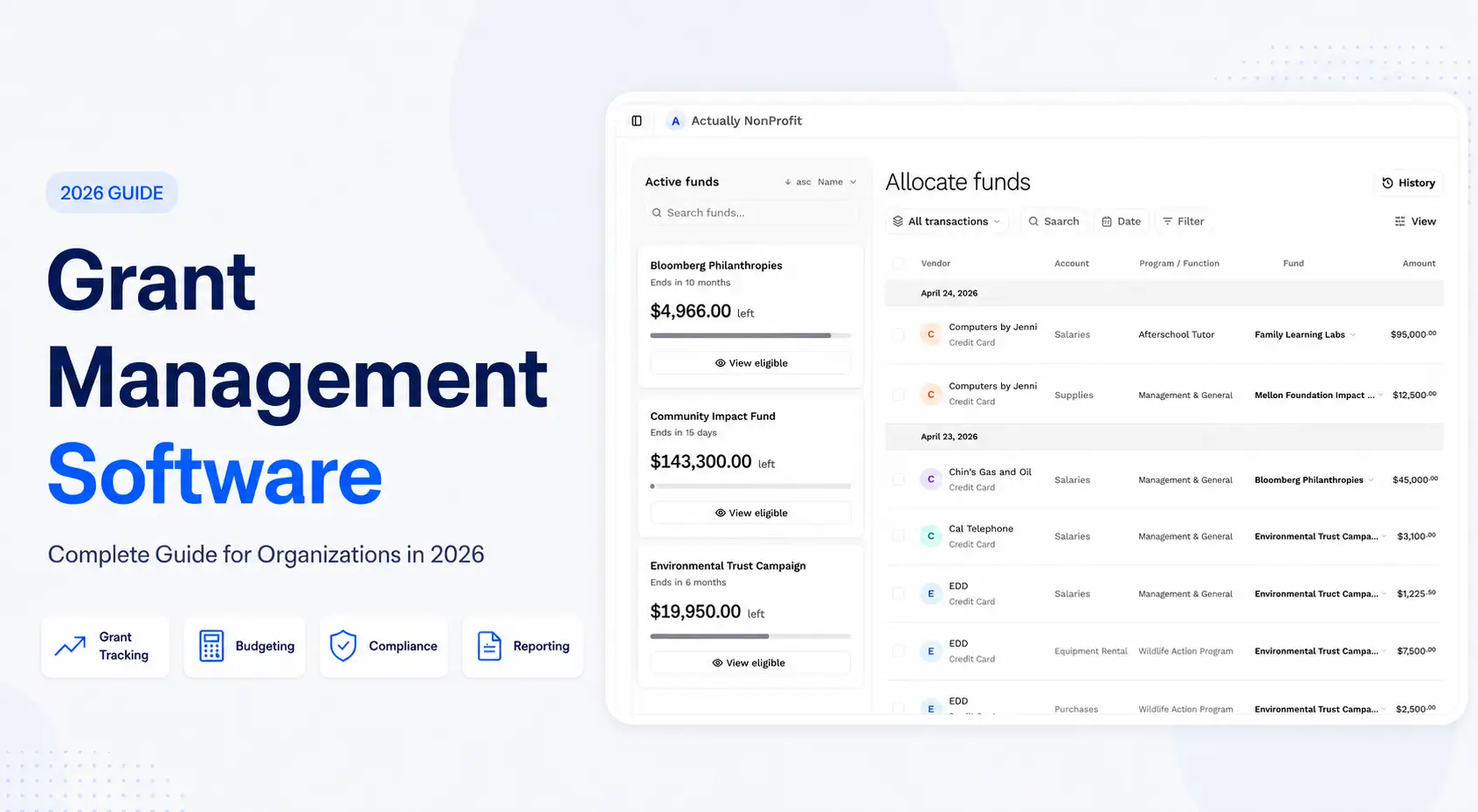
• Reporting and Analytics: Dashboards that show grant performance at a glance, plus the ability to drill into KPIs, outcome data, and trends over time.
When these features actually talk to each other when your application data flows into your financial tracking, which feeds your compliance checks, which populate your reports that's when the software stops being a glorified database and starts saving you real time.
What Are the Benefits of Grant Management Software?
The pitch for grant management software usually starts with "save time and reduce errors," and that's true enough. But the real value shows up in places you might not expect.
Compliance is the big one. If you've ever had a funder question an expenditure or flag a late report, you know how much time and stress that creates. Good software builds compliance into the workflow itself flagging costs that don't meet funder guidelines before they get approved, auto-generating the reports funders want to see, and keeping a timestamped record of every action taken on every grant. When audit season comes around, you're not scrambling to reconstruct what happened; it's all already documented. For more on how audit logs work in practice, Good Grants offers a useful breakdown.
Beyond compliance, you get better visibility into your portfolio. Instead of asking three different people for status updates on three different grants, you open a dashboard and see it all. That kind of visibility makes it easier to spot problems early a grant that's burning through funds too fast, a reporting deadline that's about to sneak up on you and deal with them before they become crises.
Which Type of Grant Management Software Do You Need?
The software you need depends heavily on which side of the funding equation you sit on. A private foundation giving out $2 million a year has completely different needs than a community nonprofit applying for a dozen federal grants. Let's break it down.
Foundation and Philanthropic Organization Solutions
If you're a foundation or philanthropic org, you're the one writing the checks. Your software needs to help you manage the giving side: setting up grant programs, collecting and reviewing applications, making award decisions, and tracking whether your investments actually moved the needle.
Platforms like Foundant's Grant Lifecycle Manager are built for exactly this. They handle multiple award types, let you screen applicants for eligibility before they fill out a full application, and give your review committees structured tools for scoring and ranking proposals.
Outcome tracking has become table stakes. Boards and donors want to see results, not just activity. Modern platforms include dashboards that connect your grant dollars to measurable outcomes so when someone asks “what did that $500K accomplish?” you have a real answer.
Nonprofit and Grant-Seeking Organization Tools
If you're on the other side applying for grants rather than giving them your priorities flip. You need help finding opportunities, tracking deadlines, writing proposals, and managing the reporting obligations that come with every award.
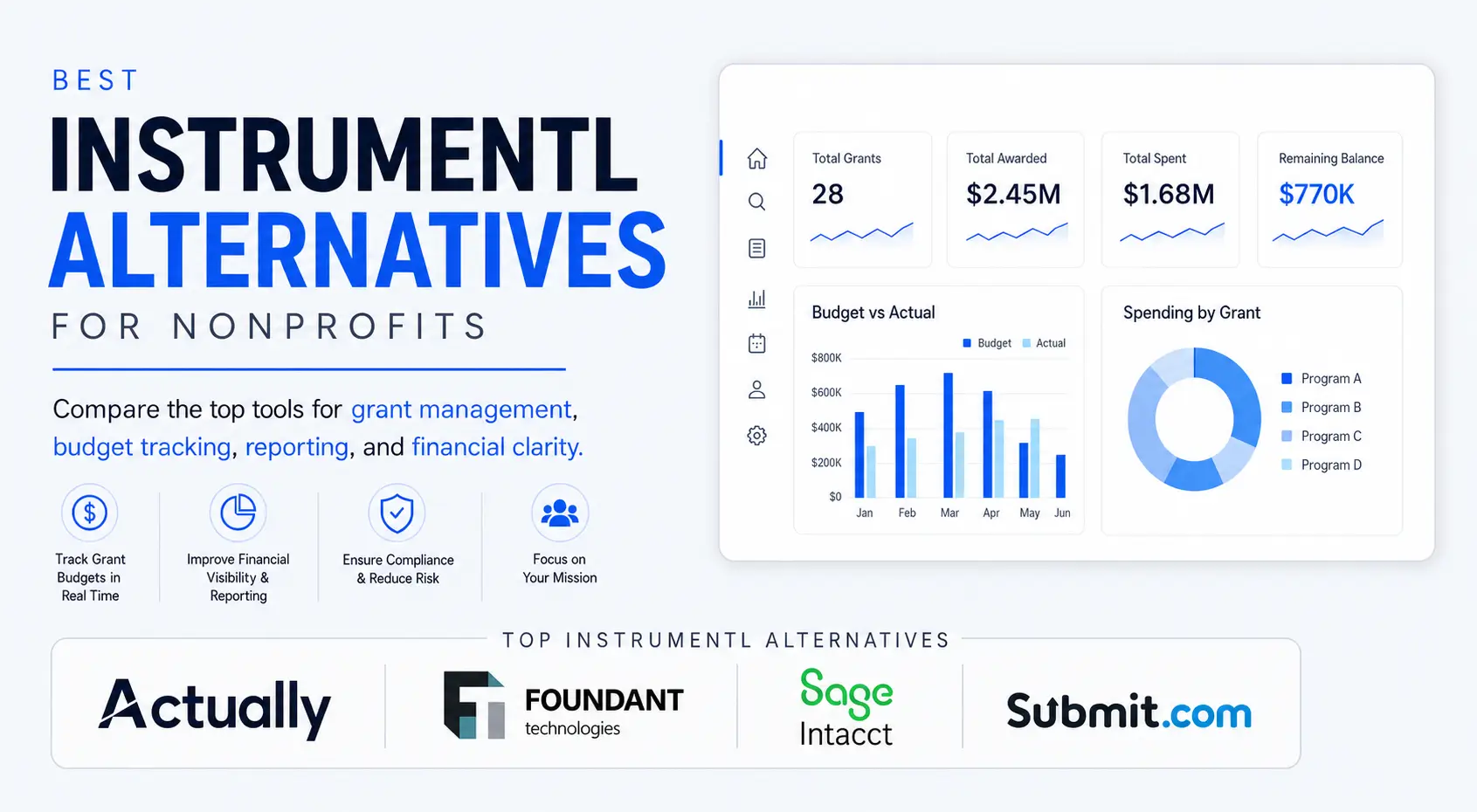
Tools like Instrumentl have carved out a niche in grant discovery. They use AI-powered matching to surface funding opportunities across 400,000+ funder profiles, which is especially valuable for smaller nonprofits that don't have a dedicated grants researcher on staff.
But finding grants is only half the battle. Post-award management matters just as much. You need to track spending against budgets, hit reporting deadlines, and maintain the documentation that funders will want to see. The organizations that struggle here aren't the ones that can't win grants they're the ones that can't keep up with the paperwork after they do.
Audit readiness is non-negotiable. Every action in the system needs to be logged with a user ID and timestamp. That way, when an auditor asks who approved a particular expense or when a report was submitted, you can pull it up in seconds rather than digging through email chains.
Your organization type should drive your feature priorities. A small nonprofit applying for five grants a year needs simplicity and affordability along with solid program budgeting fundamentals. A large university research office managing hundreds of federal awards needs robust compliance tools and scalability. Foundations want flexibility in how they structure their grantmaking. Government agencies focus on regulatory compliance and vendor reliability. Start with what matters most to you and work outward from there.
Federal Government Grants
Federal grants are their own animal. The U.S. government distributes hundreds of billions of dollars annually through grant programs, touching everything from scientific research to community development to public health.
The complexity is significant. Organizations dealing with federal money need to navigate the Uniform Guidance (2 CFR 200), Single Audit requirements, and agency-specific regulations that can vary wildly from one grant to the next. Getting this wrong isn't just embarrassing it can mean returning funds or being barred from future awards.
This is where purpose-built software becomes less of a “nice to have” and more of a requirement. Modern platforms handle federal compliance rules baked right into the workflow flagging unallowable costs, enforcing time-and-effort reporting, and generating the specific reports that federal agencies require.
For organizations in community development, housing, or social services, grant management systems help manage the unique requirements of programs like CDBG, HOME, or WIOA each with its own rules about how money can be spent and reported.
Bottom line: if you're managing federal grants, your software needs to understand federal rules. A general-purpose project management tool won't cut it.
How Should You Structure Your Grant Program?
Before you worry about software features, get your grant program structure right. A well-defined program with clear objectives, eligibility criteria, evaluation processes, and reporting expectations gives your team and your applicants a roadmap to follow.
Software helps here by giving you tools to build and manage that structure: creating grant programs with specific parameters, setting deadlines and milestones, defining reviewer roles, and automating the notifications that keep everything moving on schedule.
For grant seekers, a structured program backed by software means less guesswork. They can see what's expected, track their own progress, and get feedback through the system rather than wondering whether their application disappeared into a black hole.
The payoff is straightforward: clearer programs mean fewer confused applicants, less back-and-forth, and more consistent decision-making.
How Do You Select and Implement Grant Management Software?
Picking grant management software is one of those decisions that's easy to get wrong. Organizations that skip the homework jumping straight to vendor demos without defining what they actually need tend to end up with expensive tools that don't fit.
How to Evaluate and Select Grant Management Software
Here's a process that works:
• Start with a needs assessment. Map out your current grant processes from end to end. Where are the bottlenecks? What's falling through the cracks? What compliance requirements are non-negotiable? Talk to the people actually doing the work, not just the managers.
• Research vendors against those requirements. Narrow it to 3–5 vendors that check your baseline boxes. Verify their security certifications (SOC 2, HIPAA if relevant). Look at their track record with organizations similar to yours. FitGap's 2026 comparison of grant management software is a decent starting point for side-by-side feature comparisons.
• Run demos with your real data. Don't settle for the vendor's canned demo. Bring your own application forms, reviewer scenarios, and reporting requirements. You'll learn far more watching the software handle your actual workflows.
• Pilot before you commit. Test with one or two grant programs before going all-in. Migrate a subset of your data and see how it holds up. This is where you'll discover the integration headaches and workflow gaps.
• Get buy-in early. Involve your finance, program, IT, and leadership teams from the beginning. The people who will use the software every day should have a voice in choosing it. Find internal champions who'll advocate for the change.
• Negotiate your contract carefully. Set clear expectations around service levels, support response times, training, customization, and what happens if things go sideways.
Feature Comparison Framework
When you're comparing platforms side by side, organize your evaluation around the features that matter most for your organization type. A foundation giving away money cares about applicant portals and review workflows. A nonprofit seeking grants cares about deadline tracking and funder compliance. A government agency cares about audit trails and regulatory reporting.
If your organization both gives and receives grants, you may need two tools or a platform that handles both sides. And if federal grants are in the mix, compliance features aren't optional they're the first thing you should evaluate.
Customization and Configuration Options
Off-the-shelf rarely works perfectly. Look for software that lets you customize application forms, build your own workflows, define user roles and permissions, and tailor reporting templates to match what your funders actually want to see.
This matters especially for organizations using participatory grantmaking approaches, where community members play a role in funding decisions. Aidsfonds' overview of participatory grantmaking offers a good primer on how these models work and why they demand more flexible tooling.
For organizations managing many funding streams or navigating strict regulations, strong configuration options can be the difference between a tool your team actually uses and one that collects dust.
The time you invest in configuring the software upfront pays off in reduced workarounds and fewer manual processes down the road.
What Reporting and Analytics Capabilities Should You Expect?
Good grant management software should make reporting feel like less of a chore. Look for platforms that offer configurable dashboards, automated report generation, and the ability to slice data across multiple grants, programs, and time periods. The goal is to spend your time interpreting results, not assembling spreadsheets.
What Are the Most Common Implementation Challenges?
Even great software can flop if the rollout goes badly. Here are the problems that trip organizations up most often, and how to avoid them.
Data Migration and System Integration Issues
Your old systems and spreadsheets probably have data in inconsistent formats, with gaps, duplicates, and fields that don't map cleanly to the new platform. This is normal but it needs to be dealt with before you flip the switch.
Give yourself 2–3 months for data preparation before implementation. Build mapping documents that connect old data fields to new ones. Run validation checks after migration to catch anything that didn't transfer correctly. Clean up duplicates and fill in gaps now, because they'll only cause bigger headaches later.
Integration with your finance and HR systems deserves equal attention. Map out exactly how data needs to flow between systems, test the connections thoroughly, and have a fallback plan for the first few weeks in case something breaks.
User Adoption and Training Resistance
People who've been doing things with email and spreadsheets for years are not going to be thrilled about learning a new system. That's human nature, not a character flaw.
The fix starts before you buy anything: involve end users during the selection process, not after. When people feel like they had a say in the decision, they're more willing to put in the effort to learn the new tool. Build workflows that mirror how they already work rather than forcing them into a completely alien process.
Show people the specific ways the new system will save them time on the tasks they find most annoying. When someone who dreads monthly reporting realizes the new system generates those reports automatically, you've got a convert.
Compliance and Security Configuration
Getting compliance and security right from day one is critical. If permissions are set up wrong or audit trails aren't capturing the right information, you may not discover the problem until an auditor does and that's not a fun conversation.
Start with the vendor's compliance templates for your regulatory context (Uniform Guidance, state rules, foundation requirements). Then customize from there. Set up clear rules about who can approve workflow changes, access financial data, and generate reports. Test the audit trail by running through common scenarios and verifying that every action gets logged correctly.
Don't skimp on training here either. Your team needs to understand not just how to use the software, but why the compliance controls exist and what happens if they're circumvented.
Good vendor support makes a real difference during implementation. Look for providers that offer dedicated onboarding specialists, not just a knowledge base and a ticket system.
What Are the Best Practices for Grant Management?
A few principles that consistently separate the organizations that thrive with grant management software from those that struggle:
First, treat your software as a living system. Review your workflows quarterly. As your grant portfolio changes, your processes should change with it. The configuration you set up in year one probably won't be optimal by year two.
Second, if you're exploring participatory grantmaking bringing grant seekers and community members into the decision-making process your software should support that. Look for features that allow external reviewers, community voting, or collaborative scoring.
Conclusion and Next Steps
Grant management software has moved from a luxury to a necessity fororganizations that want to scale their grant operations without proportionallyscaling their staff. The organizations getting this right are seeing meaningfulresults typically a 20–30% reduction in time spent on due diligence, compliancechecks, and reporting.
Without these tools, teams get buried in manual processes: chasingdown grant proposals, coordinating application reviews over email, and pullingtogether program reports from disconnected data sources. That’s notsustainable, and it’s not a good use of anyone’s time.
Here’s what to do next:
1. Map your current grantmanagement process from start to finish. Identify the manual steps that eat upthe most staff time.
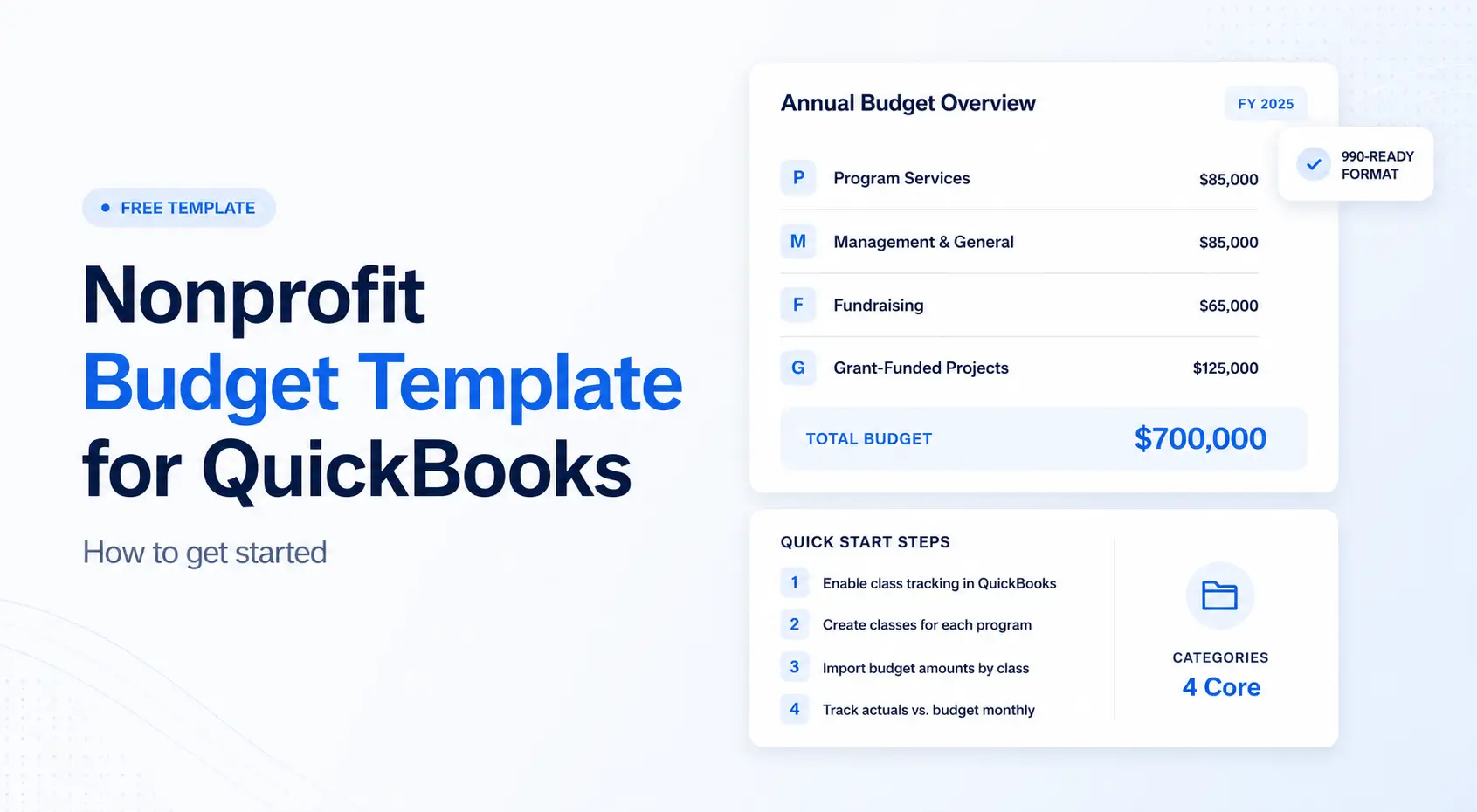
2. Write down your must-havefeatures based on your organization type, funding sources, and complianceobligations. A nonprofitbudget template can help clarify your financial tracking needs.
3. Research 3–5 vendors that meetyour baseline requirements and schedule demos using your actual data.
4. Pilot the software with realgrants, not vendor-supplied scenarios.
5. Build a 12-month implementationtimeline with clear milestones and success metrics.
Choosing the software is just step one. The organizations that getthe most value are the ones that invest in integrating it with their broaderoperations connecting it to their accounting systems, embedding it in theirteam’s daily routines, and actually using the data it produces to make betterdecisions. If you’re looking for a platform that ties grant budgeting directlyinto your QuickBooks data, Actually wasbuilt for exactly that.
Additional Resources
• Software vendor evaluationchecklist: Key questions covering securitycertifications, integration capabilities, deployment options, pricingstructures, and customer references.
• Implementation timelinetemplate: A phase-based framework coveringprocurement, pilot testing, full rollout, and a 6–12 month optimization review.
• Compliance requirementsguide: An overview of major compliance frameworksincluding federalgrants (Uniform Guidance), Single Audit, foundation reporting, andstate-level regulations.
How Does Grant Management Software Handle Compliance?
Compliance isn't glamorous, but it's the foundation everything else sits on. Miss a reporting deadline or misallocate funds, and you risk losing not just one grant but your credibility with funders across the board.
Grant management software supports compliance by building the rules into the workflow. Instead of relying on someone to remember that a particular funder doesn't allow indirect costs above 10%, the software flags it automatically. Instead of hoping the right person reviews the right document at the right time, the system routes it through the defined approval chain.
One of the biggest compliance pain points is the sheer volume of manual tracking that traditional processes demand. Every expenditure needs documentation. Every report needs to pull from accurate, up-to-date data. Every change needs to be logged. Software handles this quietly in the background, which frees your team to focus on the substance of the work rather than the paperwork around it.
For organizations exploring participatory grantmaking, compliance takes on extra dimensions. When you're bringing community members and grant seekers into funding decisions, you need clear documentation of how those decisions were made who participated, what criteria were used, how conflicts of interest were handled. Good software captures all of that without making the process feel bureaucratic.
How Does Grant Management Software Integrate with Other Systems?
No grant management platform operates in a vacuum. It needs to talk to your accounting software, your HR system, your CRM, and possibly your funder's own reporting portals.
The best platforms connect to your existing systems through APIs and pre-built integrations. Think accounting tools like QuickBooks or Sage, HR platforms, CRMs like Salesforce, and document management systems. The less manual data entry your team has to do, the fewer errors creep in.
For grant seekers, integration with funding databases and application portals is especially valuable. If the software can pull opportunity listings and pre-fill application fields from your organization's profile, that's hours saved per application.
For grantmakers, connecting your review workflows and compliance monitoring to the rest of your operations means decisions get made faster and with better information.
As your grant portfolio grows and you launch new programs, an integrated system scales with you. Adding a new funding stream shouldn't mean adding a new set of manual processes.
Integration is what turns a standalone tool into a central part of how your organization operates. When your grant data flows naturally into your financial reports, your board presentations, and your strategic planning, you're getting the full value of the investment. Tools like Actually are designed around this idea pulling your QuickBooks actuals directly into your grant budgets so you always have a real-time picture of where things stand.
Frequently Asked Questions About Grant Management Software
What is grant managementsoftware?
Grant management software is a technology platform that helpsorganizations manage the full lifecycle of grants from finding opportunitiesand submitting applications through award management, financial tracking,compliance monitoring, and final reporting. It replaces manual processes likespreadsheets and email chains with a centralized system.
Who needs grant managementsoftware?
Any organization that gives or receives grants can benefit. Thisincludes private foundations, community foundations, corporate giving programs,nonprofit organizations, universities, government agencies, and schooldistricts. The software is most valuable when you’re managing multiple grantswith different funders, compliance requirements, and reporting deadlines.
How much does grant managementsoftware cost?
Pricing varies widely depending on the platform and yourorganization’s size. Entry-level tools for small nonprofits may start around$2,000–$5,000 per year. Mid-range platforms for foundations typically run$10,000–$50,000 annually. Enterprise solutions for large government agencies oruniversities can exceed $100,000 per year. Most vendors offer tiered pricingbased on the number of grants, users, or features.
What is the difference betweengrant management software for grantmakers vs. grant seekers?
Grantmaker software focuses on the giving side: creating grantprograms, managing applications, coordinating review committees, disbursingfunds, and tracking grantee outcomes. Grant seeker software focuses on thereceiving side: discovering funding opportunities, tracking deadlines, writingproposals, managing budgets, and filing funder reports. Some platforms serveboth roles, but most specialize in one.
How does grant managementsoftware help with compliance?
The software automates compliance by building funder rules directlyinto workflows. It flags unallowable costs before they’re approved, enforcesapproval chains, generates required reports on schedule, and maintains audittrails that log every action with timestamps and user IDs. For federal grants,this includes Uniform Guidance (2 CFR 200) requirements and Single Auditstandards.
Can grant management softwareintegrate with QuickBooks?
Yes, most modern grant management platforms offer integration withQuickBooks Online. This allows financial data to flow between your accountingsystem and your grant management platform without manual re-entry. Actually takes this a step further by pullingQuickBooks actuals directly into grant budgets for real-time budget-to-actualvisibility.
What should I look for whenchoosing grant management software?
Start with your non-negotiable requirements: compliance needs,integration with existing systems, and the specific grant workflows your teamuses daily. Then evaluate ease of use, vendor support quality, data migrationcapabilities, reporting flexibility, and total cost of ownership includingimplementation and training. Always pilot with real data before committing.
How long does it take toimplement grant management software?
A typical implementation takes 3–6 months for mid-sizedorganizations. This includes 2–3 months of data preparation and migration,followed by configuration, testing, and training. Larger organizations withcomplex requirements or multiple system integrations should plan for 6–12months. Starting with a pilot program using one or two grants can acceleratethe learning curve.
What are the biggest grantmanagement software platforms in 2026?
For grantmakers, Foundant’sGrant Lifecycle Manager and Submittable are widely used. For grant seekers,Instrumentl leads in grantdiscovery. For nonprofit financial management and grant budgeting, Actually connects directly with QuickBooks.Other notable platforms include Fluxx, SmartSimple, and Blackbaud Grantmaking.
References
(2024). Grant Management Software Market Size, Share Report, 2033. GrandView Research.
(2026). Best grant management software for nonprofits of March 2026.FitGap.
Office, U.G. (March 25, 2025). Grants Management: Recent GuidanceCould Enhance Subaward Oversight. GAO.
(n.d.). Audit log – Grants management software. Good Grants.
(n.d.). Survey of Federal Funds for Research and Development2023–2024. NCSES/NSF.
(2025). Participatory Grantmaking: Rethinking Our Role as Funder. Aidsfonds.
(2024). 5 Advantages of Grant Management Software. PebbleImpact.

David Cristello
.svg)
About the Author
David Cristello is the Co-Founder of Actually Finance. He's been an entrepreneur in the accounting and nonprofit space for over 10 years, previously building a company that made the Inc5000 list
.png)




.webp)