
Table of contents
Last updated: March 25, 2026

Introduction
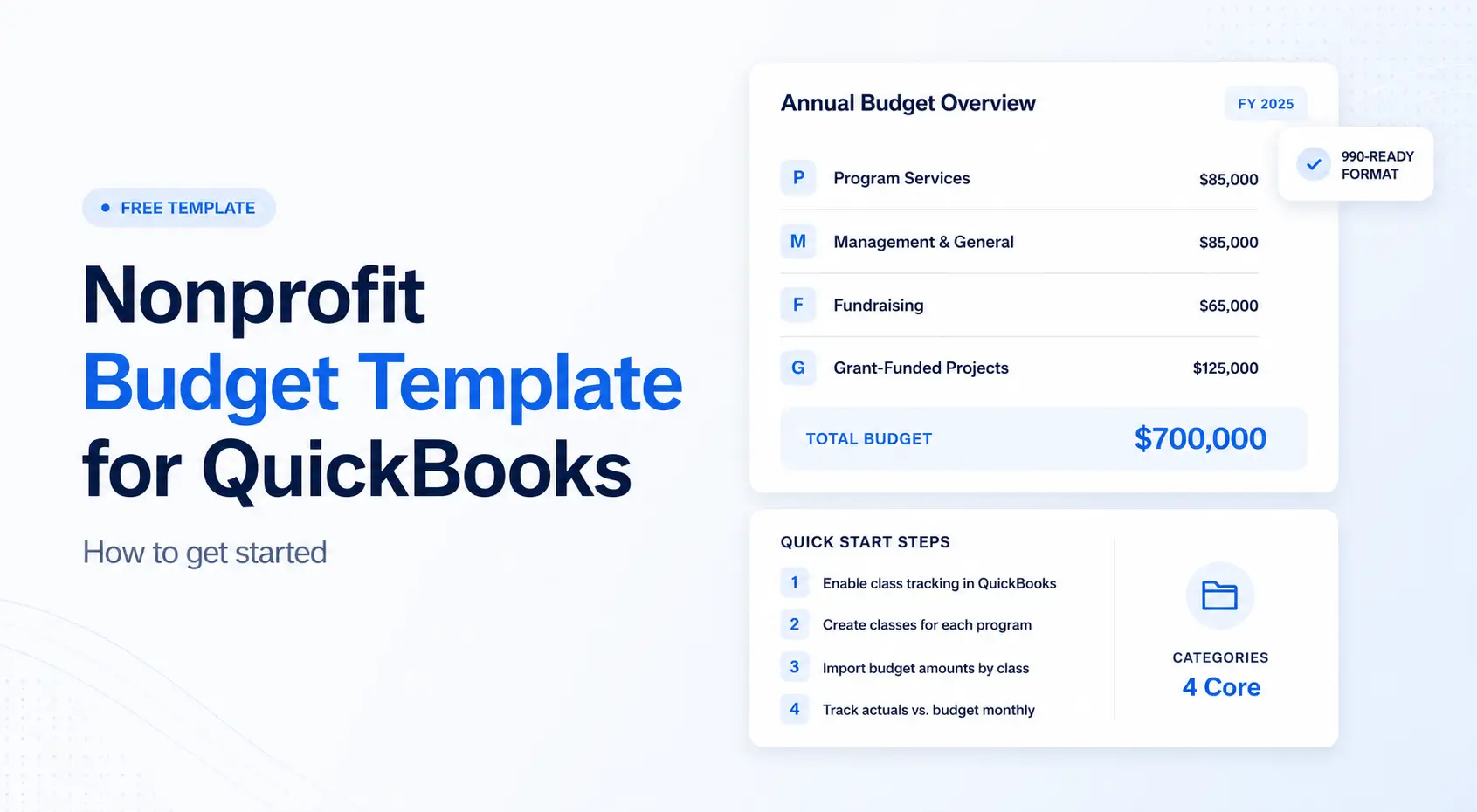
The budgeting process is a structured workflow that these QuickBooks nonprofit budget templates help streamline, making it easier for nonprofits to plan, manage, and track their financial activities. These templates pull historical financial data automatically and maintain compliance with nonprofit accounting standards through built-in restricted and unrestricted fund management.
This comprehensive approach transforms traditional nonprofit budgeting from a time-intensive manual process into an automated system that supports strategic decision-making and enhances financial transparency for board members and donors.
📥 Download the Free Nonprofit Budget Template
Ready to get started? We've put together a free, ready-to-use nonprofit budget template for QuickBooks that includes fund tracking, grant budgets, and chart of accounts setup, all pre-configured for nonprofit organizations.
👉 Click here to download the Nonprofit Budget Template (.xlsx)
Why This Matters
Creating a budget supports long-term sustainability and shows financial responsibility to board members and donors. Transparency in budgeting builds trust with donors and stakeholders, highlighting where contributions are directed.
How to Structure a Nonprofit Budget (What to Include)
Every organization is unique, but substantial nonprofit budgets share a few core categories:
Revenue (Income)
- Grants
- Contributions & donations
- Fundraising events
- Government contracts
- Program service revenue
Expenses
Break down expenses in a way that aligns with your reporting needs:
By function:
- Programs (each listed individually)
- Management & General
- Fundraising
Or by program/grant:
- After-school program
- Homeless outreach meals
- Grant XYZ (Private Foundation)
- G&A or Shared Services
Direct vs. Indirect Costs
Some costs (such as supplies) are tied directly to a program. Others (like rent or software) are spread proportionally...plan for both.
Reporting Notes
Boards and grantors love clarity. Include:
- Assumptions behind numbers
- Restrictions on funding sources
- Multi-year grant schedules, if relevant
A budget should communicate not just calculate.
QuickBooks nonprofit budget templates are pre-configured so that they integrate directly with your chart of accounts to automate budget creation, track restricted and unrestricted funds, and generate compliance reports.
Key Features of QuickBooks Nonprofit Templates
QuickBooks nonprofit budget templates automatically extract revenue and expense data from your existing transaction history, eliminating manual data entry for baseline budget projections.
Template functionality includes automated calculations for projected income based on historical trends, built-in fields for tracking different financial scenarios, and dynamic reporting that updates as you enter actual transactions throughout the budget period. Nonprofit budget templates often include built-in formulas for simplified calculations. The system also helps track fixed costs such as salaries, utilities, and insurance, ensuring these recurring expenses are always accounted for in the budget.
Restricted vs. Unrestricted Fund Tracking
QuickBooks templates handle nonprofit fund accounting requirements through class tracking and location codes that segregate restricted grant funding from unrestricted operating revenue. This system ensures accurate reporting for government funding sources and foundation grants that require separate accounting for program costs and administrative expenses. (Protip: QuickBooks 'Projects' feature can be used to monitor specific income and expenses for each grant).
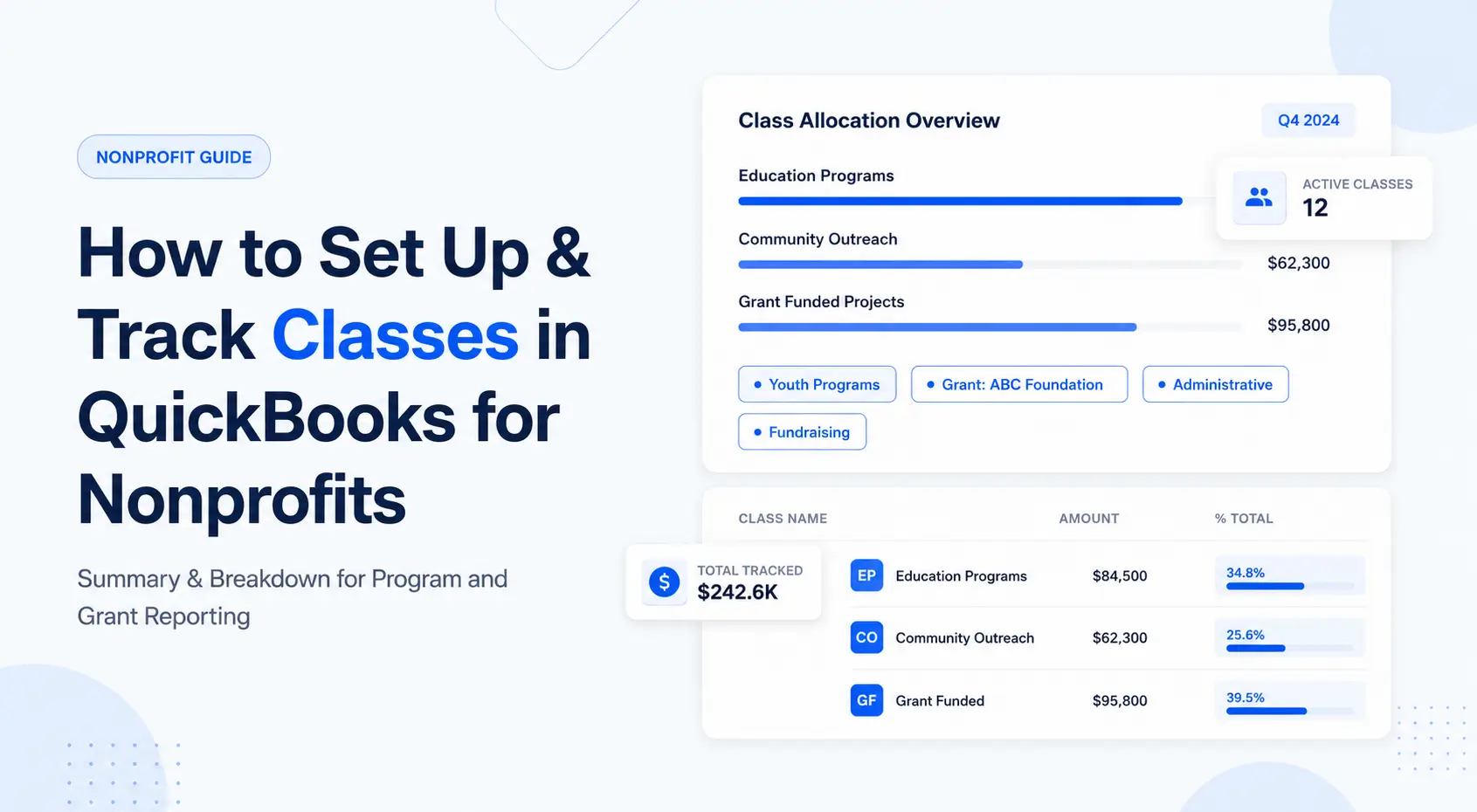
As a reminder... Class tracking must be enabled in settings to track expenses and income across different programs in QuickBooks, ensuring detailed, accurate financial management.
Building on the automated data features, fund management tools allow you to assign revenue sources to specific programs, track grant proposal budget requirements, and generate funder-specific reports without manual sorting or separate spreadsheet maintenance.
Setting Up Your QuickBooks Nonprofit Budget Template
The setup process builds directly on your existing QuickBooks chart of accounts and transaction history to create automated budget projections.
This setup is a key part of the overall budgeting process for nonprofits using QuickBooks, helping to structure workflows, involve stakeholders, and streamline tasks like income forecasting and expense tracking.
Step step: Template Configuration
Access nonprofit budget templates through QuickBooks'
- Select "Company" menu under "Planning & Budgeting,"
- Then select "Set Up Budgets."
- Then choose the "Nonprofit Budget" option, which provides pre-configured categories for typical nonprofit revenue streams including donations, grant funding, program revenue, and fundraising events.
Reminder, standard nonprofit reports, such as the Statement of Financial Position, can be enabled by setting the tax form as 'Nonprofit organization (Form 990)'.
During initial configuration, specify your fiscal year dates, select the budget period (annual or monthly), and identify whether you need multiple budget scenarios for different financial planning purposes.
Chart of Accounts Integration
Next, you'll need to map your current income and expense accounts to the template's budget categories so all revenue streams flow correctly into restricted or unrestricted classifications
Step-by-Step: Revenue Stream Configuration
When to use this: Organizations managing multiple funding sources, including individual donations, foundation grants, government contracts, and earned revenue from programs or services.
- Add Grant Tracking Categories: Create separate income accounts for each major funder, enabling individual grant budget monitoring and automated compliance reporting for restricted fund requirements.
- Configure Seasonal Revenue Patterns: Set monthly distribution percentages for income sources with predictable timing, such as annual appeals, quarterly grant payments, or seasonal program fees.
- Set Up Automated Revenue Recognition: Link donor management systems such as DonorPerfect or Bloomerang to automatically impor data into the right budget categories.
- Create Custom Fields for Funder Reporting: Add tracking fields for grant period dates, spending deadlines, and match requirements.
Comparison: QuickBooks Templates vs. Excel-Based Budgets
Balance Sheet and Financial Goals for Nonprofits
A balance sheet is a foundational financial statement for nonprofit organizations, offering a clear picture of the organizations position. Unlike for-profit businesses, a nonprofit's balance sheet often called the Statement of Financial Position details the organization's assets, liabilities, and net assets (equity), providing a comprehensive overview of its financial health and stability.
For nonprofit organizations, regularly reviewing the balance sheet is essential for maintaining financial sustainability. "Balance sheet" may sound like accounting mumbo jumbo. Still, by analyzing assets such as cash, grants receivable, property, and investments alongside liabilities such as accounts payable and outstanding loans you can assess whether the organization has sufficient resources to meet its obligations and support ongoing programs. This insight is critical for responsible financial management and for demonstrating financial transparency to board members, donors, and grantmakers.
Setting and tracking financial goals is another essential function of the balance sheet. By monitoring changes in net assets over time, nonprofit organizations can evaluate progress toward long-term objectives such as building an operating reserve, funding capital projects, or achieving greater financial independence (if you're accounting firm doesn't help with... get a new accounting firm!).
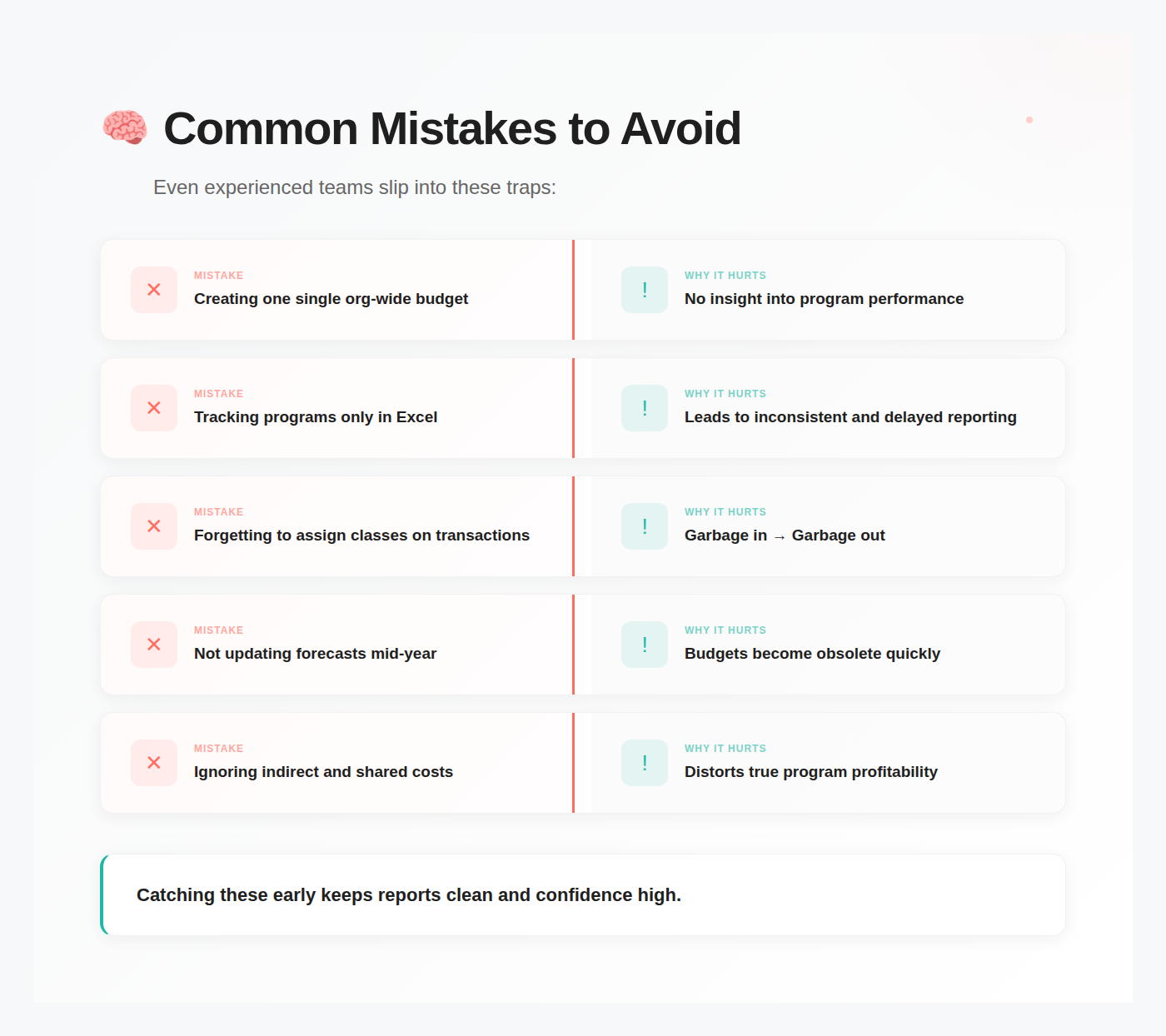
Common Challenges and Solutions
Challenges typically arise from the complexity of nonprofit fund accounting requirements such the need for detailed grant reporting, and long-term strategic planning that extends beyond annual budget cycles. Let's unpack some examples.
Challenge #1: Complex Fund Accounting Requirements
Solution: Set up class tracking for each major program and location codes for different service areas
Configure separate budget scenarios for each funding source, with specific expense categories aligned with your organization's core values and mission requirements, while maintaining financial transparency for donors and board members (Classes are the most popular configeration. You can also use Customers).
Challenge #2: Grant Management & Reporting
Solution: Configure custom reports that automatically generate budget-versus-actual spending summaries for specific grant periods (be sure to connect with an accounting professional)
Link these reports to your grant proposal budget categories, enabling automatic tracking of program expenses, administrative costs, and matching fund requirements without separate spreadsheet maintenance.
Challenge 3: Multi-Year Budget Planning
Solution: Create separate budget scenarios for different planning horizons, using QuickBooks' budget comparison features to model capital campaigns, strategic initiatives, and future growth.
Set up rolling budget updates so you can track multi year budgets
Where to go from here?
Let's get started with your Quickbooks Budget Template
- Download and configure the nonprofit budget template from your QuickBooks company menu, ensuring the proper fiscal year and account mapping settings are set.
- Review your chart of accounts to optimize integration between budget categories and existing income/expense classifications.
- Schedule an initial setup session to customize revenue stream tracking, configure grant reporting features, and train staff on ongoing budget maintenance procedures.
Where Quickbooks Online Falls Short
QuickBooks budgeting is a good start, but many outgrow it when:
- Grants require restricted revenue tracking + carryover balances.
- Program managers need access, but shouldn't see full financials.
- Scenario planning becomes part of leadership workflows.
- Complex allocations make spreadsheets unruly.
- Reporting needs to be real-time.
Suppose you ever feel like you're rebuilding reports every month. In that case, that's your cue to graduate to a dedicated FP&A or budgeting tool built for nonprofits.
Quick Wins You Can Implement This Month
Here's a simple plan to put your new template to work fast:
Week 1: Finalize your program and grant list (what you will track as Classes)
Week 2: Load the budget into QuickBooks
Week 3: Train staff on proper class coding
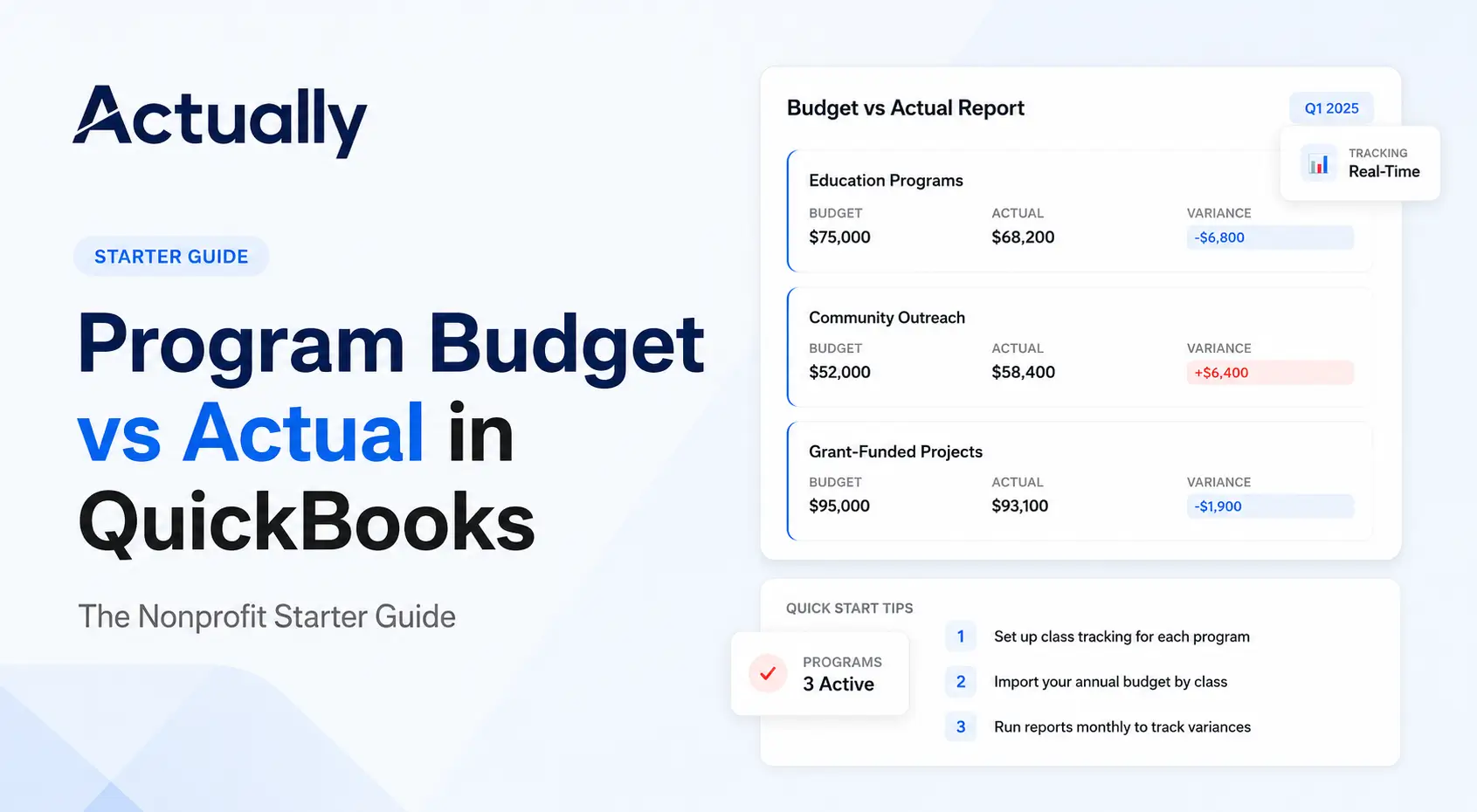
Week 4: Review the month-end Budget vs Actual together
That rhythm alone will transform financial clarity and increase board confidence.
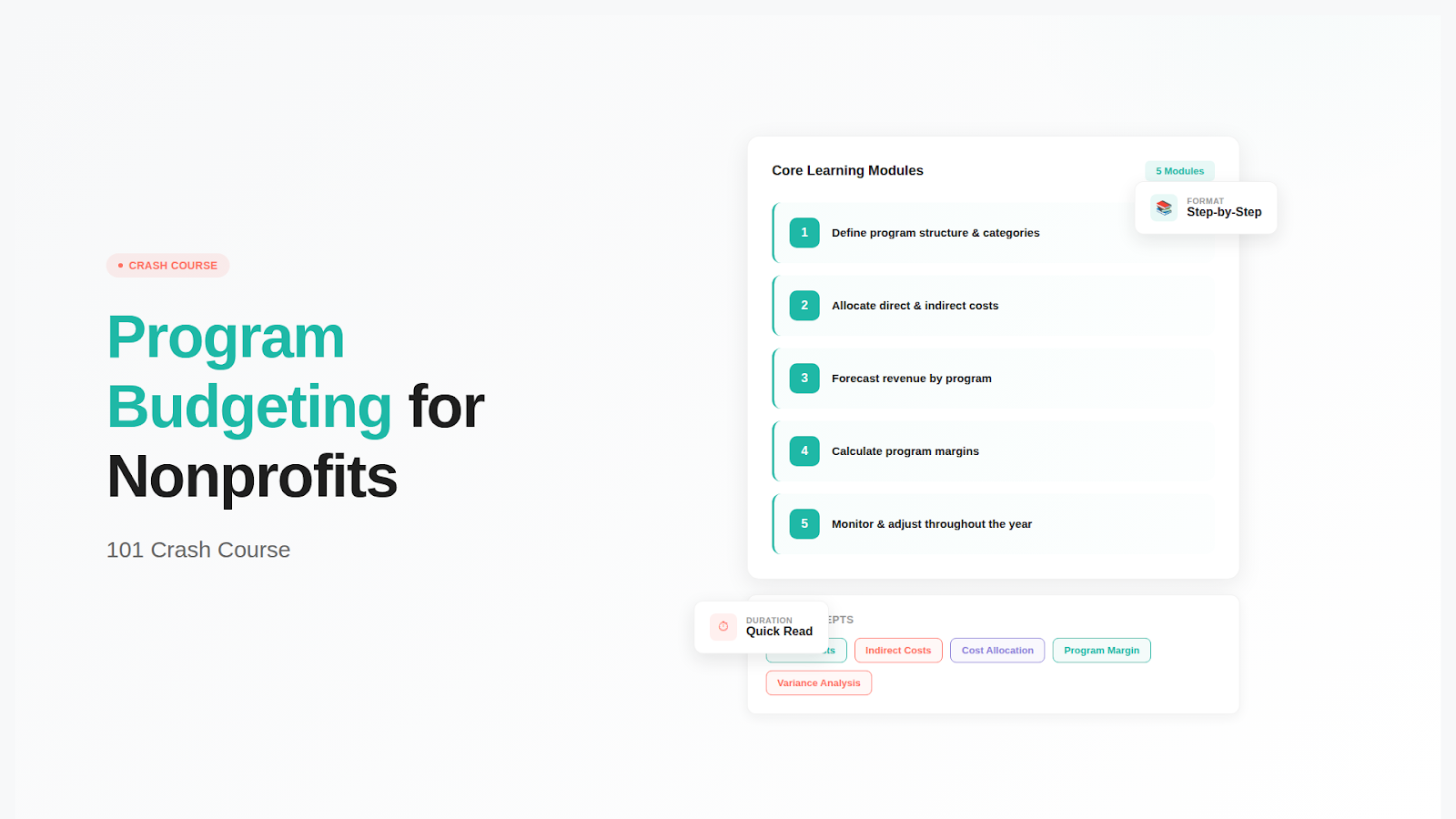
Need help setting up class tracking first? See our step-by-step guide: How to Setup & Track Classes in QuickBooks for Nonprofit. For a deeper dive into program-based budgeting, check out our Program Budgeting 101 Crash Course.
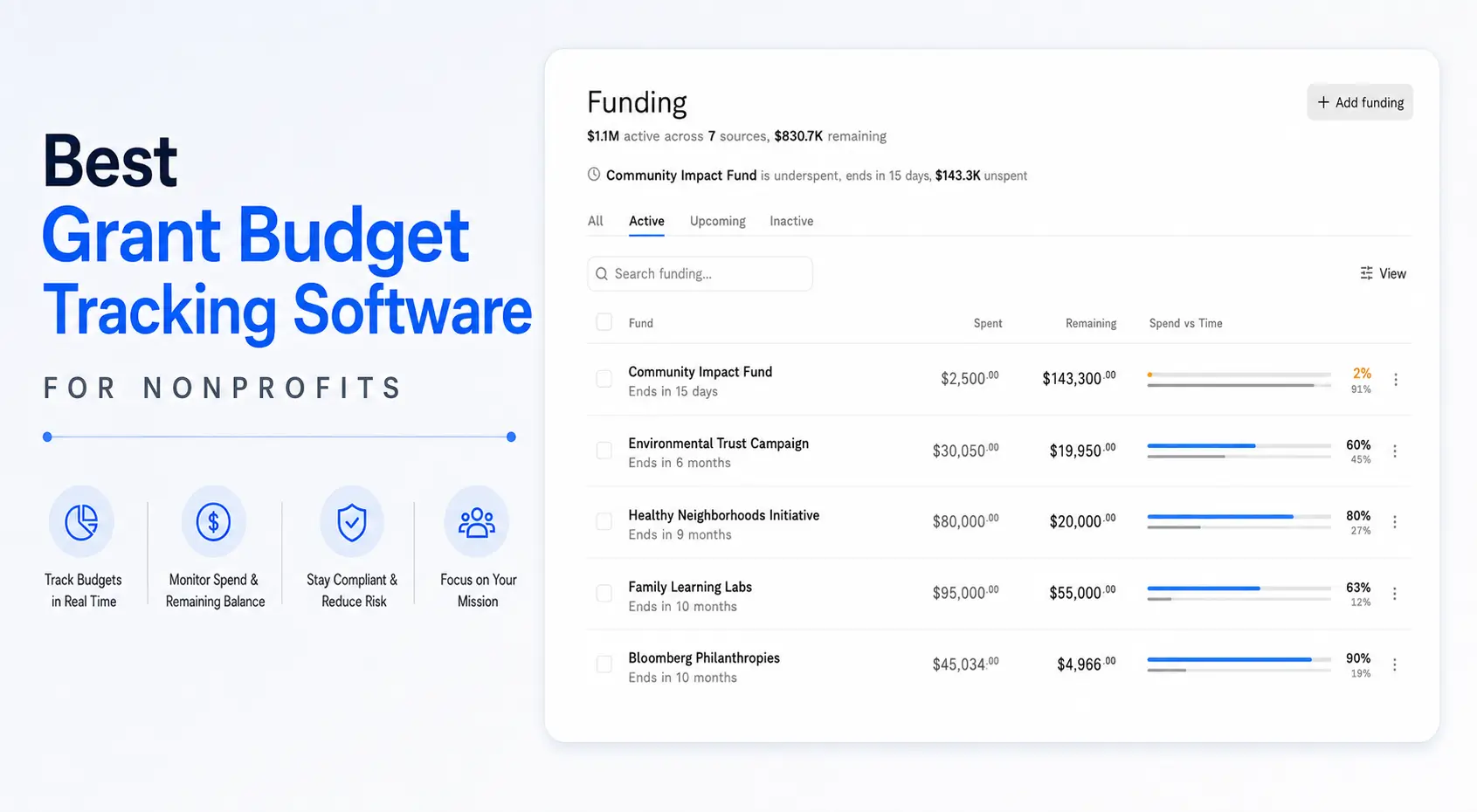
Still struggling to get a transparent reporting and budget structure in QuickBooks? That's why we built Actually.

David Cristello
.svg)
About the Author
David Cristello is the Co-Founder of Actually Finance. He's been an entrepreneur in the accounting and nonprofit space for over 10 years, previously building a company that made the Inc5000 list
.png)






.webp)