
- What Is Grant Management for QuickBooks?
- Why Nonprofits Use QuickBooks for Grant Management
- How Nonprofits Set Up Grant Management in QuickBooks Online
- Common Grant Management Challenges in QuickBooks
- What Is the Best Grant Management Software for QuickBooks?
- Best Practices for Grant Management in QuickBooks
Table of contents
Last updated: July 2026
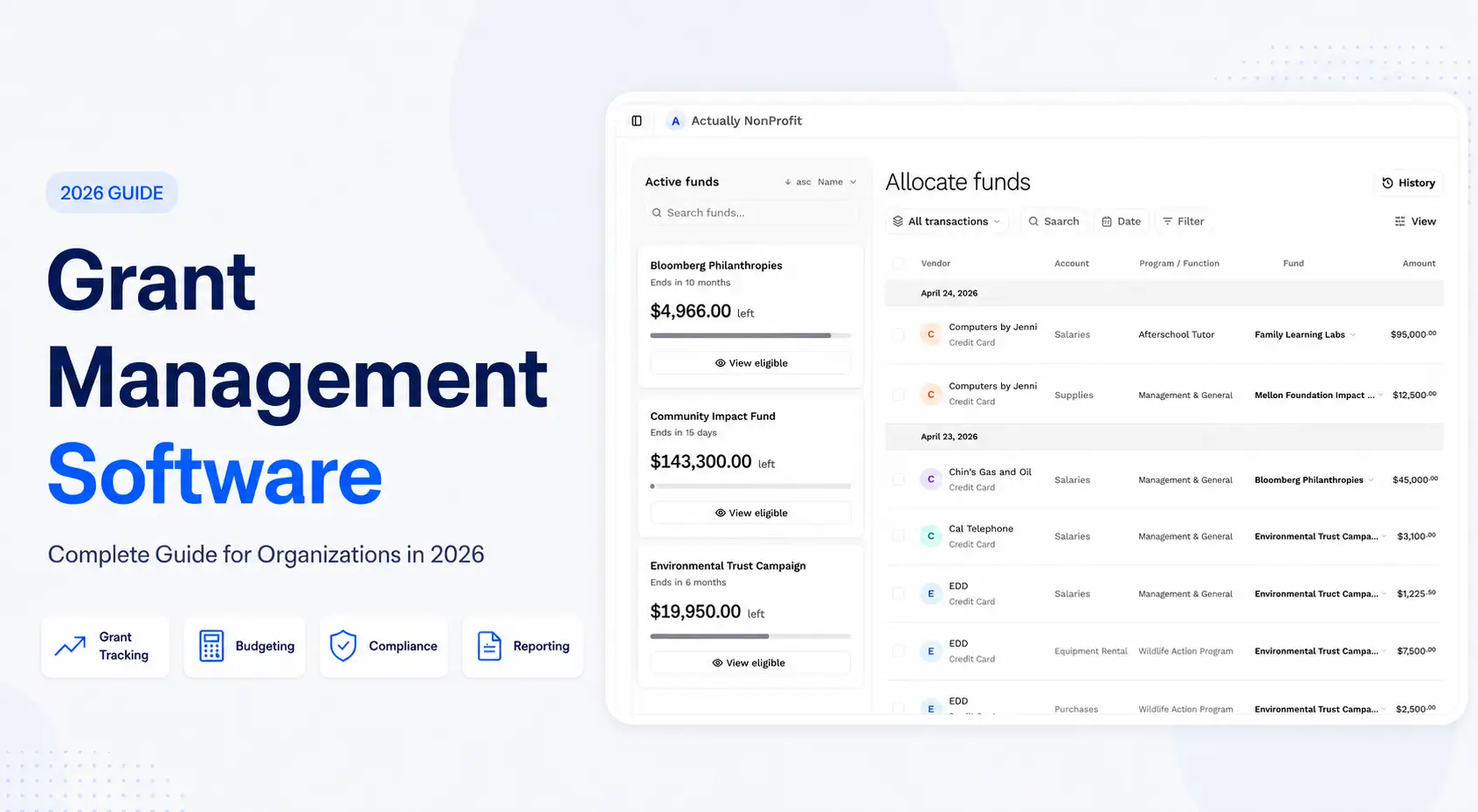
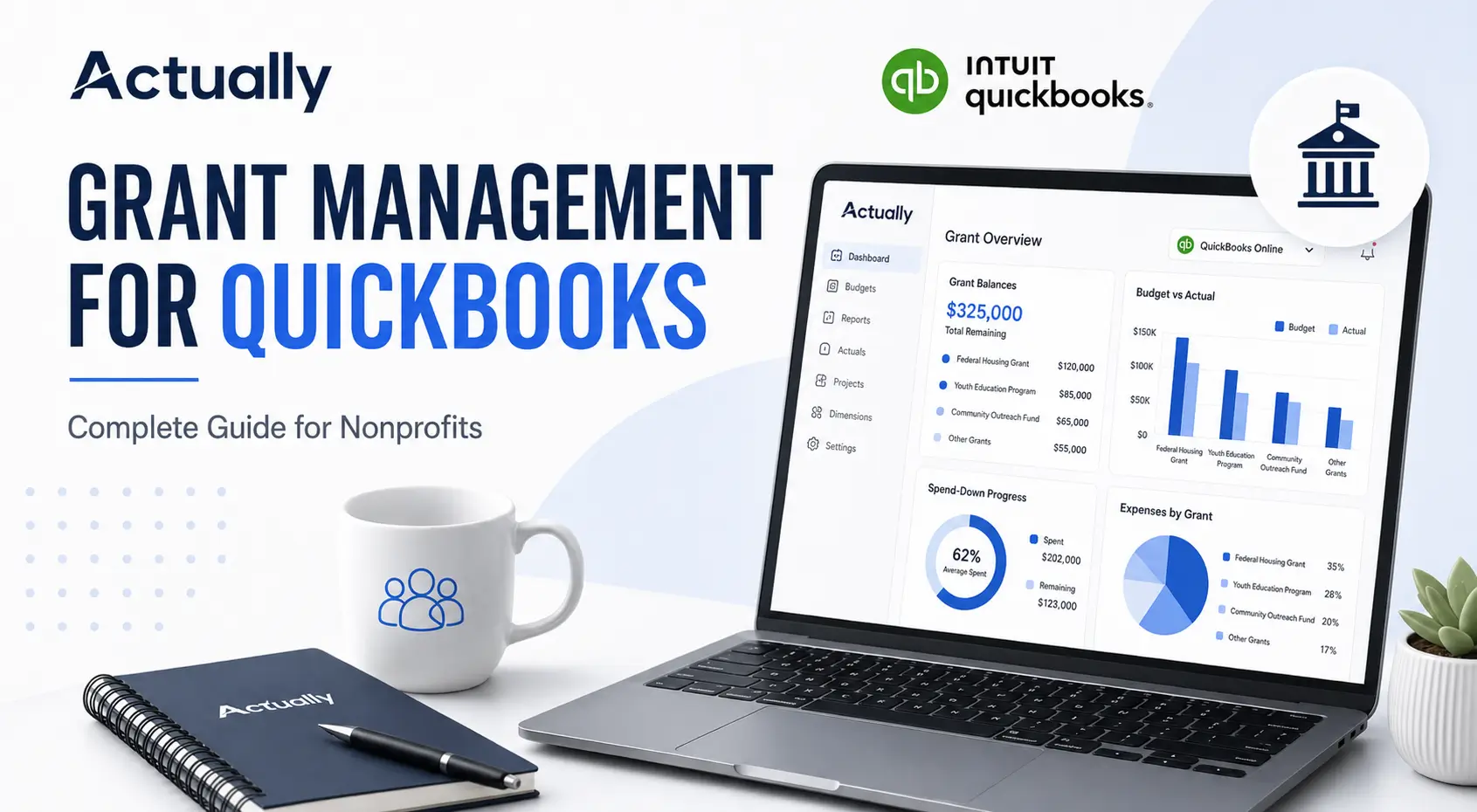
Grant management for QuickBooks helps nonprofits track grant budgets, restricted funds, expense allocations, and funding utilization inside QuickBooks Online. Many organizations use Class Tracking and budget reports to manage grants, but spreadsheet-heavy workflows often become difficult to maintain as funding complexity grows. Actually syncs directly with QuickBooks Online to help nonprofits centralize grant budgeting, improve grant visibility, and reduce manual reporting work.
What Is Grant Management for QuickBooks?
Grant management for QuickBooks refers to the process of using QuickBooks Online or QuickBooks Desktop to organize, track, and report grant-related financial activity. This includes managing restricted funds, monitoring grant balances, allocating expenses across funding sources, and preparing budget vs. actual reports for funders and leadership teams.
For nonprofits managing multiple grants, having a structured workflow is critical for compliance, reporting accuracy, and financial visibility. Learn how nonprofits use QuickBooks Online for grant budgeting, restricted fund tracking, spend-down monitoring, and multi-grant reporting.
Key Takeaways
- QuickBooks Online can support basic nonprofit grant management using Class Tracking and budget reports
- Many nonprofits struggle with spreadsheets as grant complexity increases
- Restricted funds and shared expenses require structured allocation workflows
- Actually helps nonprofits centralize grant budgeting and reporting with direct QuickBooks synchronization
- Real-time grant visibility improves budgeting, compliance, and financial decision-making
Why Nonprofits Use QuickBooks for Grant Management
QuickBooks remains one of the most widely used accounting systems for nonprofits because it is:
- Familiar to finance teams
- Cost-effective compared to enterprise nonprofit ERPs
- Flexible for small and mid-sized organizations
- Supported by many accountants and bookkeepers
Nonprofits commonly use QuickBooks to:
- Track grant expenses
- Separate restricted funds
- Monitor program budgets
- Produce board financial reports
- Manage budget vs. actual reporting
- Prepare reimbursement documentation
Many organizations start with simple workflows inside QuickBooks before adding more advanced grant reporting systems later.
How Nonprofits Set Up Grant Management in QuickBooks Online
Most nonprofits configure QuickBooks Online using Classes, Locations, custom account structures, and budget reports.
Use Class Tracking for Grants and Programs
Class Tracking is one of the most common nonprofit workflows inside QuickBooks.
Organizations use Classes to represent:
- Individual grants
- Programs
- Departments
- Funding streams
Example:
Every transaction is tagged to the appropriate class during data entry.
This allows nonprofits to generate reports by:
- Grant
- Program
- Department
- Funding source
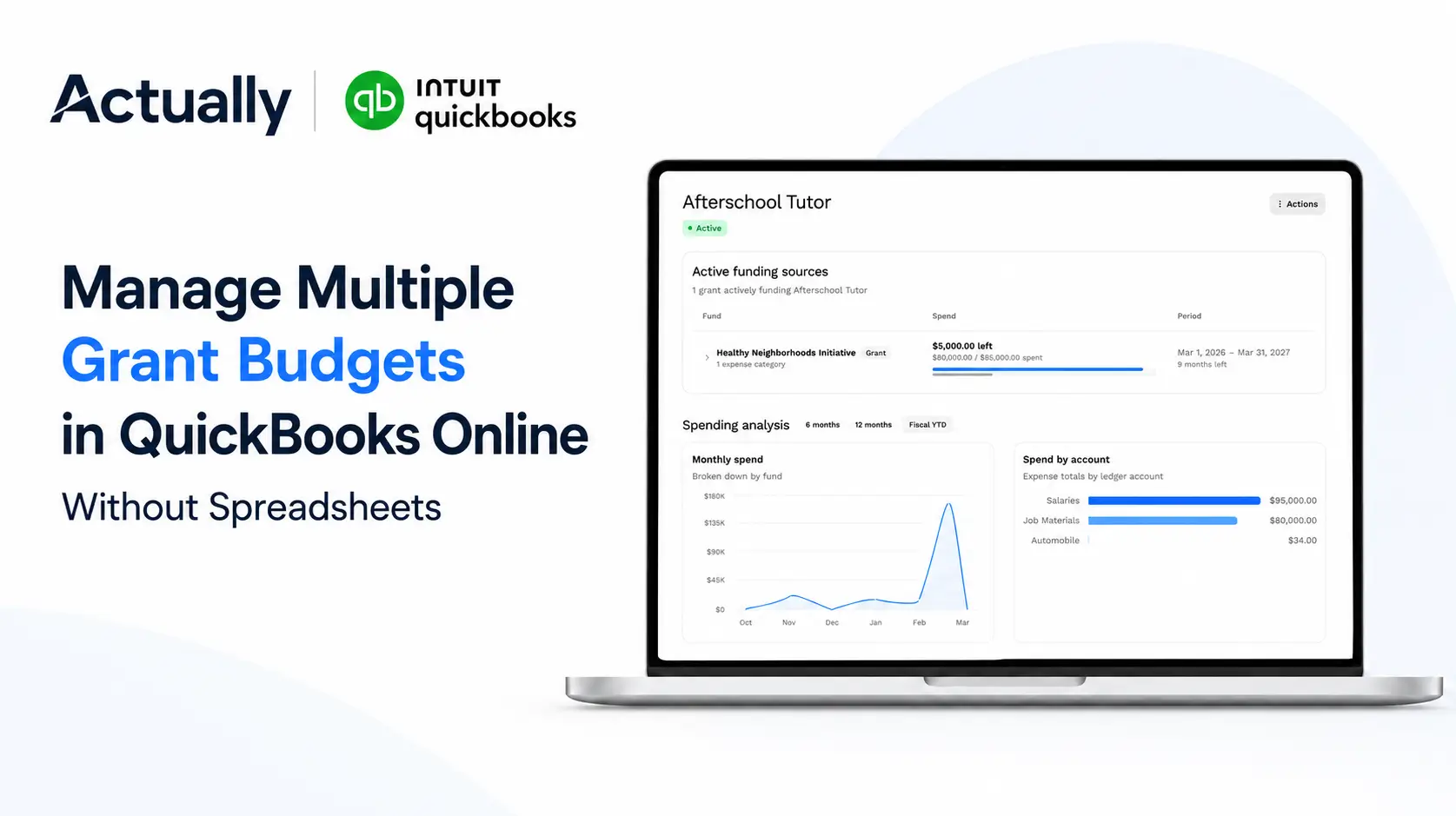
Create Separate Budgets for Each Grant
Grant budgets are usually organized by:
- Fiscal period
- Approved grant categories
- Program requirements
- Spending restrictions
Common categories include:
- Salaries
- Payroll taxes
- Equipment
- Supplies
- Travel
- Administrative expenses
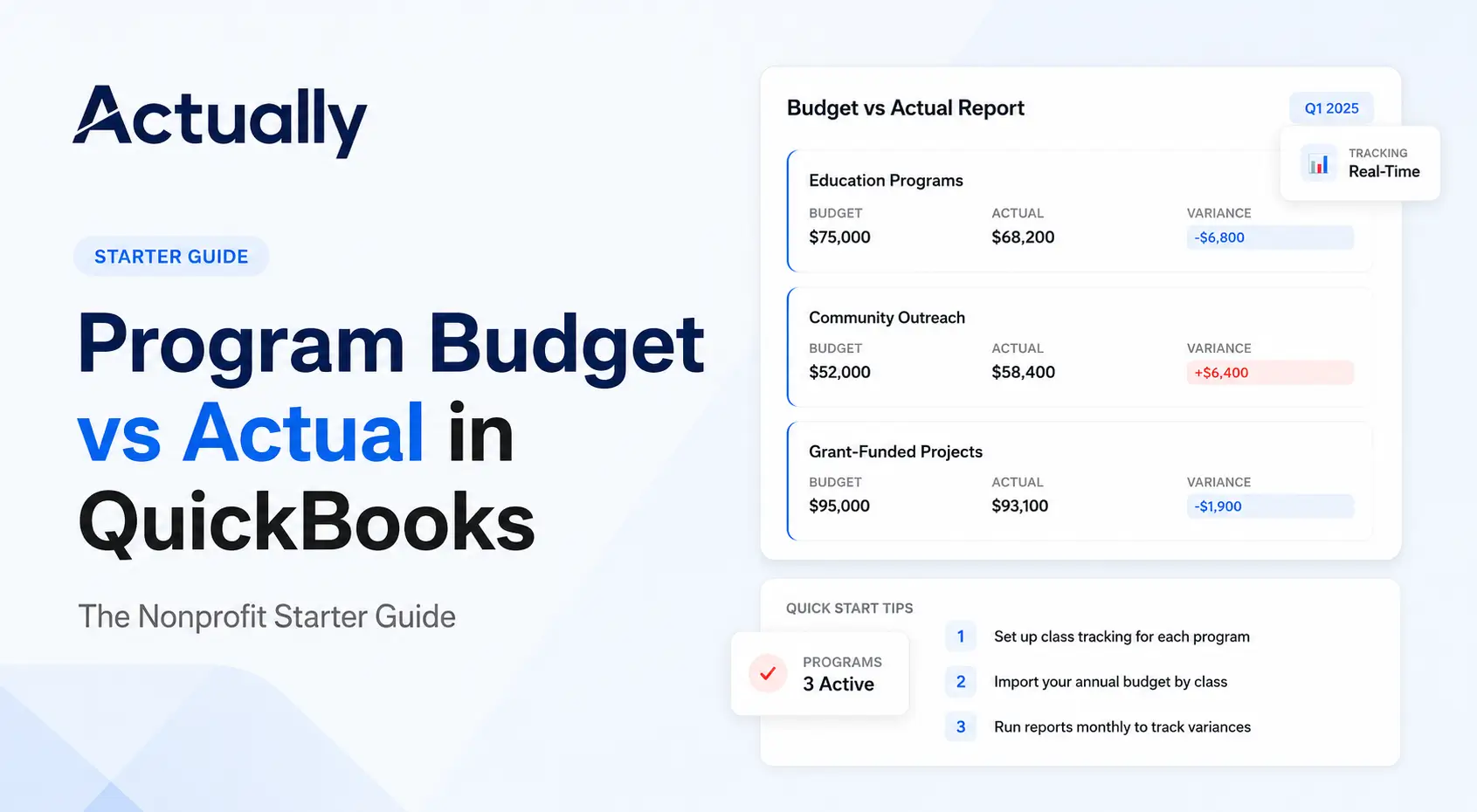
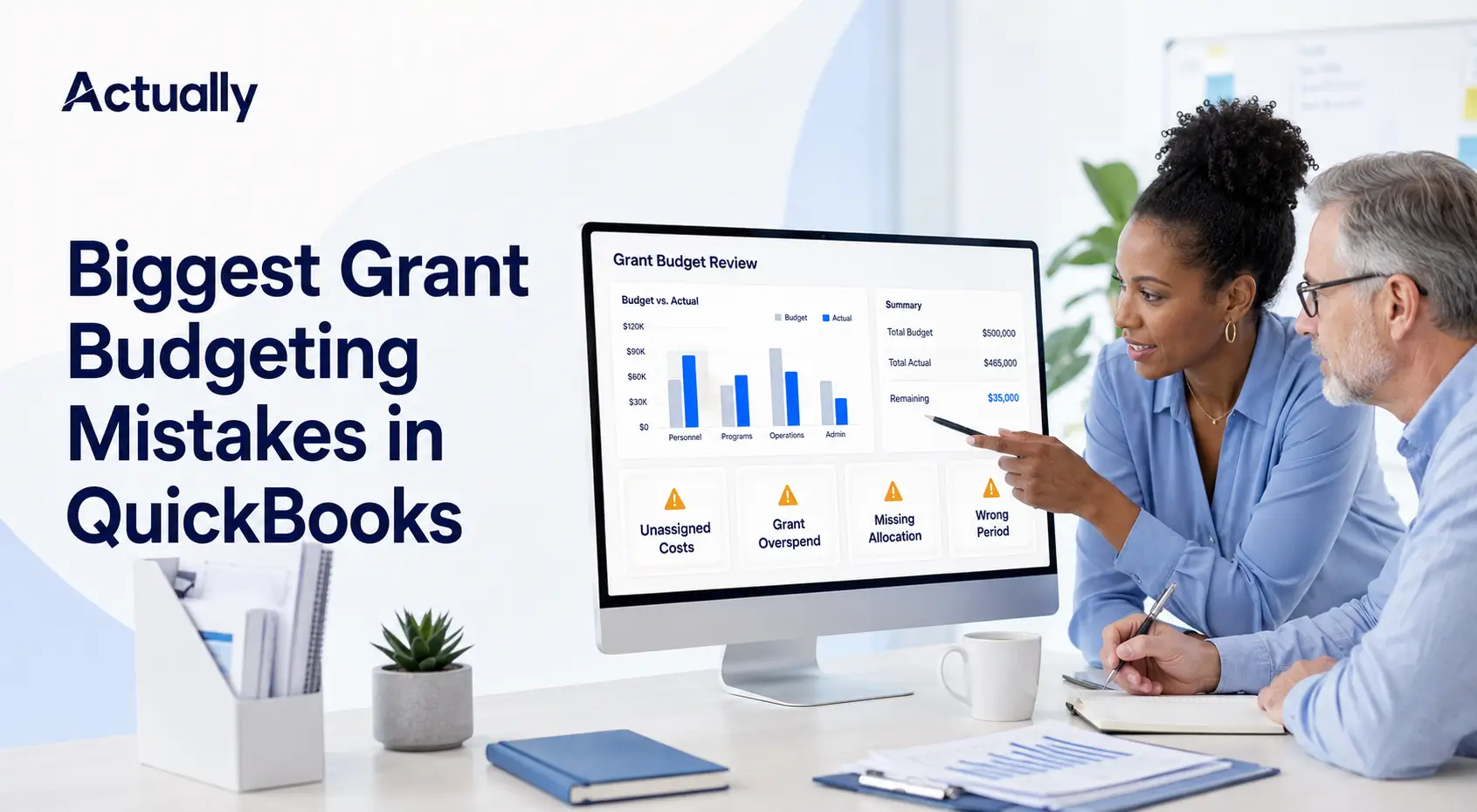
Budget vs. actual reports help nonprofits monitor whether spending aligns with approved grant budgets.
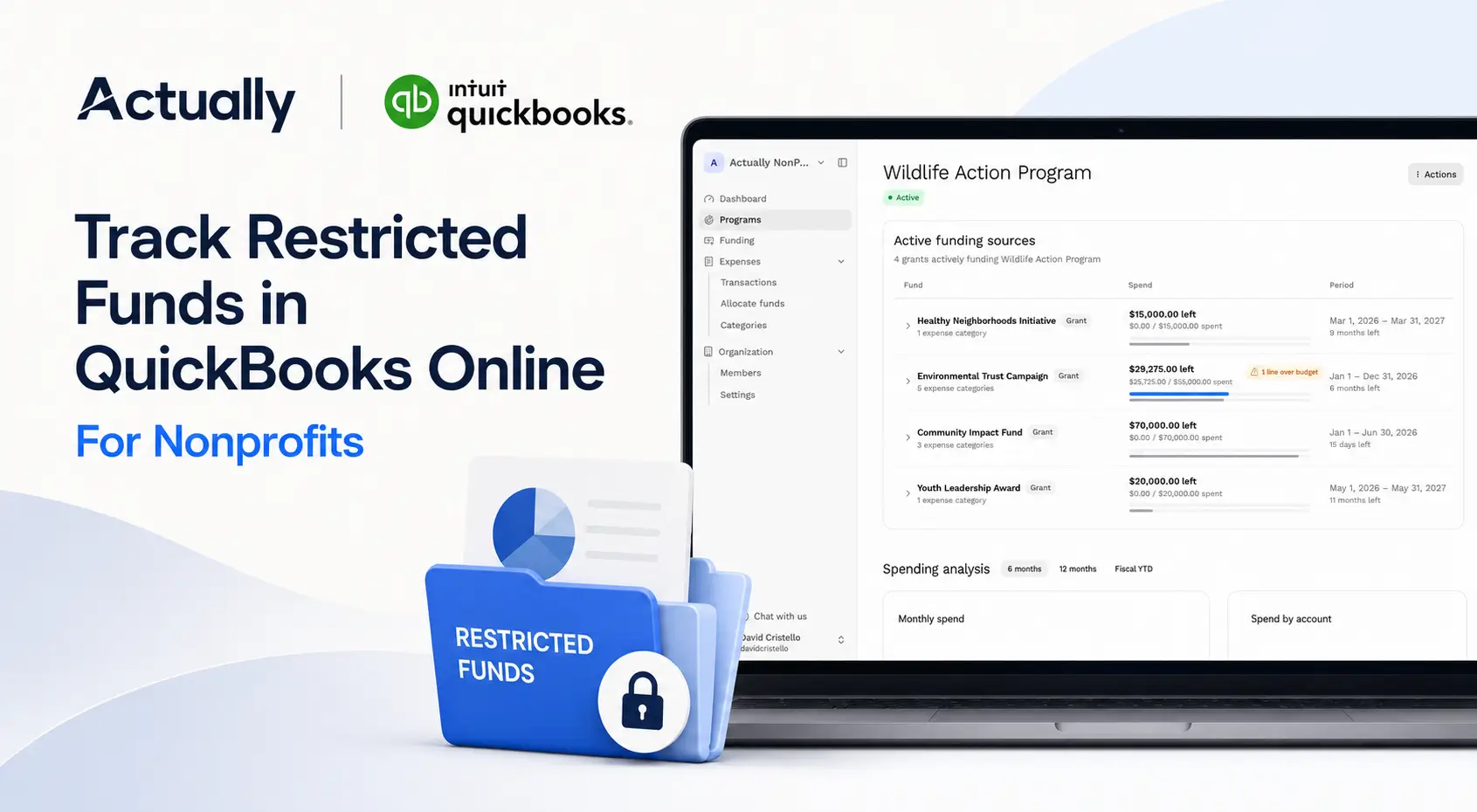
Track Restricted Funds Carefully
Restricted funds must remain separated from unrestricted operational funding.
This improves:
- Compliance reporting
- Audit readiness
- Financial visibility
- Grant reporting accuracy
Many nonprofits create dedicated reporting structures specifically for restricted funds.
Common Grant Management Challenges in QuickBooks
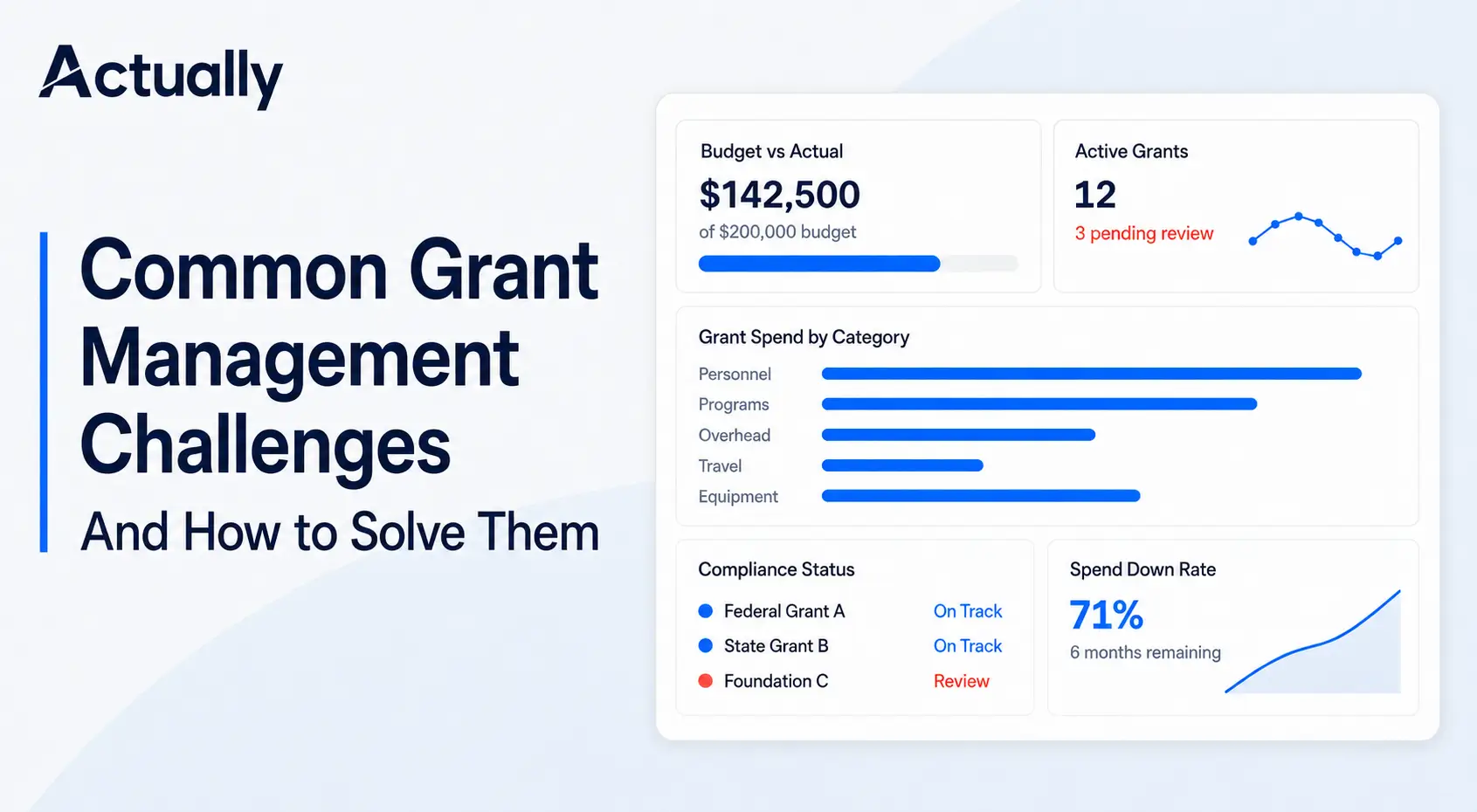
QuickBooks can support nonprofit grant tracking effectively at smaller scales, but many organizations eventually run into operational limitations.
Spreadsheet Dependency
One of the biggest issues is spreadsheet overreliance.
Finance teams often export QuickBooks reports into spreadsheets for:
- Allocation calculations
- Burn rate monitoring
- Grant reporting
- Multi-grant budget tracking
This creates:
- Duplicate work
- Formula errors
- Version conflicts
- Delayed reporting
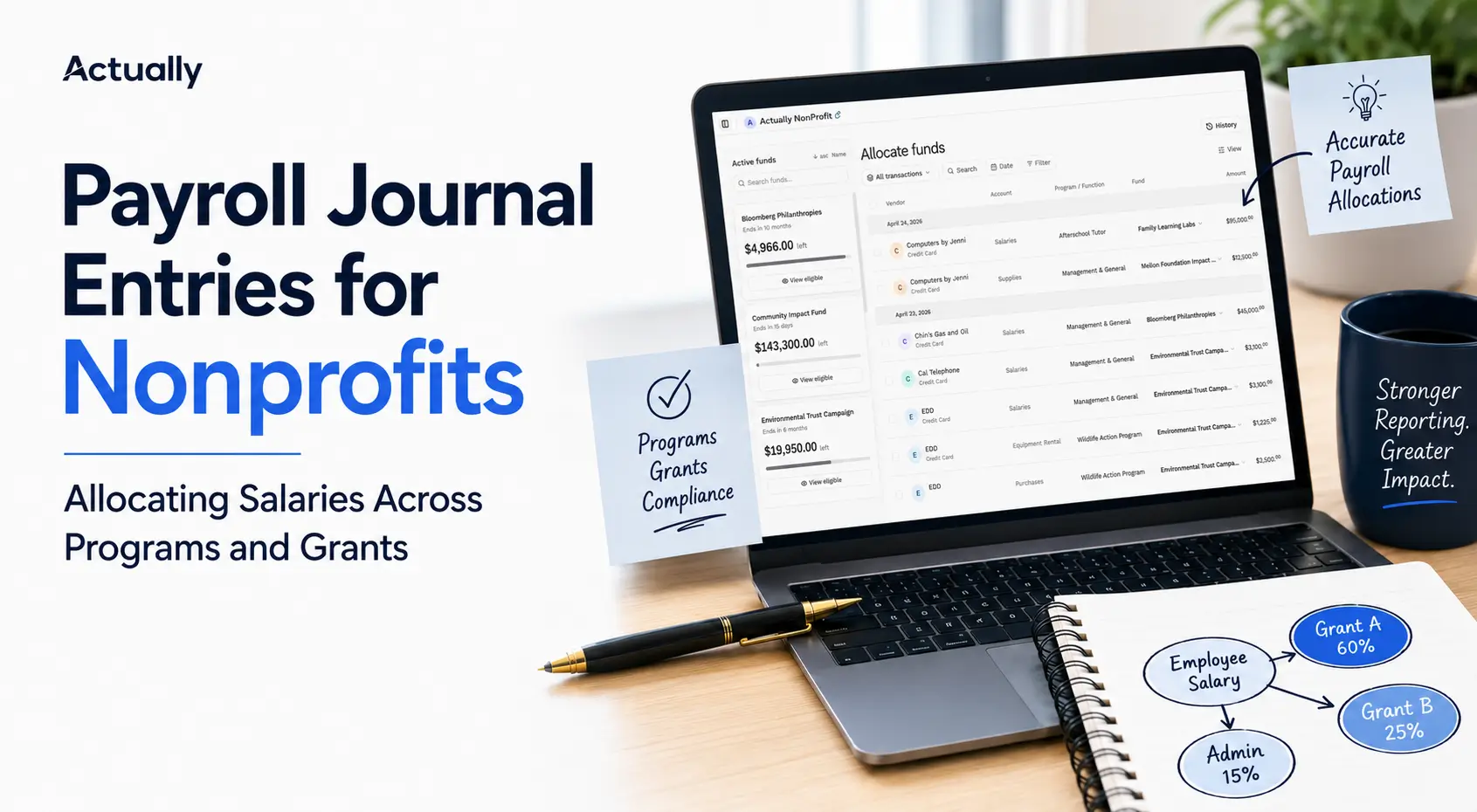
Shared Expense Allocations
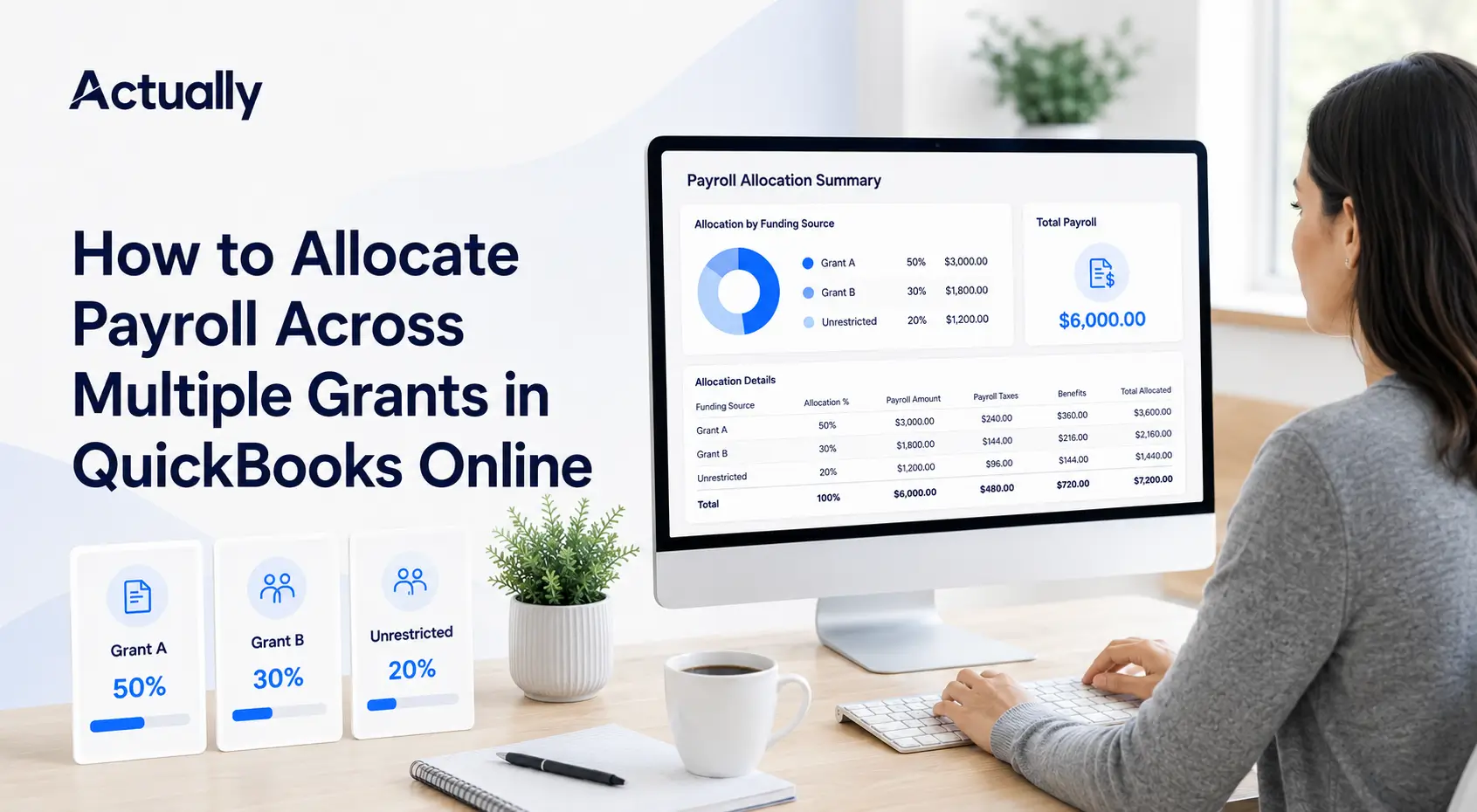
Many nonprofits split shared costs across grants.
Examples include:
- Payroll
- Rent
- Utilities
- Administrative overhead
- Software expenses
Example allocation:
These workflows become increasingly difficult to manage manually as organizations grow.
Limited Real-Time Visibility
Leadership teams often need immediate answers to questions like:
- How much funding remains?
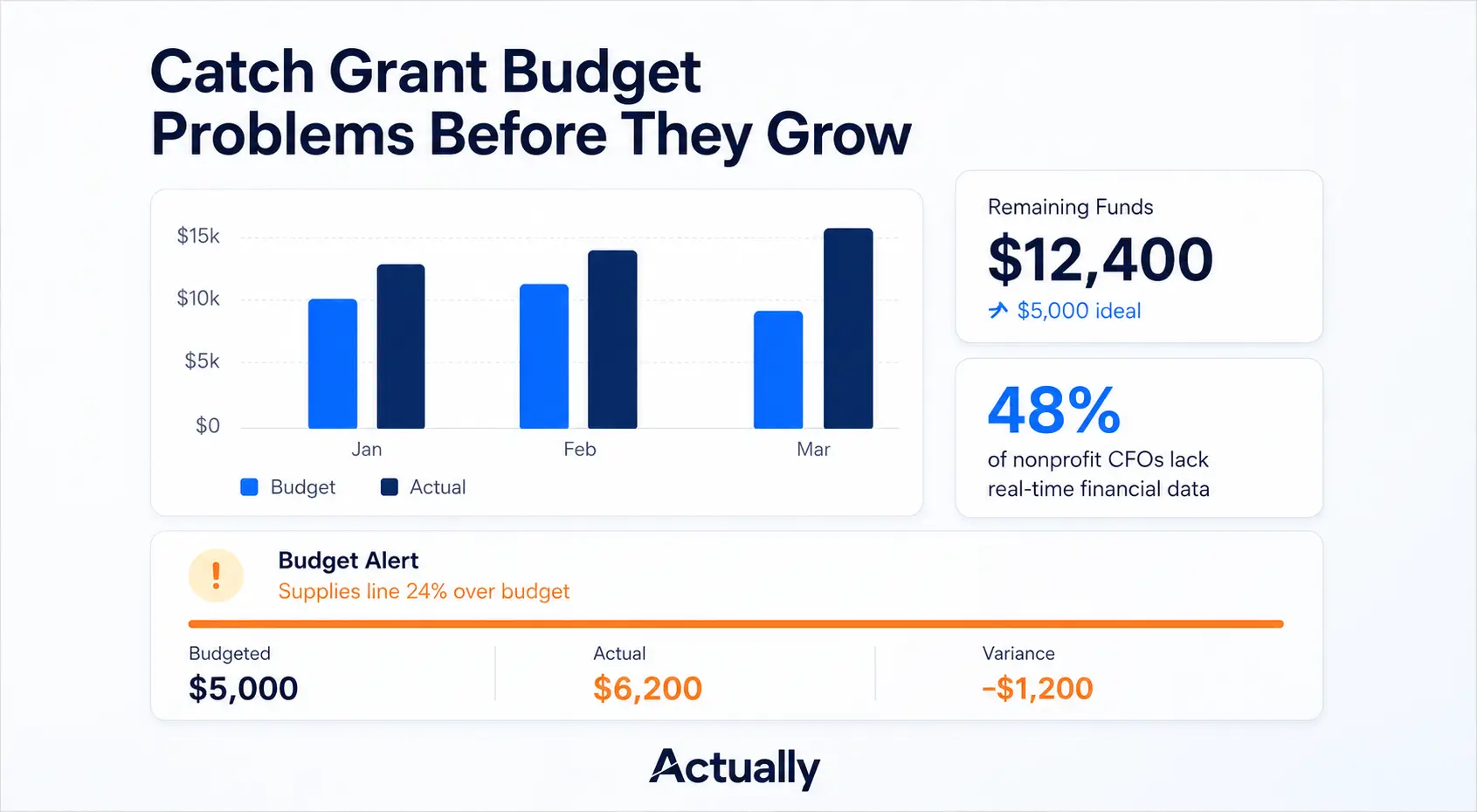
- Which grants are overspending?
- What is the current burn rate?
- Which programs are under budget?
Without centralized reporting, grant visibility becomes fragmented across spreadsheets and exported reports.
What Is the Best Grant Management Software for QuickBooks?
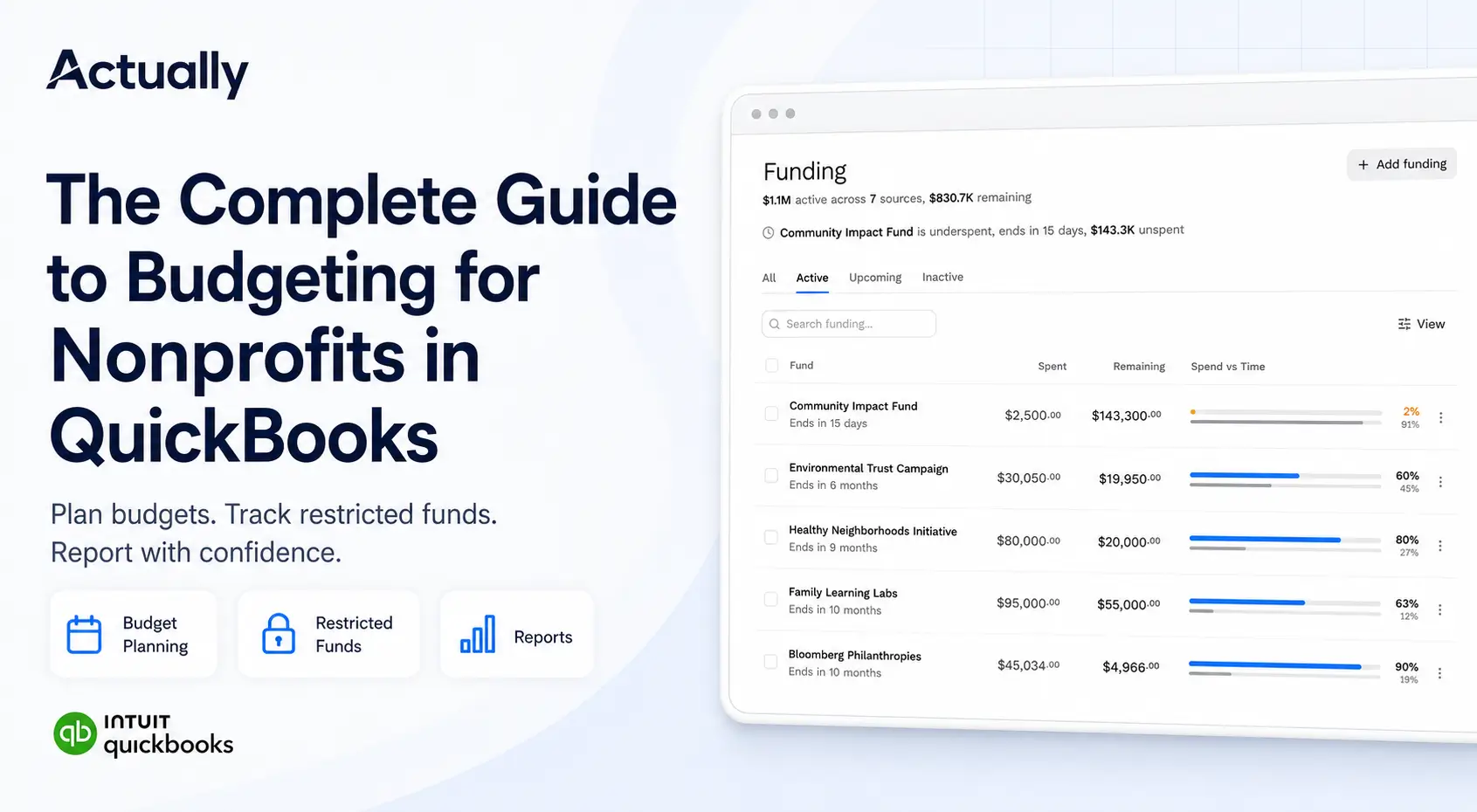
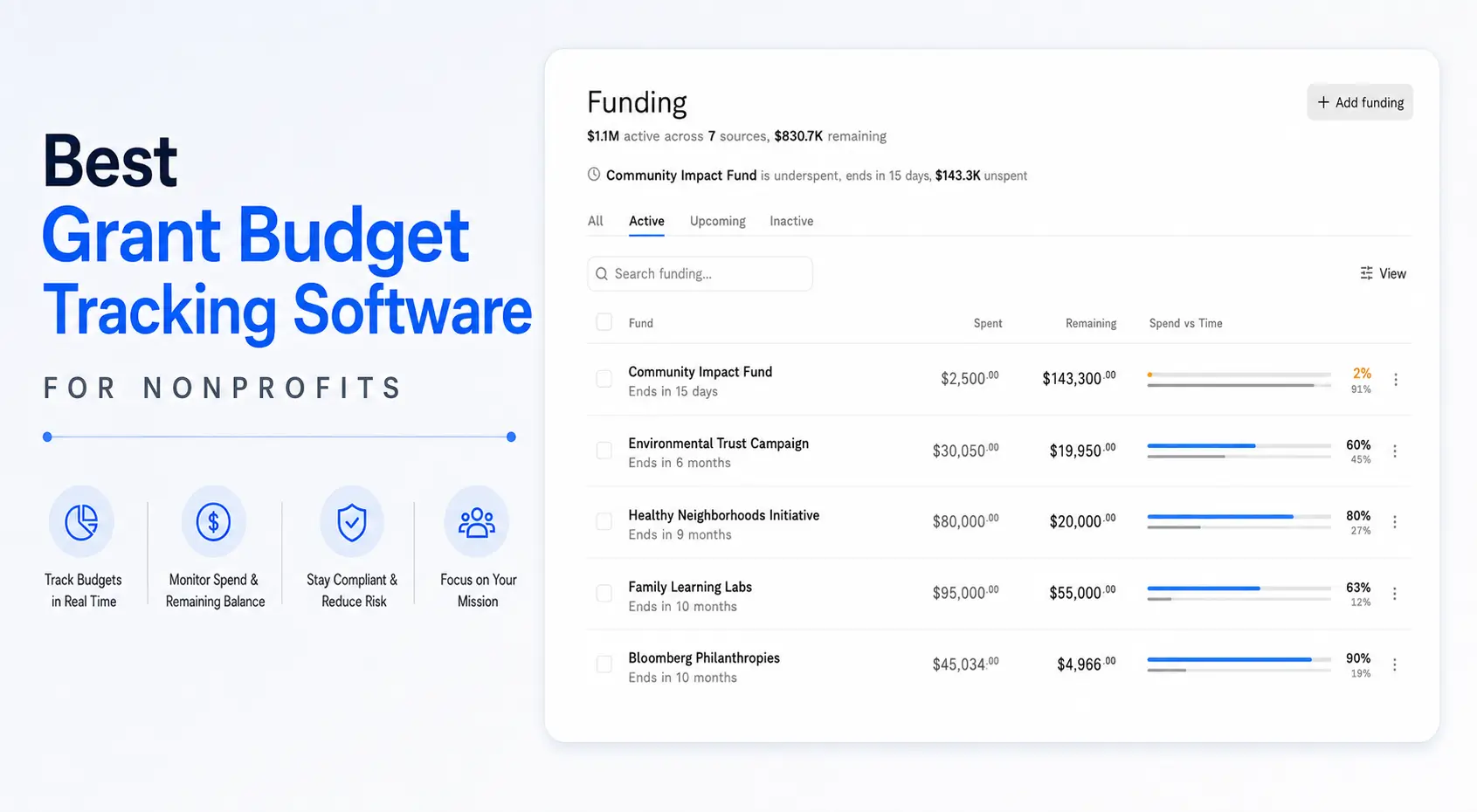
The best grant management software for QuickBooks typically helps nonprofits centralize budgeting, improve reporting visibility, track restricted funds, and reduce spreadsheet dependency.
Many nonprofits begin with native QuickBooks workflows, but organizations managing multiple grants often need stronger visibility into:
- Budget vs. actual performance
- Grant spend-down
- Allocation tracking
- Remaining balances
- Multi-program reporting
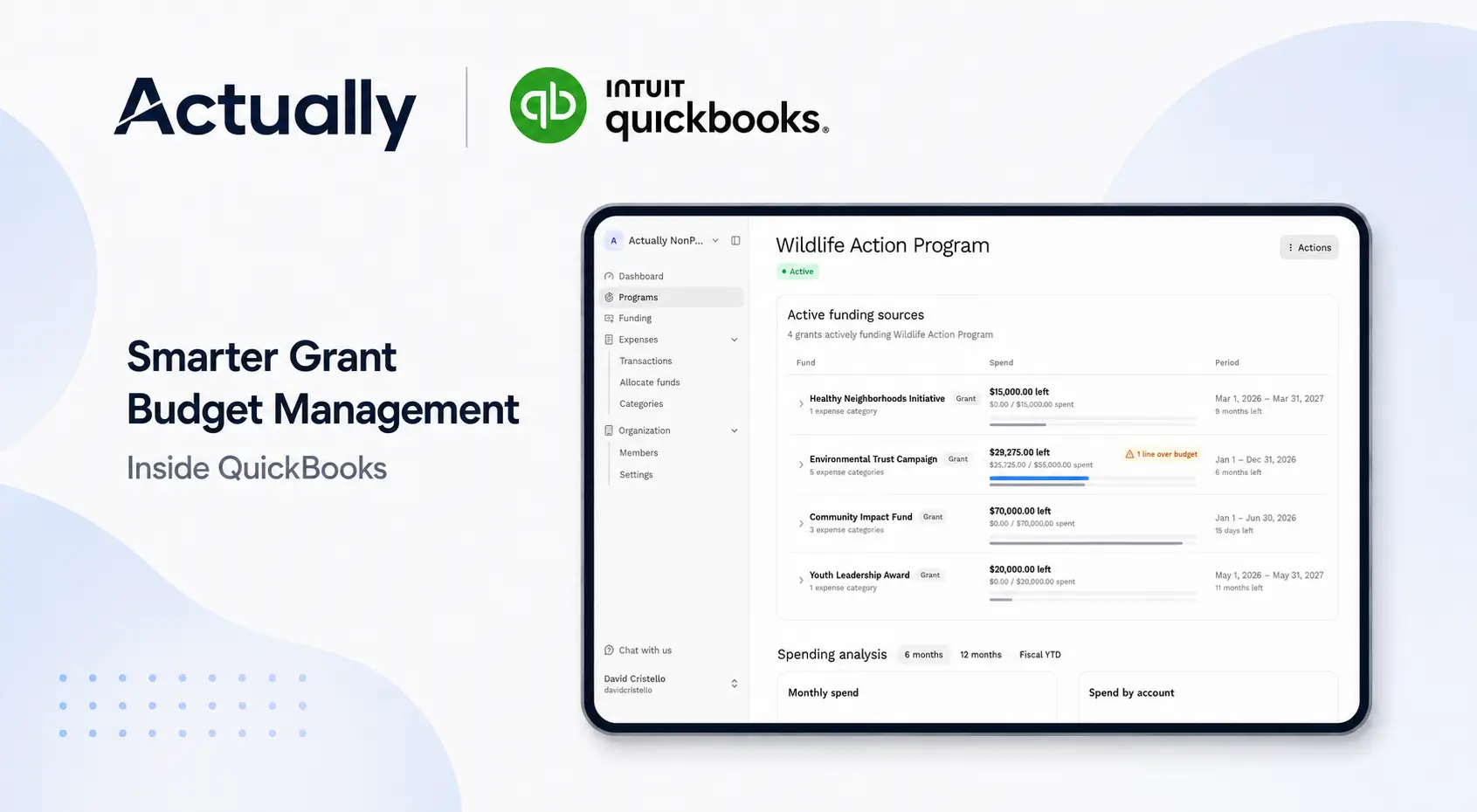
Actually syncs directly with QuickBooks Online to help nonprofits manage grant budgets, monitor allocations, improve financial visibility, and centralize grant reporting workflows.
Organizations evaluating grant management software for QuickBooks usually prioritize:
- QuickBooks integration
- Multi-grant budgeting
- Restricted fund tracking
- Real-time reporting
- Spend-down monitoring
- Allocation visibility
Why Many Nonprofits Add Actually on Top of QuickBooks Online
QuickBooks Online can handle basic nonprofit accounting and grant tracking workflows, especially for smaller organizations with only a few active grants. But as reporting requirements grow, many finance teams end up relying heavily on spreadsheets for allocations, budget monitoring, and grant visibility.
Actually helps centralize grant budgeting and reporting by syncing directly with QuickBooks Online. This gives nonprofits better visibility into restricted funds, spend-down tracking, remaining balances, and multi-grant reporting without constantly exporting data into spreadsheets.
For nonprofits managing several active grants, centralized reporting often reduces administrative workload significantly.
Best Practices for Grant Management in QuickBooks
Standardize Naming Conventions
Use consistent naming structures for:
- Grants
- Programs
- Fiscal years
- Funding sources
Example:
- HUD-2026-Housing
- Education Grant-Q2
- Foundation A-Operations
Consistent naming improves reporting organization and reduces confusion.
Review Budget Variances Monthly
Monthly financial reviews help identify:
- Overspending risks
- Allocation errors
- Burn rate concerns
- Reporting inconsistencies
Regular reviews improve long-term grant management accuracy.
Reduce Spreadsheet Dependency
Spreadsheets can support temporary workflows, but centralized systems improve:
- Financial visibility
- Reporting consistency
- Team collaboration
- Audit readiness
Organizations managing multiple funding sources often benefit from integrated grant reporting workflows.
Signs Your Nonprofit Has Outgrown Spreadsheet Grant Tracking
Your nonprofit may need a more centralized workflow if:
- Staff spend hours reconciling spreadsheets monthly
- Reporting delays are becoming common
- Allocation errors happen frequently
- Multiple departments maintain separate budget files
- Leadership lacks real-time financial visibility
- Grant reporting is difficult to maintain
These challenges typically increase as nonprofits manage more grants simultaneously.
Conclusion
Grant management for QuickBooks can work well for nonprofits managing basic budgeting and reporting workflows, especially when organizations use Class Tracking and structured reporting practices.
However, as funding complexity increases, spreadsheet-heavy workflows often create visibility gaps and reporting inefficiencies.
Actually helps nonprofits centralize grant budgeting, monitor spend-down tracking, improve restricted fund visibility, and reduce manual reporting through direct QuickBooks Online synchronization.
For nonprofits managing multiple grants, improving financial visibility often leads to stronger reporting accuracy, compliance readiness, and budgeting confidence.
Frequently Asked Questions
How do nonprofits use QuickBooks for grant management?
Nonprofits use QuickBooks to track grant expenses, monitor budgets, separate restricted funds, and prepare financial reports for funders and internal leadership.
Can QuickBooks Online track restricted funds?
Yes. Many nonprofits use Class Tracking, Locations, and custom reporting structures in QuickBooks Online to separate restricted and unrestricted funding.
What is the best grant management software for QuickBooks?
Many nonprofits look for software that integrates with QuickBooks Online and supports grant budgeting, allocation tracking, restricted fund visibility, and budget reporting. Actually helps centralize these workflows and reduce spreadsheet dependency.
Why do nonprofits still use spreadsheets for grant tracking?
Many organizations use spreadsheets because native QuickBooks reporting can become difficult to manage across multiple grants and funding sources.
What is grant spend-down tracking?
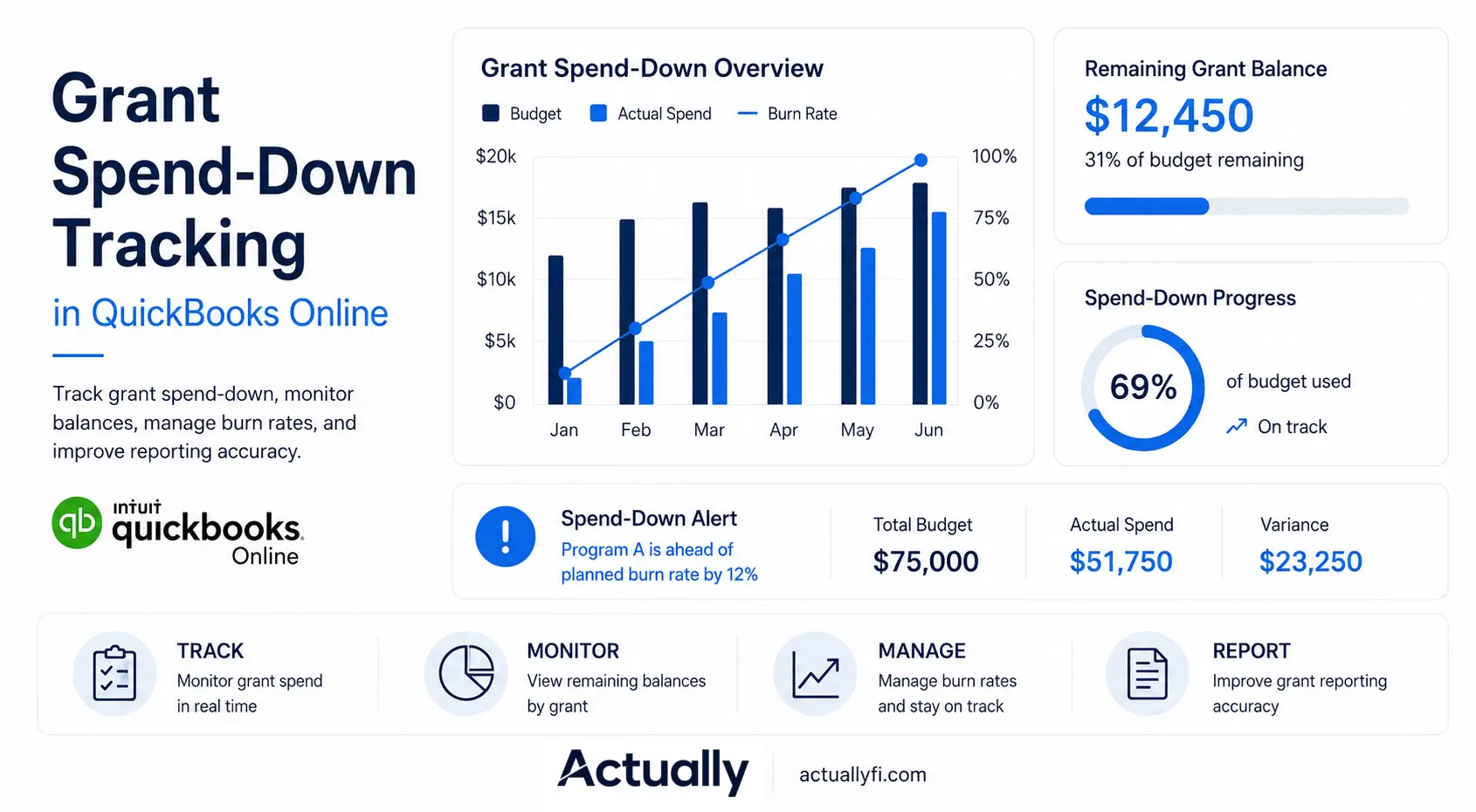
Grant spend-down tracking is the process of monitoring how much grant funding has been used, how much remains available, and whether spending aligns with approved grant budgets.

David Cristello
.svg)
About the Author
David Cristello is the Co-Founder of Actually Finance. He's been an entrepreneur in the accounting and nonprofit space for over 10 years, previously building a company that made the Inc5000 list
.png)






.webp)