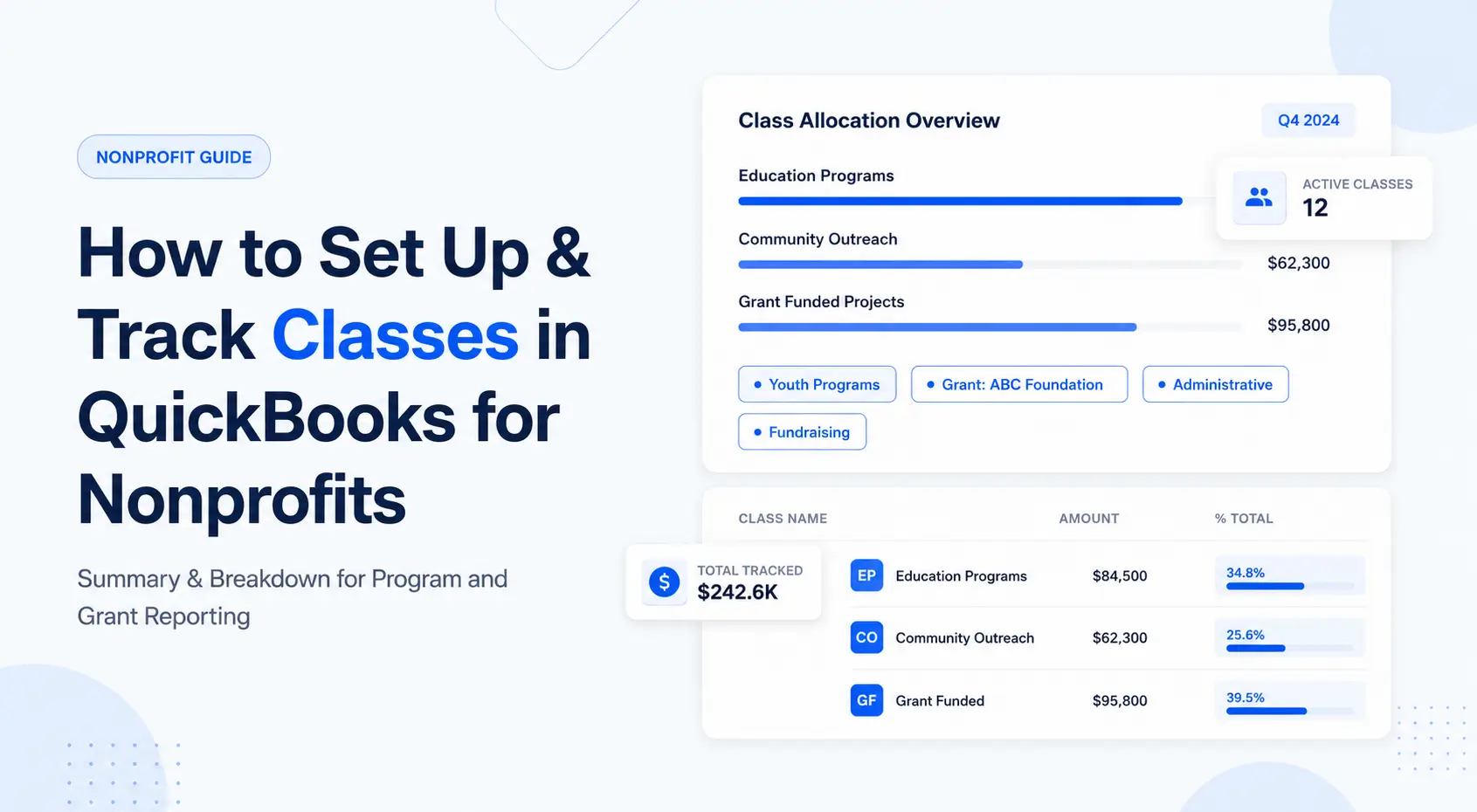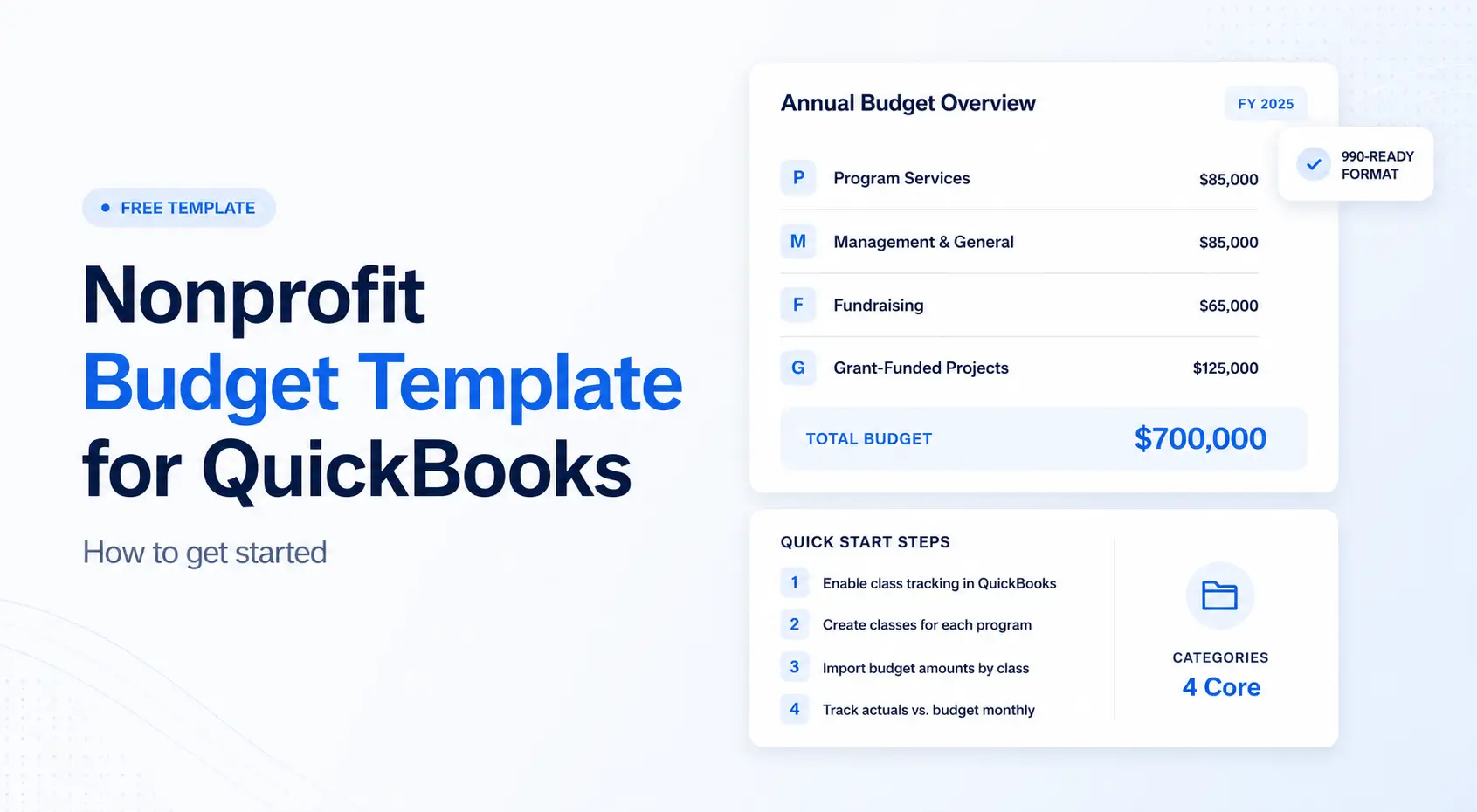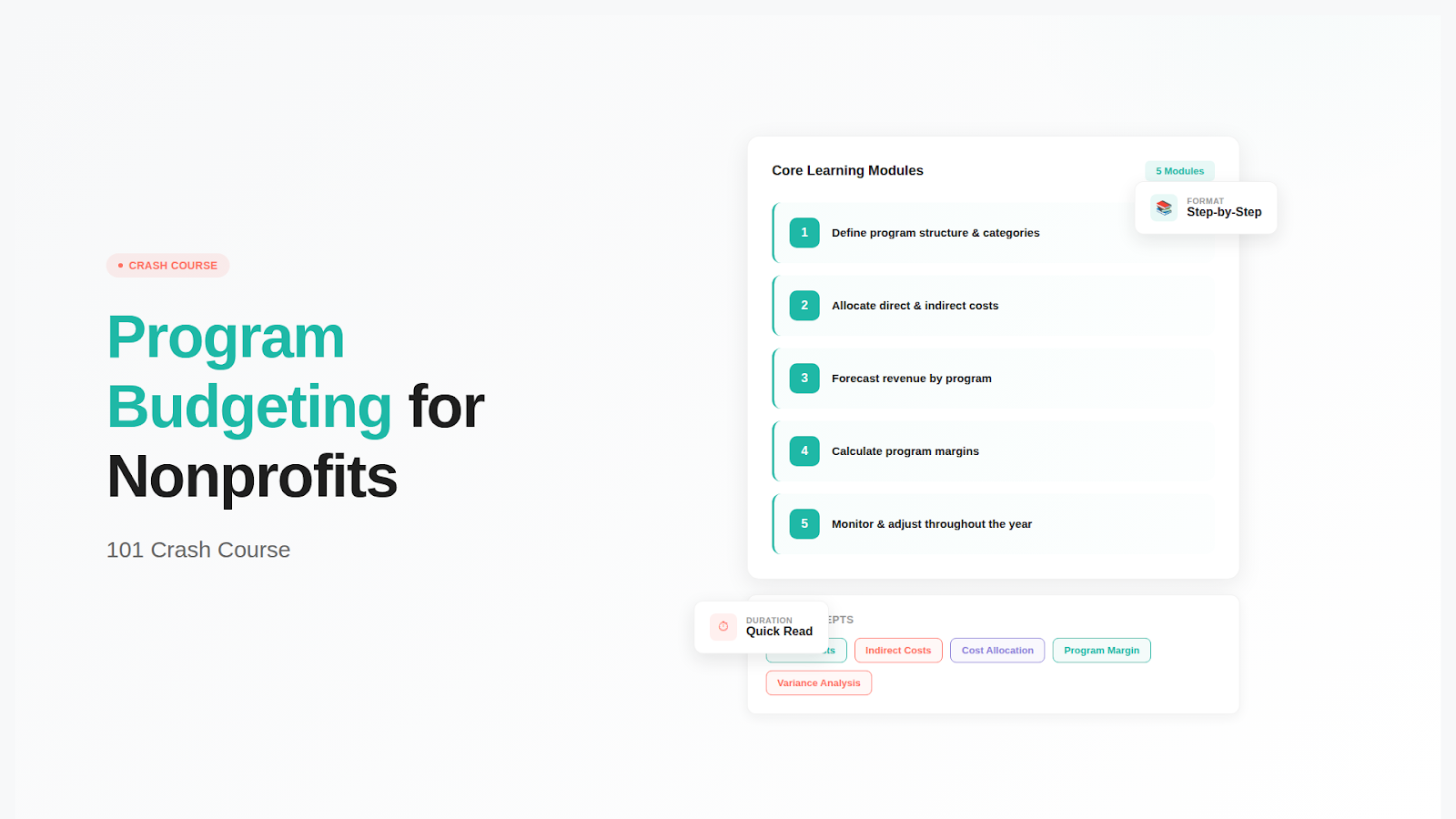
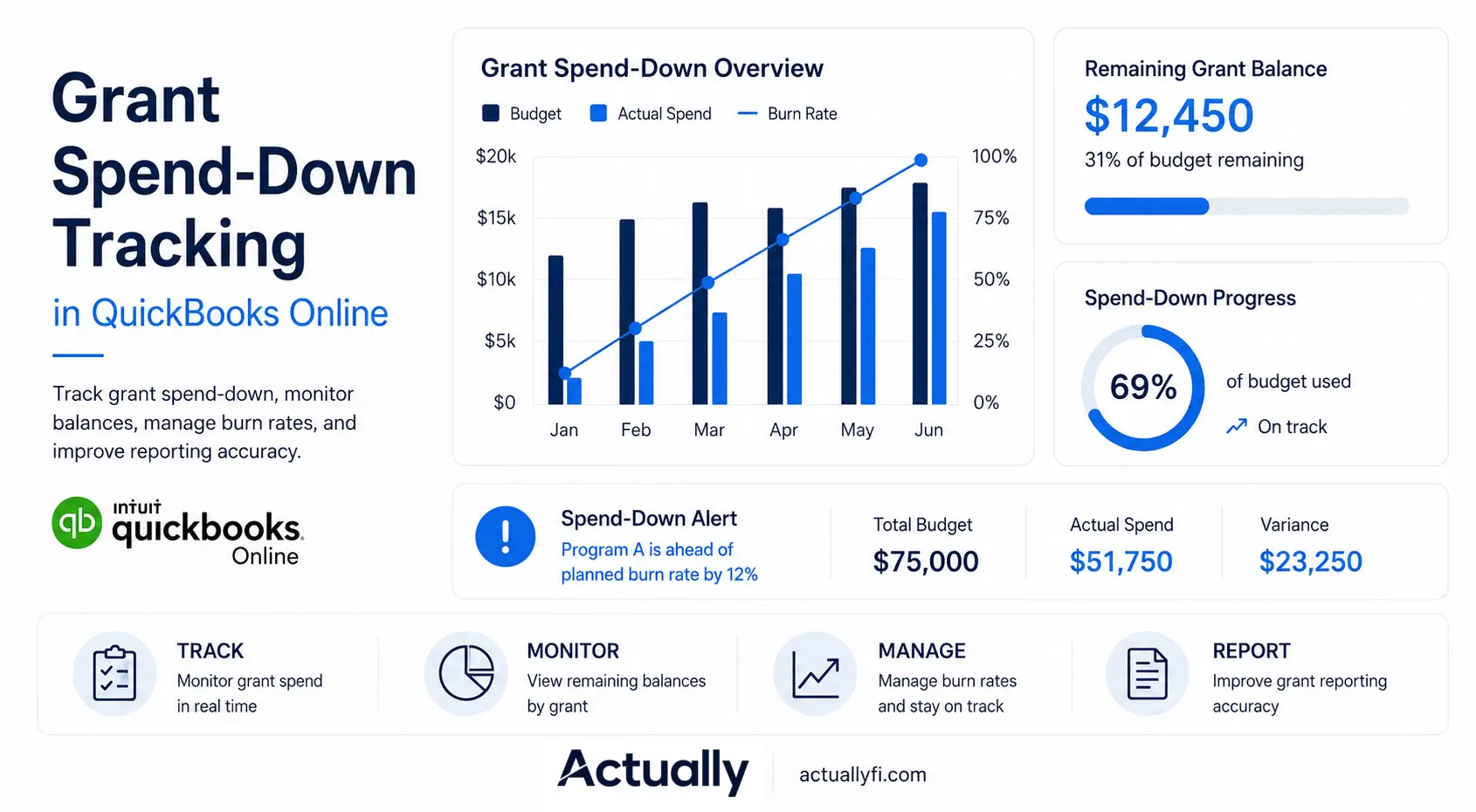

- What Is Grant Spend-Down Tracking in QuickBooks Online?
- How Nonprofits Track Grant Spend-Down in QuickBooks Online
- Common Challenges With Grant Spend-Down Tracking in QuickBooks Online
- QuickBooks Online vs QuickBooks Online + Actually
- How Actually Helps Nonprofits Track Grant Spend-Down
- Best Practices for Grant Spend-Down Tracking
Table of contents
Last updated: May 10, 2026
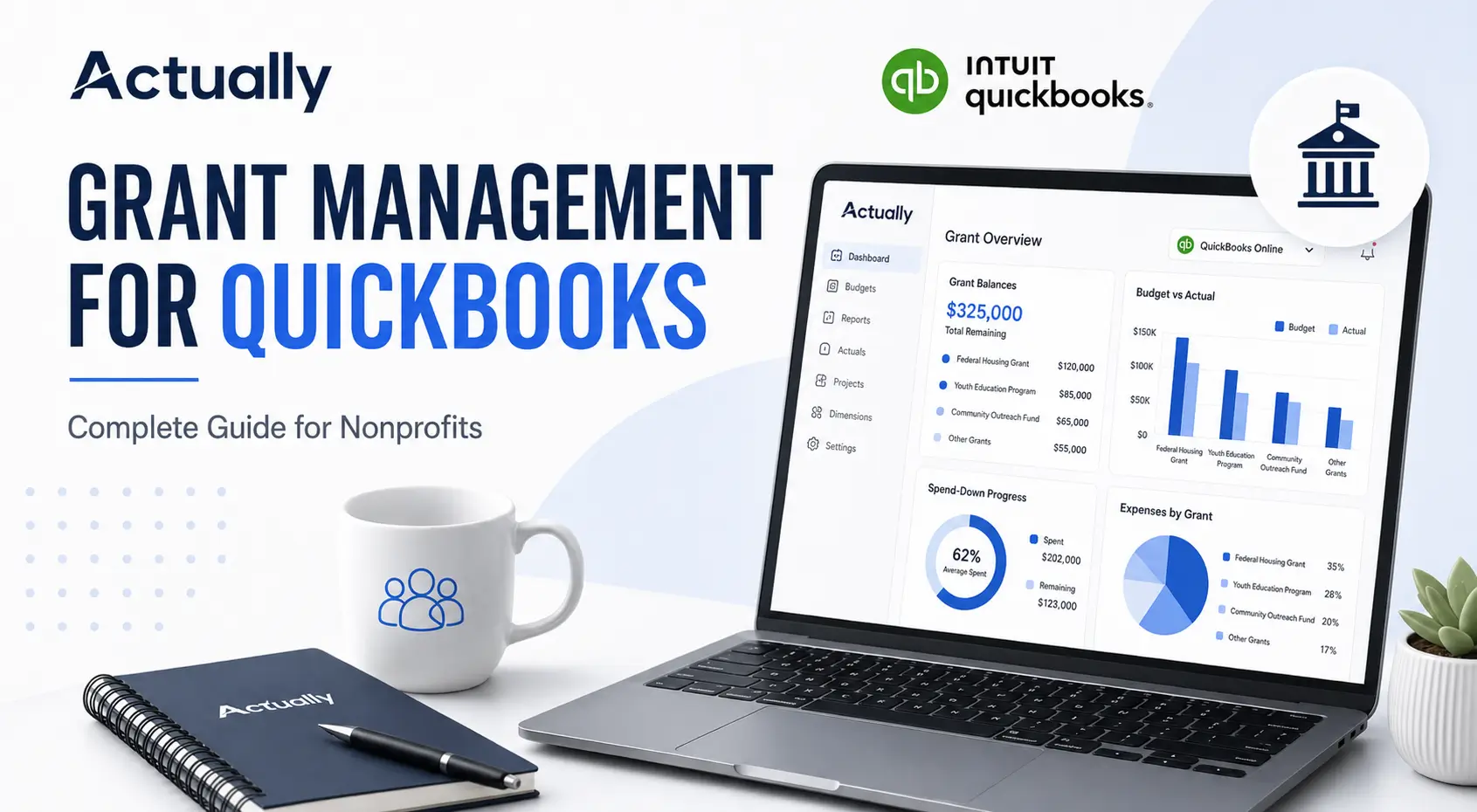
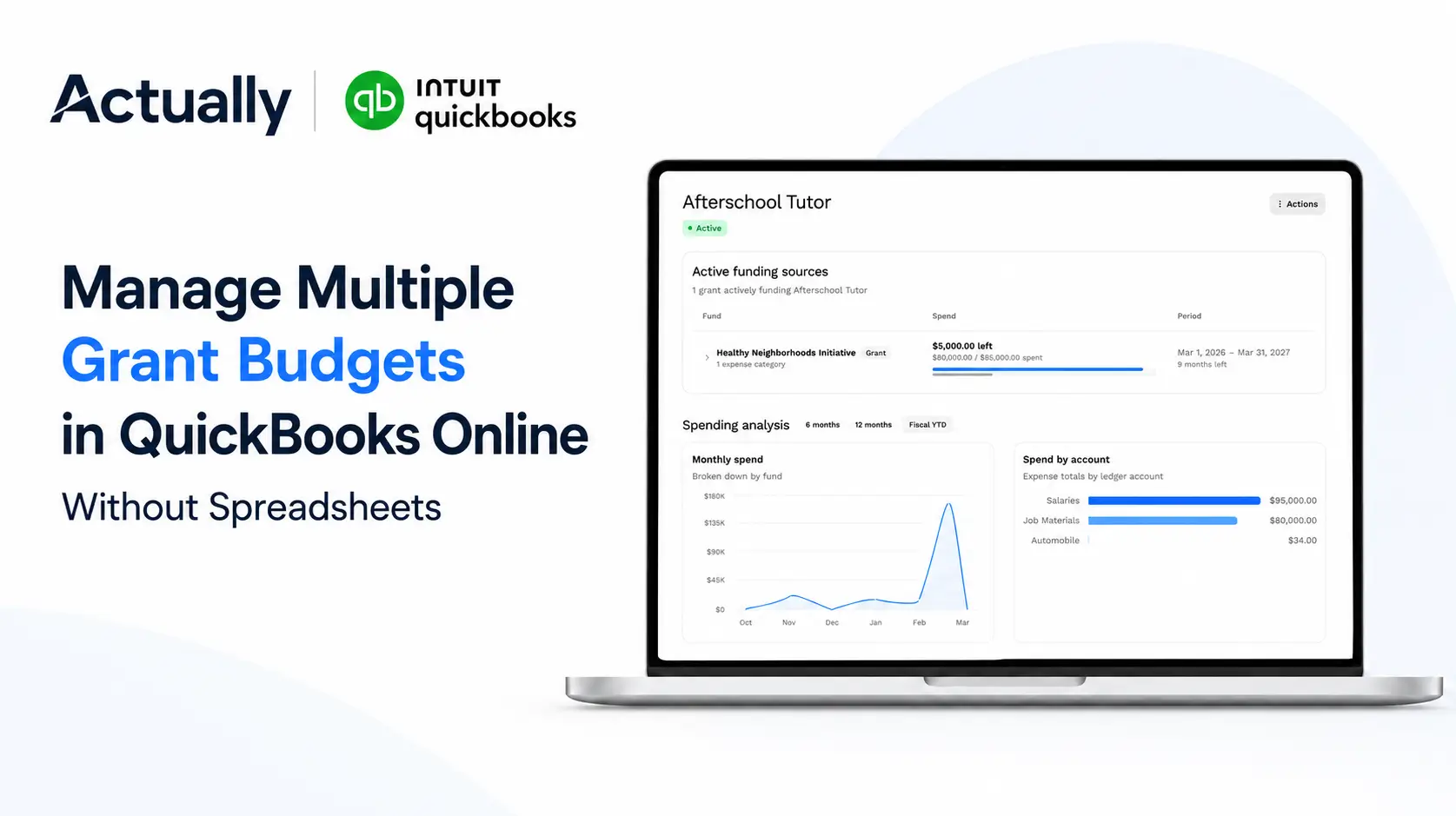
Grant spend-down tracking in QuickBooks Online helps nonprofits monitor remaining grant balances, burn rates, and budget vs. actual expenses across programs and funding sources. Most organizations use Class Tracking and budget reports in QBO to track grant spending, but reporting often becomes spreadsheet-heavy as grant complexity grows. Actually syncs directly with QuickBooks Online to provide real-time grant visibility, spend pacing, and centralized budget tracking for nonprofits managing multiple grants.
Nonprofits managing multiple grants often struggle to answer simple questions like:
- How much funding is left in each grant?
- Are we overspending certain cost categories?
- Which programs are approaching budget limits?
- Are expenses aligned with restricted funding requirements?
This guide explains how grant spend-down tracking works in QuickBooks Online, where the limitations appear, and how nonprofits improve visibility across grants, programs, and funding streams.
What Is Grant Spend-Down Tracking?
Grant spend-down tracking is the process of monitoring grant expenses against approved budgets over time.
Nonprofits use spend-down tracking to:
- Monitor remaining grant balances
- Track burn rates
- Prevent overspending
- Reconcile expenses to grant budgets
- Support grant reporting requirements
- Ensure compliance with restricted funding rules
For example, if a nonprofit receives a $250,000 grant for a 12-month community outreach program, the finance team needs to track:
- Total approved budget
- Amount spent to date
- Remaining balance
- Spending pace by month
- Expenses by category
- Expenses by program or location
Without accurate spend-down reporting, organizations risk budget overruns, delayed reimbursements, or compliance issues.
Why Grant Spend-Down Tracking Matters for Nonprofits
Many grants come with strict funding restrictions and reporting requirements.
Funders often require nonprofits to provide:
- Budget vs. actual reports
- Grant utilization summaries
- Expense breakdowns by category
- Remaining balance reports
- Program-specific financial reporting
Strong spend-down tracking helps nonprofits:
- Improve financial visibility
- Make faster budgeting decisions
- Prepare audit-ready records
- Reduce spreadsheet errors
- Monitor restricted funds accurately
- Plan future grant allocations
Organizations managing multiple active grants especially need centralized reporting across all funding sources.
How Nonprofits Track Grant Spend-Down in QuickBooks Online
QuickBooks Online does not include a dedicated nonprofit grant management module, but many organizations configure QBO using:
- Class Tracking
- Location Tracking
- Budget reports
- Custom chart of accounts
- Spreadsheet reconciliations
Step 1: Enable Class Tracking in QuickBooks Online
Most nonprofits use Classes to represent:
- Grants
- Programs
- Departments
- Funding streams
Examples:
Step 2: Create Grant Budgets
After setting up classes, organizations create budgets inside QuickBooks Online.
Budgets are typically organized by:
- Expense account
- Program
- Grant
- Fiscal year
Common categories include:
- Salaries
- Payroll taxes
- Supplies
- Travel
- Equipment
- Administrative costs
The goal is to compare actual spending against approved grant budgets throughout the grant cycle.
Step 3: Run Budget vs. Actual Reports
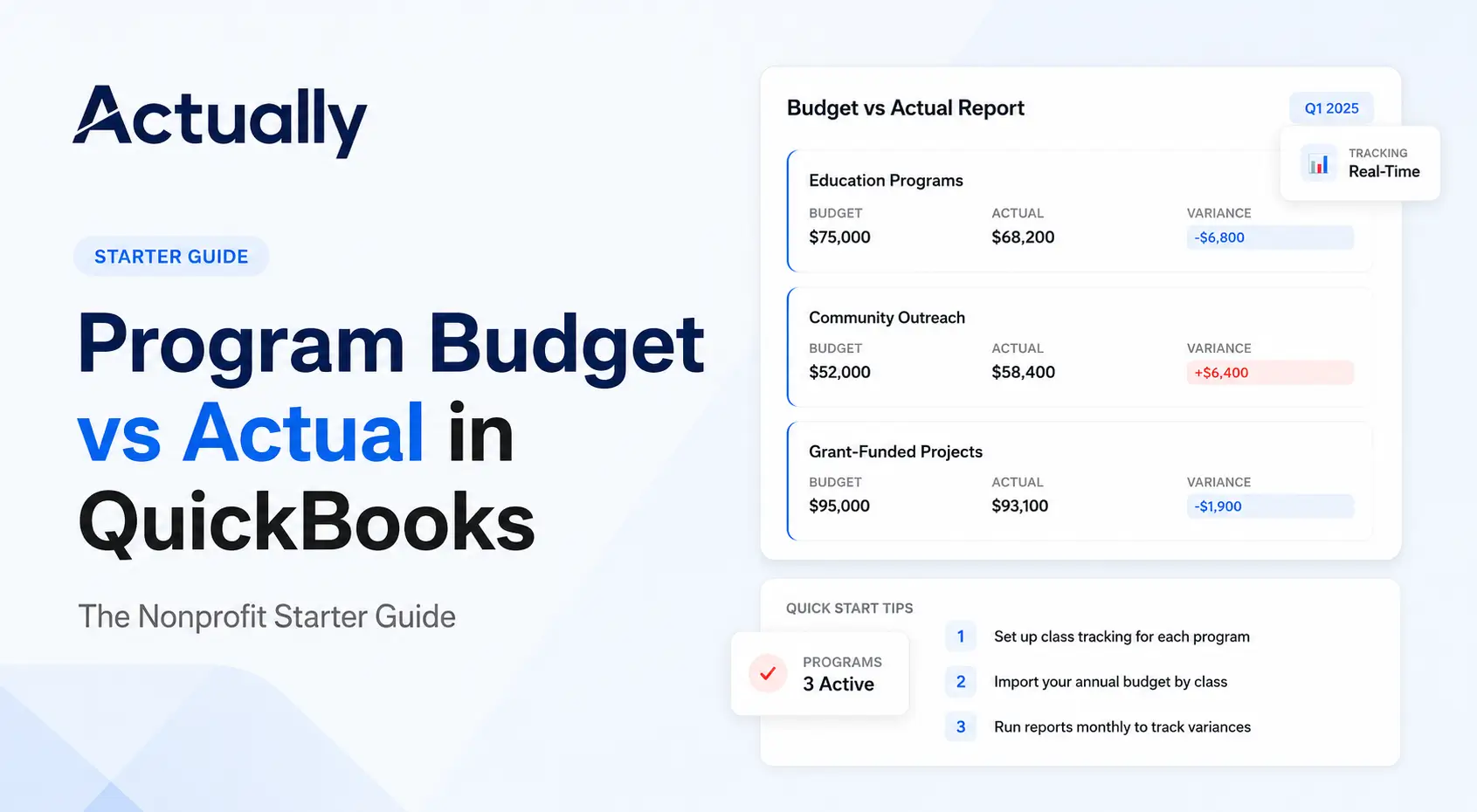
QuickBooks Online includes Budget vs. Actual reporting features that help nonprofits monitor spending progress.
Teams commonly review:
- Monthly variances
- Overspent categories
- Remaining grant balances
- Department-level expenses
- Program burn rates
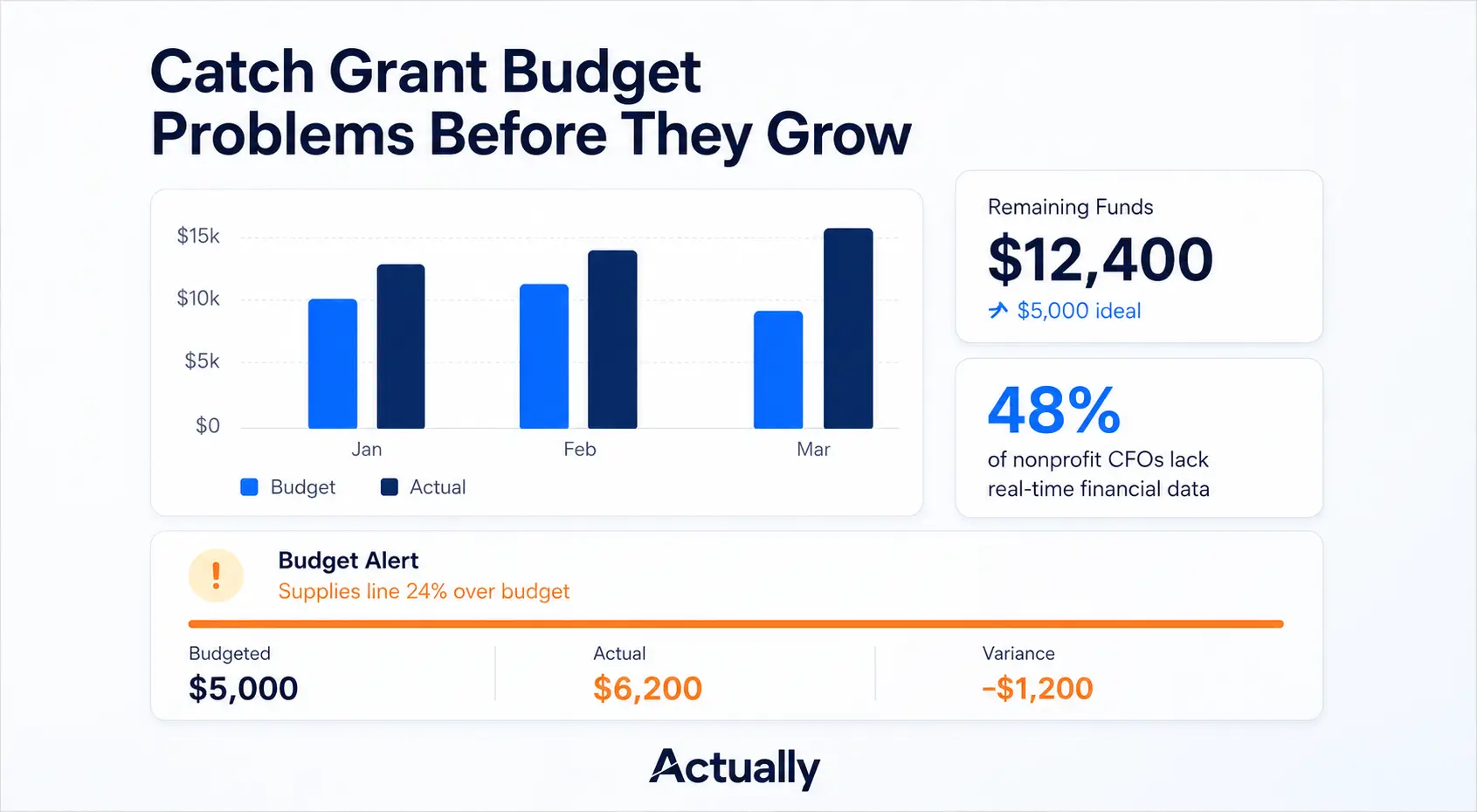
These reports help finance teams identify issues before grant budgets are exceeded.
Step 4: Monitor Burn Rates and Remaining Balances
Grant burn rate refers to how quickly grant funds are being used over time.
For example:
Finance teams compare actual spending pace against the grant timeline.
If spending is too fast or too slow, adjustments may be needed.
This process becomes harder when organizations manage multiple grants simultaneously.
Common Challenges With Grant Spend-Down Tracking in QuickBooks Online
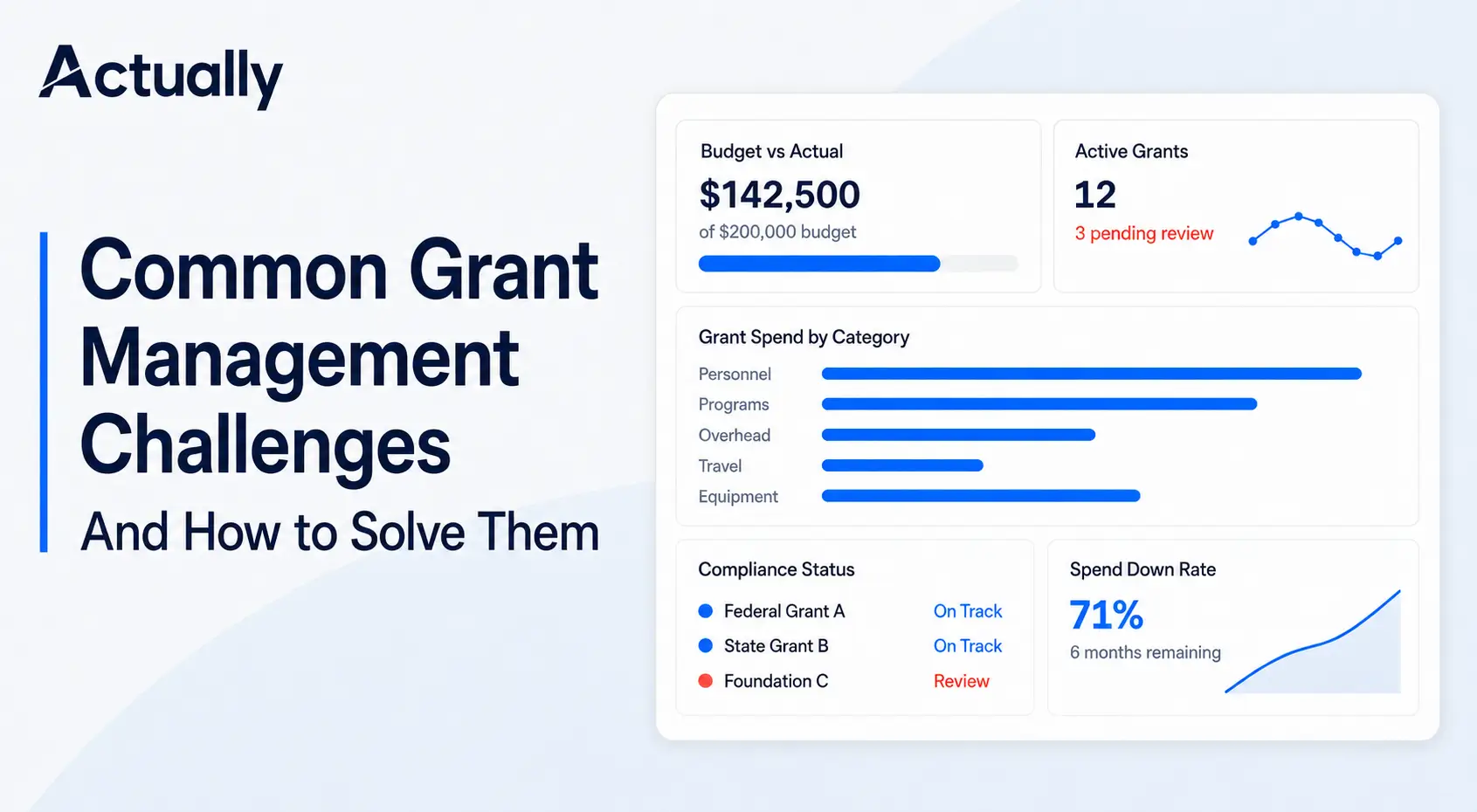
While QuickBooks Online works well for basic accounting, nonprofits often encounter reporting limitations as grant complexity grows.
Limited Real-Time Grant Visibility
Many organizations rely on exported spreadsheets because QBO reporting is not always designed for grant-level dashboards.
This creates:
- Manual reconciliation work
- Delayed reporting
- Duplicate data entry
- Version control issues
Difficulty Managing Multiple Grants
Tracking several grants across different programs can become difficult when:
- Expenses overlap multiple funding sources
- Cost allocations change monthly
- Different grants require different reporting structures
Teams often spend hours manually preparing reports for funders.
Manual Cost Allocation Processes
Many nonprofits allocate shared expenses manually.
Examples include:
- Shared payroll
- Facility costs
- Administrative overhead
- Program support expenses
Without automation, finance teams may rely heavily on spreadsheets outside QBO.
Limited Burn Rate Forecasting
QuickBooks Online reports show historical spending, but forecasting future grant utilization often requires additional tools.
Nonprofits may struggle to predict:
- Remaining funding duration
- Future spending pace
- Budget exhaustion timelines
QBO Native vs QBO + Actually
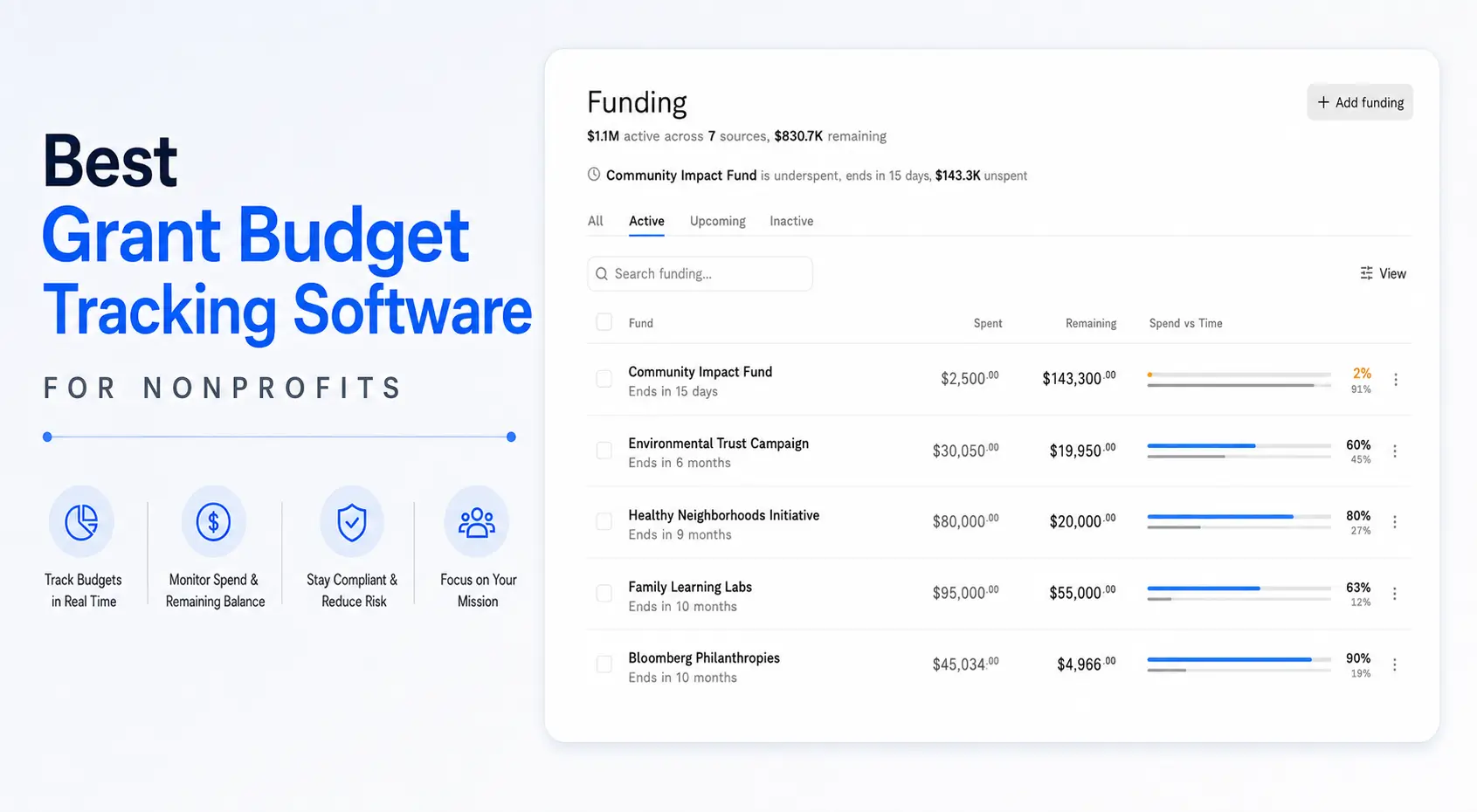
How Actually Helps Nonprofits Track Grant Spend-Down
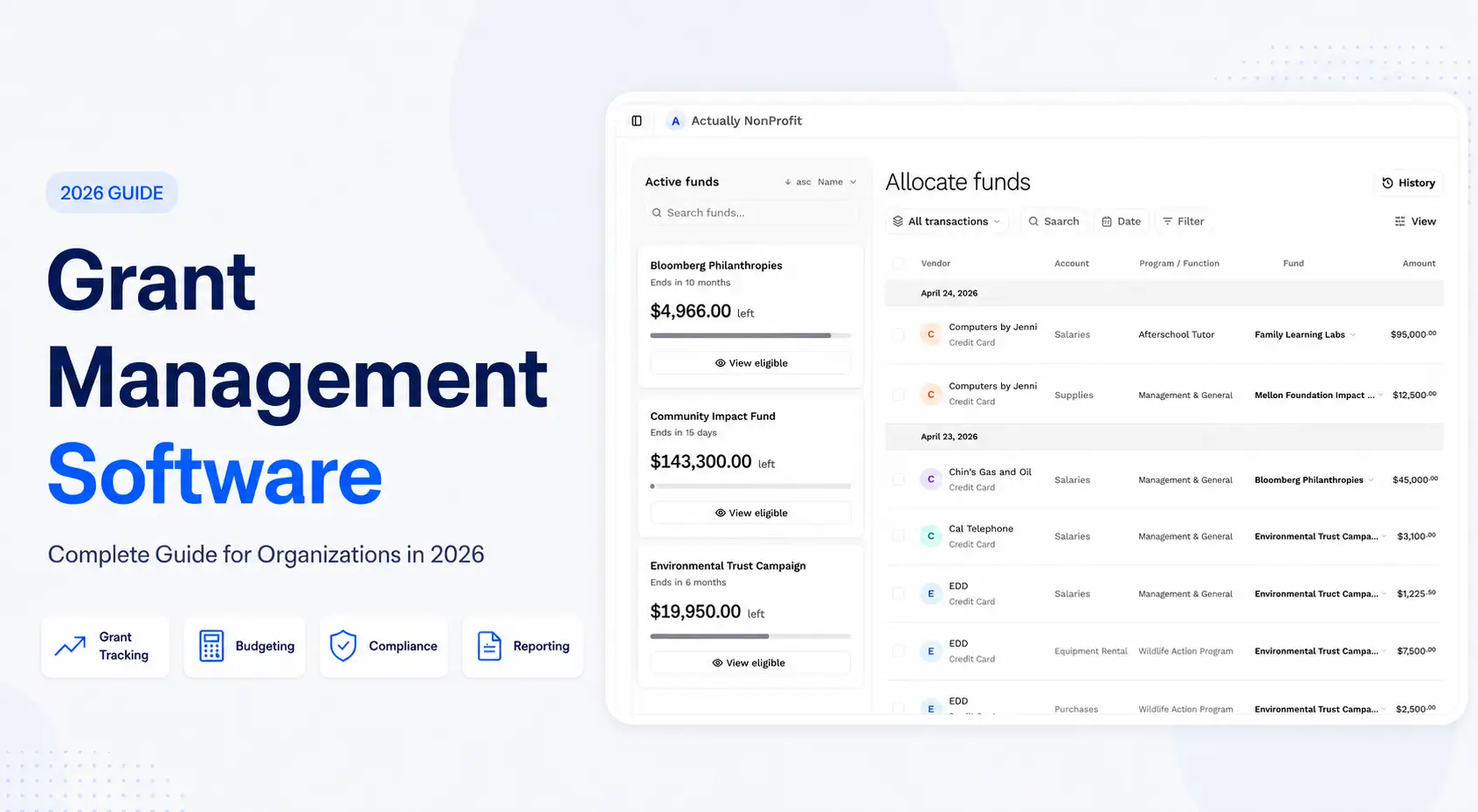
Actually connects directly with QuickBooks Online to help nonprofits manage grant budgeting and reporting workflows more efficiently.
Organizations use Actually to:
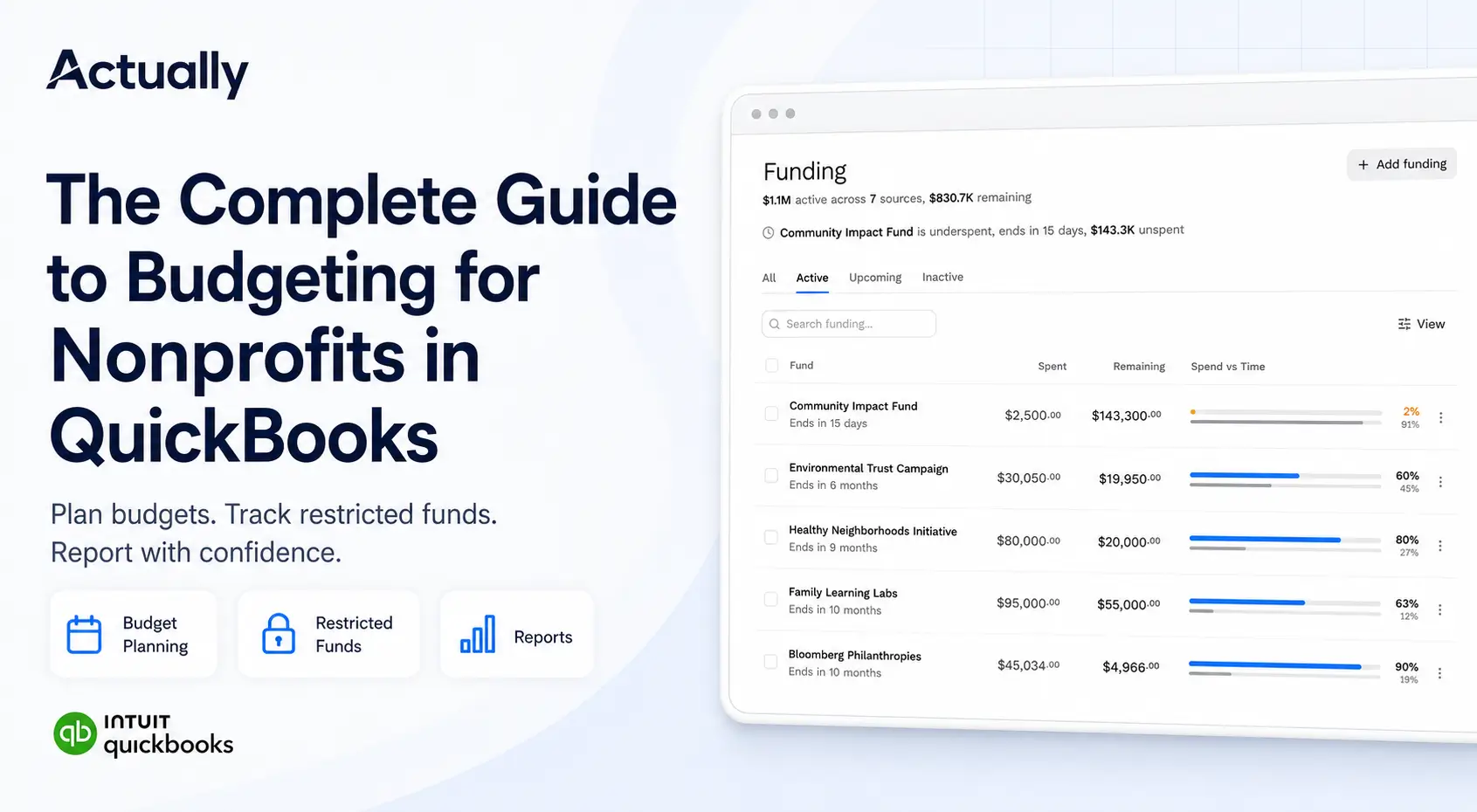
- Track remaining grant balances in real time
- Monitor budget vs. actual performance
- Improve visibility across programs and grants
- Reduce spreadsheet dependency
- Manage grant allocations
- Simplify nonprofit budgeting workflows
For nonprofits managing multiple grants simultaneously, centralized reporting can reduce manual reporting overhead significantly.
Best Practices for Grant Spend-Down Tracking
Standardize Grant Naming Conventions
Use consistent naming structures for:
- Grants
- Programs
- Departments
- Fiscal years
Example:
- HUD-2026-Housing
- Education-Grant-Q1
- YouthProgram-2026
Consistent naming improves reporting accuracy.
Review Budget Variances Monthly
Monthly reviews help nonprofits:
- Catch overspending early
- Identify unusual expenses
- Adjust allocation strategies
- Improve financial planning
Separate Restricted and Unrestricted Funds
Tracking restricted funds separately improves compliance and audit readiness.
Many nonprofits use:
- Dedicated classes
- Separate reporting filters
- Fund-specific dashboards
Reduce Spreadsheet Dependency
Spreadsheets often create:
- Formula errors
- Duplicate reporting
- Data inconsistencies
- Manual reconciliation delays
Centralized grant reporting systems improve reporting reliability.
Conclusion
Grant spend-down tracking in QuickBooks Online helps nonprofits monitor funding utilization, manage grant budgets, and improve financial visibility across programs and funding sources.
While QuickBooks Online can support basic grant tracking using classes and budget reports, many nonprofits eventually encounter limitations with multi-grant reporting, burn rate visibility, and manual allocation workflows.
Organizations managing complex grant structures often benefit from tools that provide clearer grant-level reporting, real-time budget visibility, and simplified spend-down monitoring.
Frequently Asked Questions
How do nonprofits track grant spend-down in QuickBooks Online?
Most nonprofits use Class Tracking, budget reports, and account segmentation to monitor grant expenses, remaining balances, and budget variances inside QuickBooks Online.
What is grant spend-down tracking?
Grant spend-down tracking is the process of monitoring how grant funds are used over time compared to approved budgets and funding restrictions.
Can QuickBooks Online track multiple grants?
Yes, QuickBooks Online can track multiple grants using Class Tracking and budget reporting features, although reporting complexity increases as organizations scale.
What is a grant burn rate?
Grant burn rate measures how quickly grant funds are being spent during the grant period.
Why do nonprofits use grant management software with QuickBooks Online?
Many nonprofits use additional grant budgeting and reporting tools to improve visibility, reduce spreadsheet work, automate reporting workflows, and monitor grant balances more efficiently.

David Cristello
.svg)
About the Author
David Cristello is the Co-Founder of Actually Finance. He's been an entrepreneur in the accounting and nonprofit space for over 10 years, previously building a company that made the Inc5000 list
.png)






.webp)