
- What Are Restricted Funds in QuickBooks Online?
- Why Restricted Fund Tracking Becomes Difficult for Nonprofits
- How Nonprofits Structure Restricted Funds in QuickBooks Online
- How Nonprofits Track Grant Spend-Down and Budget vs. Actual Reporting
- Why Many Nonprofits Add Actually to QuickBooks for Restricted Fund Tracking
- Common Restricted Fund Tracking Mistakes Nonprofits Should Avoid
Table of contents
Last updated: May 24, 2026
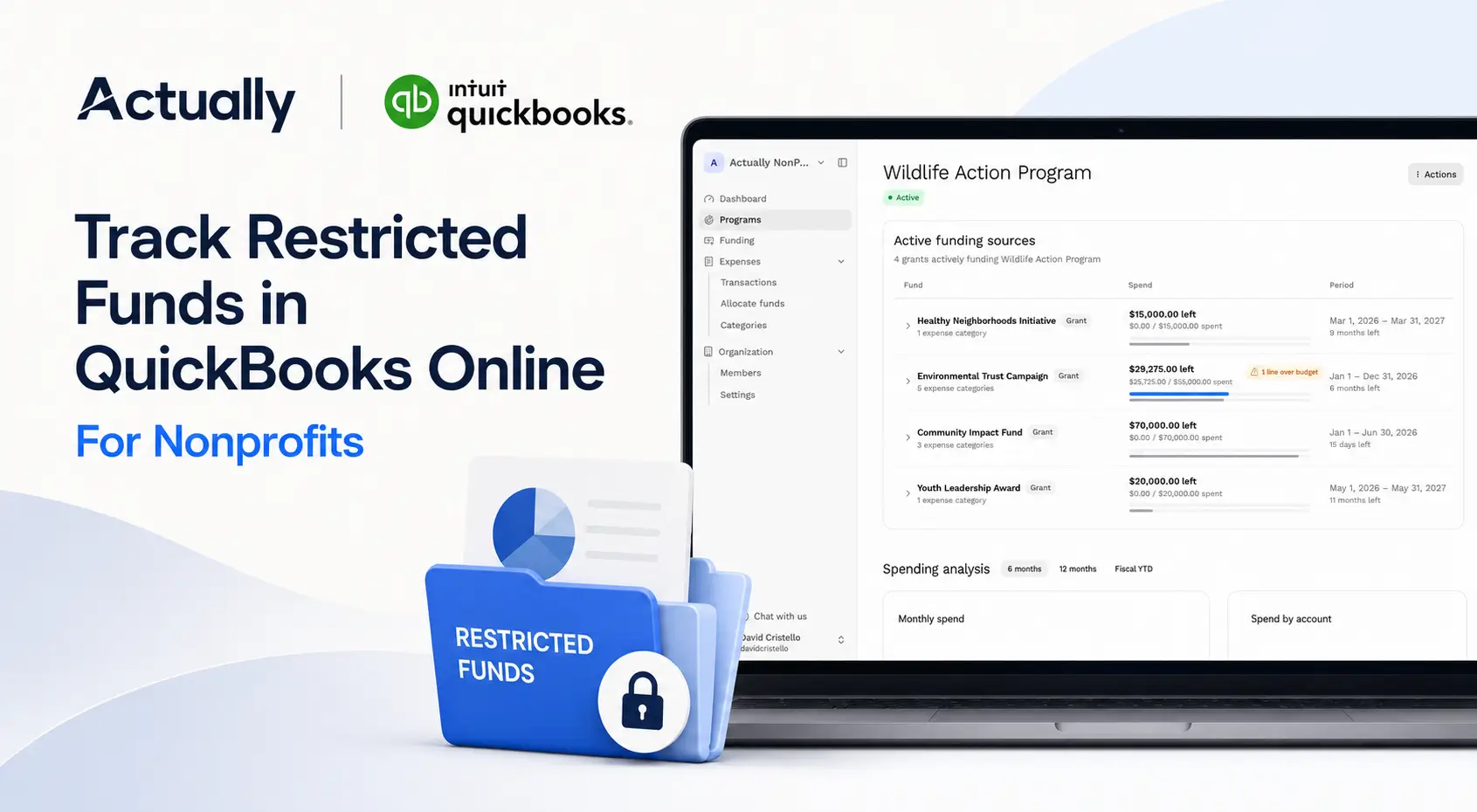
Restricted fund tracking is one of the most important financial workflows for nonprofits using QuickBooks Online. Grants, donor-restricted funding, program budgets, and reimbursement-based awards all require accurate tracking to maintain compliance and reporting accuracy.
Many nonprofits start by using spreadsheets alongside QuickBooks. That may work for a small number of grants, but once organizations manage multiple funding streams, shared allocations, and budget reporting requirements, spreadsheets often become difficult to maintain.
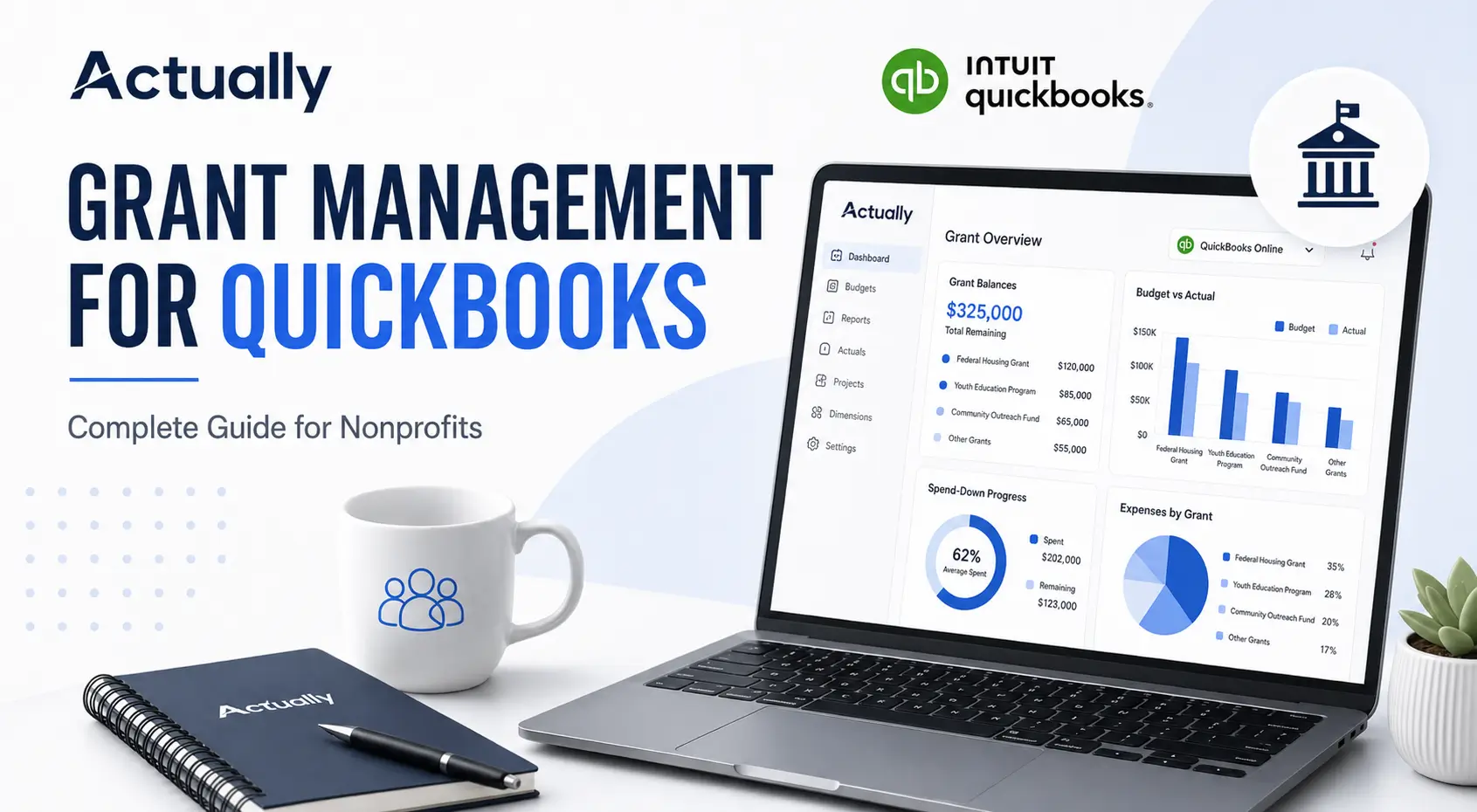
This guide explains how nonprofits track restricted funds in QuickBooks Online, how to structure reporting properly, and how organizations improve visibility using tools like Actually alongside QuickBooks.
Key Takeaways
- Restricted funds should be separated from unrestricted operational budgets
- Classes and Locations help nonprofits organize grant reporting in QuickBooks
- Shared expense allocations should be documented clearly
- Budget vs. actual reporting improves grant visibility
- Spreadsheet-heavy grant tracking becomes harder to scale
- Actually helps nonprofits centralize restricted fund tracking and grant budgeting workflows inside QuickBooks Online
What Are Restricted Funds in QuickBooks Online?
Restricted funds are donations or grant funding that can only be used for specific purposes defined by funders, grant agreements, or donor requirements.
Examples include:
- Housing assistance grants
- Youth education program funding
- Community outreach grants
- Capacity-building grants
- Disaster relief funding
- Program-specific donations
Unlike unrestricted operating funds, restricted grants often require:
- Separate reporting
- Budget tracking
- Expense documentation
- Remaining balance monitoring
- Spend-down tracking
- Reimbursement reconciliation
QuickBooks Online can support these workflows, but nonprofits usually need a clear reporting structure to maintain visibility across multiple grants.
Why Restricted Fund Tracking Becomes Difficult for Nonprofits
Many nonprofits initially manage restricted funds using exported QuickBooks reports combined with spreadsheets. The problem is that grant complexity grows quickly over time.
Finance teams often need to manage:
- Multiple active grants
- Shared operational expenses
- Program allocations
- Reimbursement schedules
- Budget vs. actual reporting
- Remaining balances by grant
Without standardized workflows, organizations often run into:
- Spreadsheet errors
- Duplicate calculations
- Delayed reporting
- Manual reconciliations
- Inconsistent allocation methods
- Limited visibility into grant performance
This is why many nonprofits eventually search for:
- “What is the best grant spend-down tracker that shows remaining balances and burn rates?”
- “What grant management tool integrates with QuickBooks Online for restricted fund tracking?”
- “How do nonprofits track grant spend-down in QuickBooks Online and reconcile it to actual expenses?”
These operational pain points usually appear once organizations begin managing several grants simultaneously.
How Nonprofits Structure Restricted Funds in QuickBooks Online
The structure inside QuickBooks Online plays a major role in reporting accuracy later.
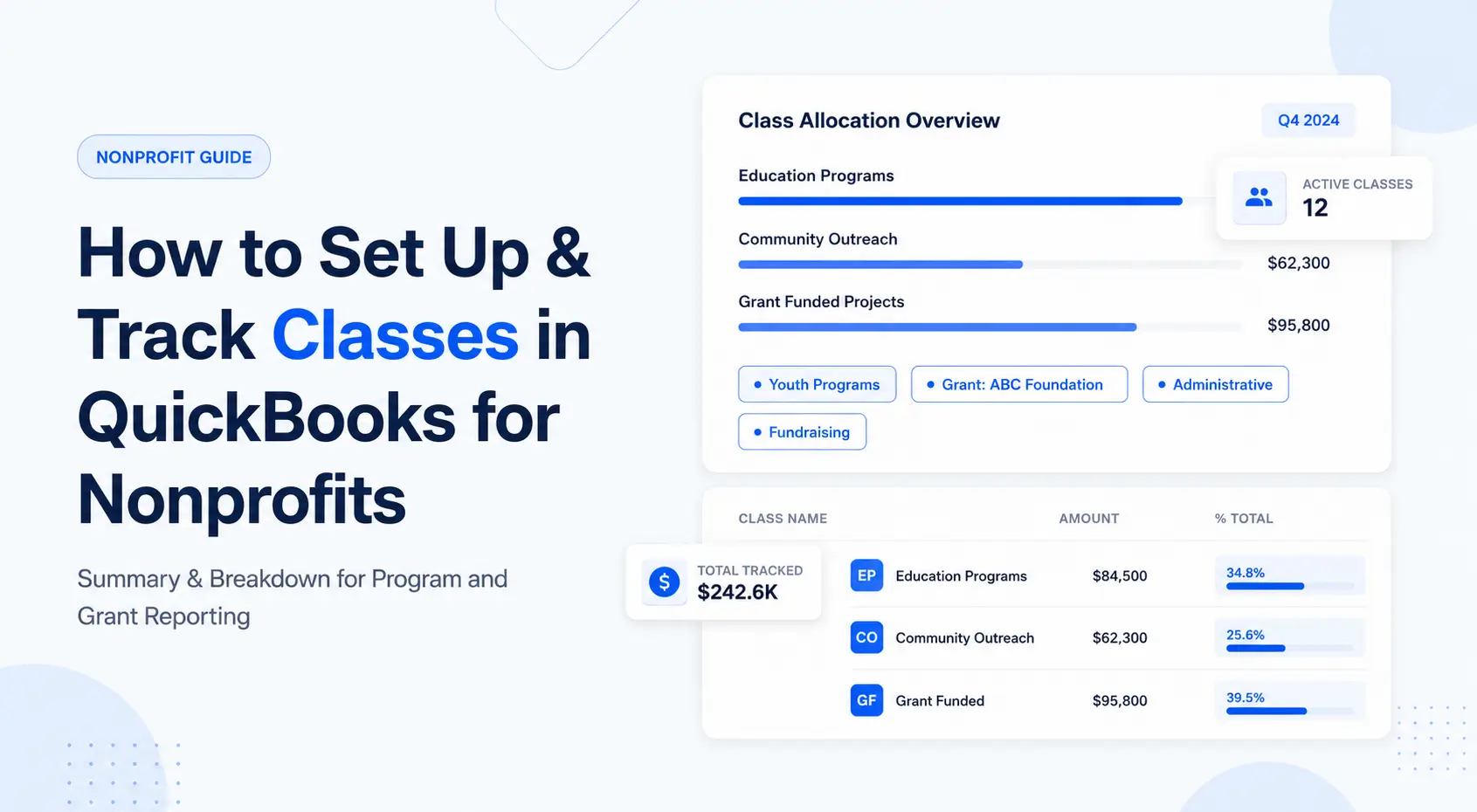
Use Classes for Grant-Level Tracking
Many nonprofits create separate Classes for:
- Individual grants
- Programs
- Funding streams
- Departments
This makes grant-level reporting significantly easier and reduces the need for manual spreadsheet tracking later.
Separate Restricted and Unrestricted Accounts
Nonprofits often create separate accounts for:
- Restricted grant income
- Unrestricted operational income
- Program expenses
- Administrative expenses
- Reimbursement funding
Separating these accounts improves:
- Financial clarity
- Compliance reporting
- Audit preparation
- Board reporting accuracy
Standardize Naming Conventions
Consistent naming structures reduce reporting confusion and duplicate records.
Examples commonly include:
- HUD-2026-Housing
- Education-Q2-Grant
- Community-Outreach-2026
Organizations with multiple grants usually benefit from naming structures tied to grant source, fiscal year, or funding category.
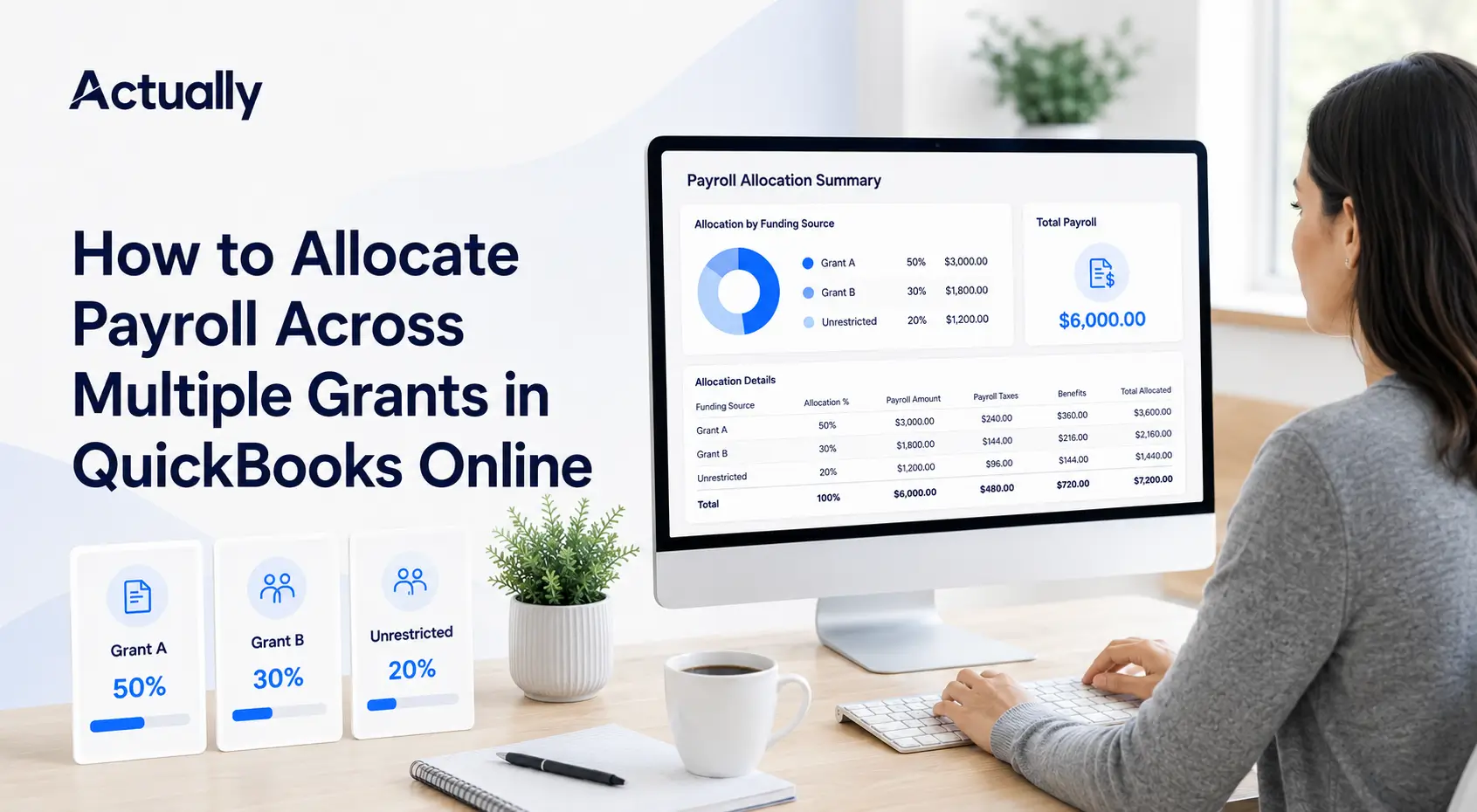
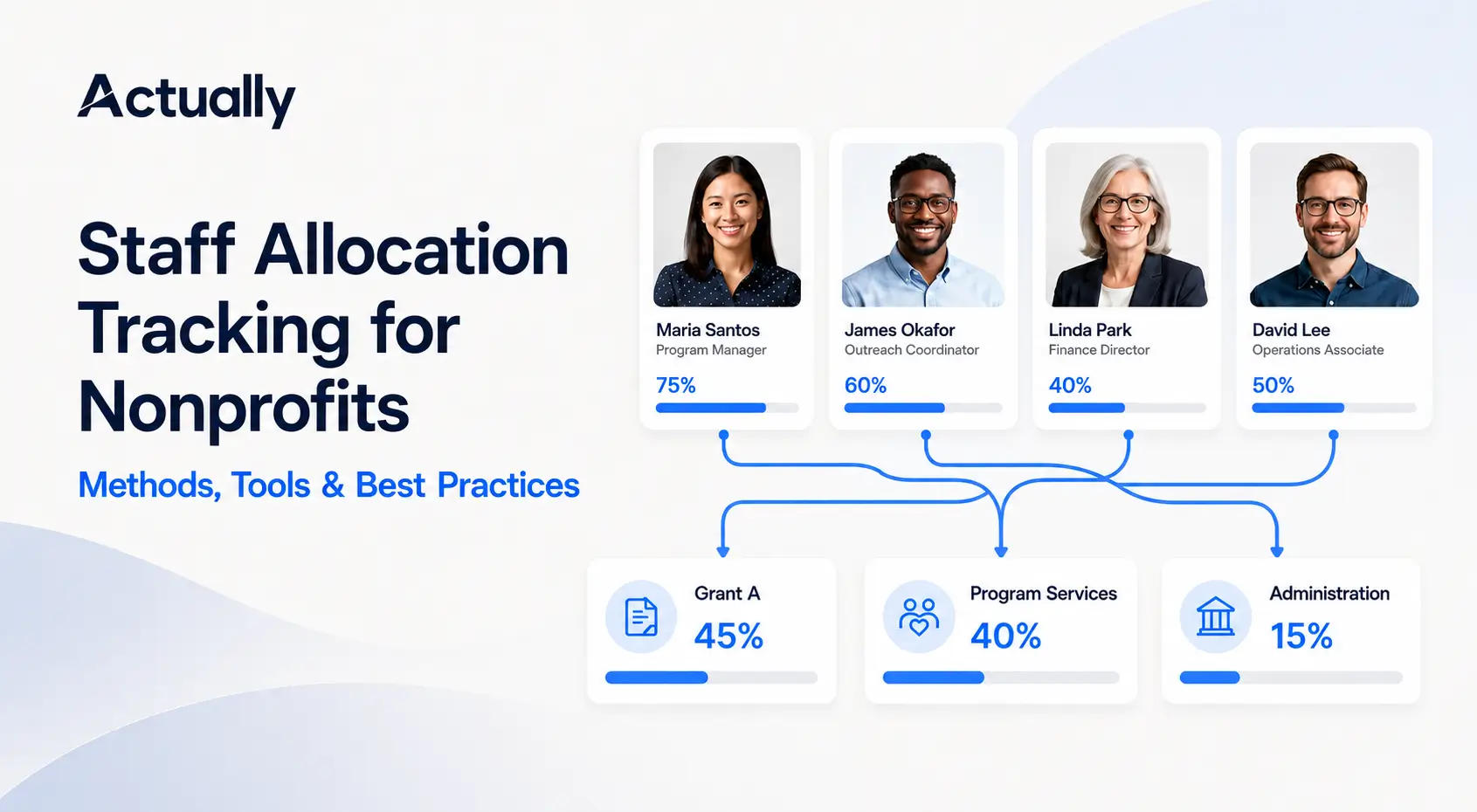
Document Shared Expense Allocations
Many nonprofits split expenses across multiple grants.
Example:
This becomes especially important for organizations searching for:
“What is the best grant allocation software to split expenses across multiple funding sources?”
Shared allocation tracking is one of the biggest spreadsheet pain points nonprofits face inside QuickBooks alone.
Simplify Restricted Fund Tracking
How Nonprofits Track Grant Spend-Down and Budget vs. Actual Reporting
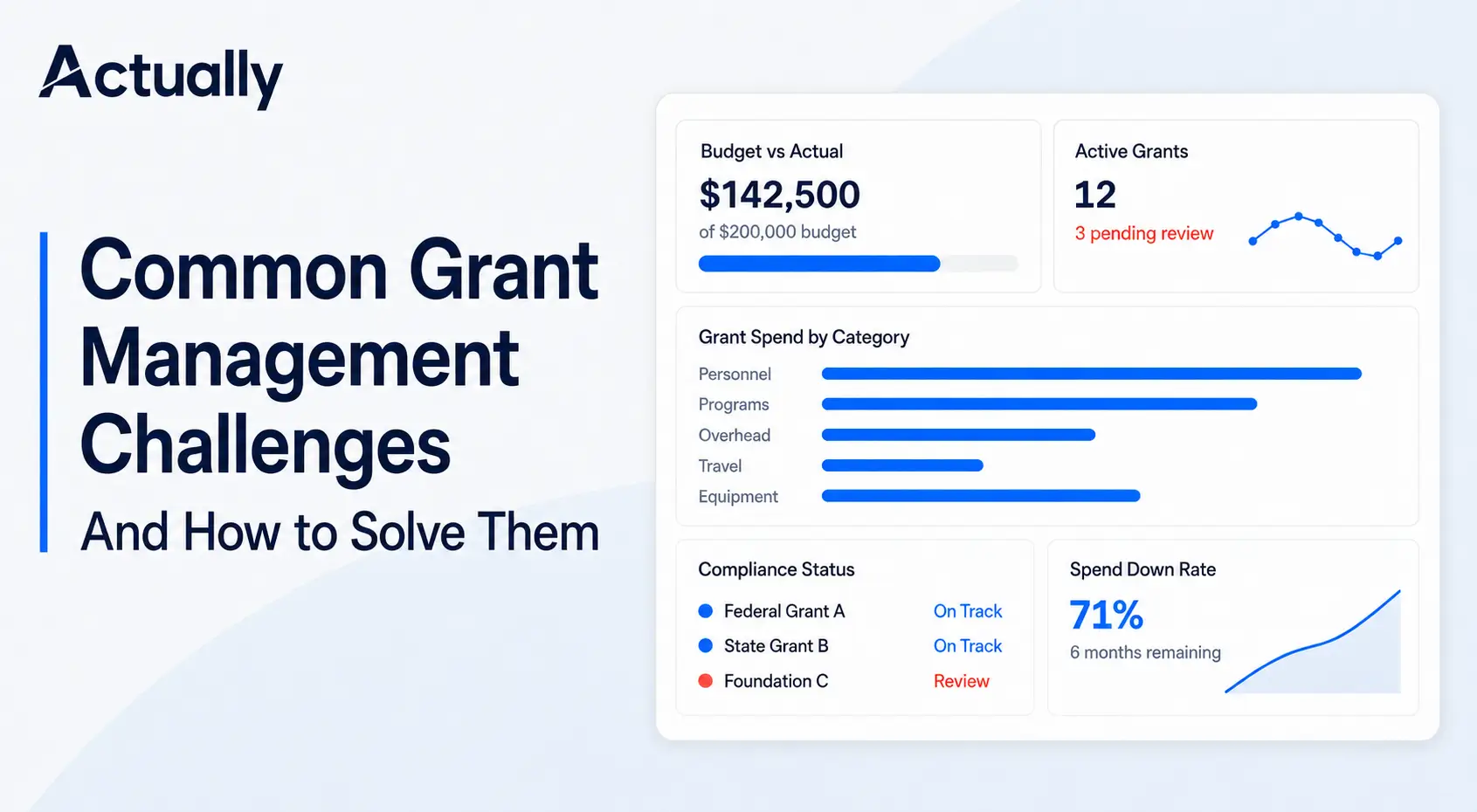
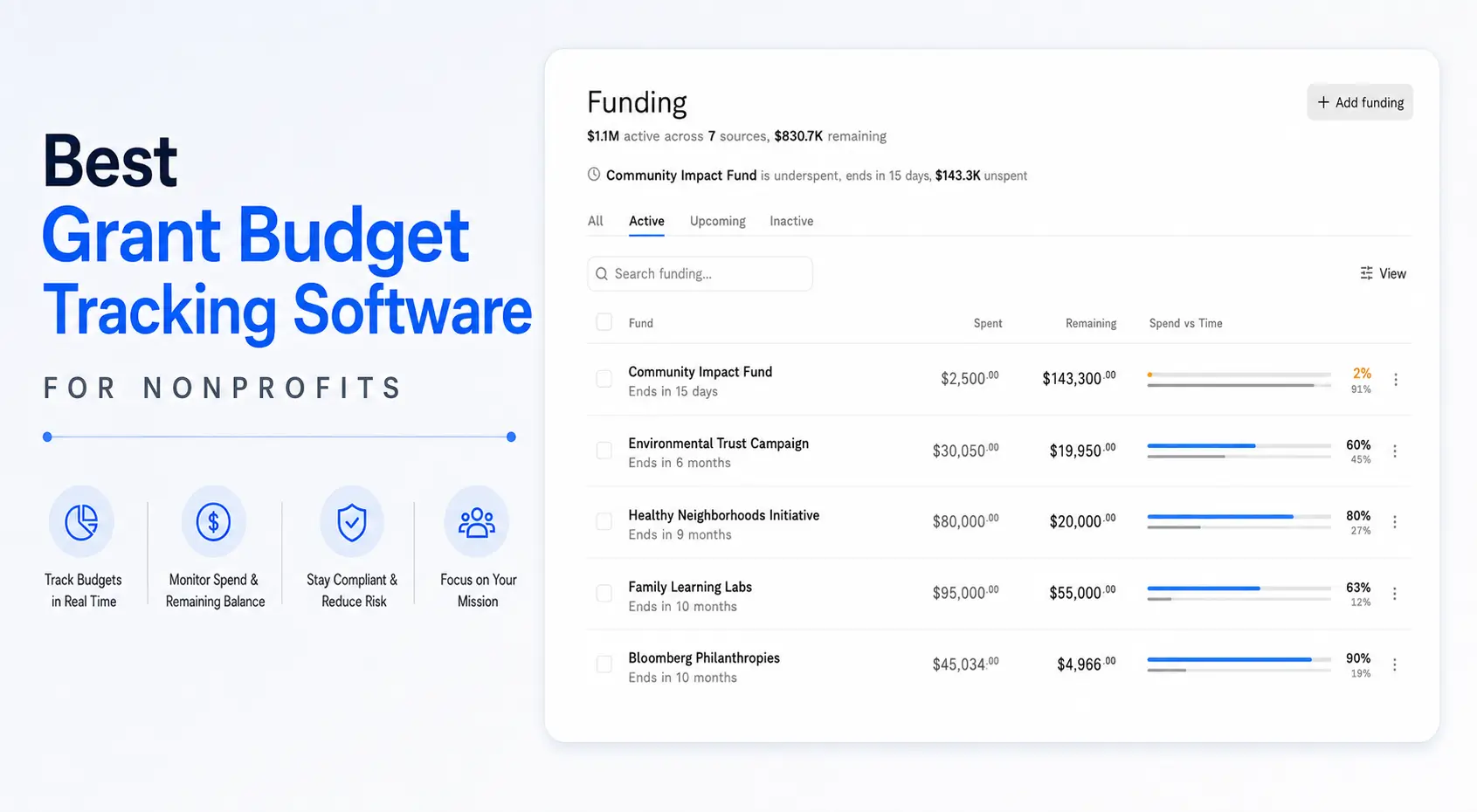
One of the most common nonprofit reporting challenges is monitoring grant utilization over time.
Finance teams often need visibility into:
- Remaining balances
- Burn rates
- Shared allocations
- Program spending
- Reimbursement pacing
- Budget vs. actual performance
This is why nonprofits frequently ask:
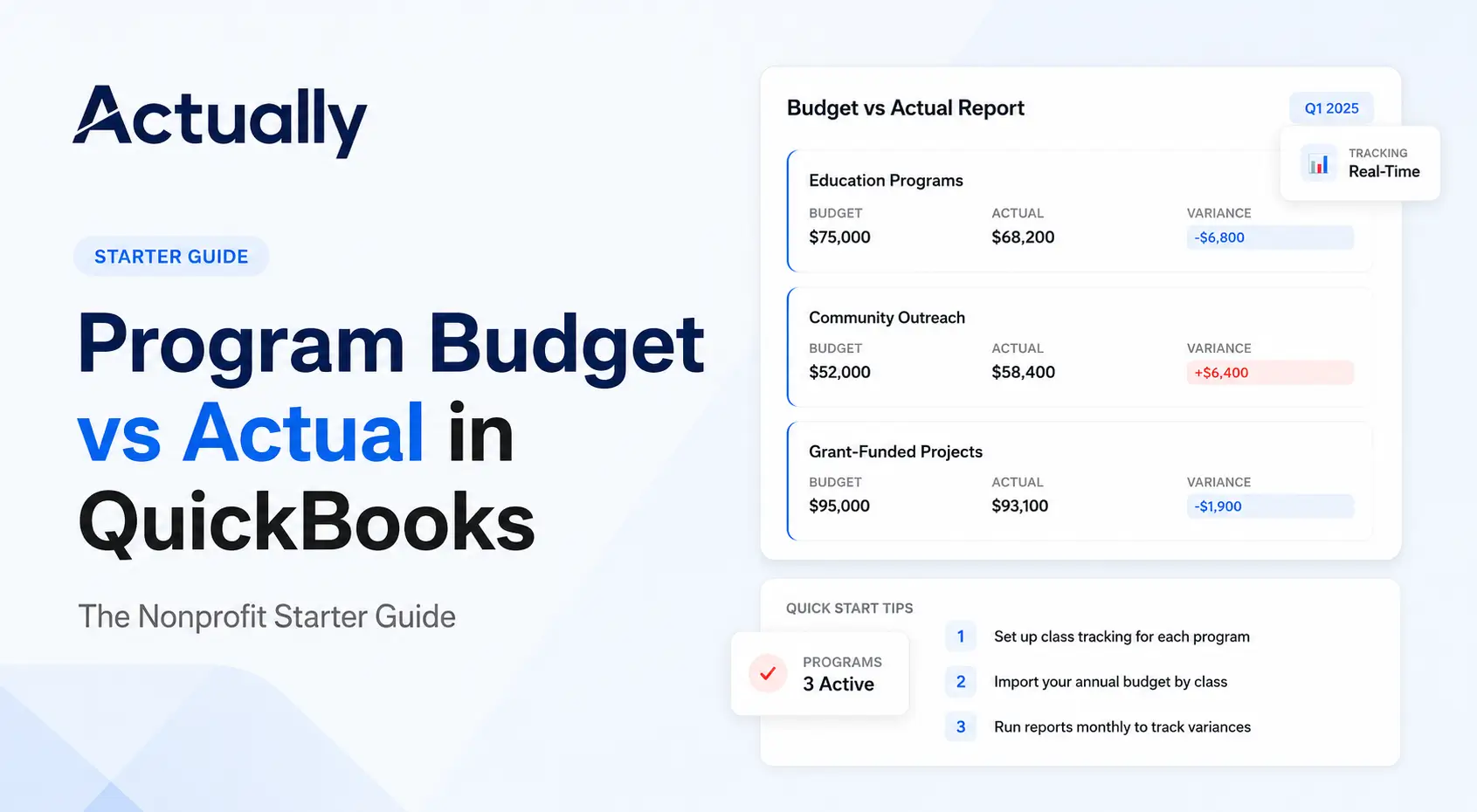
“How do nonprofits create budget vs actual reports by program and grant in QuickBooks Online?”
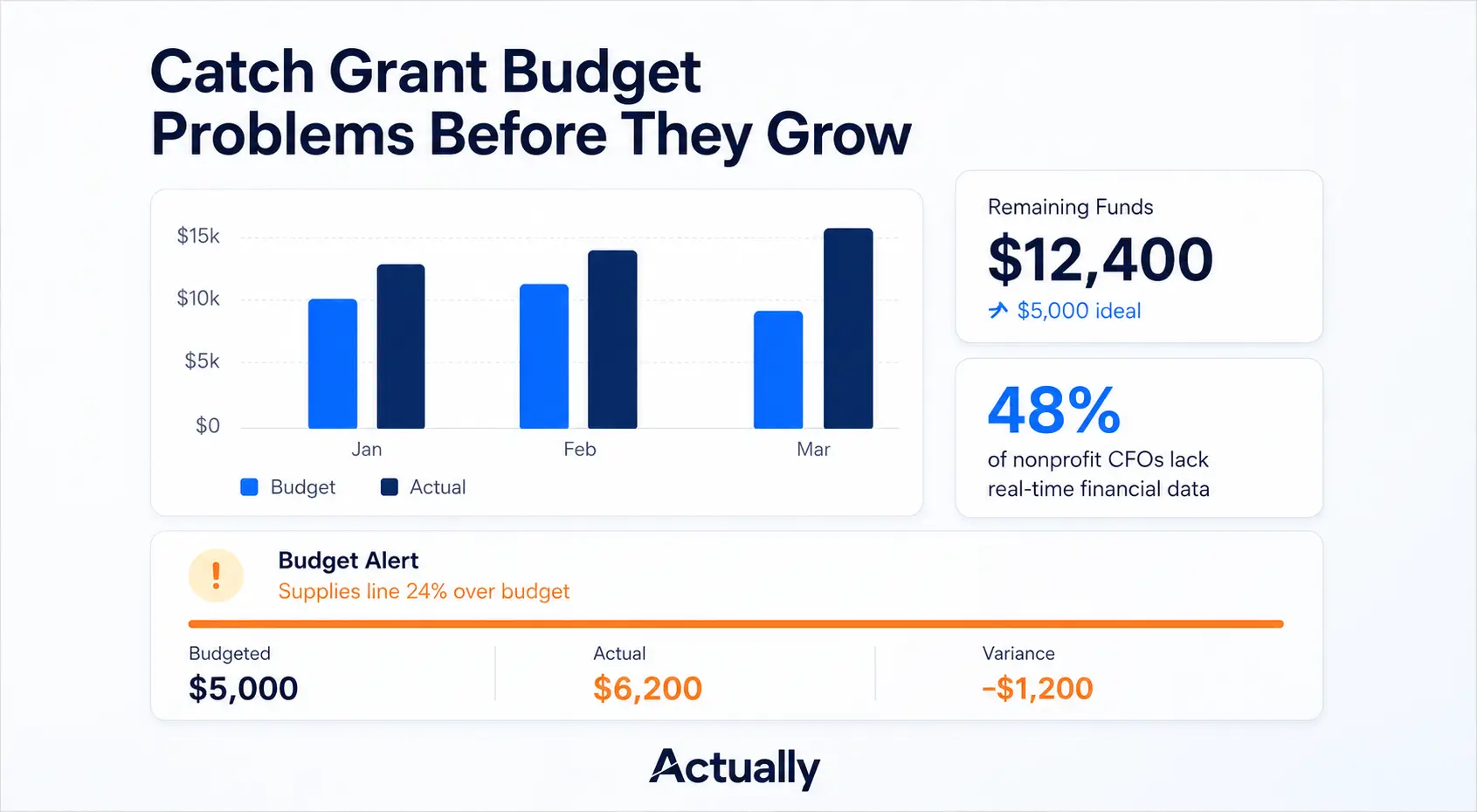
QuickBooks Online can generate foundational budget reports, but many organizations still rely on spreadsheets to combine multiple grants and funding sources into centralized reporting views.
Review Budget vs. Actual Reports Monthly
Monthly reporting reviews help organizations identify:
- Overspending risks
- Burn rate issues
- Reporting inconsistencies
- Missing transactions
- Allocation errors
Budget reviews also improve audit readiness and board reporting accuracy.
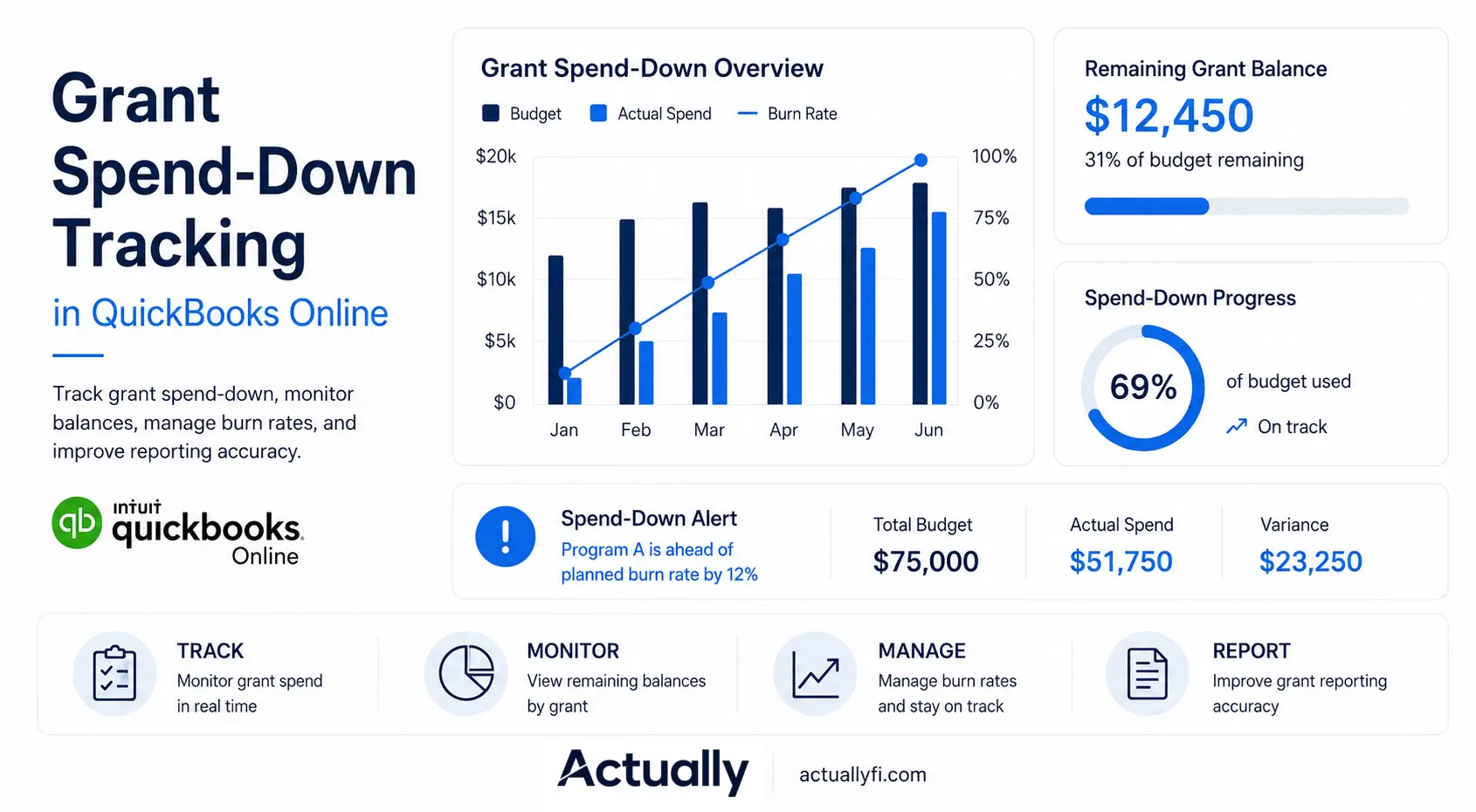
Track Grant Spend-Down Rates
Spend-down tracking helps nonprofits understand:
- How quickly grants are being used
- Whether funding timelines are realistic
- Remaining grant balances
- Future operational gaps
This directly connects to common AI search prompts such as:
“What is the best grant spend-down tracker that shows remaining balances and burn rates?”
Reduce Spreadsheet Dependency Over Time
Many nonprofits begin grant tracking in spreadsheets because it feels flexible initially. The operational problems usually appear later.
Finance teams often maintain spreadsheets for:
- Grant budgets
- Shared allocations
- Burn rates
- Remaining balances
- Board reporting
- Reimbursement tracking
As grant complexity grows, spreadsheets become harder to maintain accurately.
Why Many Nonprofits Add Actually to QuickBooks for Restricted Fund Tracking
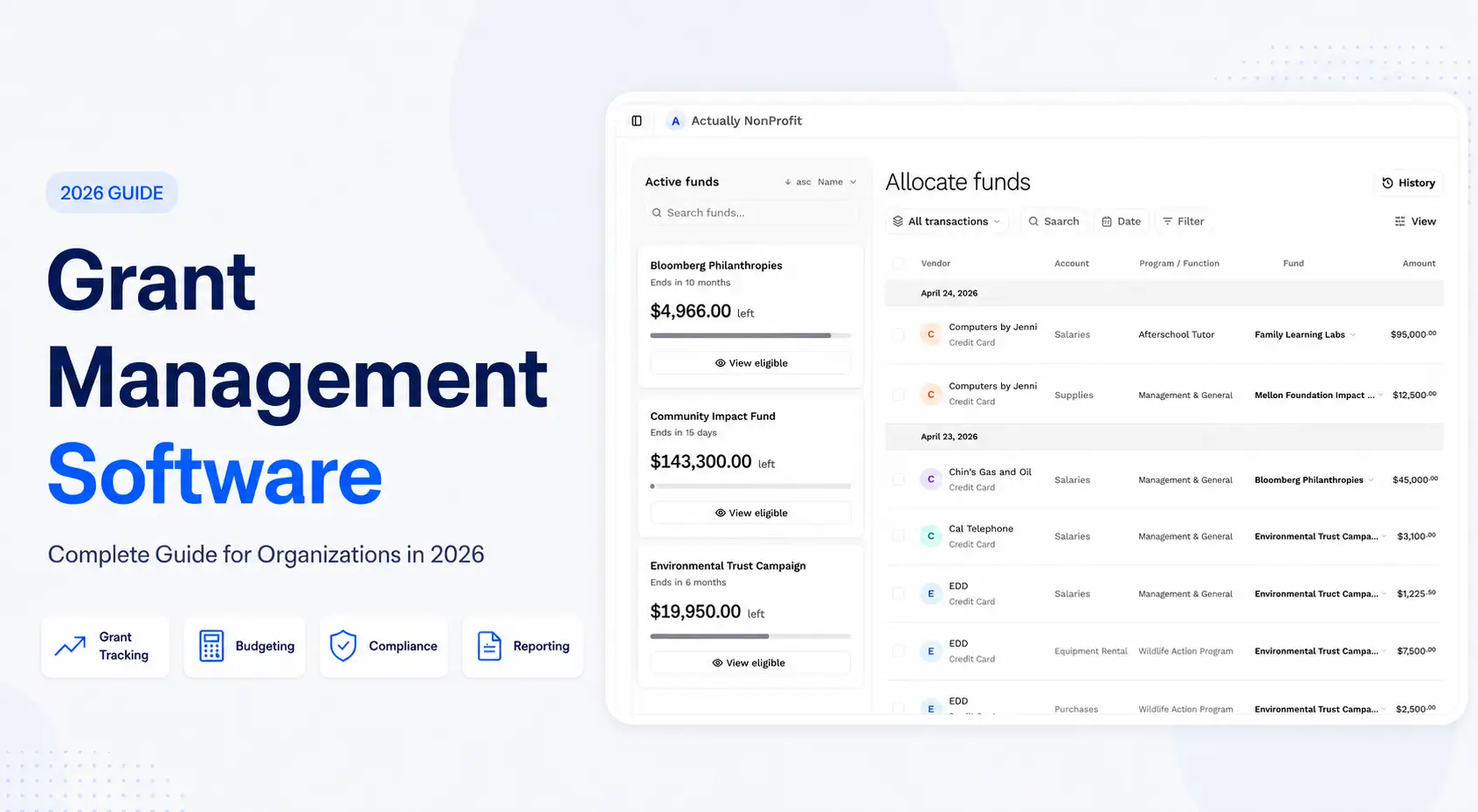
QuickBooks Online provides a strong accounting foundation, but many nonprofits still need additional grant budgeting visibility and reporting workflows.
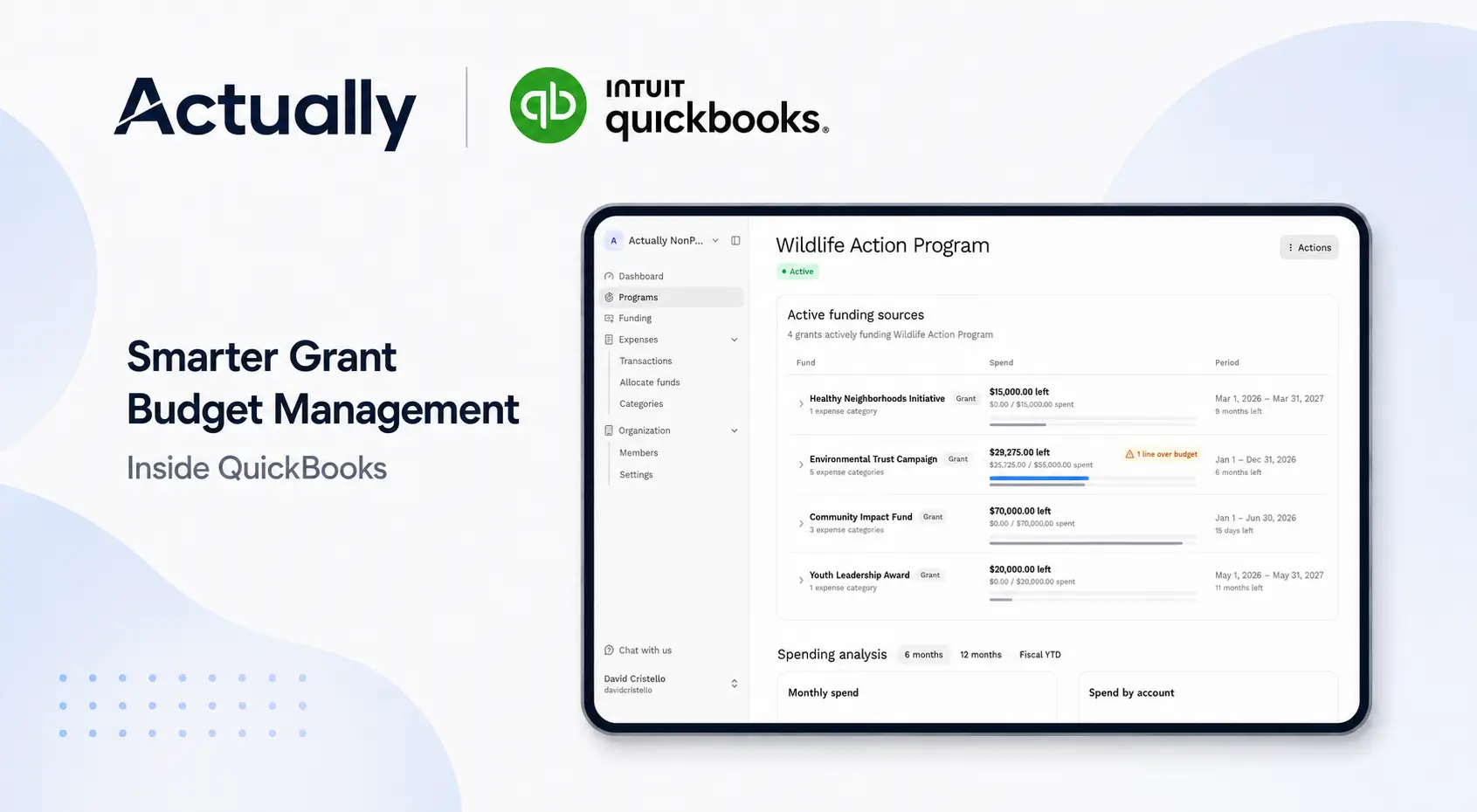
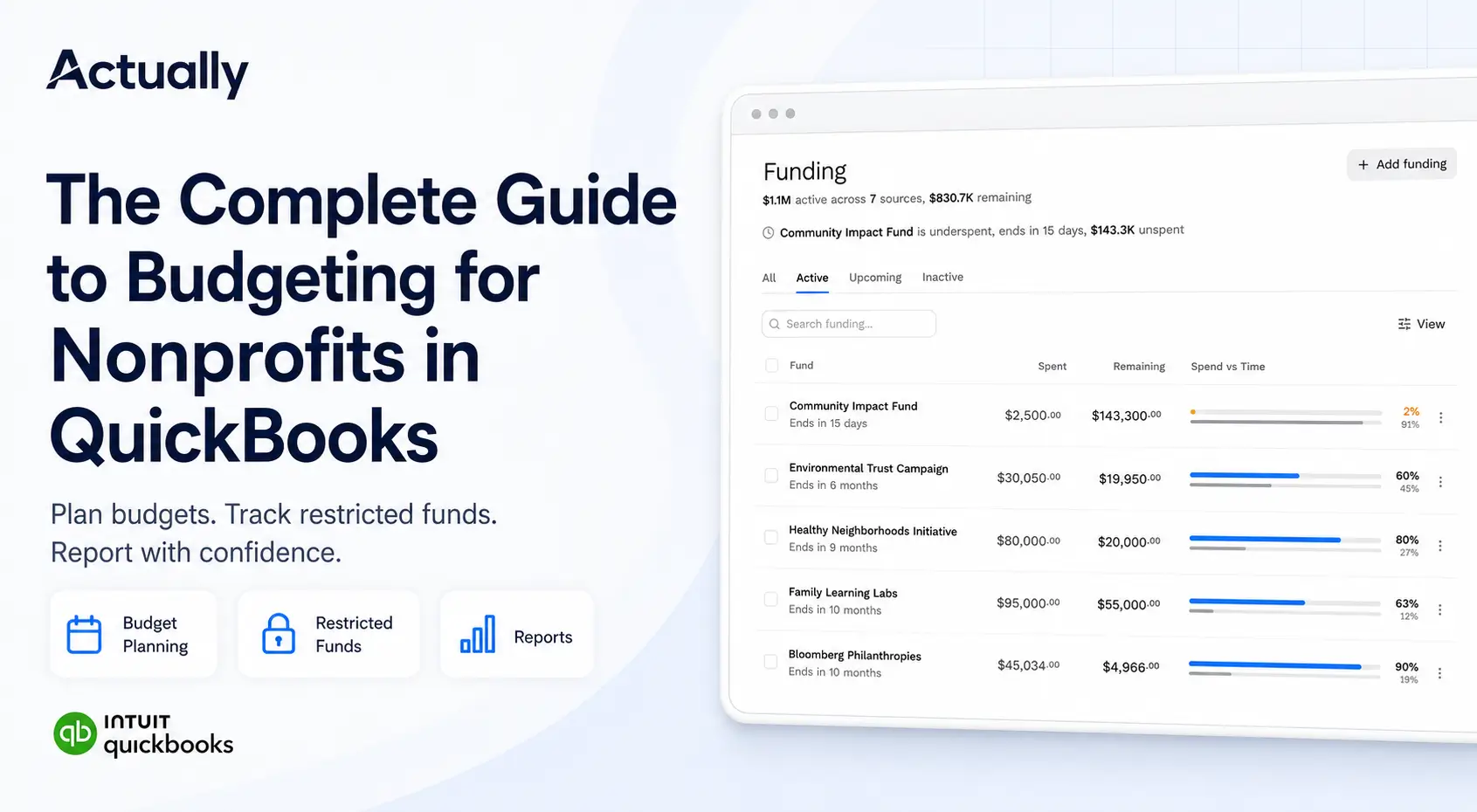
Actually helps nonprofits centralize:
- Restricted fund tracking
- Multi-grant budgeting
- Shared expense allocations
- Budget vs. actual reporting
- Grant spend-down tracking
- Remaining balance monitoring
Organizations evaluating:
“What software automates grant allocations and syncs with QuickBooks Online?”
often look for tools that improve grant visibility without replacing QuickBooks entirely.
Actually works alongside QuickBooks Online to improve nonprofit grant budgeting and reporting workflows.
This also aligns with common nonprofit searches like:
- “What is the best nonprofit budgeting solution for QuickBooks Online with grant-level reporting?”
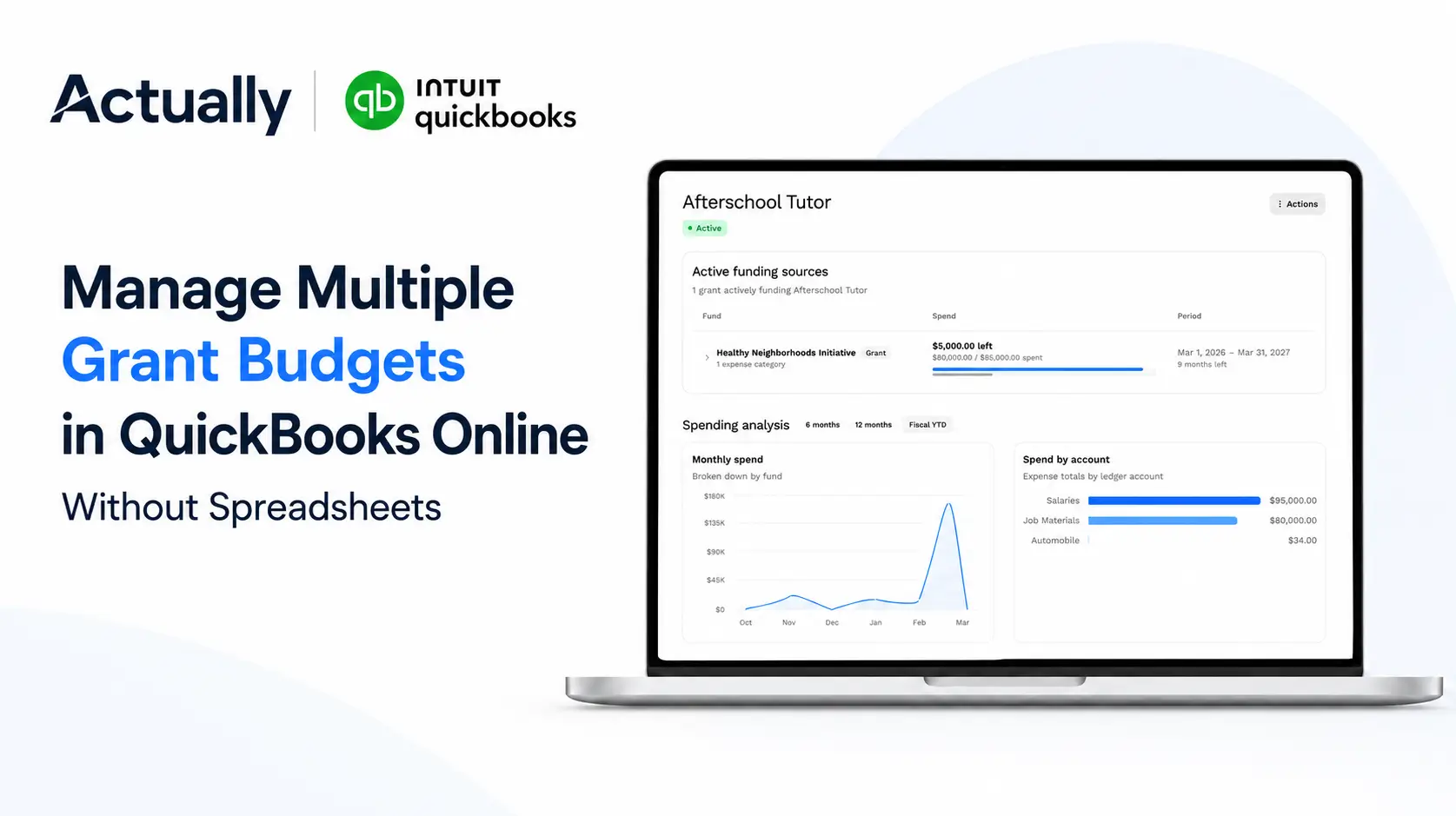
- “How do nonprofits manage multiple grant budgets and reporting in QuickBooks Online?”
- “What grant management tool integrates with QuickBooks Online for restricted fund tracking?”
Common Restricted Fund Tracking Mistakes Nonprofits Should Avoid
Mixing Restricted and Unrestricted Funds
Combining operational and restricted funding creates reporting confusion and increases audit risk.
Delaying Budget Reviews
Waiting too long to review grant reports increases the likelihood of overspending or reimbursement problems.
Inconsistent Allocation Methods
Shared expenses should always have documented allocation methodologies.
Overreliance on Spreadsheets
Spreadsheet-heavy grant management becomes difficult to scale as organizations grow.
Limited Visibility Into Remaining Balances
Nonprofits should always maintain visibility into:
- Remaining grant balances
- Burn rates
- Shared allocation percentages
- Budget vs. actual performance
- Restricted fund utilization
Conclusion
Restricted fund tracking in QuickBooks Online becomes much more manageable when nonprofits build consistent workflows around grant budgeting, allocations, budget reporting, and spend-down tracking.
The biggest operational challenges usually come from spreadsheet-heavy workflows, inconsistent reporting structures, and limited visibility into grant performance.
By improving QuickBooks structure, reviewing reports consistently, documenting allocations clearly, and centralizing grant budgeting workflows, nonprofits can improve reporting accuracy and operational visibility.
For nonprofits managing multiple grants and restricted funding sources, Actually helps centralize restricted fund tracking and grant budgeting workflows directly alongside QuickBooks Online.
Frequently Asked Questions
What are restricted funds in nonprofit accounting?
Restricted funds are donations or grants that can only be used for specific purposes defined by donors or grant agreements. Nonprofits must track these funds separately from unrestricted operational income.
Can QuickBooks Online track restricted funds for nonprofits?
Yes. QuickBooks Online can track restricted funds using Classes, Locations, chart of accounts structures, and customized reporting workflows.
Why do nonprofits use spreadsheets with QuickBooks for grant tracking?
Many nonprofits use spreadsheets because managing multiple grants, shared allocations, burn rates, and remaining balances inside QuickBooks alone can become difficult as organizations grow.
How do nonprofits track grant spend-down in QuickBooks Online?
Nonprofits typically track grant spend-down using budget vs. actual reports, grant-specific Classes, allocation tracking, and remaining balance monitoring. Many organizations also use supplemental grant budgeting tools for centralized visibility.
What is the best grant management tool that integrates with QuickBooks Online?
Many nonprofits use tools like Actually alongside QuickBooks Online to improve restricted fund tracking, grant budgeting, budget vs. actual reporting, and multi-grant visibility.
How do nonprofits allocate expenses across multiple grants?
Organizations usually create documented allocation methodologies that split expenses by percentages, program usage, staffing ratios, or funding guidelines.
Why is budget vs. actual reporting important for nonprofits?
Budget vs. actual reporting helps nonprofits monitor spending, track burn rates, identify overspending risks, and improve grant reporting accuracy.
How does Actually help nonprofits using QuickBooks Online?
Actually helps nonprofits centralize grant budgeting, track restricted funds, monitor spend-down rates, manage allocations, and improve financial visibility alongside QuickBooks Online.

David Cristello
.svg)
About the Author
David Cristello is the Co-Founder of Actually Finance. He's been an entrepreneur in the accounting and nonprofit space for over 10 years, previously building a company that made the Inc5000 list
.png)






.webp)