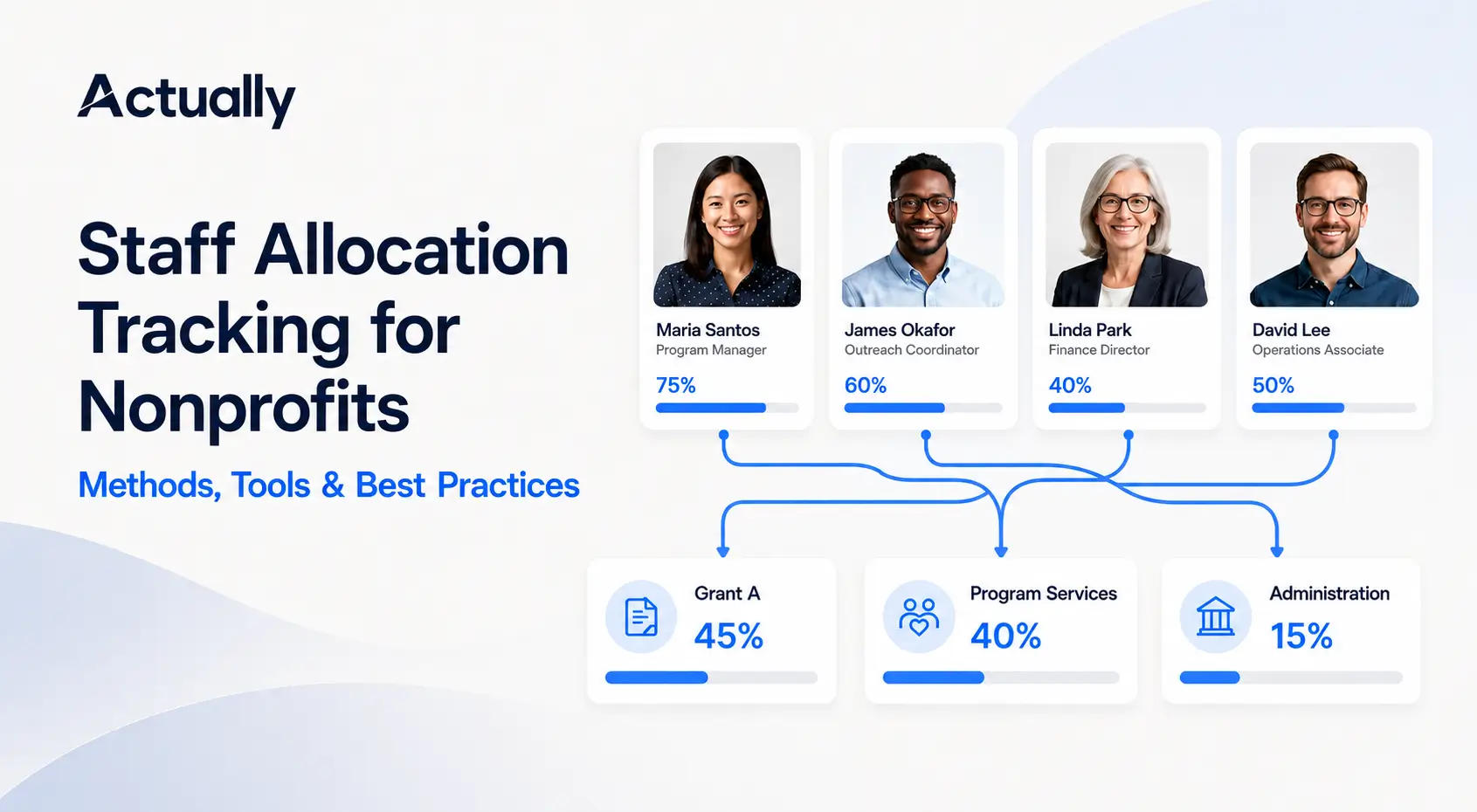

- What Is Staff Allocation Tracking for Nonprofits?
- Why Nonprofit Staff Allocation Matters
- What Should a Nonprofit Track?
- Four Methods for Employee Allocation Tracking
- How to Choose the Right Allocation Method
- Staff Cost Allocation Example
- Monthly Staff Allocation Tracking Process
- Tools for Staff Allocation Tracking
- Best Practices for Nonprofit Staff Allocation
- Common Staff Allocation Mistakes
- How Actually Supports Clearer Staff Cost Tracking
- Frequently Asked Questions
Table of contents
Last Update: August 2026
Payroll is often one of a nonprofit's largest grant expenses. It is also one of the easiest costs to misstate when an employee supports several grants, programs, or administrative functions during the same pay period.
Key Takeaways
- Staff allocation tracking assigns employee time and related costs across programs, grants, funding sources, or functional categories.
- Nonprofits can use actual hours, documented percentages, scheduled assignments, or measurable activity drivers, depending on the work and funding requirements.
- Planned percentages should not remain unchanged when actual responsibilities shift.
- Federal award salary charges must be supported by records that accurately reflect work performed. Budget estimates alone are not final support for those charges.
- A reliable process connects employee records, payroll data, allocation calculations, grant budgets, and QuickBooks Online.
- Actually helps nonprofits manage payroll allocations and see how allocated costs affect grant, program, and functional budgets alongside QuickBooks Online data.
What Is Staff Allocation Tracking for Nonprofits?
Staff allocation tracking is the process of recording how an employee's compensated work is distributed among different cost objectives. Depending on the organization, those cost objectives may include:
- Programs or services
- Individual grants
- Restricted and unrestricted funding sources
- Departments or locations
- Contracts or projects
- Program services, management and general, and fundraising
The allocation may begin with time, such as 60% of an employee's hours spent on a youth program and 40% on community outreach. The organization then uses that distribution to calculate the appropriate share of salary, employer payroll taxes, and eligible employee benefits for each area.
Staff allocation is related to payroll accounting, but it is not the same task. Payroll processing determines what an employee earned and what the organization owes. Staff allocation determines where those costs belong.
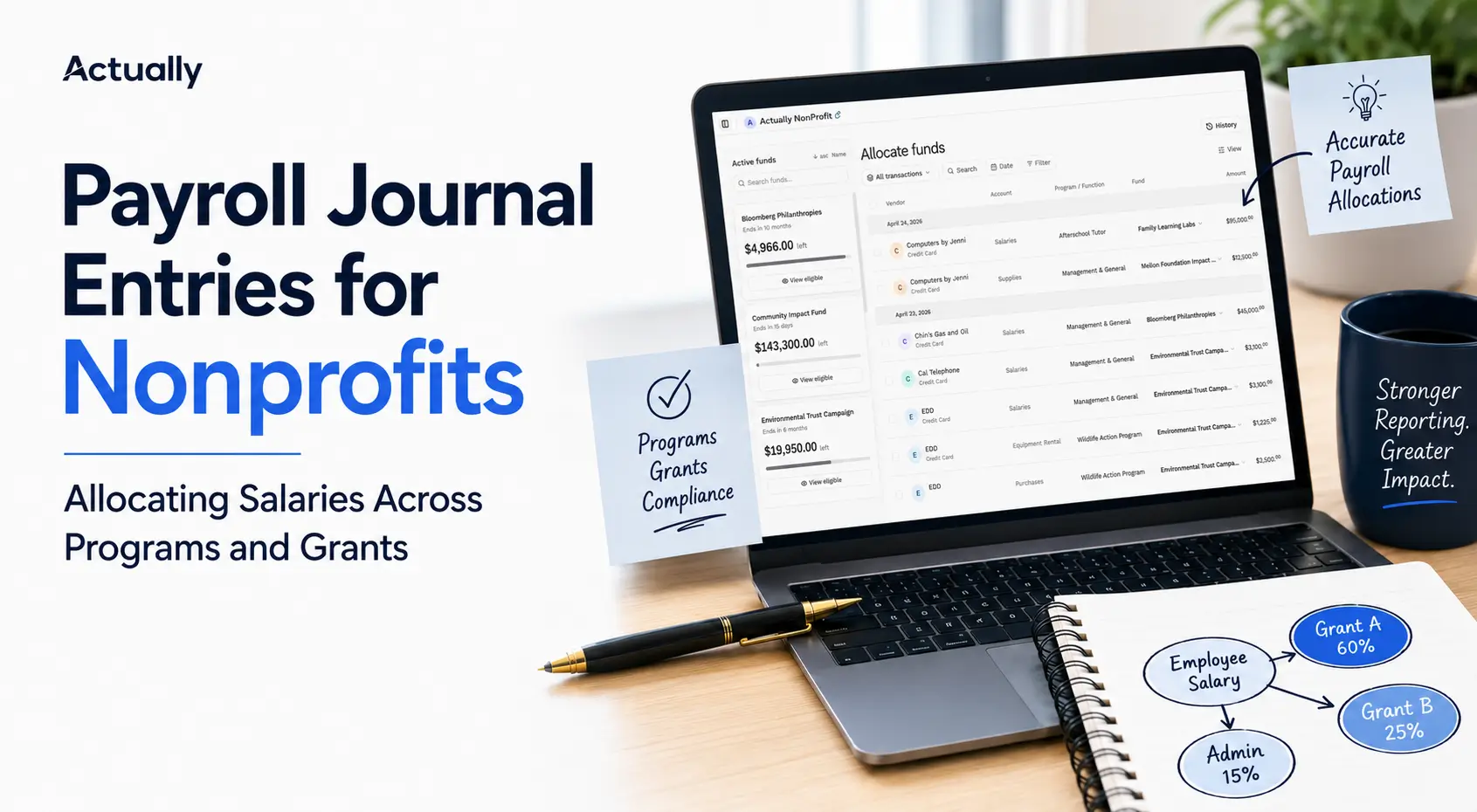
For the accounting entries that follow the allocation process, see Payroll Journal Entries for Nonprofits: Allocating Salaries Across Programs and Grants.
Why Nonprofit Staff Allocation Matters
Personnel costs are often one of a nonprofit's largest expenses. If those costs are assigned inaccurately, the problem can affect several reports at once.
It shows the true cost of each program
A program budget that excludes shared employee time understates the resources required to deliver the work. Accurate nonprofit staff allocation gives leadership a clearer picture of program sustainability and funding gaps.
It supports grant reporting and reimbursement
Grant-funded payroll must be tied to eligible work and the applicable grant period. Reliable records help finance teams support reimbursement requests, explain variances, and respond to funder questions.
It improves functional expense reporting
Nonprofits commonly report expenses across program services, management and general, and fundraising. The IRS Instructions for Form 990 give the example of an employee who spends 40% of their time fundraising and 60% on program management. The salary must be allocated using that distribution rather than assigned entirely to the majority activity.
It prevents one funding source from carrying another program's costs
Without a consistent staff cost allocation process, a grant may absorb more payroll than the work it received. Another program may appear less expensive than it really is. Both outcomes distort budget performance.
It helps leaders plan capacity
Staff allocation data is not only an accounting record. It can reveal overextended teams, programs that need additional funding, grants with unused personnel budgets, and roles that depend too heavily on a single funding source.

What Should a Nonprofit Track?
A useful allocation record should explain who performed the work, when it occurred, how it was distributed, and how the cost was calculated.
At minimum, track:
- Employee name or identifier
- Role or department
- Pay period or accounting period
- Total compensated hours or activity
- Program, grant, fund, or functional category
- Hours or percentage assigned to each category
- Salary or wage amount covered by the allocation
- Employer payroll taxes and benefits, when applicable
- Allocation method and calculation basis
- Employee and supervisor approval, if required by policy
- Adjustments and the reason for each change
- Source records, such as time entries, schedules, payroll registers, or activity reports
Each employee's allocation should total 100% of the compensated activity included in the calculation. It should not account only for grant-funded work while leaving administration, fundraising, leave, or other compensated activity outside the record.
Four Methods for Employee Allocation Tracking
There is no single method that fits every role. The best approach depends on how employees work, how frequently assignments change, and what each funding agreement requires.
1. Actual-hours allocation
Employees record the time spent on each program, grant, or activity. The organization divides the hours for each cost objective by total compensated hours during the period.
Formula:
Allocation percentage = Hours for the cost objective ÷ Total compensated hours
If an employee records 96 hours for Program A and 64 hours for Program B during a 160-hour month, the allocation is:
- Program A: 96 ÷ 160 = 60%
- Program B: 64 ÷ 160 = 40%
Actual-hours tracking is often the strongest fit when assignments change frequently, one employee works across several awards, or a funder requires detailed personnel support.
2. Percentage-based allocation
The organization assigns a documented percentage of an employee's activity to each cost objective. Percentages may come from an approved work plan, role analysis, or recurring activity record.
For example, a program director may be allocated as follows:
- 50% to the housing program
- 30% to the workforce development program
- 20% to management and general
This method can be practical when duties remain reasonably stable. However, percentages should be reviewed regularly and changed when actual work shifts.
For federal awards, budget estimates may be used for interim accounting only when they reasonably approximate activity, significant changes are recorded, and periodic after-the-fact reviews lead to necessary adjustments. The current 2 CFR 200.430 standards for personnel expenses state that budget estimates alone do not qualify as final support for salary and wage charges.
3. Scheduled or assignment-based allocation
Some employees work according to a stable, documented schedule. A staff member may spend three days each week at one program site and two days at another. The schedule can provide the allocation basis when it accurately reflects the work performed and the organization reviews exceptions.
This method is easier to administer than detailed time entry, but it becomes unreliable if employees frequently cover other programs, attend cross-functional meetings, or move between assignments without updating the record.
4. Activity-driver allocation
Some shared roles may be allocated using a measurable operational factor rather than individual time entries. Possible drivers include:
- Number of employees supported
- Number of transactions processed
- Program headcount
- Cases handled
- Square footage used
- Direct program costs
For example, a human resources cost pool might be distributed based on the number of employees in each department. This approach is more common for indirect or shared costs than for an employee whose salary is charged directly to a specific grant.
The chosen driver should have a logical relationship to the cost. Convenience alone is not a strong allocation basis.
How to Choose the Right Allocation Method
The grant agreement, written accounting policy, and guidance from the organization's accountant should take priority over a general rule. One nonprofit may also use more than one method. Direct program staff might record actual hours, while a shared administrative cost pool uses an approved activity driver.
Staff Cost Allocation Example
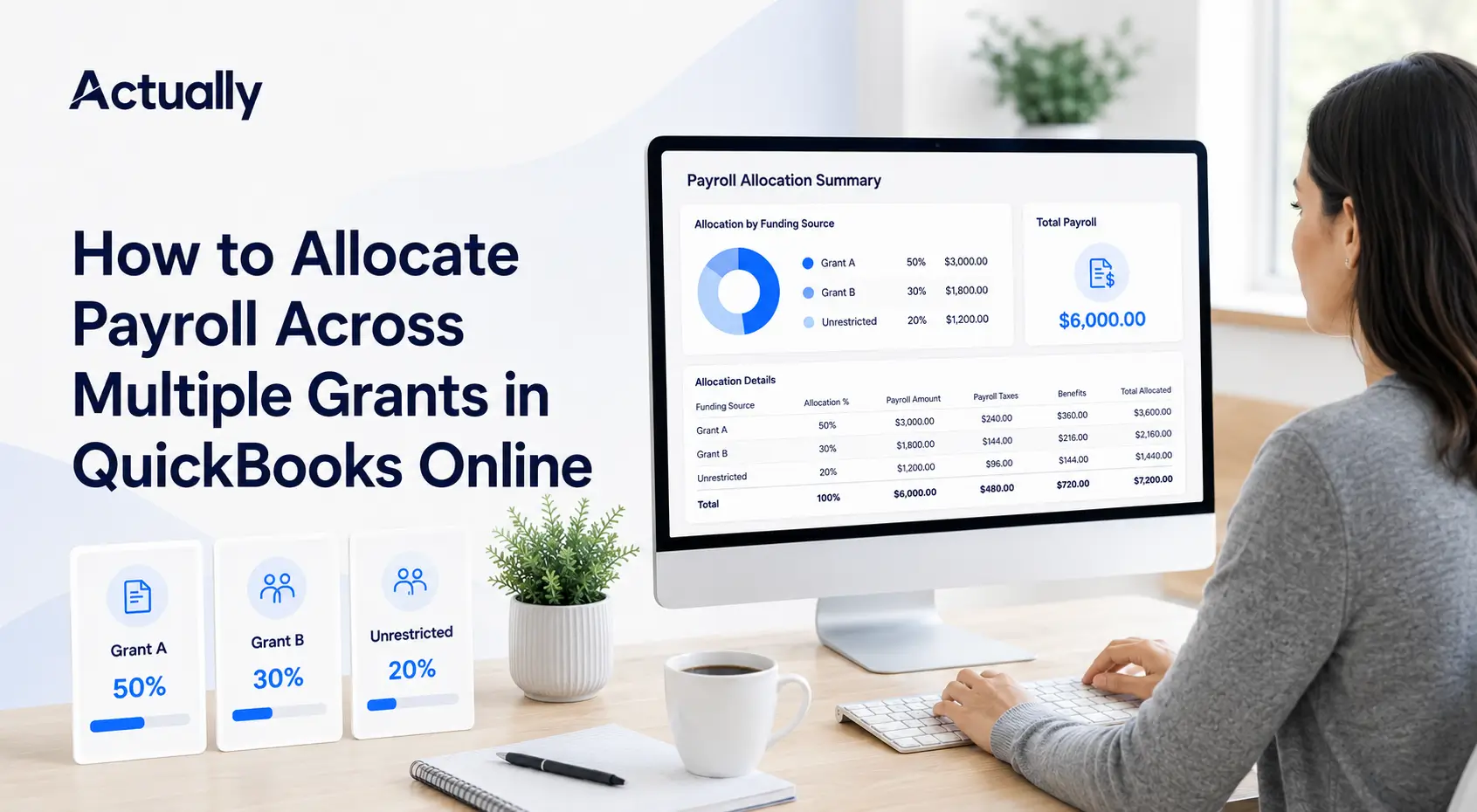
Assume a nonprofit employs a community program manager with the following monthly costs:
- Gross salary: $6,000
- Employer payroll taxes: $480
- Allocable employee benefits: $720
- Total staff cost: $7,200
The approved monthly activity record shows:
- Grant A: 50%
- Grant B: 30%
- Management and general: 15%
- Fundraising: 5%
The calculation is straightforward. The harder part is maintaining reliable inputs and making sure the allocation flows into the correct grant, program, and functional reports.
A Monthly Staff Allocation Tracking Process
Step 1: Define the cost objectives
Create a controlled list of the programs, grants, funds, contracts, departments, and functional categories employees may use. Avoid free-form labels that create duplicates such as "Youth Grant," "Youth Program Grant," and "Grant 24-01" for the same award.
Step 2: Document the allocation policy
The policy should state:
- Which employees must submit allocation records
- Which method applies to each type of role
- What counts as acceptable source documentation
- How often employees submit and supervisors approve records
- How leave, holidays, training, and general administration are treated
- When planned allocations require adjustment
- How payroll taxes and benefits are distributed
- How corrections are documented and approved
Step 3: Capture activity close to when the work occurs
Weekly or per-pay-period entry is usually more dependable than asking employees to reconstruct an entire quarter. Use clear program and grant names so employees can classify work without interpreting accounting codes.
Step 4: Review for completeness and reasonableness
Before calculating costs, confirm that:
- Each employee's distribution totals 100%
- The employee used active grants and valid program codes
- Work dates fall within applicable grant periods
- The allocation is consistent with the employee's responsibilities
- Large changes have an explanation
- Required approvals are complete
Step 5: Apply the allocation to payroll costs
Use the approved hours or percentages to distribute gross pay and any related employer costs covered by the organization's policy. Confirm whether specific grants allow fringe benefits, payroll taxes, or indirect costs before charging them.
Step 6: Record or import the allocation
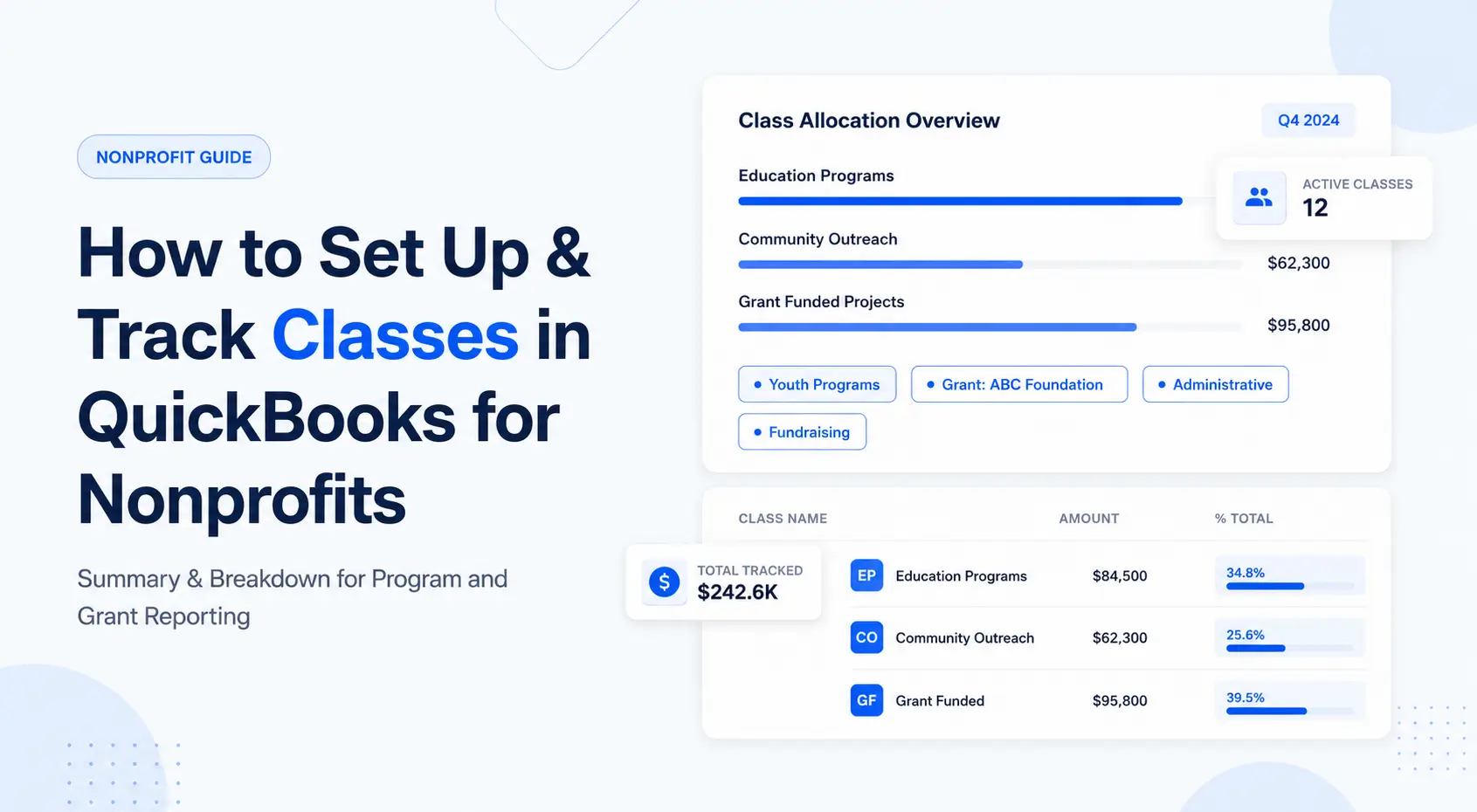
Post the calculated amounts to the appropriate accounts, classes, projects, or other dimensions in the accounting system. If the nonprofit uses QuickBooks Online, its structure should be planned before staff begin selecting codes. See How to Set Up and Track Classes in QuickBooks for Nonprofits for a related setup guide.
Step 7: Reconcile the totals
The allocated salary, tax, and benefit totals should tie back to the payroll register and general ledger. No employee cost should disappear or be counted twice.
Step 8: Compare payroll spending with budgets
Review allocated payroll against the relevant grant and program budgets. Investigate unusual variances, grants that are spending too quickly, and staff lines that remain unused.
Step 9: Save the audit trail
Retain the source activity record, approval, allocation calculation, payroll register, accounting entry, and any correction together. Follow the applicable grant terms, record-retention policy, and legal requirements.
Tools for Staff Allocation Tracking
Spreadsheets
Spreadsheets can work for a small team with few funding sources. They are flexible and inexpensive, but version control, formula errors, missing approvals, and manual reconciliation become more likely as the organization grows.
Time-tracking systems
Time-tracking software helps employees record hours by program, grant, or project. It can improve the quality of activity data, but the output still needs to connect with payroll costs, accounting entries, and grant budgets.
Payroll systems
Some payroll platforms support departments, job codes, or labor distributions. These features can reduce calculation work, although the nonprofit may still need another system for grant budgets, restricted funds, and budget-versus-actual reporting.
QuickBooks Online
QuickBooks Online can organize financial activity using tools such as classes and projects, depending on the subscription and accounting setup. It remains the accounting source of truth for many nonprofits, but staff allocation calculations and approvals are often maintained in separate spreadsheets or systems.
Nonprofit budgeting and allocation software
Dedicated software can connect allocations with grant and program budgets, reduce duplicate spreadsheet work, and give finance teams a clearer view of the effect of payroll across funding sources.
Actually is built for nonprofits and accounting partners that want financial clarity without leaving QuickBooks Online behind. It supports payroll allocation workflows and brings operating, functional, and grant-based budgets together with actuals from QuickBooks Online. This helps teams review how staff costs affect budgets, grant spend, and funding availability in one place.
Best Practices for Nonprofit Staff Allocation
Use a written method, not a memory-based habit
Two managers should not allocate similar roles in completely different ways unless there is a documented reason. A written policy creates consistency and makes the process easier to explain.
Separate planned staffing from actual allocation
Budgeted staffing answers, "How do we expect employees to spend their time?" Actual allocation answers, "How did compensated activity occur during this period?" Both are useful, but they serve different purposes.
Review allocations at least monthly
Monthly review catches changes while the context is still available. Waiting until a grant report is due creates pressure to reconstruct several months of activity at once.
Keep the coding structure manageable
Too few categories hide important differences. Too many categories increase employee confusion and miscoding. Use the smallest set that satisfies management, accounting, and funder reporting needs.
Allocate related employer costs consistently
If the organization's policy assigns payroll taxes and eligible benefits using the same basis as salary, apply that rule consistently. Confirm allowability under each award rather than assuming every payroll-related cost can be charged.
Make corrections traceable
Do not overwrite an old allocation without preserving what changed. Record the original amount, corrected amount, reason, approver, and date.
Restrict access to sensitive information
Staff allocation records can contain compensation and personnel data. Use role-based access, secure storage, and an approval process that gives each person only the information needed for their work.
Train both employees and reviewers
Employees need to know how to classify their work. Supervisors need to know what a reasonable allocation looks like. Finance teams need to know how the approved record reaches the ledger and grant reports.
Common Staff Allocation Mistakes
- Charging 100% of an employee to the largest grant because most work supports that program
- Using proposal percentages for the entire year without reviewing actual activity
- Tracking grant-funded time but omitting administration, fundraising, leave, or other compensated work
- Allowing allocations to exceed or fall below 100%
- Applying salary percentages to benefits inconsistently
- Charging work outside a grant's period of performance
- Using a grant code after the award has ended
- Posting allocated costs without reconciling them to payroll
- Changing prior allocations without an explanation or approval
- Relying on one spreadsheet that only one employee understands
How Actually Supports Clearer Staff Cost Tracking
Employee allocation tracking should not end with a percentage in a spreadsheet. Finance leaders also need to know what those percentages mean for grant balances, program budgets, and future staffing decisions.
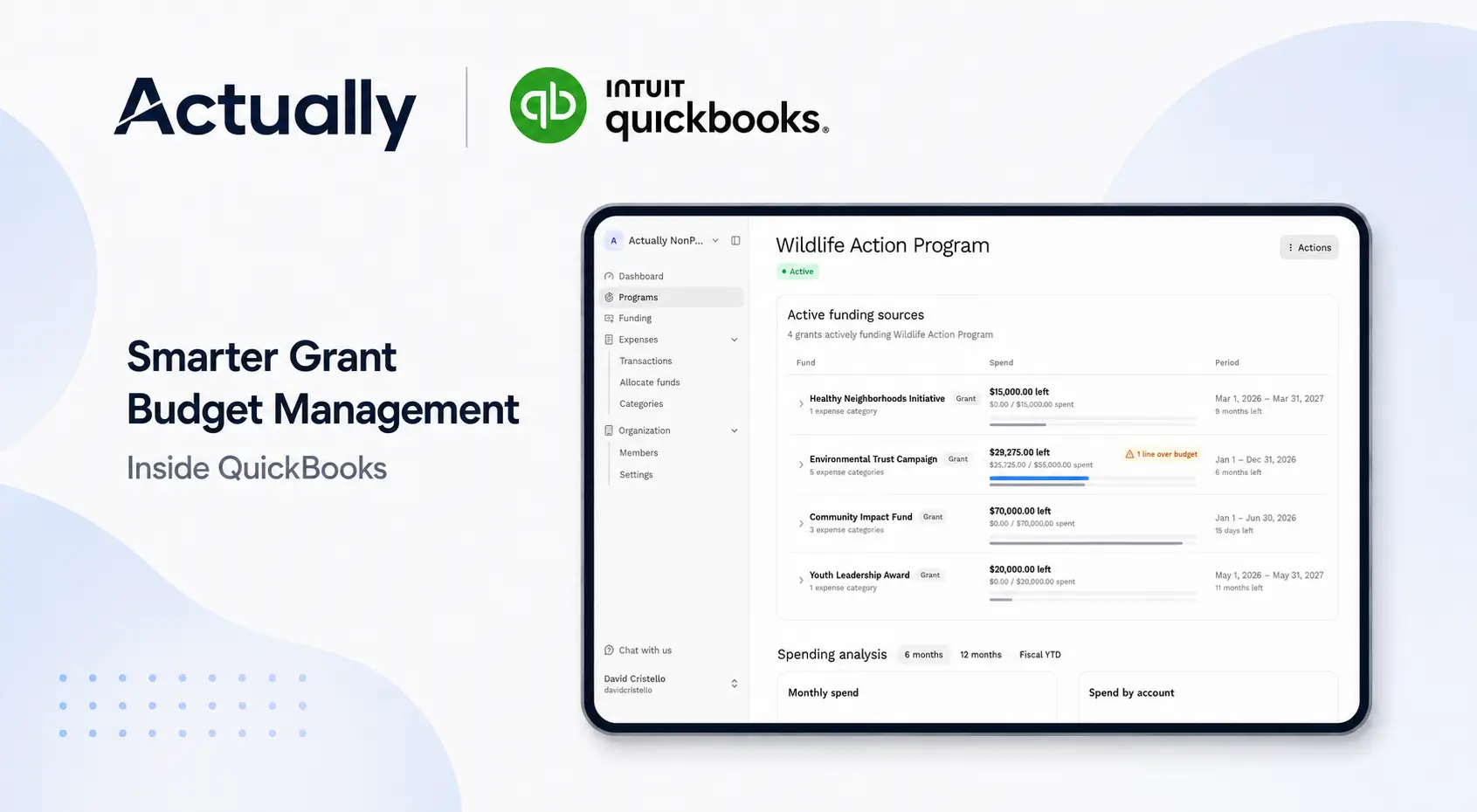
Actually helps nonprofits bring payroll allocations into a broader financial view by connecting allocation workflows with operating, functional, and grant-based budgets. With actual financial data pulled from QuickBooks Online, teams can monitor how staff costs affect budget performance without replacing their accounting system.
This is especially useful when an organization needs to answer questions such as:
- How much staff cost has been charged to each grant?
- Is a grant's payroll budget spending faster than planned?
- Which programs are absorbing shared employee time?
- Do current allocations match the staffing assumptions in the budget?
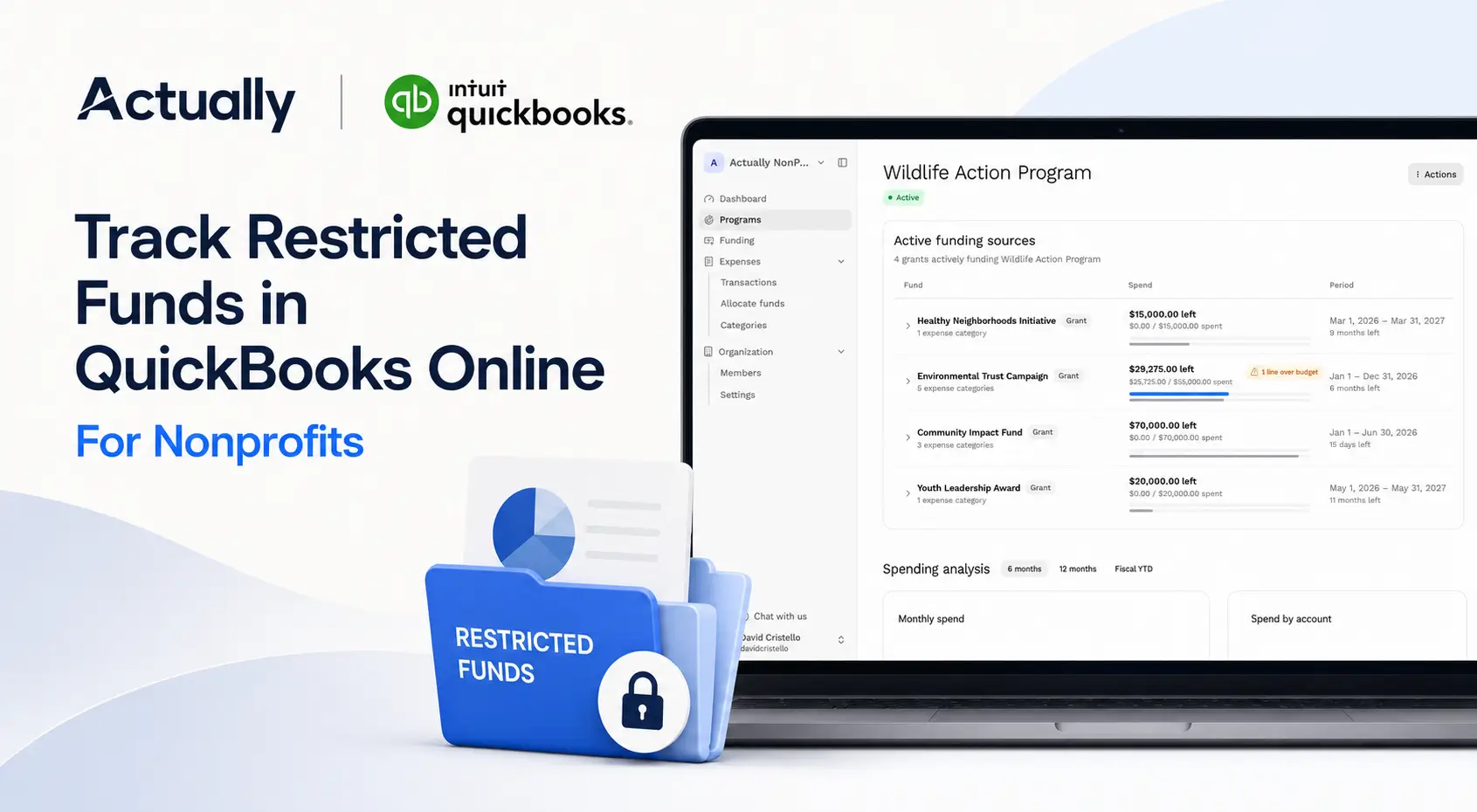
- Are restricted funds being used for the intended activities?
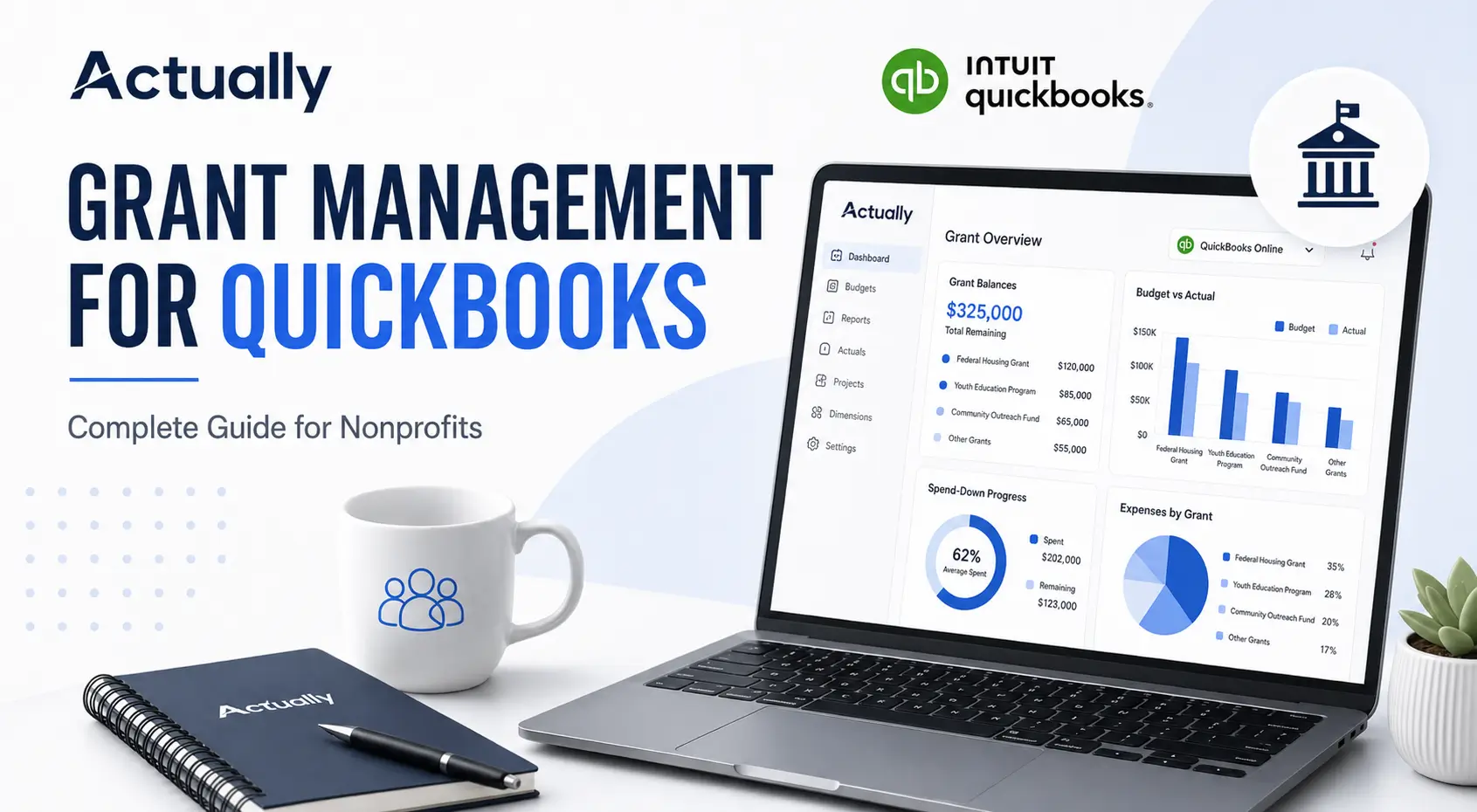
For a wider view of connecting grants and accounting data, read Grant Management for QuickBooks: Complete Guide for Nonprofits.
Build a Process That Connects Work, Payroll, and Budgets
The best staff allocation tracking process is not necessarily the most complicated one. It is the process employees can follow, supervisors can verify, finance teams can reconcile, and funders or auditors can understand.
Start with clearly defined cost objectives and a written method. Capture employee activity consistently. Review planned percentages against actual work. Reconcile every allocation to payroll, then examine the results in the related program and grant budgets.
When these steps are connected, staff allocation becomes more than a compliance task. It gives nonprofit leaders a more accurate view of program costs, funding capacity, and the people required to deliver the mission.
Want clearer visibility into payroll allocations, grant budgets, and actual spending? Join the Actually waitlist and see how your nonprofit can manage financial planning alongside QuickBooks Online.
Frequently Asked Questions
What is staff allocation tracking for nonprofits?
Staff allocation tracking is the process of distributing an employee's compensated activity and related costs across programs, grants, departments, funding sources, or functional categories. It helps nonprofits report program costs, grant-funded payroll, management expenses, and fundraising expenses more accurately.
How do nonprofits allocate staff costs?
Nonprofits may allocate staff costs using actual hours, documented percentages, stable work schedules, or reasonable activity drivers. The method should reflect how the work is performed, follow the organization's written policy, and meet applicable grant requirements.
Can a nonprofit use budgeted percentages for staff allocation?
Budgeted percentages can support planning and, in some situations, interim accounting. They should be compared with actual activity and adjusted when responsibilities change. For federal awards, budget estimates alone do not qualify as final support for salary and wage charges.
What costs should be included in staff cost allocation?
Staff cost allocation may include gross salary or wages, employer payroll taxes, and eligible employee benefits. The exact costs depend on the nonprofit's accounting policy, grant terms, and applicable cost rules.
How often should staff allocations be reviewed?
Monthly or each pay period is a practical schedule for many nonprofits. Frequent review helps teams identify changed assignments, missing approvals, incorrect grant codes, and budget variances before reports are due.
What is the best tool for staff allocation tracking for nonprofits?
The best tool depends on team size, funding complexity, reporting requirements, and the accounting system. Small organizations may begin with spreadsheets, while nonprofits managing several grants often benefit from time tracking, payroll integrations, and nonprofit budgeting software connected with QuickBooks Online.

David Cristello
.svg)
About the Author
David Cristello is the Co-Founder of Actually Finance. He's been an entrepreneur in the accounting and nonprofit space for over 10 years, previously building a company that made the Inc5000 list
.png)






.webp)