
- What Is Grant Accounting Software (and What It Isn't)?
- The Must-Have Features Checklist
- Grant Accounting Software Options Compared by Type
- How to Choose by Organization Size and Complexity
- Questions to Ask on Every Demo
- Conclusion
Table of contents
Last updated: October 8, 2026
The best grant accounting software for a nonprofit is the one that can answer three questions without a spreadsheet: how much of each grant is left, whether spending matches the funder's budget, and which costs belong to which funder. For larger or multi-entity organizations, that usually means a dedicated fund accounting system. For small and mid-size teams already on QuickBooks Online, it often means keeping QuickBooks and adding a grant budgeting layer on top.
This guide is written for the people who close the books and build the funder reports, not the people writing proposals. It covers what grant accounting software actually does, the features worth paying for, the main options by type, and how to pick based on your size and complexity.
Key Takeaways
- Grant accounting software tracks money after the award: budgets, actuals, allocations, restrictions, and funder reporting.
- It's a different category from grant prospecting and application tools, even though search results mix them together.
- The non-negotiables are grant-level segmentation, budget vs. actual by grant, cost allocation, support for grant periods that don't match your fiscal year, and a clean audit trail.
- Full fund accounting systems like Sage Intacct, MIP, and Financial Edge NXT replace your general ledger and are generally quote-based.
- Teams that want to stay on QuickBooks Online can add a grant tracking layer instead of migrating.
- Choose based on grant count, funder reporting burden, and staff capacity, not on feature lists alone.
What Is Grant Accounting Software (and What It Isn't)?
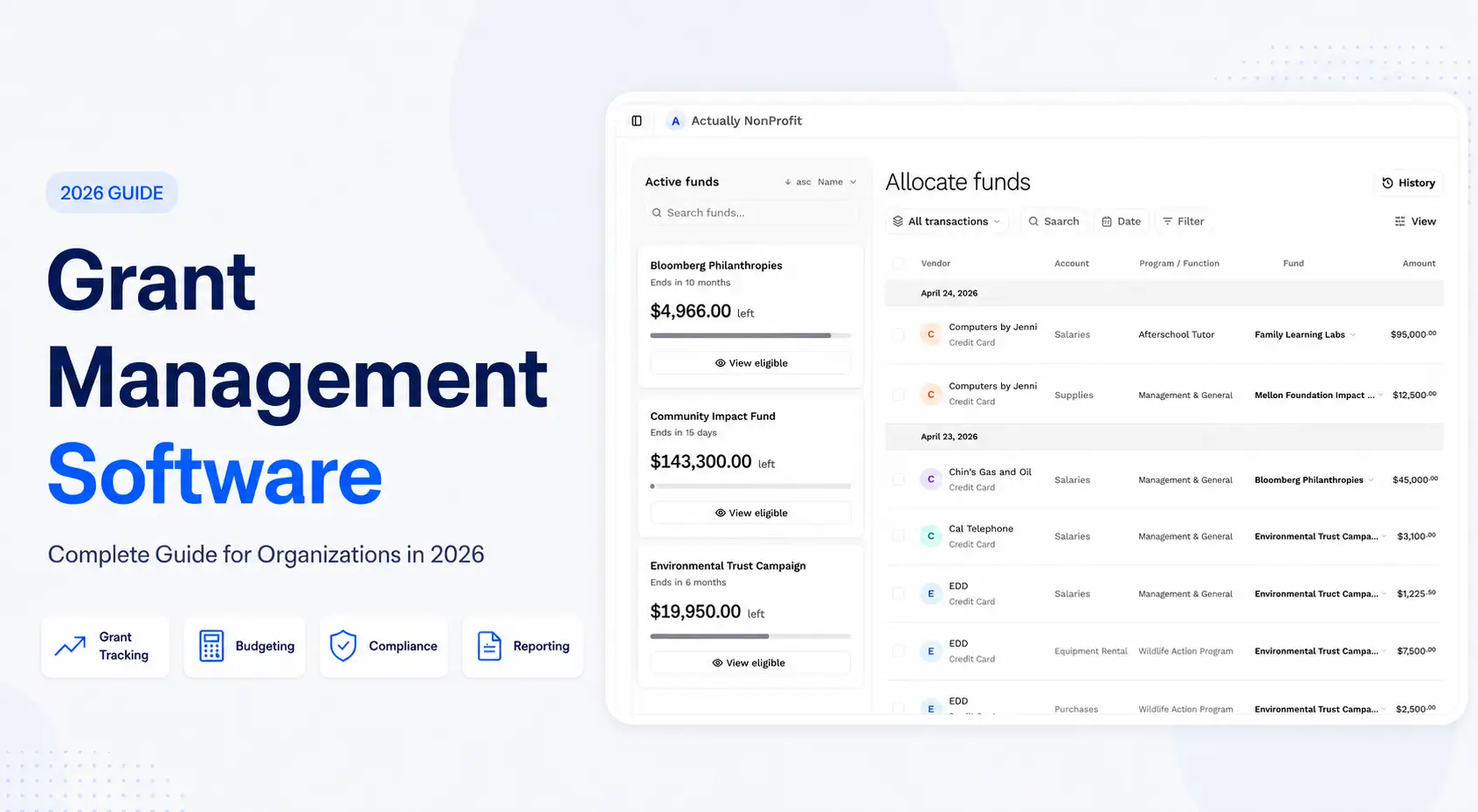
Grant accounting software records and reports how restricted grant money is spent. It ties every expense to a funding source, compares it to the approved budget, and produces the numbers you send back to funders and auditors.
The term gets used loosely, so it helps to separate three categories that often show up in the same search:
- Grant prospecting and application tools. These help development teams find funders, write proposals, and manage deadlines. Useful, but they don't touch your general ledger.
- Grant management platforms. These track the grant lifecycle: applications, awards, deliverables, and reporting dates. Some include light budget tracking. We compared several in our roundup of grant management software for nonprofits.
- Grant accounting software. This is the finance side. It either is your accounting system (fund accounting) or connects tightly to it, and it's where budget vs. actual, restricted balances, and funder-ready financials come from.
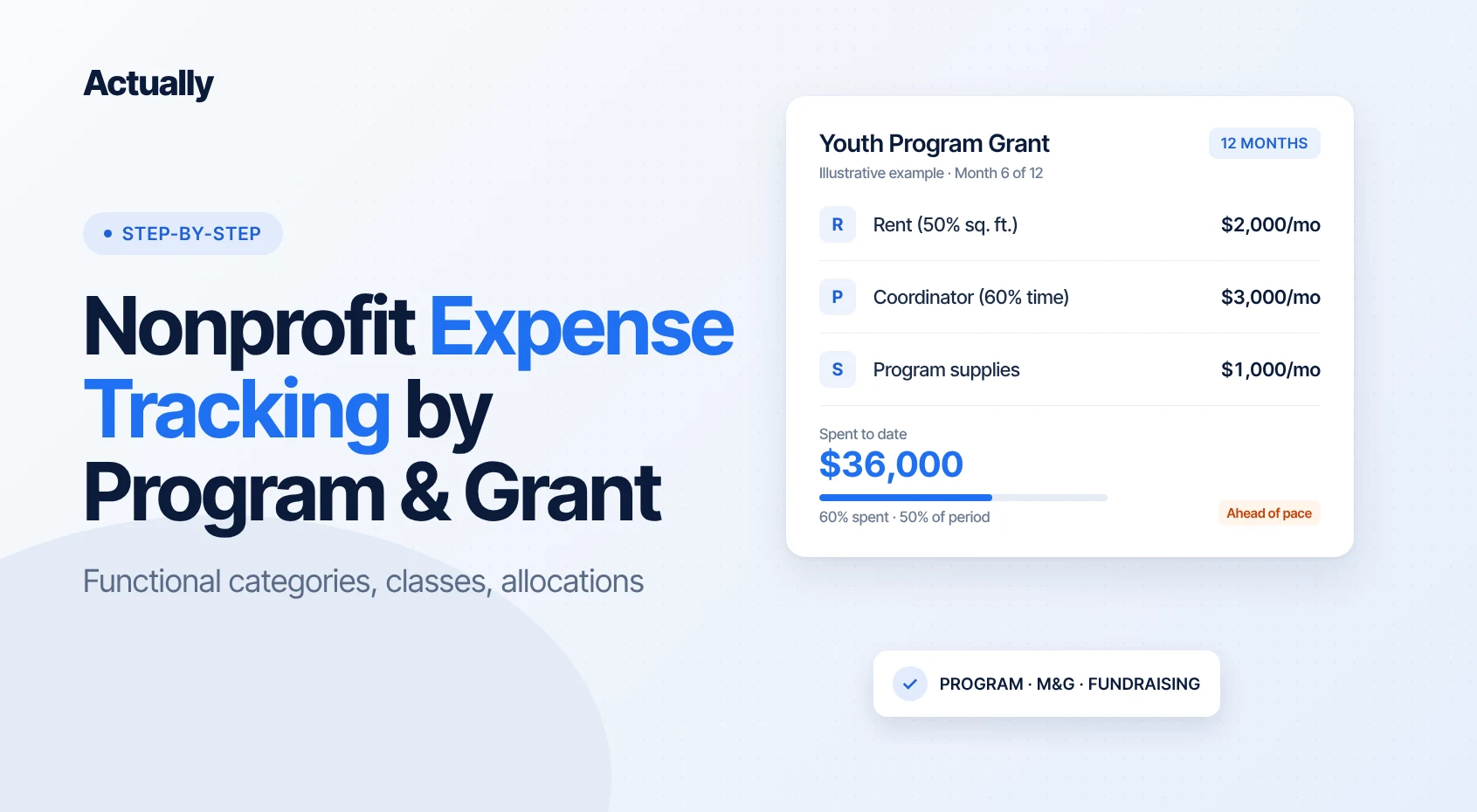
If you're the controller, finance director, or bookkeeper searching for "grant reporting software" or "funder reporting software," you almost always need the third category. A grant calendar won't tell you that your youth program grant is 70% spent with five months left.
The Must-Have Features Checklist
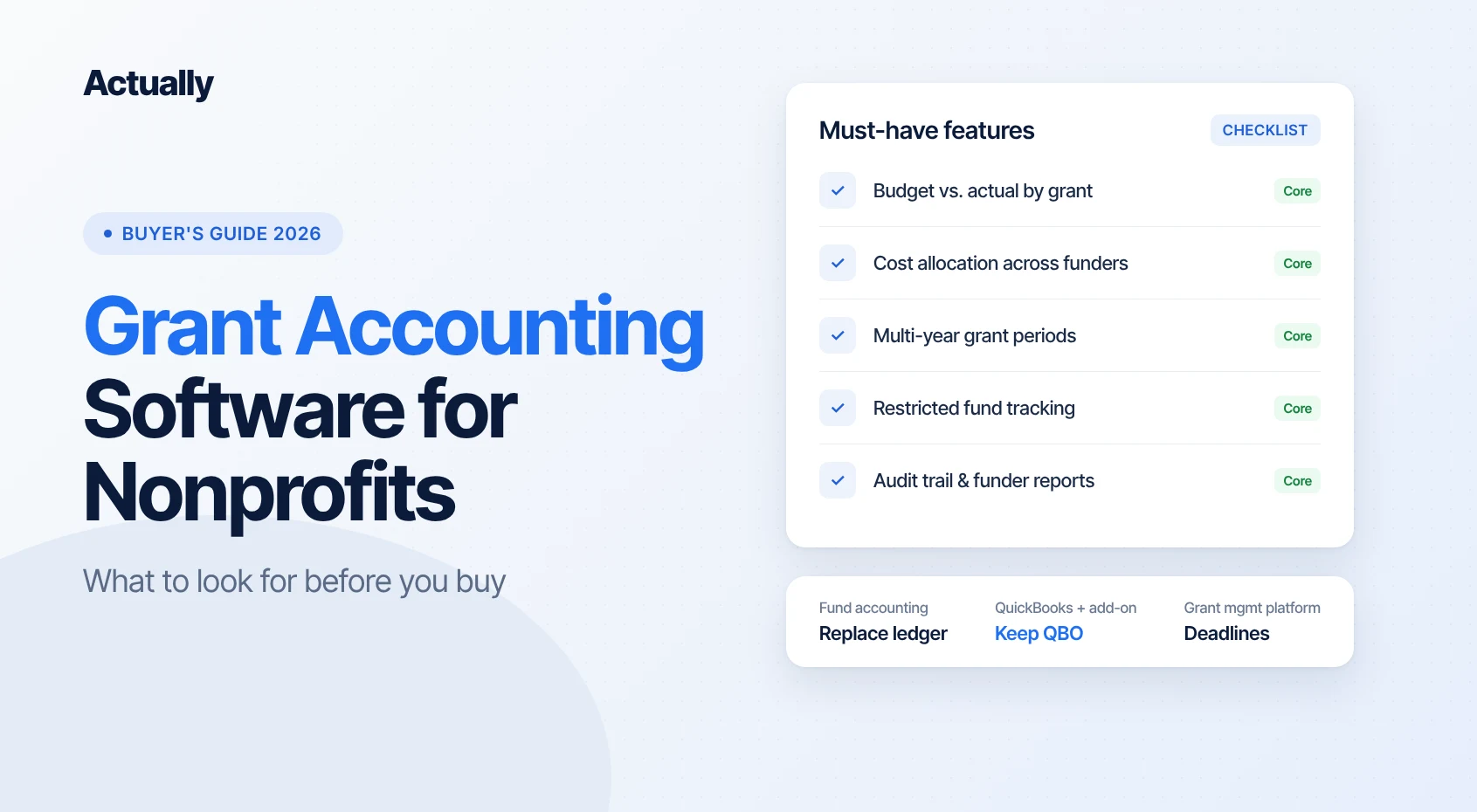
Whatever you evaluate, it should handle the seven things below. If a tool is weak on one of them, someone on your team will end up rebuilding it in Excel every month.
1. Grant and fund segmentation
Every transaction needs to be taggable to a grant, program, or fund, ideally at the line level. Fund accounting systems do this with funds and dimensions. In QuickBooks Online, the usual tool is Classes, which are available on the Plus and Advanced plans and can be assigned to a whole transaction or to each line, according to Intuit's class tracking help article. Ask how the tool keeps grant tagging consistent so you're not cleaning up untagged transactions at month end.
2. Budget vs. actual by grant
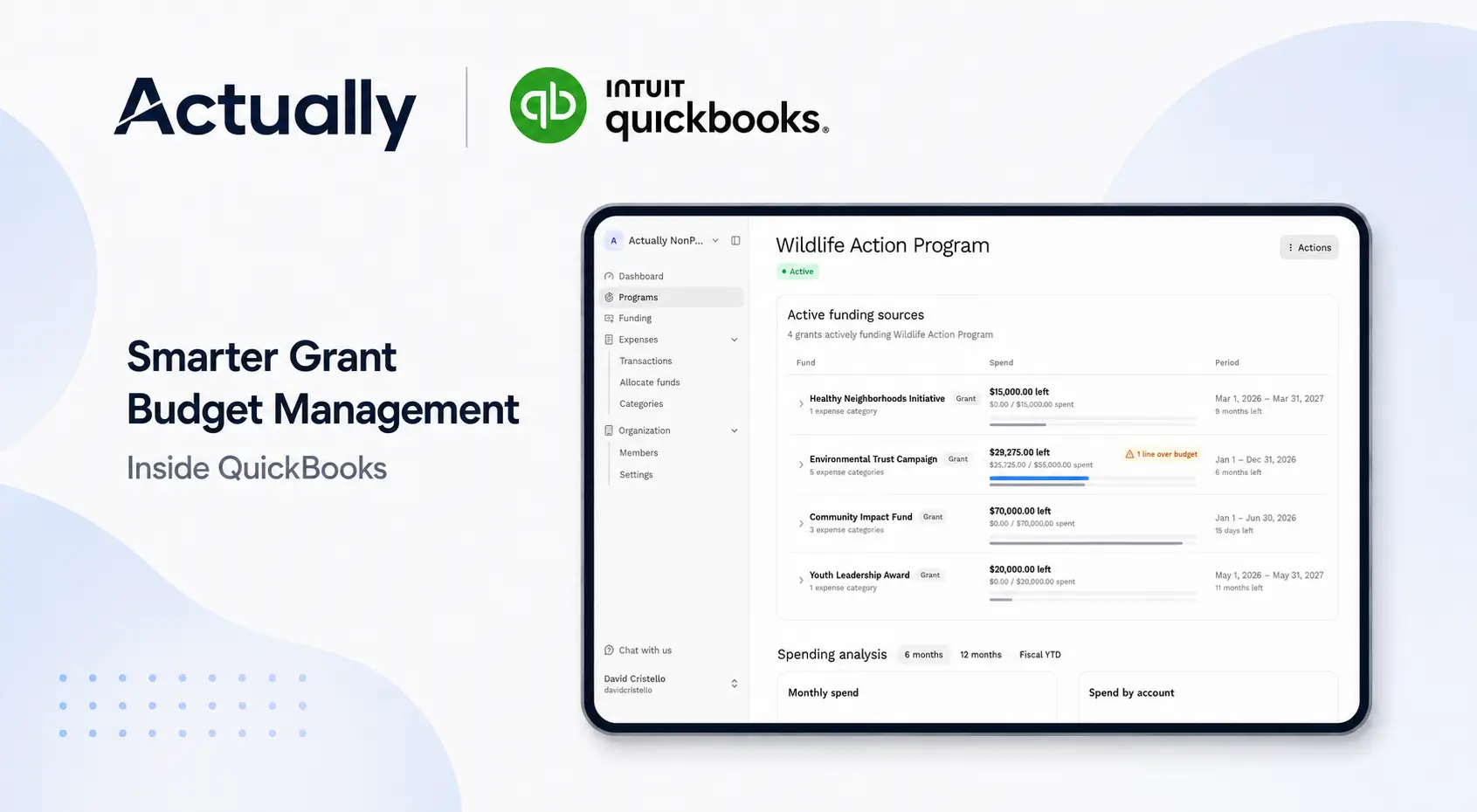
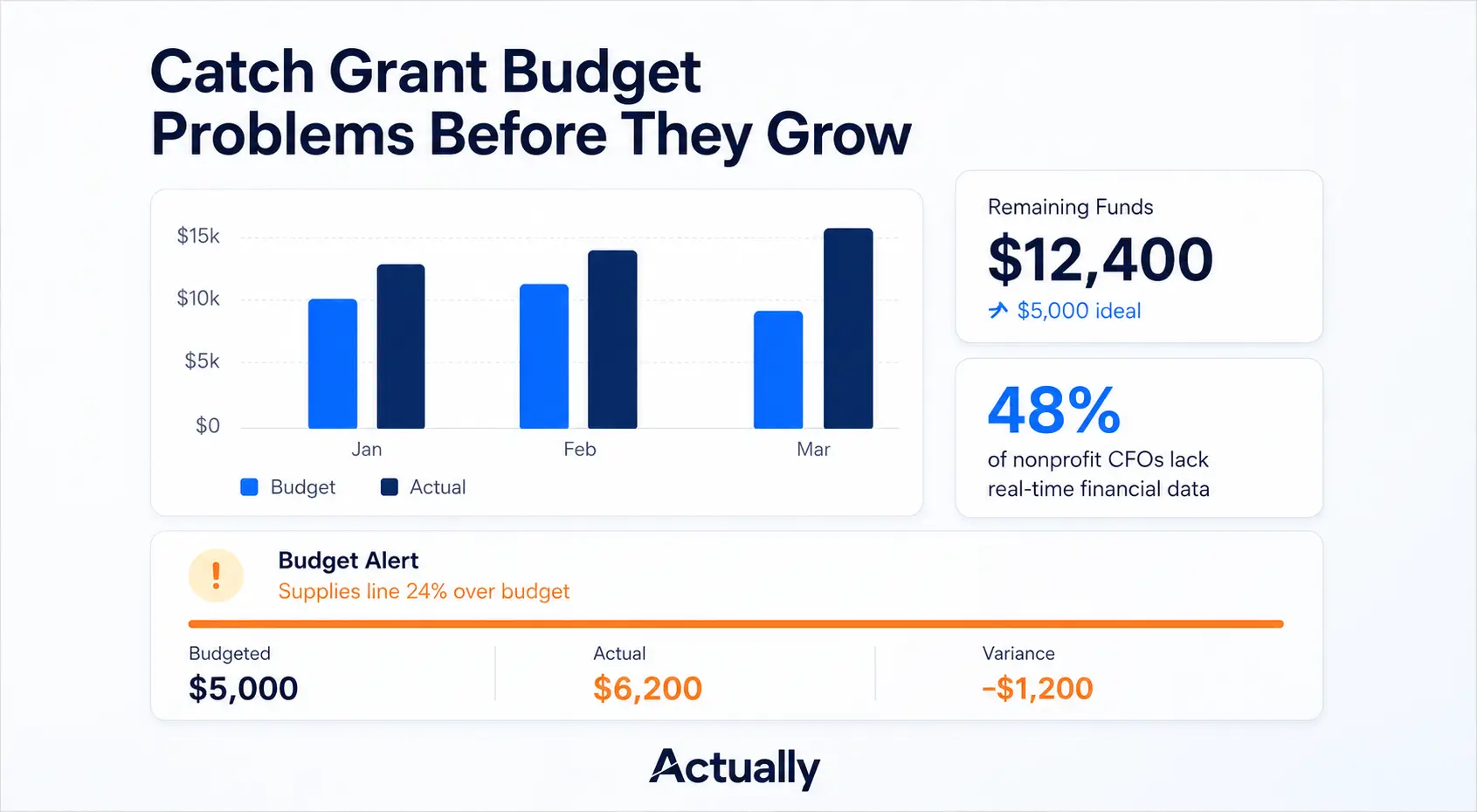
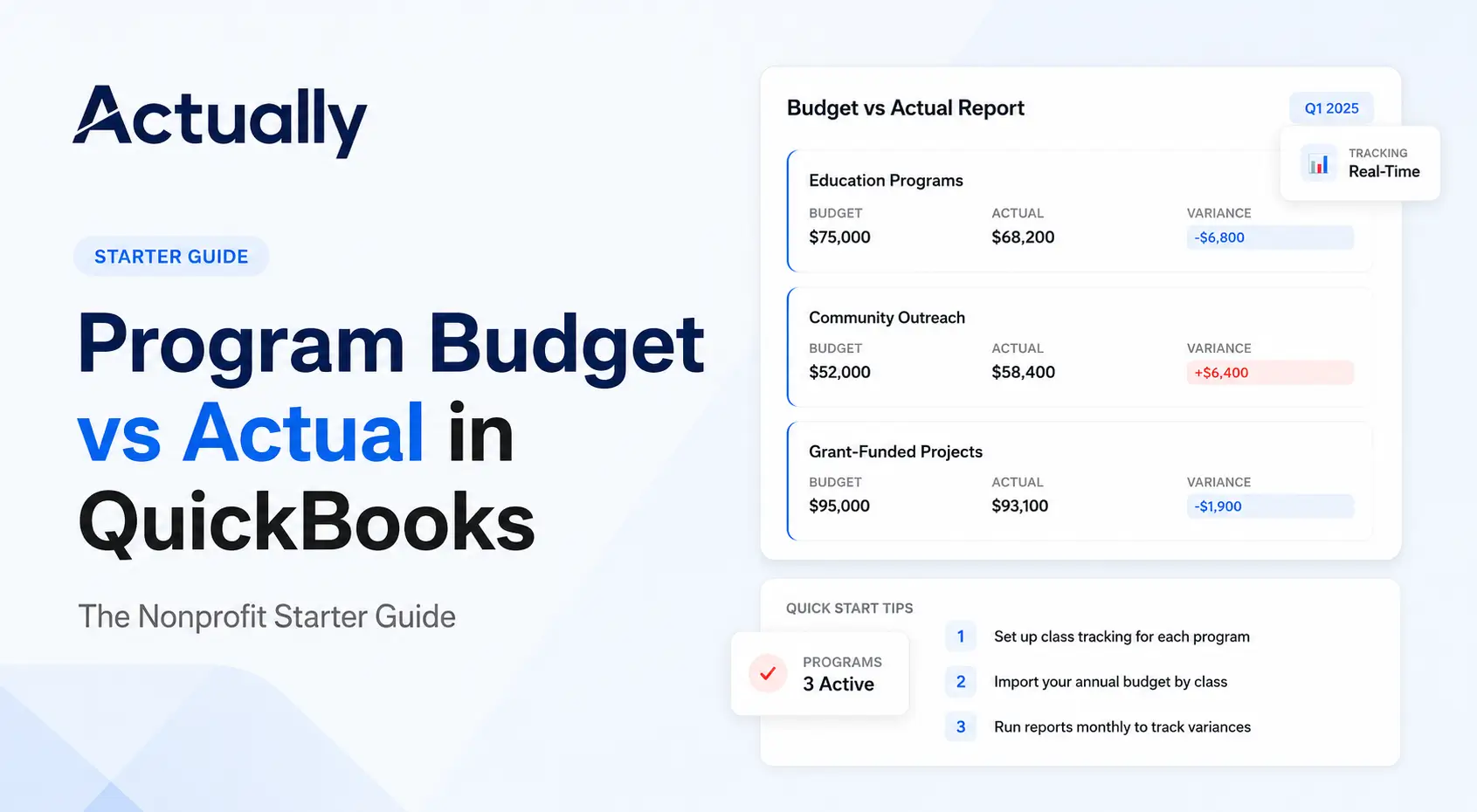
This is the report funders care about most. You should be able to load each grant's approved budget by line item and see actuals against it at any time, not just after a manual export. Our program budget vs. actual starter guide walks through how this works in QuickBooks.
3. Cost allocation across funders
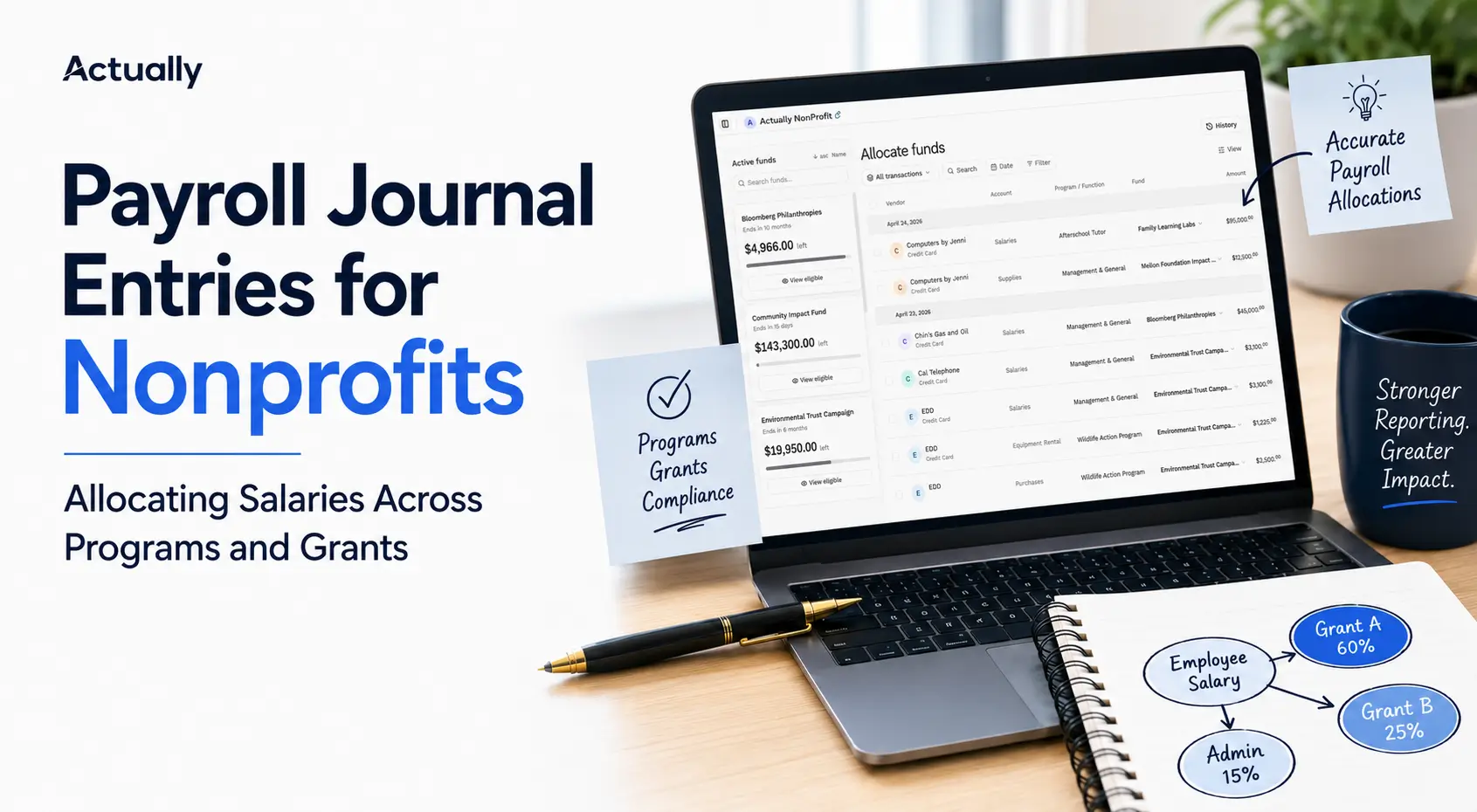
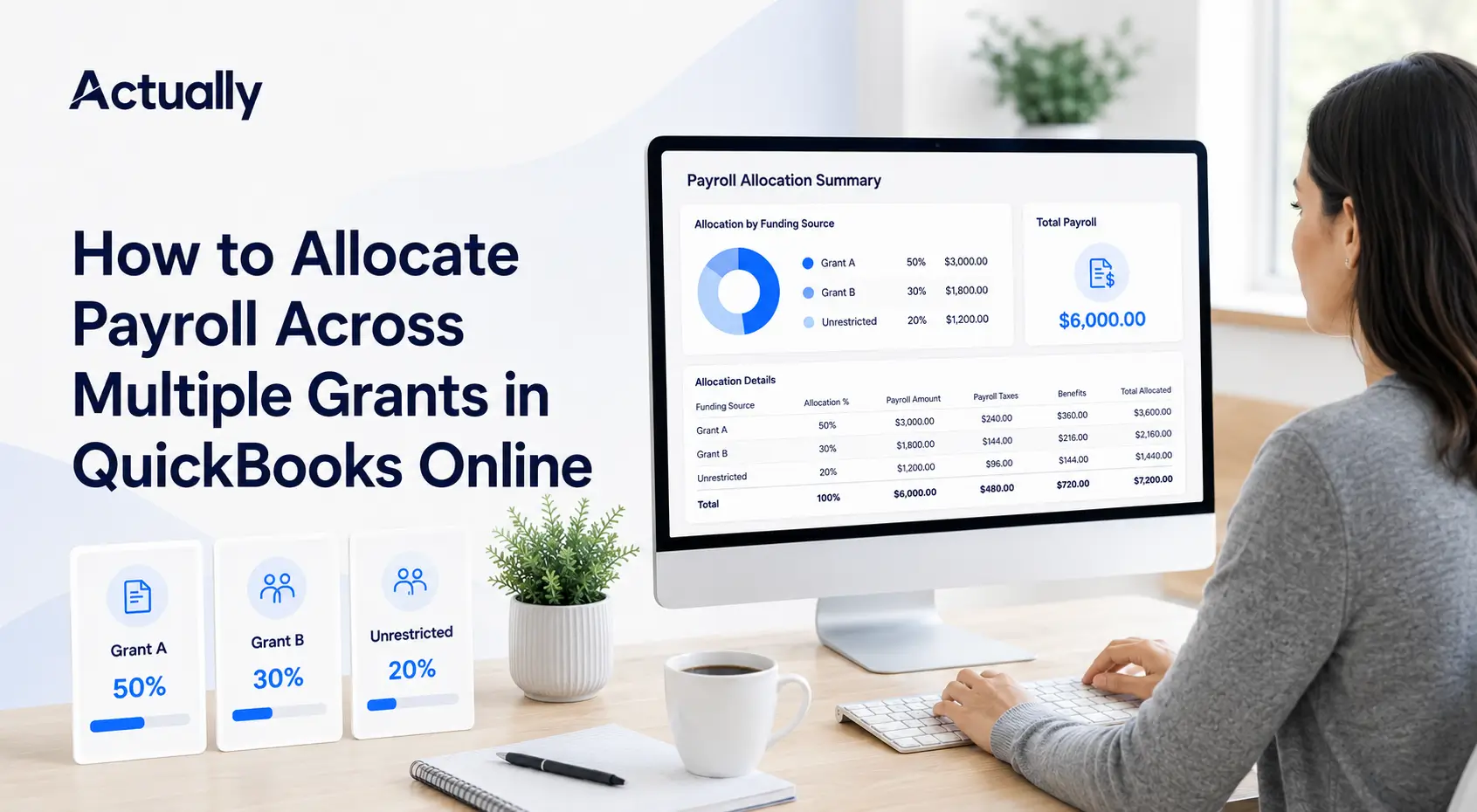
Shared costs like salaries, rent, and software rarely belong to one grant. Look for a way to split expenses across funders by percentage or another documented basis, and to keep that method consistent month to month. Manual allocation journal entries are where many audit findings start.
4. Multi-year and off-cycle grant periods
Plenty of grants run on the funder's calendar, not yours. A two-year award that starts in March doesn't line up with a July fiscal year. The software should track budget, spending, and remaining balance over the grant's own period.
5. Restricted fund and spend-down visibility
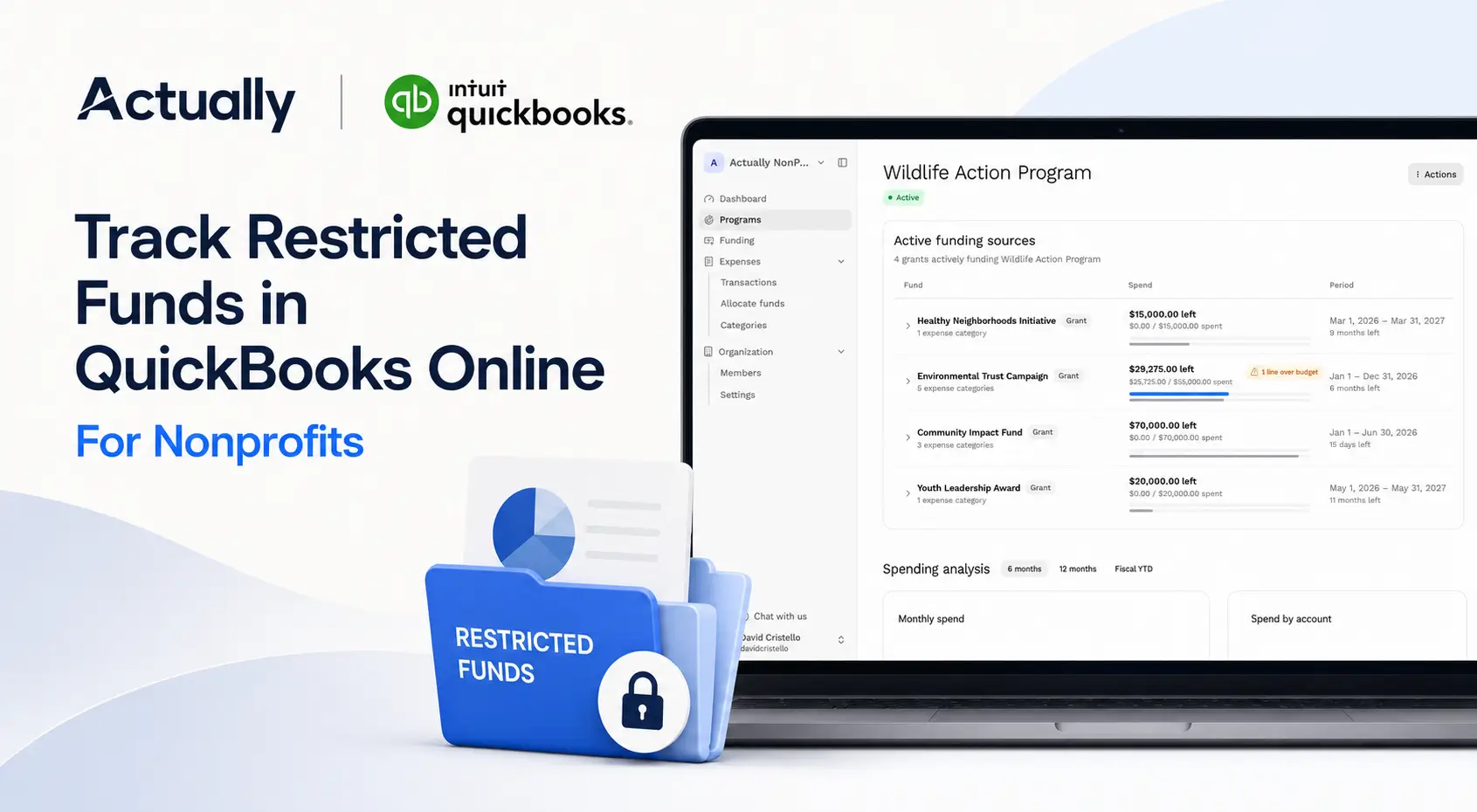
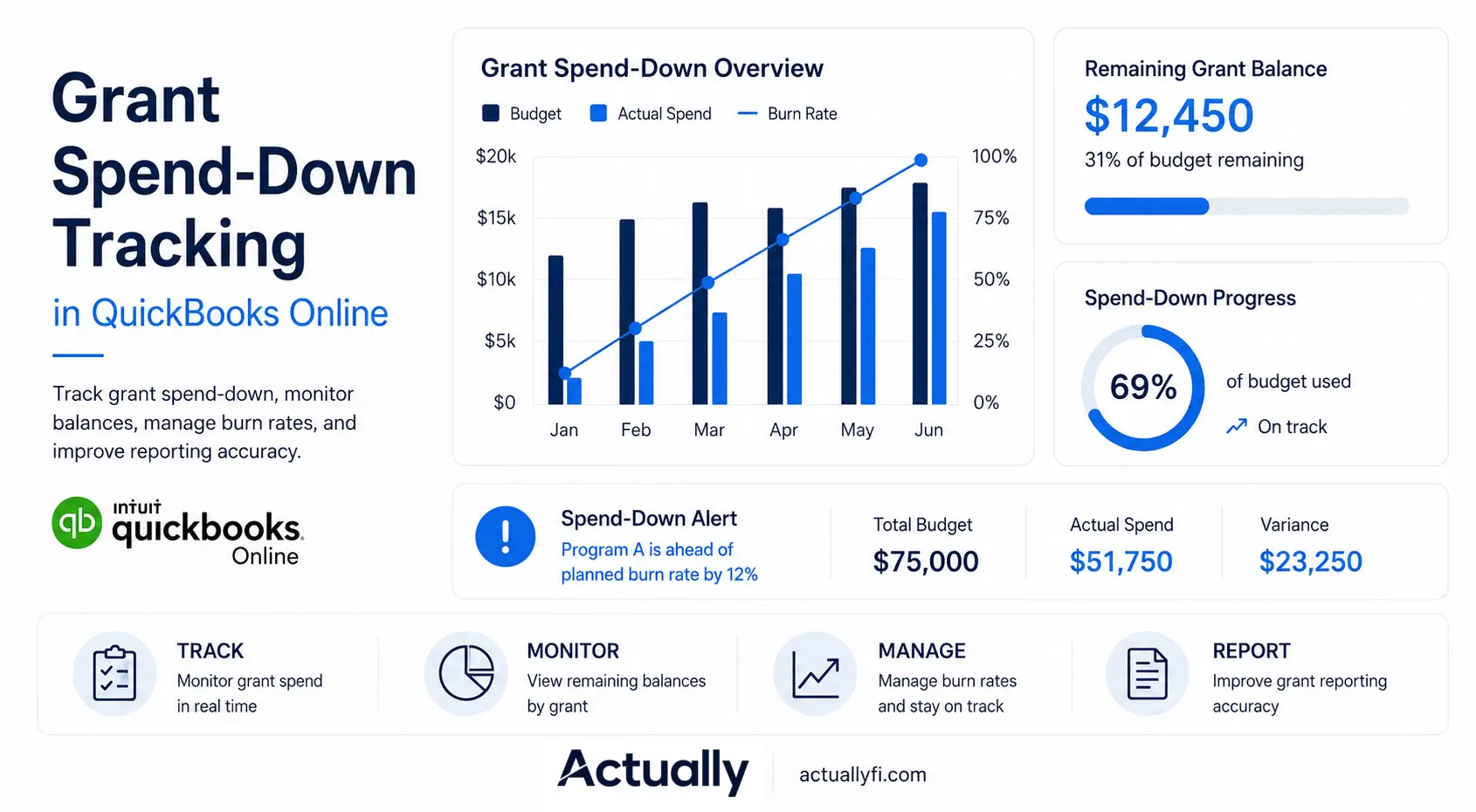
You need to know, at a glance, how much restricted money is left on each grant and whether you're spending it on pace. Underspending can mean returning funds. Overspending means unrestricted dollars cover the gap. See our guide on grant spend-down tracking in QuickBooks Online for what to monitor.
6. Funder-ready reports
Funders ask for different formats. Good software lets you pull grant-level financials, filtered to the grant period and grouped the way the funder's budget was approved, without retyping numbers into a template.
7. Audit trail and integration
Auditors want to trace every reported number back to a transaction. The system should keep a clear record of entries, allocations, and changes. If the tool sits next to your ledger instead of replacing it, the sync with your accounting system needs to be reliable enough that nobody has to reconcile the two by hand.
Grant Accounting Software Options Compared by Type
Most nonprofits end up choosing between three approaches: a full fund accounting system, QuickBooks Online plus a grant tracking add-on, or a grant management platform alongside the books. Here's a fair look at each, with short profiles of common options.
Here's the quick side-by-side before the details:
| Option | Type | Replaces your general ledger? | Pricing | Best fit |
|---|---|---|---|---|
| Sage Intacct | Full fund accounting | Yes | Quote-based | Established small and mid-size nonprofits (Standard) up to larger, complex ones (Premium) |
| MIP Fund Accounting | Full fund accounting | Yes | Quote-based | Nonprofits, plus K-12, healthcare, and government |
| Blackbaud Financial Edge NXT | Full fund accounting | Yes | Quote-based | Grant-funded organizations already using Blackbaud |
| Aplos | Lighter fund accounting | Yes | Published tiers; custom quotes for larger orgs | Smaller nonprofits and churches |
| Actually | QuickBooks Online add-on | No, syncs with QuickBooks Online | Early access | Small to mid-size nonprofits on QuickBooks with a handful to a few dozen grants |
| Grant management platforms | Alongside your books | No, most don't post to the ledger | Varies | Teams whose main pain is deadlines and deliverables |
Option 1: Full fund accounting systems
These replace your general ledger. They're built around funds and dimensions from the start, which makes grant tracking native rather than bolted on. The tradeoff is cost, implementation time, and a bigger change for your team.
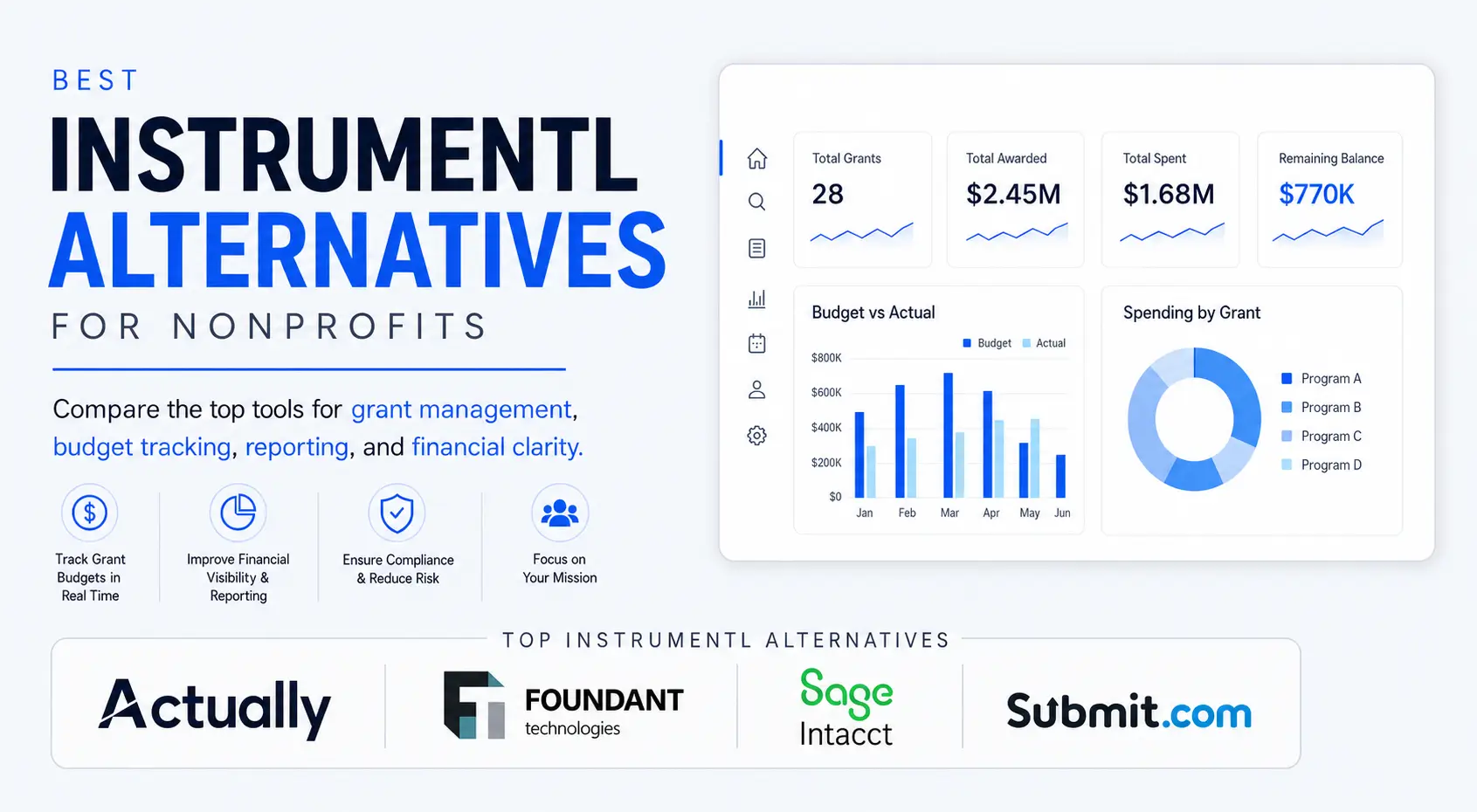
Sage Intacct. A cloud accounting system Sage positions for nonprofits "managing complex funding." Its nonprofit page lists fund-level revenue tracking, grant tracking, reporting, and billing, a dimensional general ledger for programs, funds, and entities, dynamic allocations, and budgeting. It offers a Standard plan for established small and mid-size nonprofits and a Premium plan for larger, more complex ones. Pricing is quote-based.
MIP Fund Accounting. A long-running fund accounting product, now under Momentive Software. The MIP site lists general ledger, fund accounting, budgeting, grant reporting, AP and AR, a multidimensional chart of accounts, and FASB- and GASB-compliant reporting. It serves nonprofits as well as K-12, healthcare, and government organizations. Pricing is quote-based.
Blackbaud Financial Edge NXT. Blackbaud's fund accounting system for grant-funded organizations. According to Blackbaud's overview, it tracks revenue and expenses by project, grant, and endowment, compares budgets to actuals, produces funder-ready reports, and automates grant reimbursement calculations using spending rules. It's a natural fit for organizations already using other Blackbaud products. Pricing is quote-based.
Aplos. A lighter-weight fund accounting platform aimed at smaller nonprofits and churches. Its pricing page shows tiered plans with published prices, fund-level balance sheets and income statements on every plan, and budgeting by fund or grant in its higher tiers, with custom quotes for larger organizations. It's a reasonable step up for teams that want true fund accounting without an enterprise implementation.
Best for: organizations with many concurrent grants, federal awards, multiple entities, or a finance team that has outgrown QuickBooks entirely.
Option 2: QuickBooks Online plus a grant tracking add-on
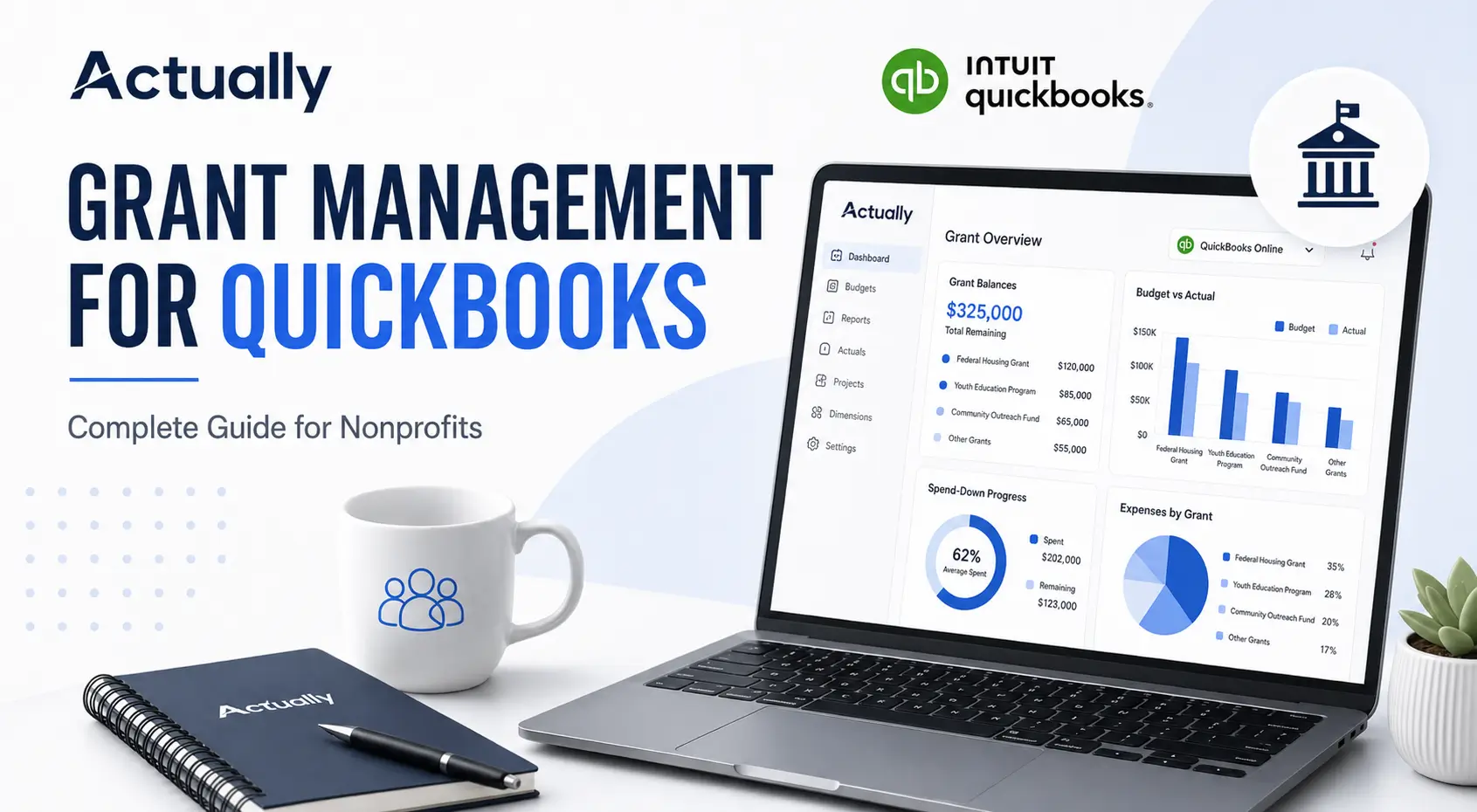
Many small and mid-size nonprofits already run on QuickBooks Online and don't want a ledger migration. QuickBooks handles the core accounting well, and Classes cover basic grant tagging. The gaps usually show up in grant budgets, allocations, multi-year periods, and spend-down reporting, which is where spreadsheets creep in. Our complete guide to grant management for QuickBooks covers the setup side in more detail.
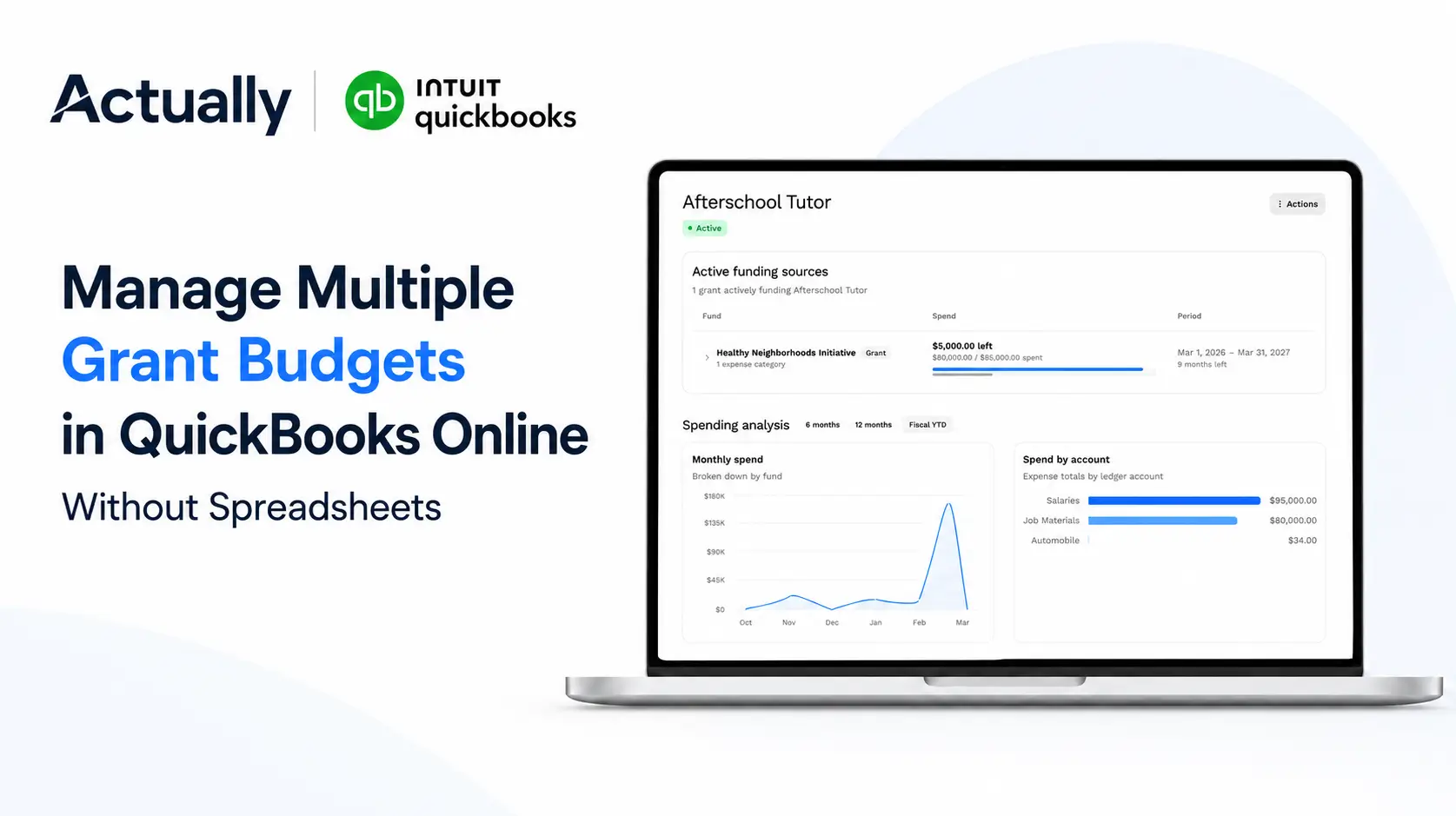
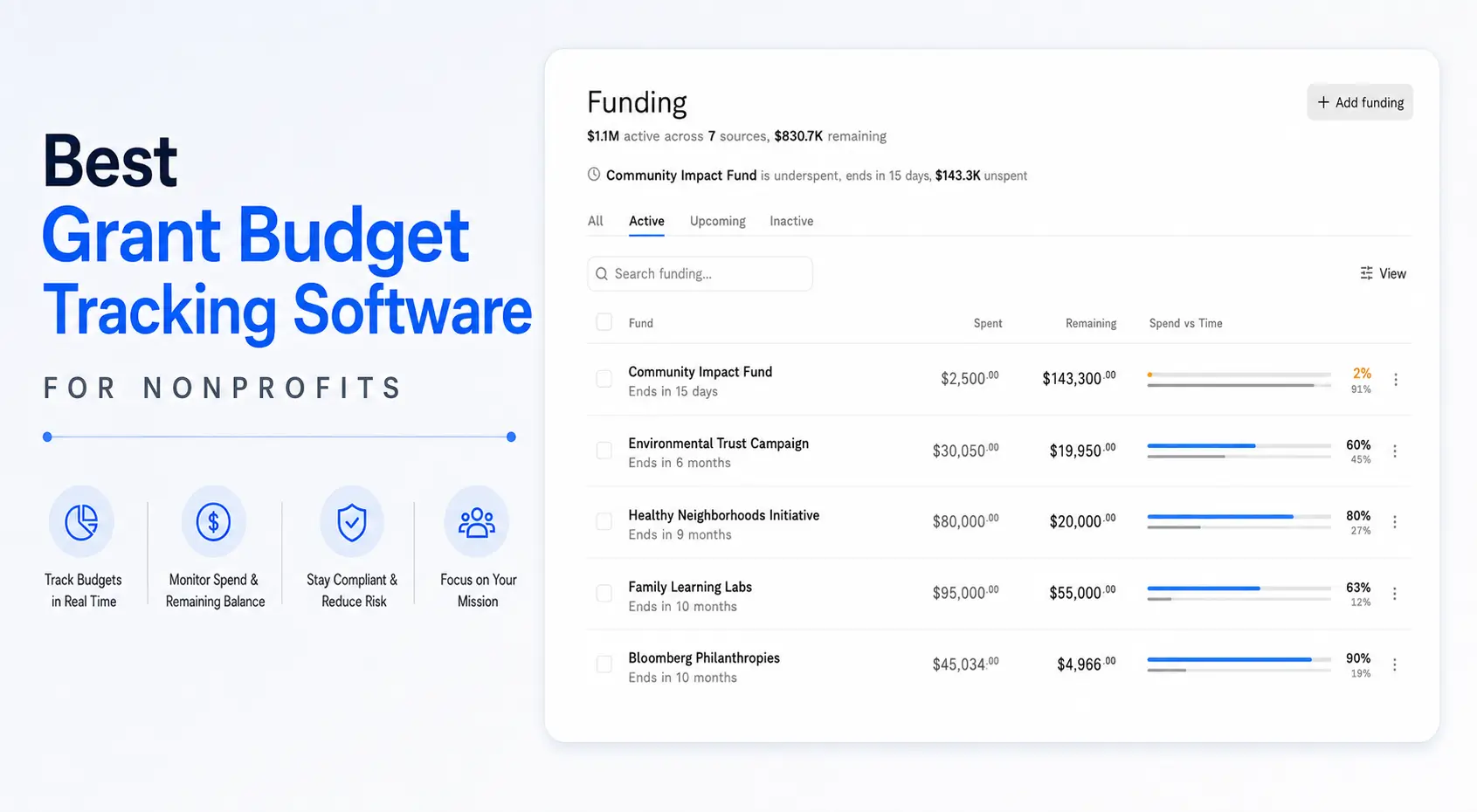
Actually. This is what we're building, so take this with that in mind. Actually syncs with QuickBooks Online and adds grant budget tracking, budget vs. actual by grant and program, restricted fund tracking, expense allocation across funders, and spend-down visibility. It's in early access, and we're building it with a group of founding customers. It won't replace a full fund accounting system for a large, multi-entity organization. It's meant for teams that want to stay on QuickBooks and stop rebuilding grant reports by hand.
Best for: small to mid-size nonprofits on QuickBooks Online with a handful to a few dozen grants and a lean finance team.
Option 3: Grant management platforms alongside your books
Grant management platforms track awards, deadlines, deliverables, and narrative reports. Some include budget fields. They're valuable for program and development teams, but most don't post to your general ledger, so finance still has to pull actuals from the accounting system and reconcile them.
Best for: organizations whose main pain is compliance deadlines and deliverables rather than the financial side. Many pair one with Option 1 or 2.
How to Choose by Organization Size and Complexity
Match the tool to how complicated your grants are, not to how big you hope to be in five years. The wrong system costs you either in migration effort or in spreadsheet hours.
Small nonprofits with a few grants
If you have one finance person and a handful of grants, QuickBooks Online with disciplined Class tracking may be enough at first. Once you're maintaining a grant budget spreadsheet for every award, add a tool built for it. Our list of grant budget tracking software is a good starting point.
Growing nonprofits on QuickBooks
This is the most common situation we hear about: ten or more active grants, shared staff across programs, funders on different calendars, and month-end reporting that takes days. A QuickBooks add-on is usually the lower-friction move. You keep your chart of accounts, your bookkeeper's workflow, and your audit history, and you fix the grant layer. Start with how you track restricted funds in QuickBooks Online today and find the gaps.
Mid-size and larger nonprofits with complex funding
Federal awards with strict cost principles, multiple entities, consolidated reporting, or dozens of overlapping grants point toward a full fund accounting system. Budget for implementation time and outside help, and plan the migration around your audit calendar.
A quick rule of thumb
- Fewer than 5 grants, simple budgets: QuickBooks Online with Classes and a clean chart of accounts.
- 5 to roughly 40 grants, shared costs, staying on QuickBooks: QuickBooks Online plus a grant tracking add-on.
- Many grants, federal compliance, multiple entities: full fund accounting.
- Deadline and deliverable chaos: add a grant management platform alongside either approach.
These ranges are a starting point, not a hard line. A small organization with one complex federal award may need more than a large one with simple foundation grants.
Questions to Ask on Every Demo
Bring your own scenarios and make the vendor show you, using your messiest grant.
- Show me budget vs. actual for one grant over its own period. Pick a grant that crosses your fiscal year end.
- How do I split a salary across three funders? Is it a rule or a monthly manual entry?
- What happens when a transaction is untagged or miscoded? You want to catch it before the funder report, not after.
- Can I see remaining balance and spend-down pace for every grant on one screen?
- How would I produce a report in this funder's format? Bring an actual funder template.
- What does the audit trail look like? Ask to trace one reported number back to source transactions.
- What does implementation involve, and who does it? Ask for a realistic timeline and what your team has to do.
- How is pricing structured? For quote-based products, ask what drives the price (users, modules, entities) so there are no surprises at renewal.
It also helps to talk to a current customer with a similar grant mix. Ask what they still do in spreadsheets. That answer tells you more than the feature list.
Conclusion
Grant accounting software exists to answer a simple question with confidence: where did each funder's money go, and how much is left? The right choice depends less on features and more on how complex your grants are and how much change your team can absorb.
If you've outgrown QuickBooks entirely, a fund accounting system like Sage Intacct, MIP, Financial Edge NXT, or Aplos is worth the implementation effort. If QuickBooks Online still works as your ledger and the pain is grant budgets, allocations, and funder reports, adding a grant tracking layer is usually the faster fix.
That second group is who we're building Actually for. If that sounds like your team, you can join the Actually founding customer waitlist.
Frequently Asked Questions
What is grant accounting software?
Grant accounting software tracks how restricted grant funds are spent. It ties expenses to specific grants, compares spending to approved budgets, handles cost allocation across funders, and produces financial reports for funders and auditors.
Is grant accounting software the same as grant management software?
No. Grant management software usually tracks applications, awards, deadlines, and deliverables. Grant accounting software works with your general ledger to track budgets, actuals, restricted balances, and funder financial reports. Many nonprofits use both.
Can QuickBooks Online be used for grant accounting?
Yes, for many small and mid-size nonprofits. QuickBooks Online Plus and Advanced support Class tracking, which can tag transactions to grants. Teams often add a grant tracking tool for grant budgets, allocations, multi-year periods, and spend-down reporting.
How much does grant accounting software cost?
It varies widely. Full fund accounting systems like Sage Intacct, MIP, and Financial Edge NXT are quote-based. Some smaller platforms, like Aplos, publish tiered pricing. QuickBooks add-ons are typically priced separately from QuickBooks itself.
When should a nonprofit switch to a fund accounting system?
Consider it when you manage many concurrent grants, federal awards with strict compliance requirements, or multiple entities, and when QuickBooks plus add-ons no longer keeps reporting accurate without heavy manual work.

David Cristello
.svg)
About the Author
David Cristello is the Co-Founder of Actually Finance. He's been an entrepreneur in the accounting and nonprofit space for over 10 years, previously building a company that made the Inc5000 list
.png)







.webp)