
- What Is Nonprofit Expense Tracking?
- How to Track Grant Expenditures, Step by Step
- Allowable Costs and Documentation for Federal Grants
- A Worked Example: One Month, Two Grants
- What Tools Help Nonprofits Manage Grant-Related Expenses?
Table of contents
Last updated: October 8, 2026
Nonprofit expense tracking means recording every dollar you spend by what it is (salaries, rent, supplies), what it was for (program, management and general, or fundraising), and who paid for it (which grant or restricted fund). Do it in QuickBooks with classes or locations, document how you split shared costs, and review budget vs. actual by grant every month.
This guide covers how to set up your books so the tracking happens as you enter transactions, not three days before a funder report is due.
If you're the person who gets the email asking "how much of the youth grant is left?" and has to open four spreadsheets to answer it, this is for you.
Key Takeaways
- Track every expense three ways: natural category, function, and funding source
- Nonprofits must report expenses by both nature and function under FASB's ASU 2016-14
- Use QuickBooks Online classes (and optionally locations) to tag transactions to programs and grants
- Split shared costs like rent and payroll with a written, consistent allocation method
- Federal grant costs must be allowable, allocable, and backed by source documentation
- Run budget vs. actual by grant monthly, and reconcile before every funder report
What Is Nonprofit Expense Tracking?
Nonprofit expense tracking is the process of recording spending so you can show, at any time, where money went by category, function, program, and grant. It goes further than a business tracking costs, because funders, auditors, and the IRS all want to see the same spending sliced in different ways.
Here are the three layers most small and mid-sized nonprofits need:
- Natural classification: what the expense is. Salaries, rent, travel, printing.
- Functional classification: what it supported. Program services, management and general, or fundraising.
- Funding source: which grant, contract, or restricted gift is paying for it.
The first two aren't optional. FASB's ASU 2016-14 requires not-for-profits to present an analysis of expenses by both nature and function in one place, whether on the statement of activities, in a separate statement, or in the notes. It also requires you to disclose the method you used to allocate costs across functions.
The IRS asks for a similar breakdown. Part IX of Form 990 is the Statement of Functional Expenses, and the Form 990 instructions require 501(c)(3) and 501(c)(4) organizations to report program service expenses there. If your books already carry functional tags, filling out Part IX is mostly a report export. If they don't, it's a year-end reconstruction project.
The third layer, funding source, is what your funders care about. It's also the one most likely to live in a spreadsheet nobody else can follow.
How to Track Grant Expenditures, Step by Step
To track grant expenditures, set up a chart of accounts with functional categories, tag every transaction to a program and grant, allocate shared costs with a documented method, keep receipts and approvals, and compare budget to actual by grant each month. The steps below walk through each piece.
1. Set up your chart of accounts for natural categories
Your chart of accounts should describe what you spend money on, not who pays for it. Keep it lean. Accounts like Salaries, Payroll Taxes, Benefits, Rent, Program Supplies, Travel, and Professional Fees are enough for most organizations.
A common mistake is creating accounts like "Smith Foundation Supplies" and "County Grant Supplies." That bloats the chart of accounts and makes your Form 990 harder to prepare. Grants belong in a separate dimension, which is the next step.
2. Tag every transaction to a program and grant
In QuickBooks Online, classes and locations are the two tools for this. Both are available on the Plus and Advanced plans and are turned on under Account and settings, then Advanced, then Categories.
The key difference: a class can be assigned to each line of a transaction, while a location applies to the whole transaction. That makes classes the better fit for grants, since one bill often covers more than one funder.
A setup many nonprofits use:
- Classes for programs and grants (for example, Youth Program, Youth Program: Smith Foundation, Management and General, Fundraising)
- Locations for a second dimension like sites or departments, if you need one
We cover the setup in detail in how to set up and track classes in QuickBooks for nonprofits. The rule that matters most: no expense gets saved without a class.
3. Allocate shared costs with a written method
Rent, utilities, insurance, software, and the executive director's salary usually serve more than one program. You need a consistent, written way to split them.
There are three common approaches: charge a cost directly when it clearly belongs to one program, split shared costs based on usage like square footage or staff time, and sort costs into program, management and general, and fundraising based on their main purpose.
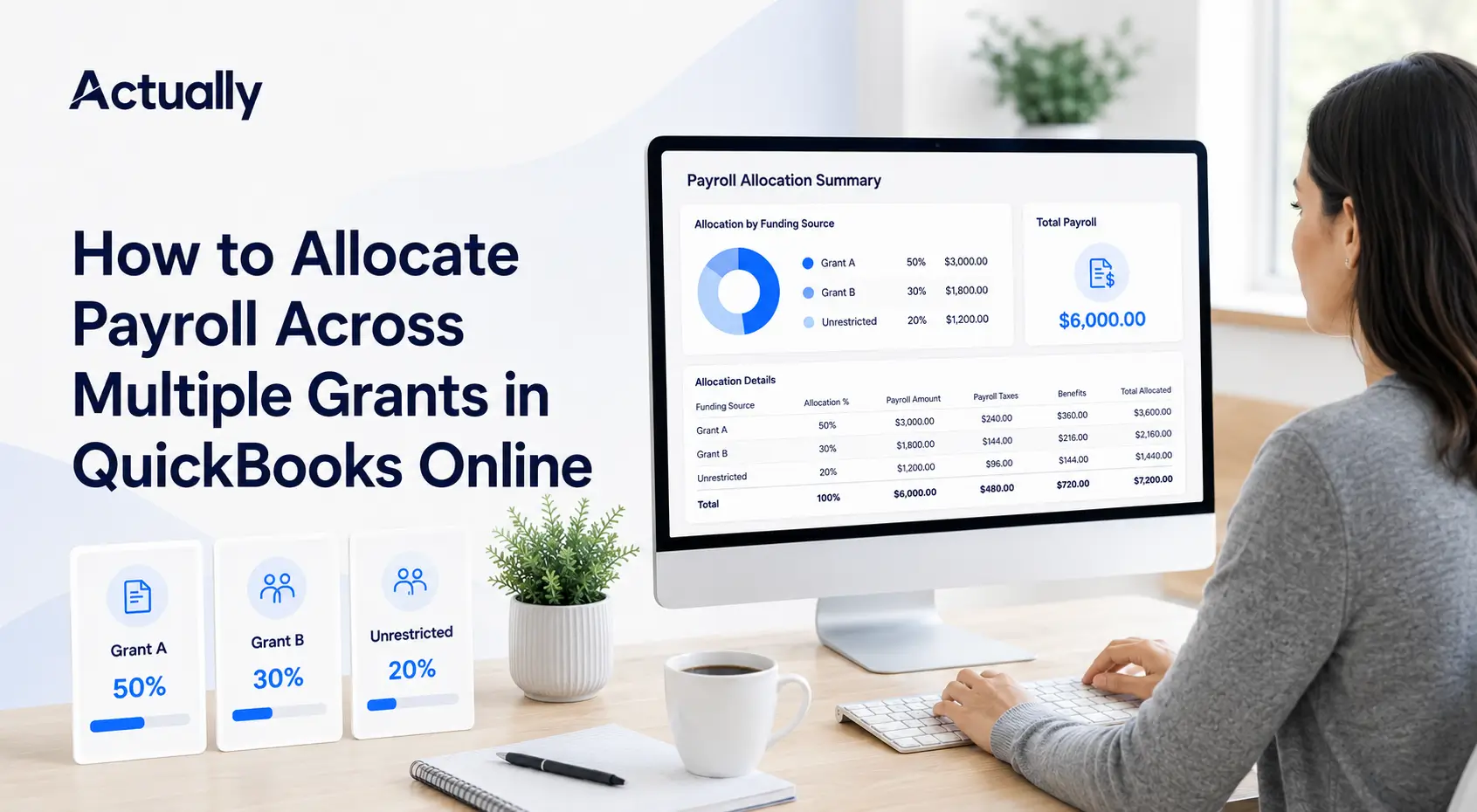
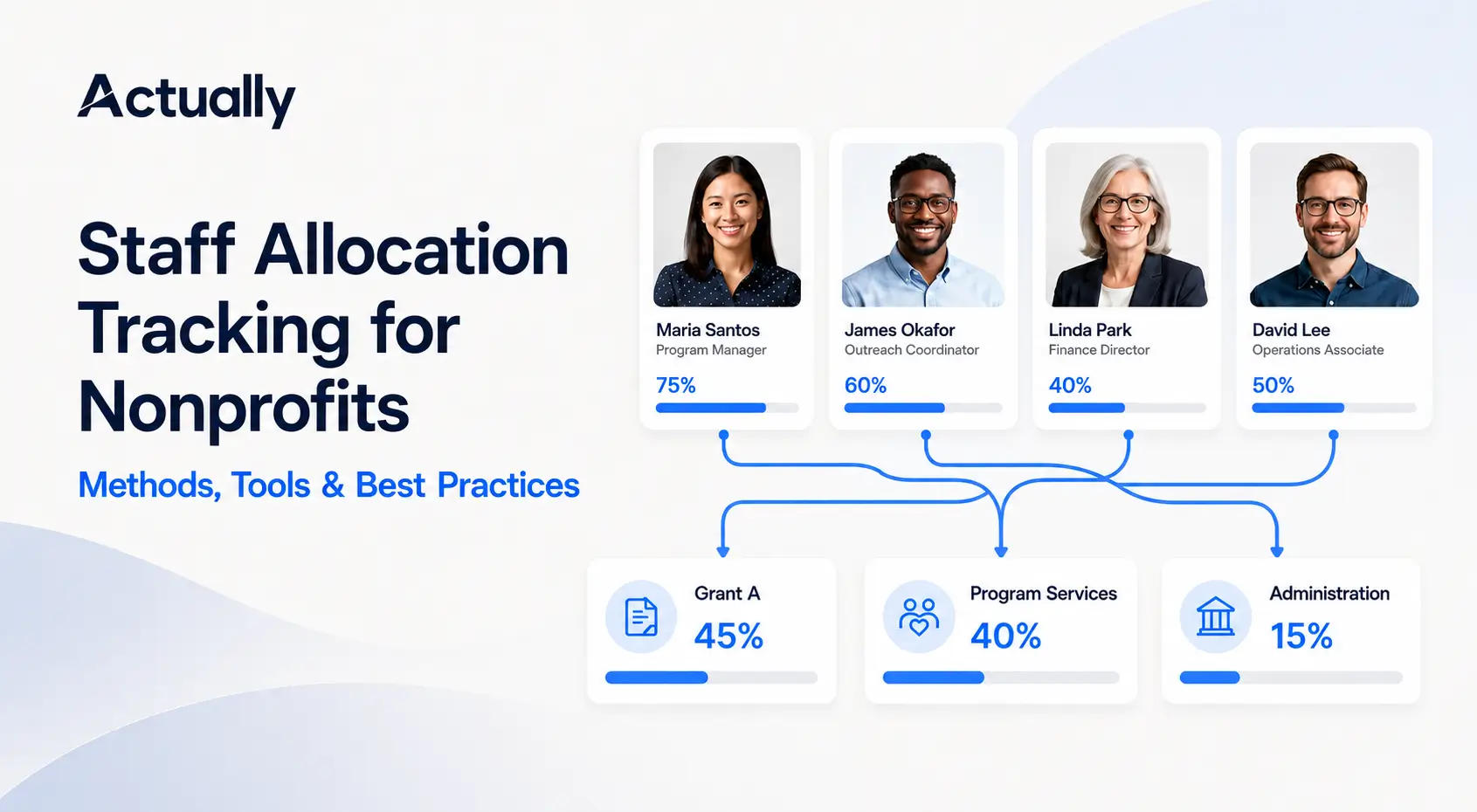
Whatever you choose, write it down, apply it the same way every month, and keep the support (floor plans, timesheets, headcount). Payroll is usually the biggest piece, and it should follow actual time worked. Our guides on allocating payroll across multiple grants in QuickBooks Online and staff allocation tracking methods go deeper.
4. Keep receipts and approvals with every expense
Every grant-funded expense should have a receipt or invoice, a note on which grant it was charged to, and evidence someone approved it. Attach the receipt to the transaction in QuickBooks or in your expense app so it isn't sitting in someone's inbox when the auditor asks.
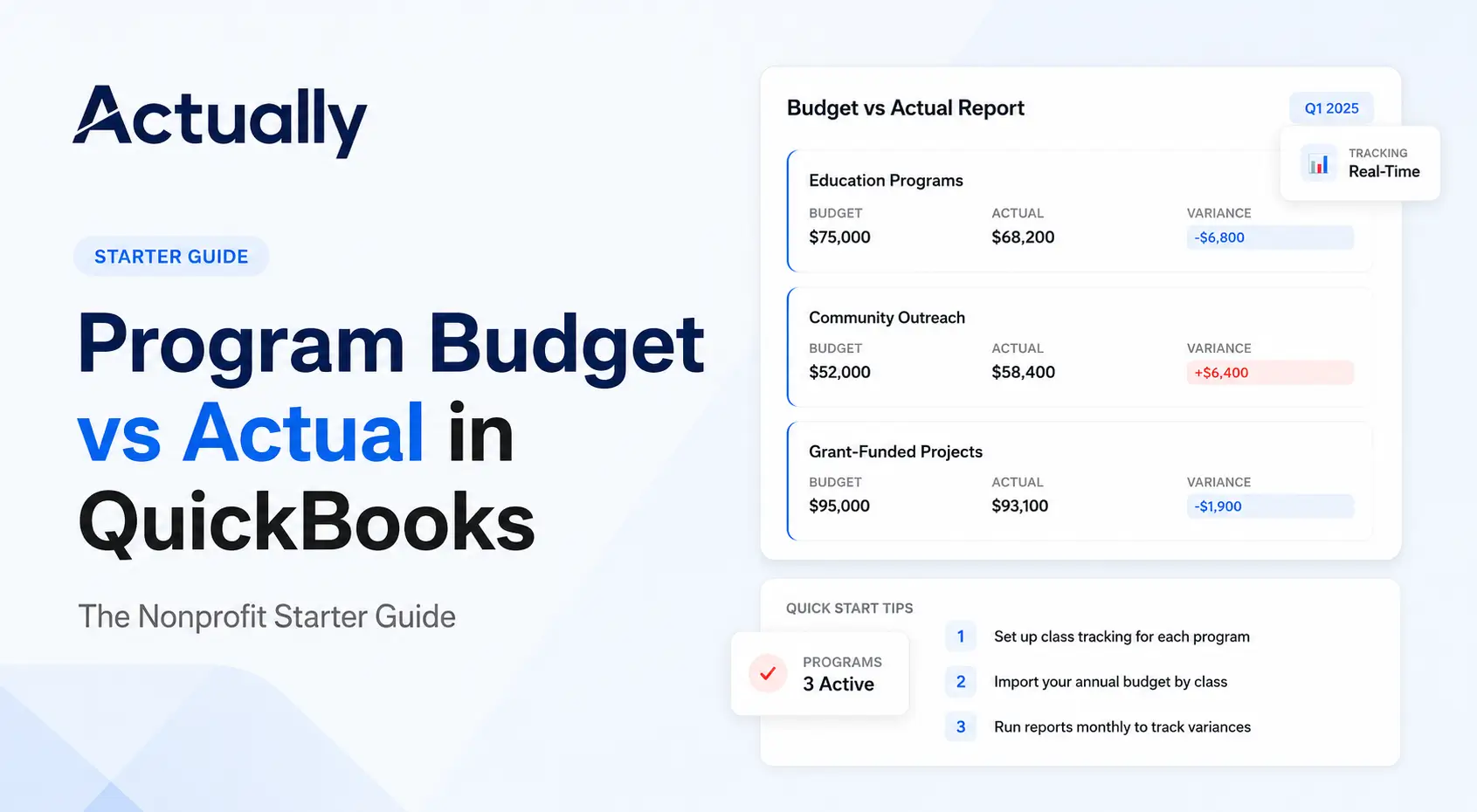
5. Review budget vs. actual by grant every month
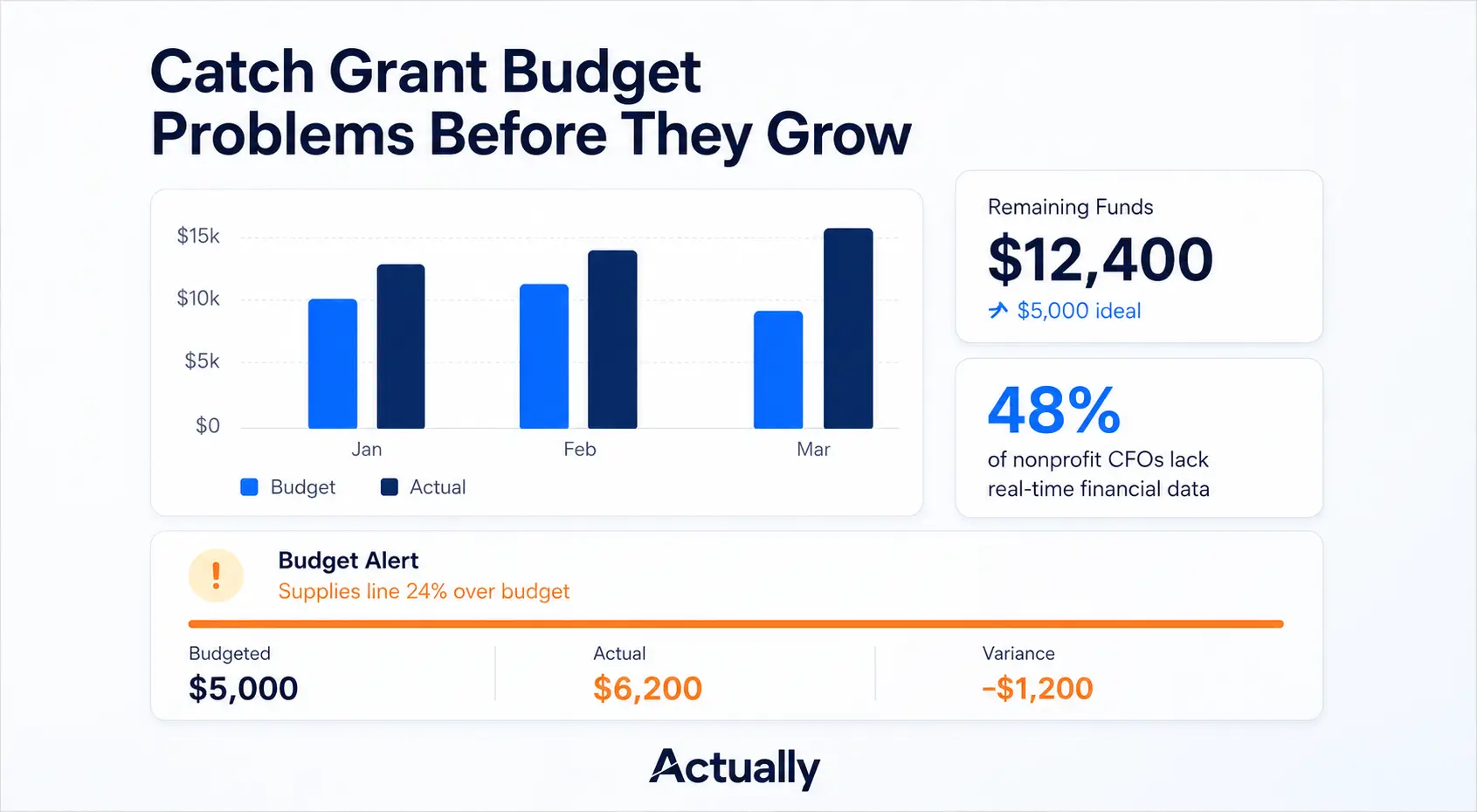
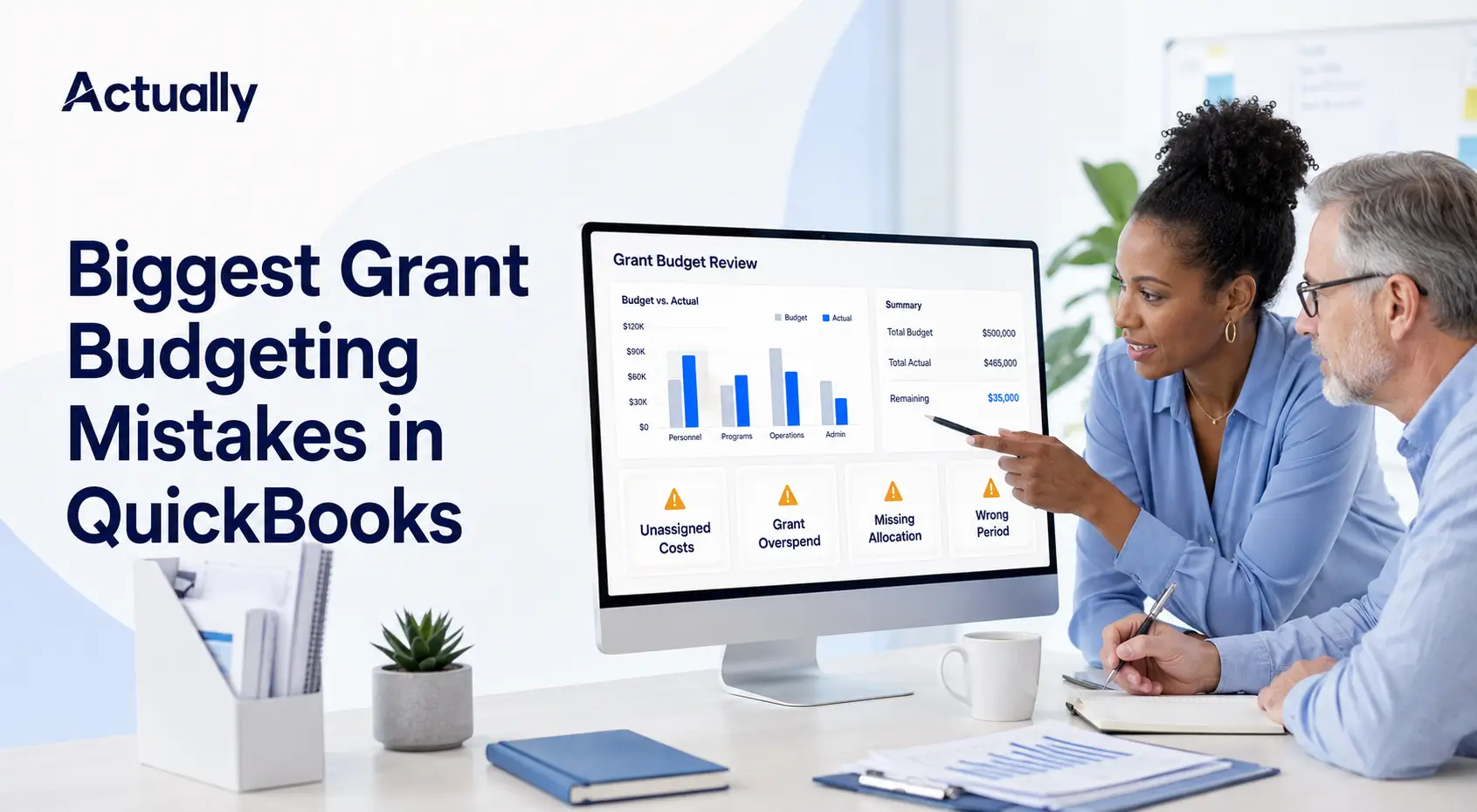
Load each grant's approved budget, then compare actual spending by line item each month. You're looking for three things: line items running over, line items not moving at all, and overall spend pace compared to how much of the grant period has passed.
See our program budget vs. actual starter guide for how to build these reports in QuickBooks.
6. Reconcile before every funder report
Before you submit a report, tie the grant's expenses back to the general ledger. Bank and credit card accounts should be reconciled for the period, every transaction in the report should carry the right class, and allocations should be posted. If the number you send the funder can't be traced to QuickBooks, fix that before you hit submit.
Allowable Costs and Documentation for Federal Grants
For federal grants, a cost is only chargeable if it meets the Uniform Guidance tests at 2 CFR 200: it must be necessary, reasonable, allocable to the award, treated consistently, and adequately documented. Unallowable costs have to be tracked separately so they never land on a federal draw or report.
The factors are listed in 2 CFR 200.403. In plain terms, a cost must:
- Be necessary and reasonable for the work, and allocable to the award
- Follow any limits in the cost principles or the award terms
- Be treated consistently. You can't charge a cost directly to a grant if a similar cost in similar circumstances was charged as indirect
- Not be used to meet cost sharing on another federal program
- Be adequately documented
- Be incurred during the approved budget period (with limited exceptions for closeout costs)
The documentation piece is spelled out in 2 CFR 200.302. Your financial system must keep records that identify the amount, source, and expenditure of federal funds, and "all records must be supported by source documentation."
In practice, that means a class (or sub-class) for each federal award, a place to park unallowable costs like alcohol or entertainment so they're excluded, and receipts attached to transactions.
What changed in the 2024 Uniform Guidance revisions
OMB revised the Uniform Guidance in 2024. According to CPA firm Adams Brown, the changes apply to new awards issued on or after October 1, 2024, and include:
- The de minimis indirect cost rate rose from 10% to 15% of modified total direct costs
- The equipment threshold rose from $5,000 to $10,000
- The single audit threshold rose from $750,000 to $1,000,000 for fiscal years beginning on or after October 1, 2024
Older awards may still run under the prior rules unless amended, so check the terms of each award rather than assuming.
A Worked Example: One Month, Two Grants
Here's how the steps above play out in a single month for a small organization with two programs and two grants. The numbers are illustrative, not from a real nonprofit, but the mechanics are what you'd do in your own books.
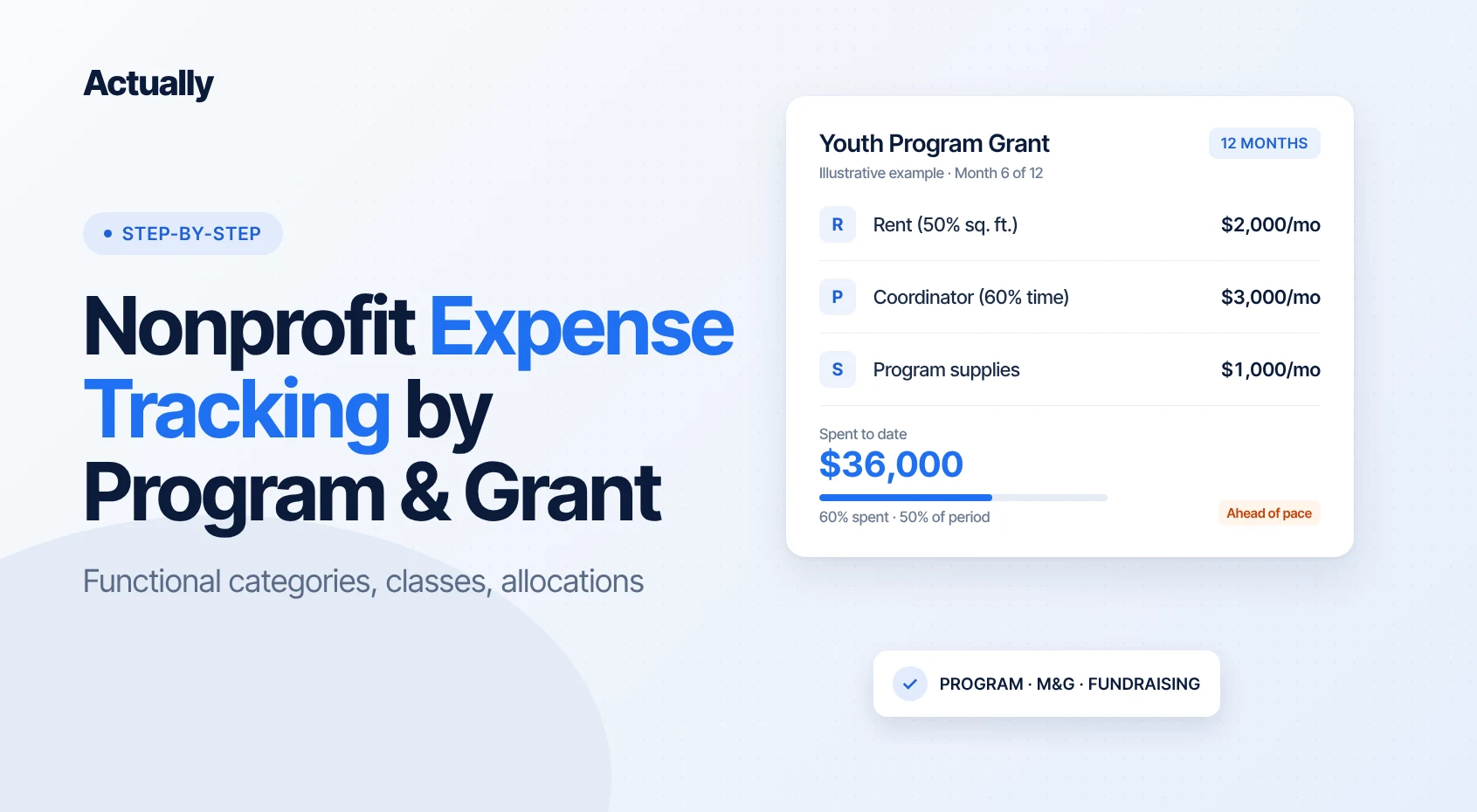
The setup: A nonprofit runs a Youth Program, funded partly by a $60,000, 12-month foundation grant, and an Adult Literacy Program, funded by a city contract. It has one office.
Shared rent
Monthly rent is $4,000. The written allocation method is square footage: Youth uses 50% of the space, Adult Literacy 30%, and admin and fundraising share the remaining 20%.
- Youth Program: $2,000
- Adult Literacy: $1,200
- Management and general / fundraising: $800
Shared payroll
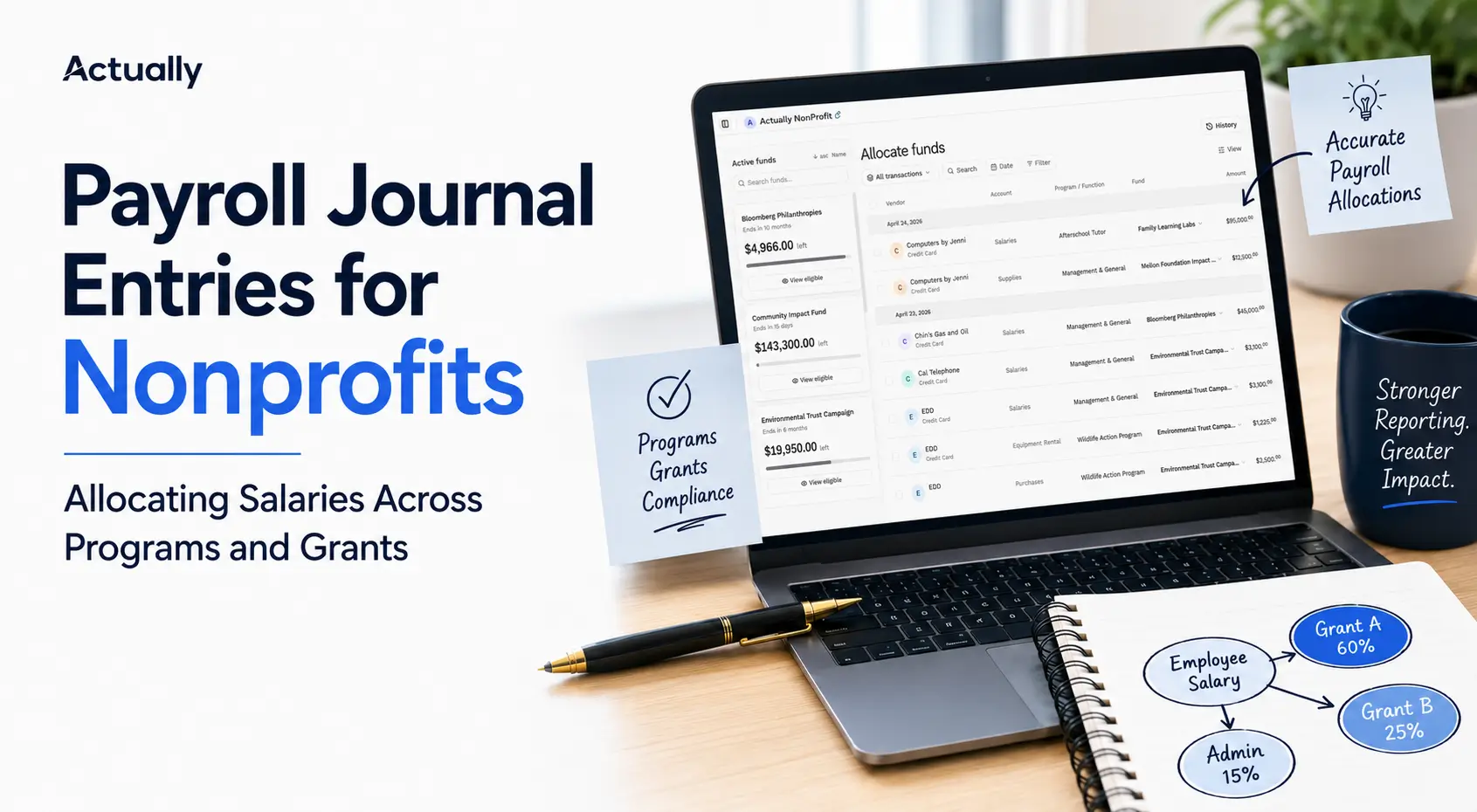
A program coordinator earns $5,000 a month. Her timesheet shows 60% on Youth and 40% on Adult Literacy, so $3,000 goes to Youth and $2,000 to Adult Literacy. Each split is entered as separate lines with separate classes on the payroll journal entry.
Direct costs
Youth Program supplies cost $1,000 and are charged directly to the Youth Program: Foundation Grant class, with the receipt attached.
Spend-down check
Say the Youth grant budget allows rent, the coordinator's Youth time, and supplies, and that this pattern held for six months. That's $6,000 a month, or $36,000 after six months.
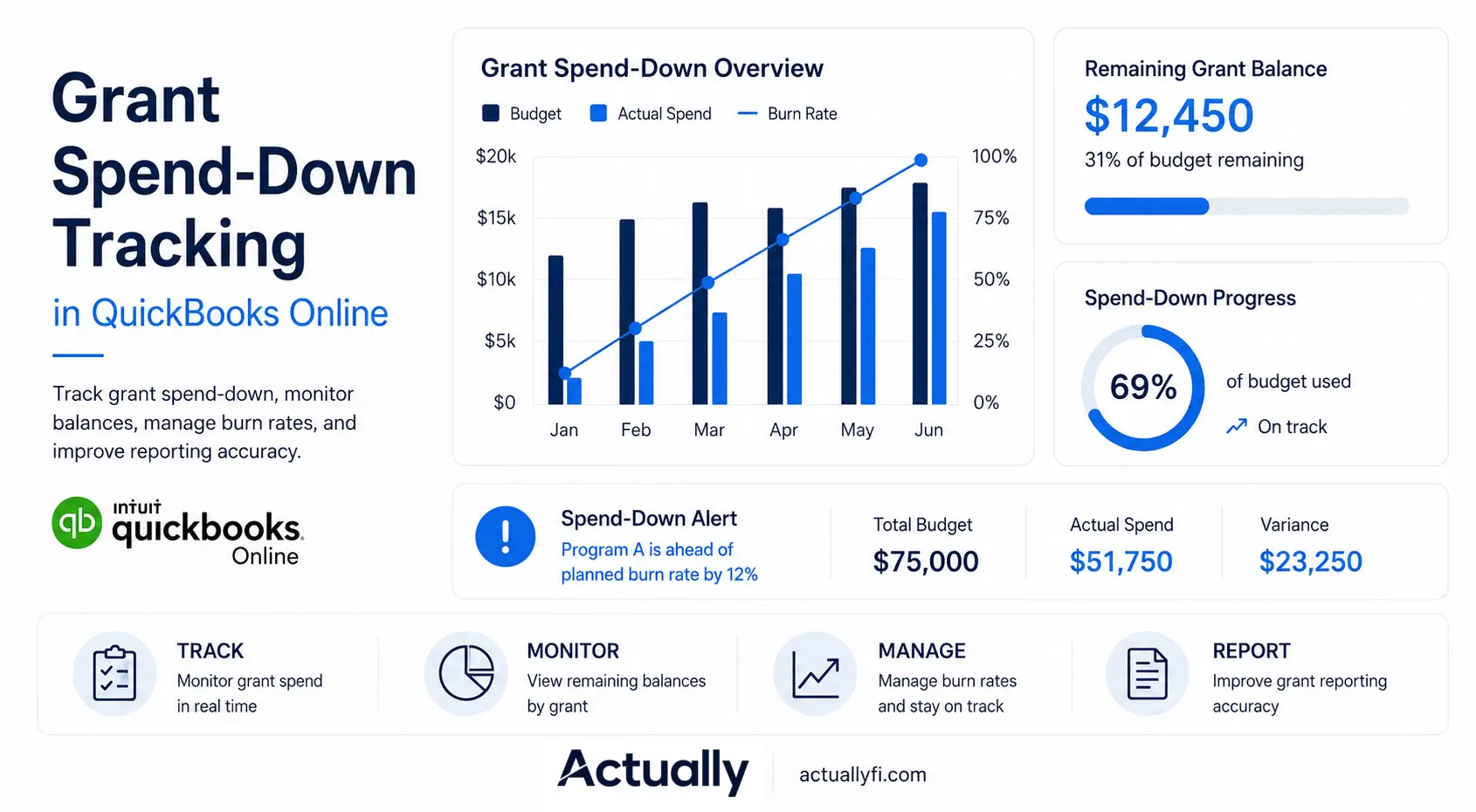
Six months is 50% of the grant period. $36,000 is 60% of the $60,000 award. The grant is running ahead of pace, and at this rate it runs out around month 10. That's exactly the kind of thing you want to catch in month six, not month eleven. Our post on grant spend-down tracking in QuickBooks Online covers how to monitor this over time.
What Tools Help Nonprofits Manage Grant-Related Expenses?
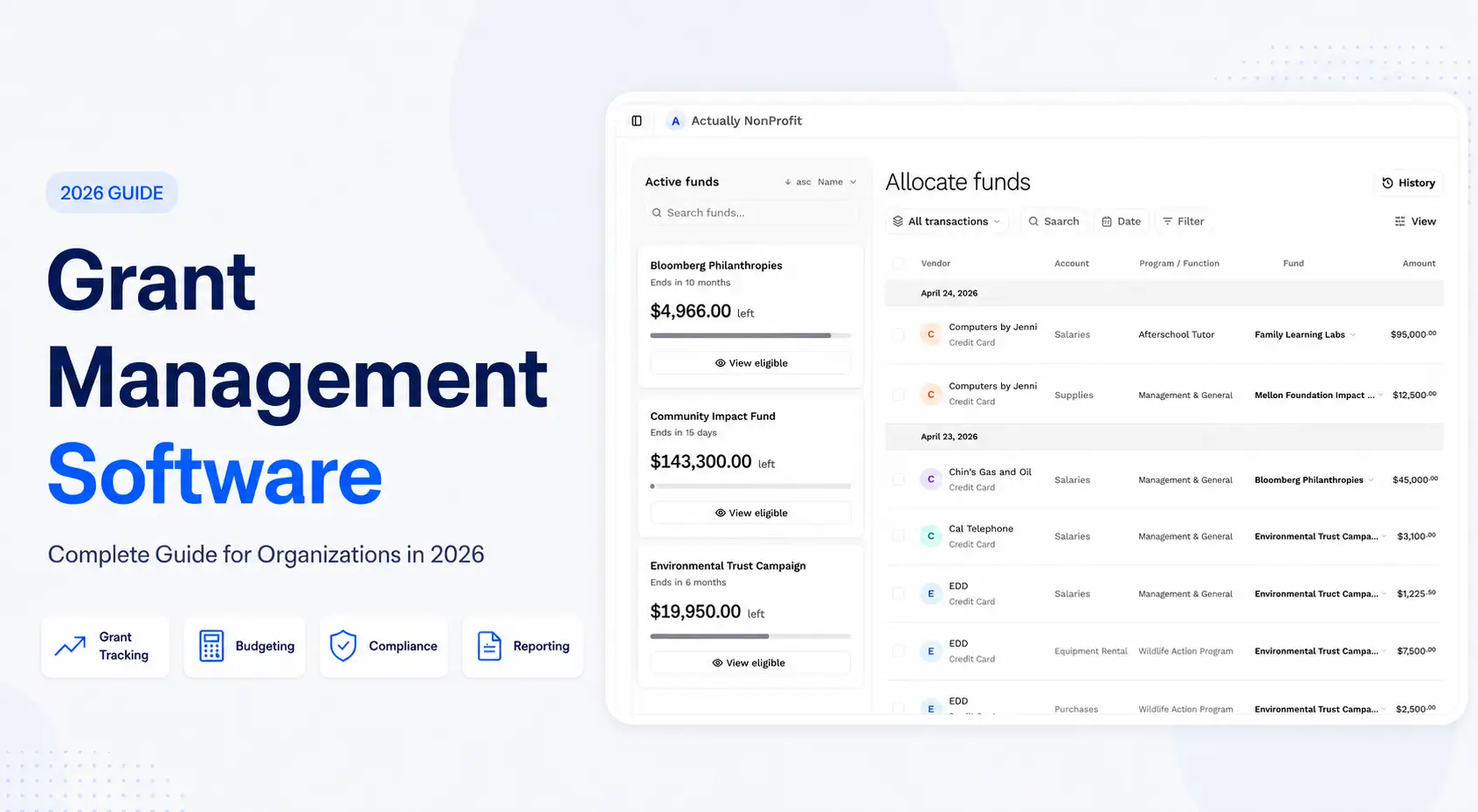
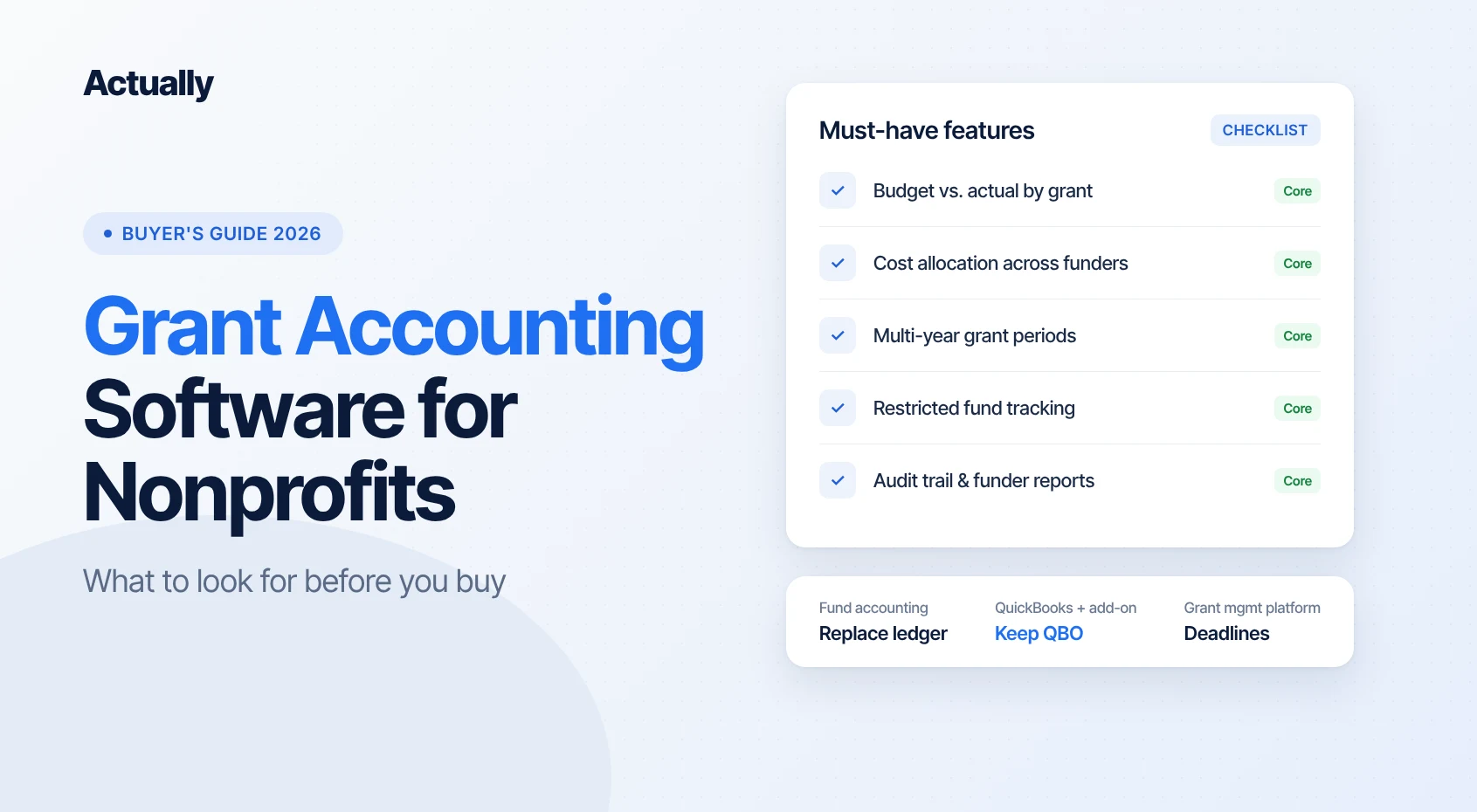
Most nonprofits track grant expenses with some mix of spreadsheets, QuickBooks Online, an expense or receipt app, and sometimes a grant budgeting tool that sits on top of QuickBooks. The right mix depends on how many grants you manage and how much shared cost you allocate.
Spreadsheets
A spreadsheet is fine for one or two grants. It's flexible and everyone knows how to use it. The problems start when it becomes the system of record: manual exports, copy-paste errors, and formulas only one person understands. If you go this route, keep one tab per grant and pull actuals straight from QuickBooks exports.
QuickBooks Online
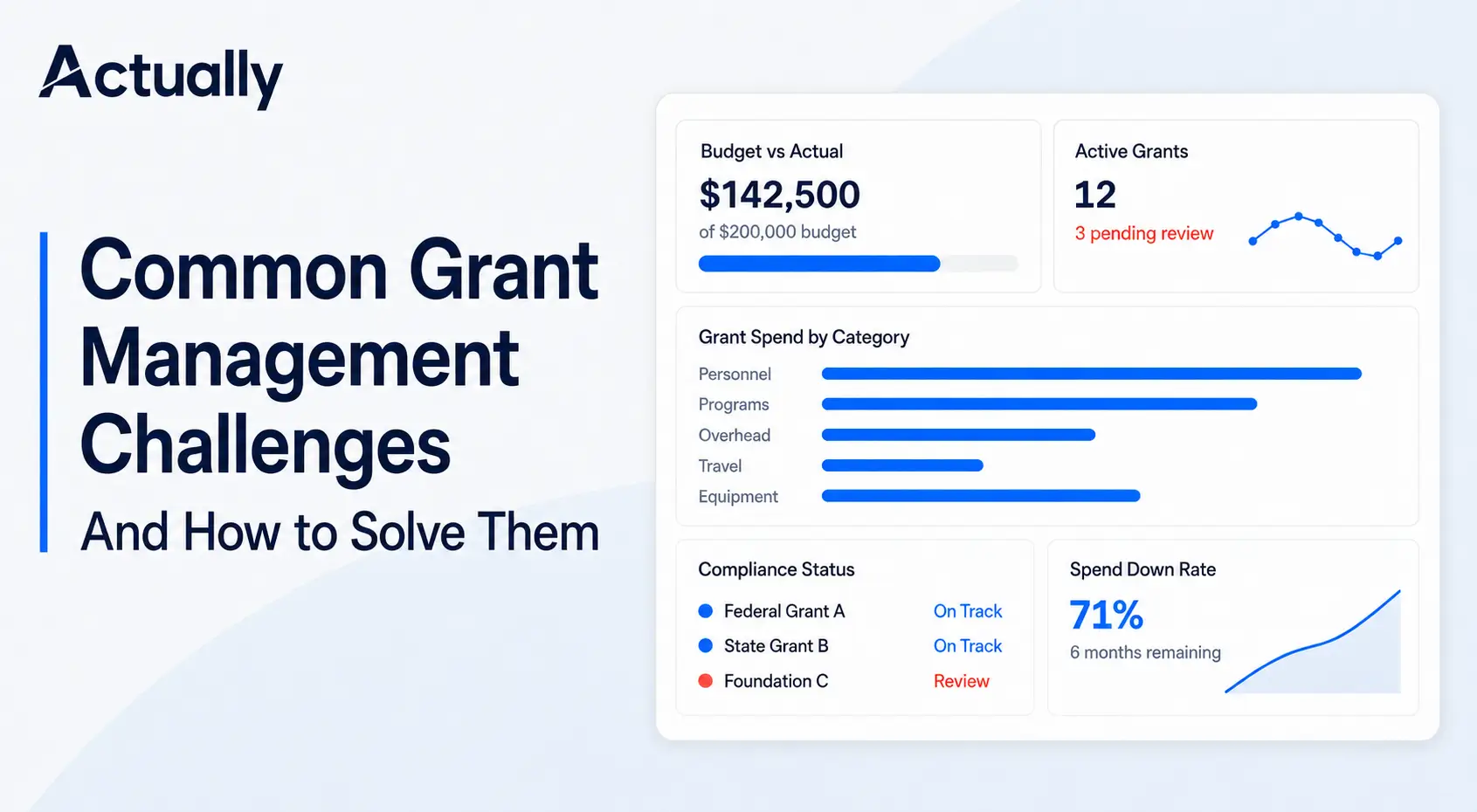
QuickBooks is where the transactions live, so it should be the source of truth. Classes, locations, budgets, and the Profit and Loss by Class report cover a lot. Where it gets thinner is multi-year grants that don't match your fiscal year, many grants under one program, and showing remaining balances across funders in one view. For restricted gifts, see how to track restricted funds in QuickBooks Online.
Expense and receipt apps
Card and reimbursement apps help most with step 4: getting receipts, approvals, and class codes captured at the moment of purchase instead of at month-end. Look for ones that sync class and location fields to QuickBooks.
Actually
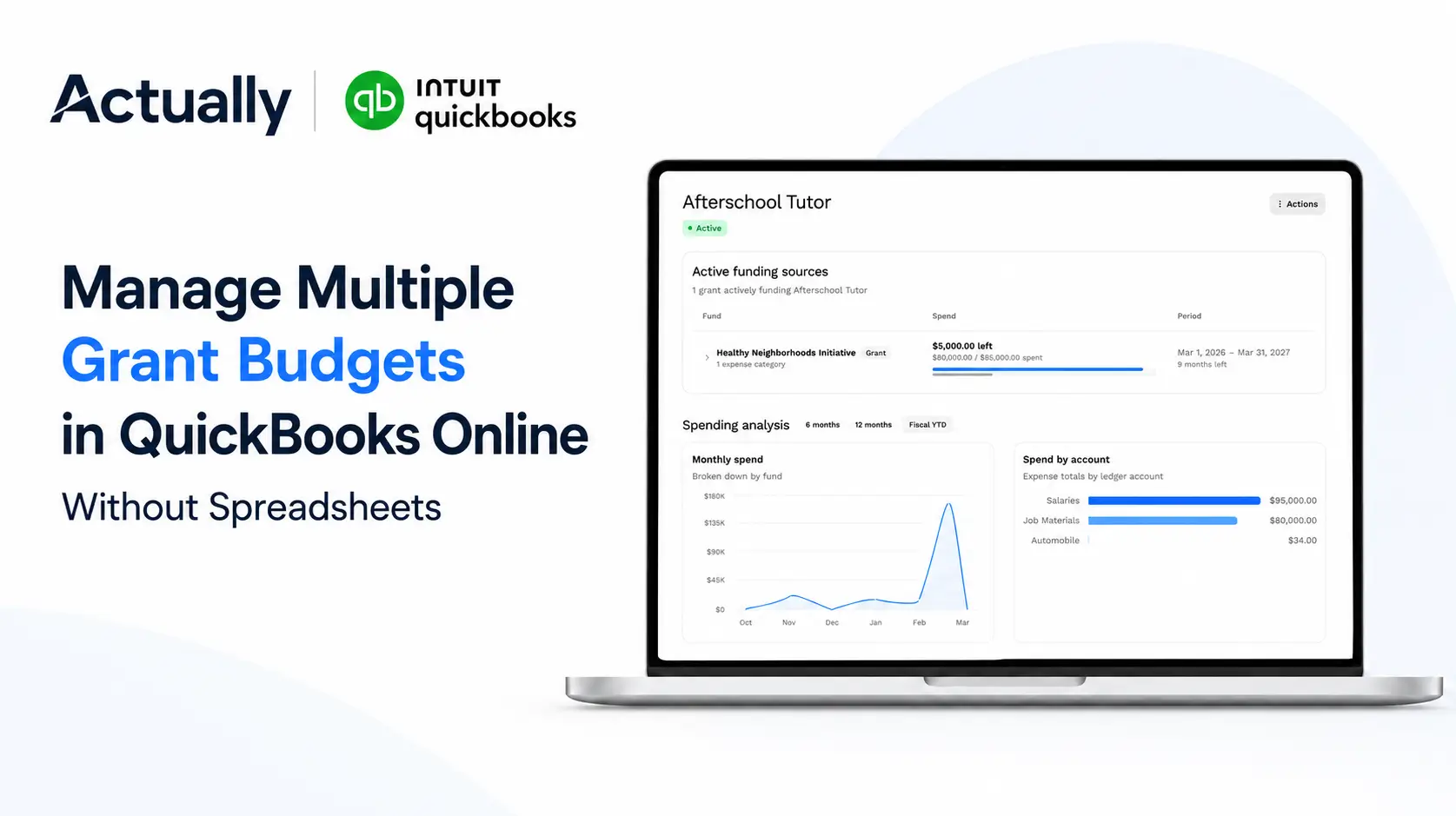
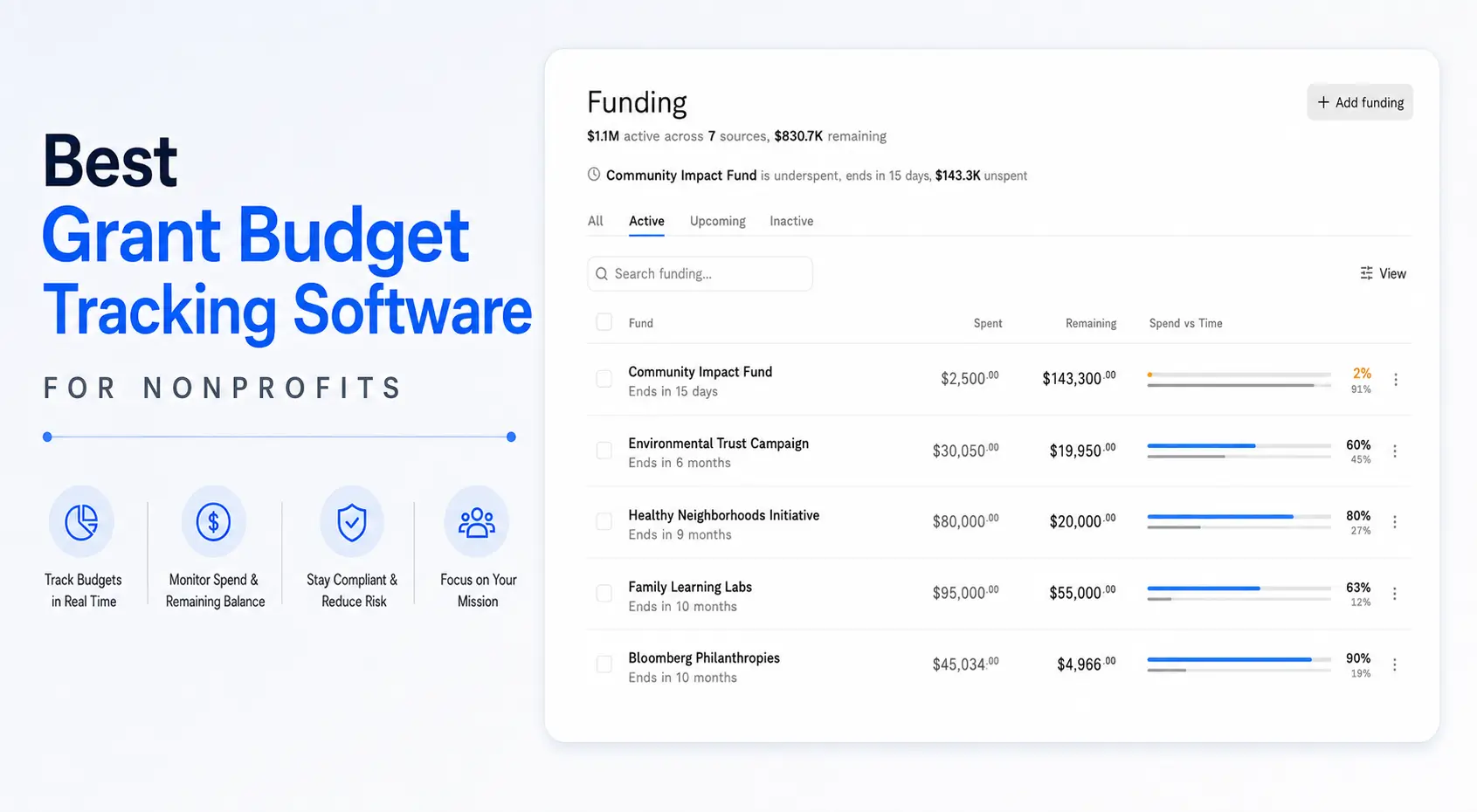
Actually is one option we're building with founding customers. It syncs with QuickBooks Online and adds a grant layer on top:
- Grant budget tracking
- Budget vs. actual by grant and by program
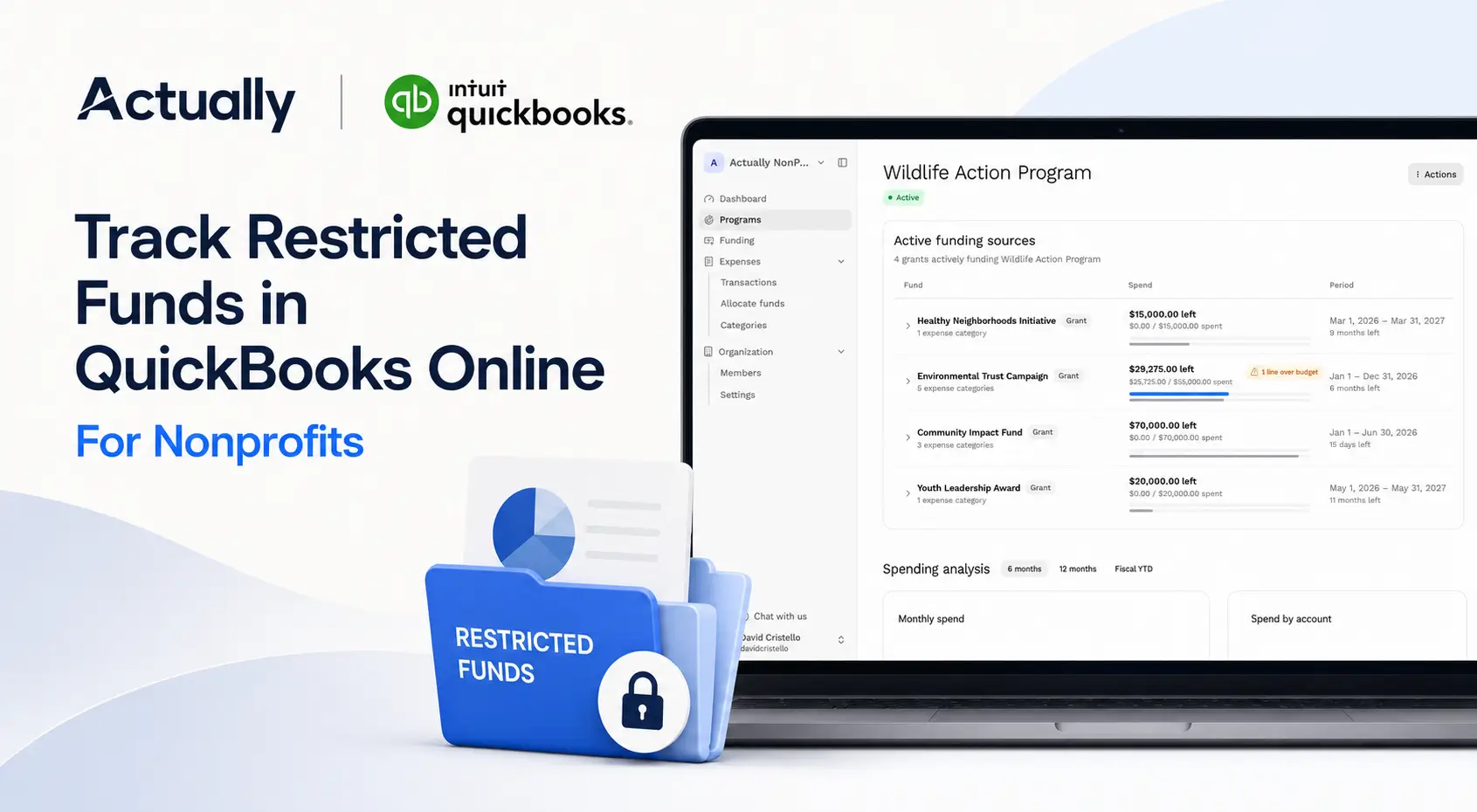
- Restricted fund tracking
- Expense allocation across funders
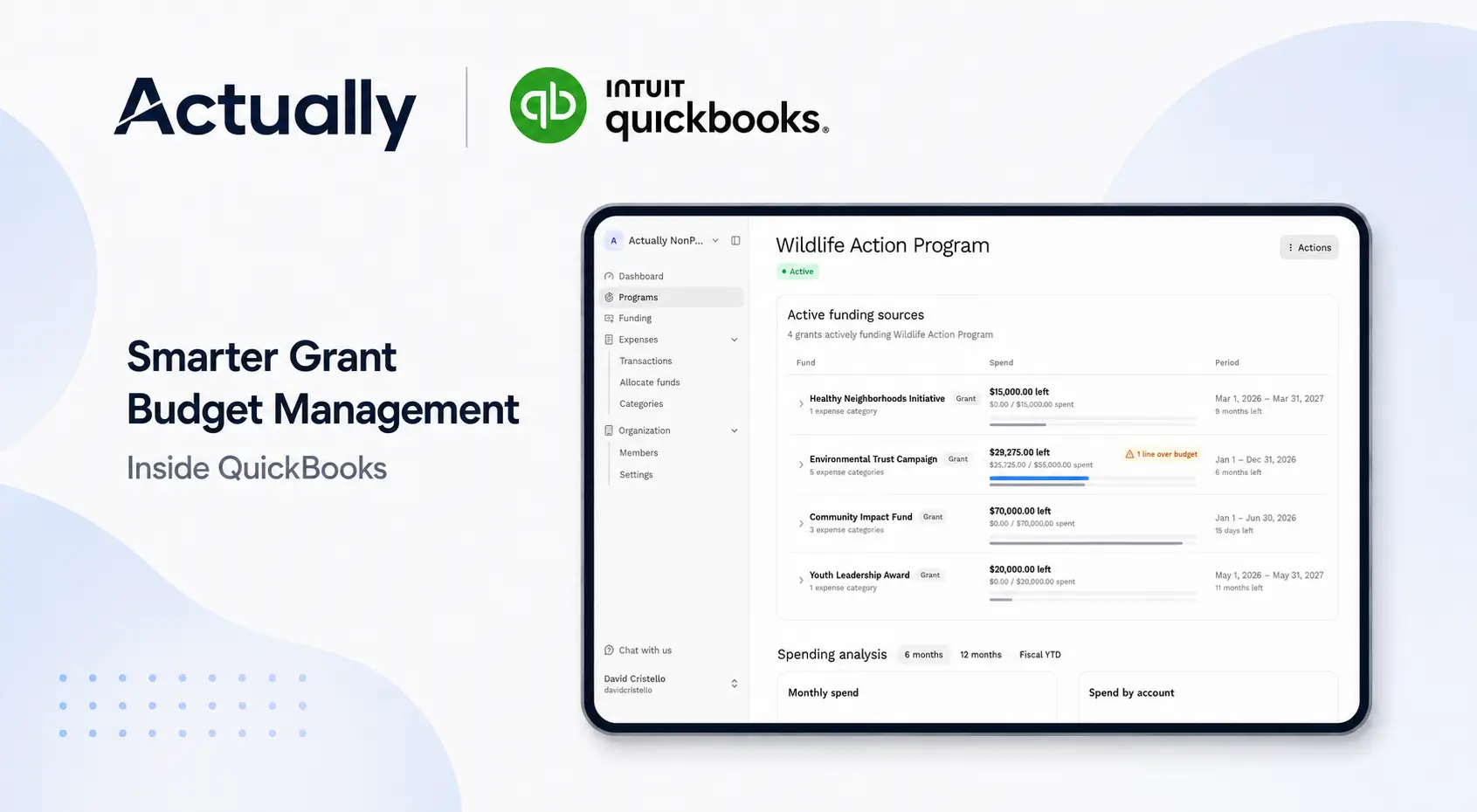
- Spend-down visibility, so you can see which grants are ahead of or behind pace
It doesn't replace QuickBooks. Your transactions still live there. If that sounds useful, you can join the Actually founding customer waitlist.
Conclusion
Good nonprofit expense tracking comes down to a few habits: a clean chart of accounts, a class on every transaction, a written allocation method, receipts attached at the source, and a monthly look at budget vs. actual by grant.
None of it is complicated on its own. The hard part is doing it consistently, every month, so funder reports and your Form 990 come from the books instead of a scramble.
Start with the step that hurts most right now. For most teams, that's tagging every transaction to a grant. Once that's in place, the reports start to build themselves.
Frequently Asked Questions
How do you track grant expenses in QuickBooks Online?
Turn on class tracking (Plus or Advanced plan), create a class for each program and grant, and assign a class to every expense line. Then run Profit and Loss by Class and budget vs. actual reports for each grant.
What are the three functional expense categories for nonprofits?
Program services, management and general, and fundraising. Nonprofits report expenses by these functions in their financial statements under ASU 2016-14 and in Part IX of Form 990.
How should nonprofits allocate shared costs across grants?
Use a consistent, documented method tied to a measurable basis, such as staff time for payroll or square footage for rent. Apply it the same way every month and keep the support on file.
What is the de minimis indirect cost rate for federal grants?
Under the 2024 Uniform Guidance revisions, the de minimis rate is 15% of modified total direct costs for awards issued on or after October 1, 2024. It was previously 10%.
What documentation do you need for grant expenses?
Keep the receipt or invoice, the grant it was charged to, and evidence of approval. For federal awards, 2 CFR 200.302 requires records supported by source documentation.
What tools help nonprofits manage grant-related expenses?
Most use QuickBooks Online as the base, with spreadsheets, expense apps, or a grant budgeting tool like Actually that syncs with QuickBooks to show budget vs. actual and spend-down by grant.

David Cristello
.svg)
About the Author
David Cristello is the Co-Founder of Actually Finance. He's been an entrepreneur in the accounting and nonprofit space for over 10 years, previously building a company that made the Inc5000 list
.png)







.webp)